
Compare vinyl cutting and sign-making software for lettering, decals, signs and vehicle graphics. Explore SignMaster, VinylMaster, Flexi, SignCut, Silhouette Studio and Sure Cuts A Lot options below. Before ordering, check the exact software edition, your cutter model and your computer’s operating system.

Vinyl Cutting Software
Vinyl Cutting Software
Vinyl Cutting Software
SignCut Pro 2 Vinyl Cutting Software Full Version Lifetime – Professional Plotter Tool
Vinyl Cutting Software
SignMaster V3.5 PRO Vinyl Cutting Software – Lifetime Activation & Installation
How to choose vinyl cutting software
Start with your workflow: designing artwork, sending existing vectors to a cutter, or preparing printed graphics for contour cutting. Features vary by product, version and edition, so compare the individual product pages rather than assuming every package supports the same tasks.
Check your setup before ordering
- Cutter: provide the manufacturer, exact model and connection type. Compatibility with one model does not confirm support for the entire brand.
- Computer: confirm your operating system and version, including whether you need a Windows or Mac workflow.
- Artwork: list the file formats you need to import or export and whether you need text, vector editing or contour-cutting tools.
- Offer: review the listed edition, device allowance, activation conditions, delivery method and installation options.
Looking specifically for an older SignMaster release? Review SignMaster V3.5 PRO and confirm that its edition suits your equipment.
Compare software by the job you need to complete
Vinyl lettering and everyday decals
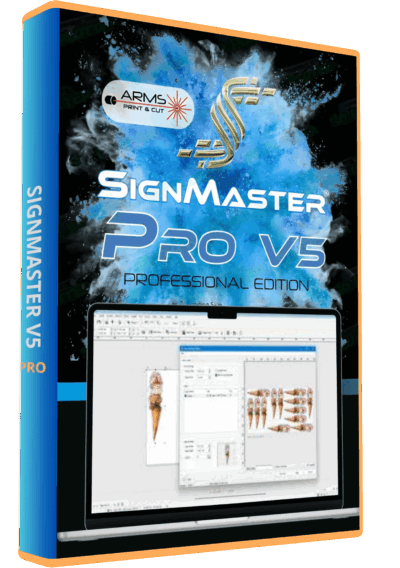
Start with clean vector paths, accurate dimensions and a confirmed cutter connection. Compare SignMaster V5 with the earlier SignMaster V3.5 PRO offer by level and supported cutter, not only by version number. CUT and PRO labels describe different tool sets; check the specific package.
Preparing artwork and sending it to a cutter
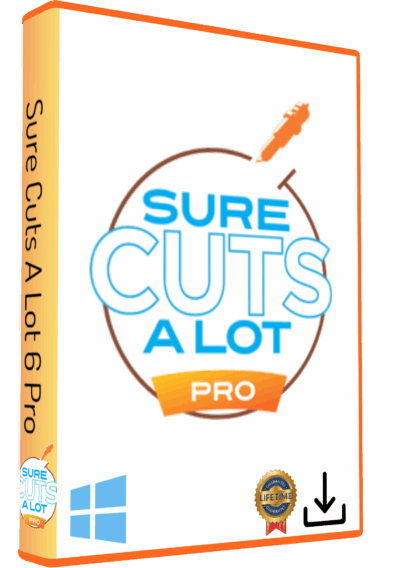
Decide whether you need to draw and edit artwork inside the cutting application or mainly send files prepared elsewhere. Review SignCut Pro 2, Sure Cuts A Lot Pro and Silhouette Studio Business Edition against your required import formats, device and editing tasks. Their inclusion here does not imply identical cutter support.
Printed stickers and contour-cut graphics
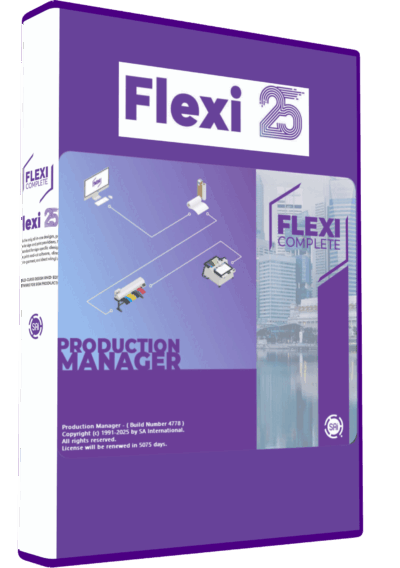
Check the entire print-and-cut process: software level, printer output, registration marks and the cutter's alignment method. A cutter that handles solid-color vinyl is not automatically equipped for automatic registration. Review the supplied edition of VinylMaster XPT 5 or Flexi 25 for your workflow; do not assume that a product name proves that every printing module is included.
A small test that prevents an expensive cutting mistake
Prepare a simple design with one curve, a corner and small lettering. Check its dimensions after import, inspect for duplicate paths, and make a test cut using the intended material. Confirm orientation and weeding before filling a roll with repeated copies. For printed graphics, test alignment on one sheet before starting a batch.
Frequently asked questions
Can cutting software cut a JPG directly?
A bitmap image is not the same as a vector cutting path. Check the tracing or artwork-preparation workflow available in your edition, then inspect the paths before cutting.
Does a newer version support every cutter?
No. Confirm the exact model, connection and supplied package. OEM editions and different levels can have different capabilities.
Are vinyl cutting and print-and-cut the same task?
Ordinary vinyl cutting follows paths in the material. Print-and-cut also needs those paths aligned with printed artwork, so registration and calibration are part of the decision.
Need help comparing options?
Contact Needlic before ordering with your cutter model, operating system and the work you want to produce. Ask for confirmation of the required features and compatibility for the exact version you are considering.