
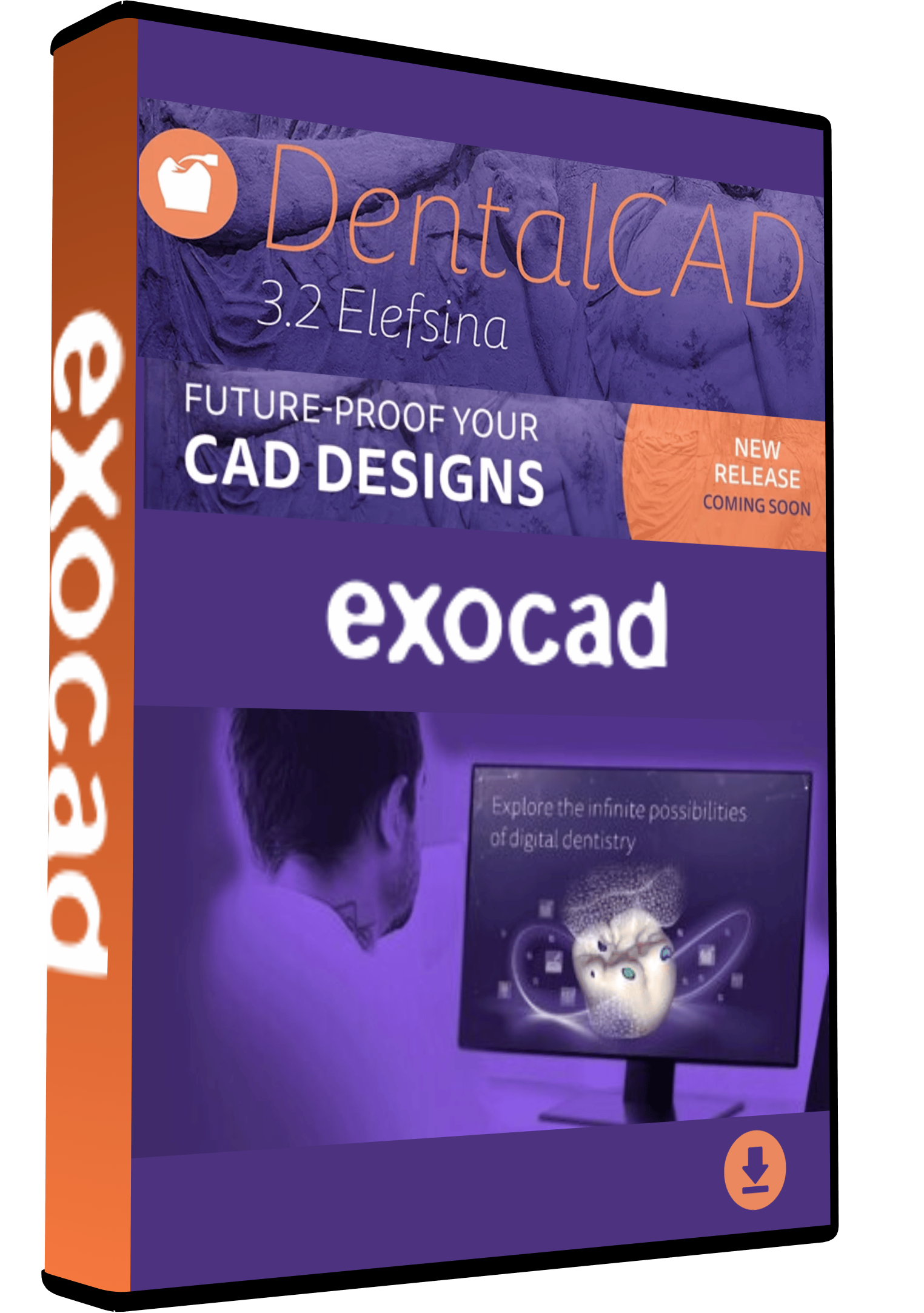
exocad v3.2 DentalCAD Software – Full Version with Lifetime Activation

125,00 $
Get exocad v3.2 DentalCAD for
$125 with lifetime activation for one device.
Full software version with digital delivery and installation assistance.
-
- ✓ Full exocad v3.2 DentalCAD Software
- ✓ Lifetime Activation
- ✓ Activation for 1 Device
- ✓ Compatible with Windows 11
- ✓ Digital Delivery
- ✓ Installation Assistance
Price: $125 — One-Time Payment
exocad v3.2 DentalCAD Software
exocad v3.2 DentalCAD is professional dental CAD software built for digital dentistry and dental restoration design. It provides dental technicians, laboratories, and CAD designers with a 3D environment for working on a variety of dental restoration cases.
This Needlic offer is available for $125 as a one-time payment and includes the full software version with lifetime activation for one device, digital delivery, and installation assistance.
What Is exocad DentalCAD Used For?
DentalCAD is designed to support digital dental design workflows. It provides tools for creating and working with restorations such as crowns, bridges, implant-related restorations, dentures, and other supported dental CAD cases.
Instead of relying on separate tools for different stages of a design workflow, DentalCAD provides an integrated environment where dental professionals can prepare and manage their digital restoration designs.
What You Receive
Your purchase includes:
- exocad v3.2 DentalCAD software
- Full version offered by Needlic
- Lifetime activation for one device
- Digital delivery
- Installation instructions
- Remote installation assistance when required
- One-time price of $125
There is no recurring payment for the Needlic offer displayed on this page.
DentalCAD 3.2 Features and Workflow
DentalCAD is designed around professional 3D dental design workflows and provides tools for handling different types of restoration cases.
Depending on the workflow and the features available in this version, it can be used for:
- Crown and bridge design
- Implant-related restoration design
- Denture workflows
- Digital dental restoration projects
- 3D dental CAD design and visualization
The software is intended to provide a practical workflow for professionals who regularly work with digital dental cases.
Who Is exocad v3.2 DentalCAD For?
This software can be suitable for:
- Dental laboratories
- Dental technicians
- Dental CAD designers
- Digital dentistry professionals
- Users working with supported dental restoration workflows
If you need a specific feature for your workflow, contact Needlic before ordering. We can help clarify whether the version offered on this page meets your requirements.
Looking for more professional solutions? Explore our Dental Software collection for other digital dentistry and dental design software.
You can also explore MillBox 2024 Dental CAM Software for dental CAM workflows.
MillBox 2024 Dental CAM Software
For additional technical information, see the official exocad hardware requirements.
Official exocad hardware requirements
Lifetime Activation for One Device
The purchase includes lifetime activation for one device.
The activation supplied with this offer is intended for a single computer. If you require assistance during setup, installation support is available.
If you plan to change computers or have a special installation requirement, contact us before purchasing to confirm the available options.
Digital Delivery and Installation Support
exocad v3.2 DentalCAD is supplied as a digital software product. No physical package or disc is shipped.
After your order is processed, you receive the information required to access and install the software.
If you need help with the installation process, remote installation assistance is available.
Before You Purchase
Dental CAD workflows can differ depending on the equipment, required features, and intended use.
If you need a particular function or have questions about compatibility, contact Needlic before placing your order. Tell us what you need to use DentalCAD for so we can clarify the product details before installation.
System Requirements for exocad v3.2 DentalCAD
exocad v3.2 DentalCAD offered by Needlic is compatible with Windows 11.
Recommended system:
- Operating System: Windows 10 / 11 64-bit
- Processor: Intel Core i5 / AMD Ryzen 5 or better
- RAM: 16 GB recommended
- Graphics: Dedicated NVIDIA or AMD graphics card
- VRAM: 4 GB or more recommended
- Display: 1920 × 1080 or higher
- Internet connection required for download, installation, and remote support
For larger or more demanding dental CAD projects, a faster processor, more RAM, and a stronger dedicated graphics card can improve performance.
Not sure if your PC is compatible? Contact Needlic before purchasing and we can help you check your computer specifications.
Frequently Asked Questions
Is this the full version of exocad v3.2 DentalCAD?
Yes. The product offered by Needlic on this page is the full software version with lifetime activation for one device.
What is the price?
The current price displayed for this offer is $125 as a one-time payment.
Is exocad DentalCAD free to download?
No. The product offered on this page is not a free download. It is a paid digital software offer priced at $125.
Is this a subscription?
No. The Needlic offer displayed on this page is sold as a one-time payment.
How many devices are included?
The activation included with this purchase is for one device.
What can I use DentalCAD for?
DentalCAD is intended for professional digital dental design workflows, including supported crown, bridge, implant-related, denture, and other dental restoration design tasks.
How will I receive the software?
This is a digital product. The software and installation information are delivered electronically after the order is processed.
Is installation assistance available?
Yes. Installation instructions are provided, and remote installation assistance is available when required.
What if I need a specific DentalCAD feature?
Contact Needlic before purchasing and tell us which feature or workflow you require. This allows you to confirm that the version offered meets your needs before ordering.
Get exocad v3.2 DentalCAD
Get exocad v3.2 DentalCAD for $125 with lifetime activation for one device, digital delivery, and installation assistance.
If you have questions about the software or your intended workflow, contact Needlic before purchasing.
Only logged in customers who have purchased this product may leave a review.
Related products
DENTAL SOFTWARE
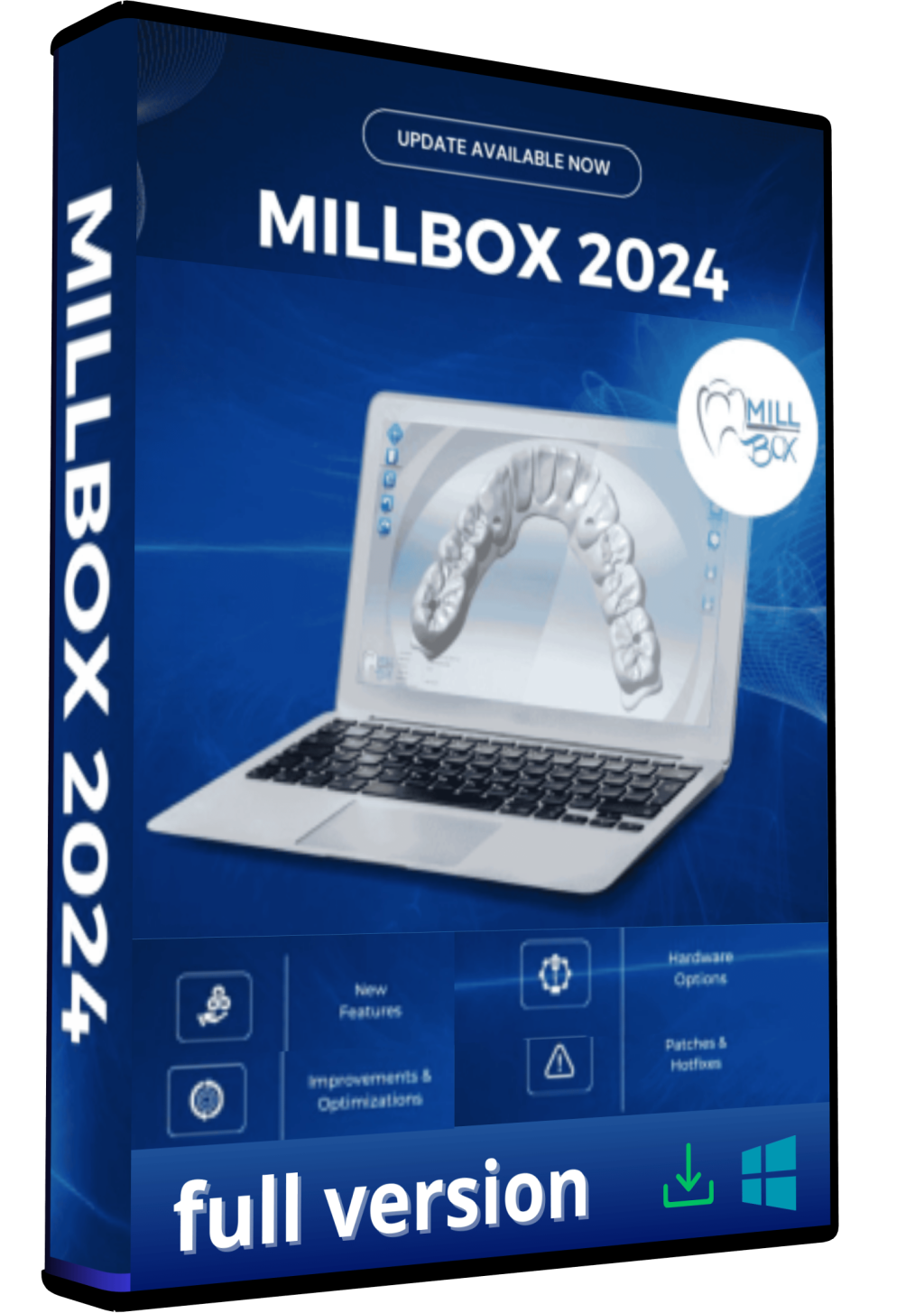
MillBox 2024 Dental CAM Software Full Version Lifetime – Advanced Milling Solution ($150)
DENTAL SOFTWARE
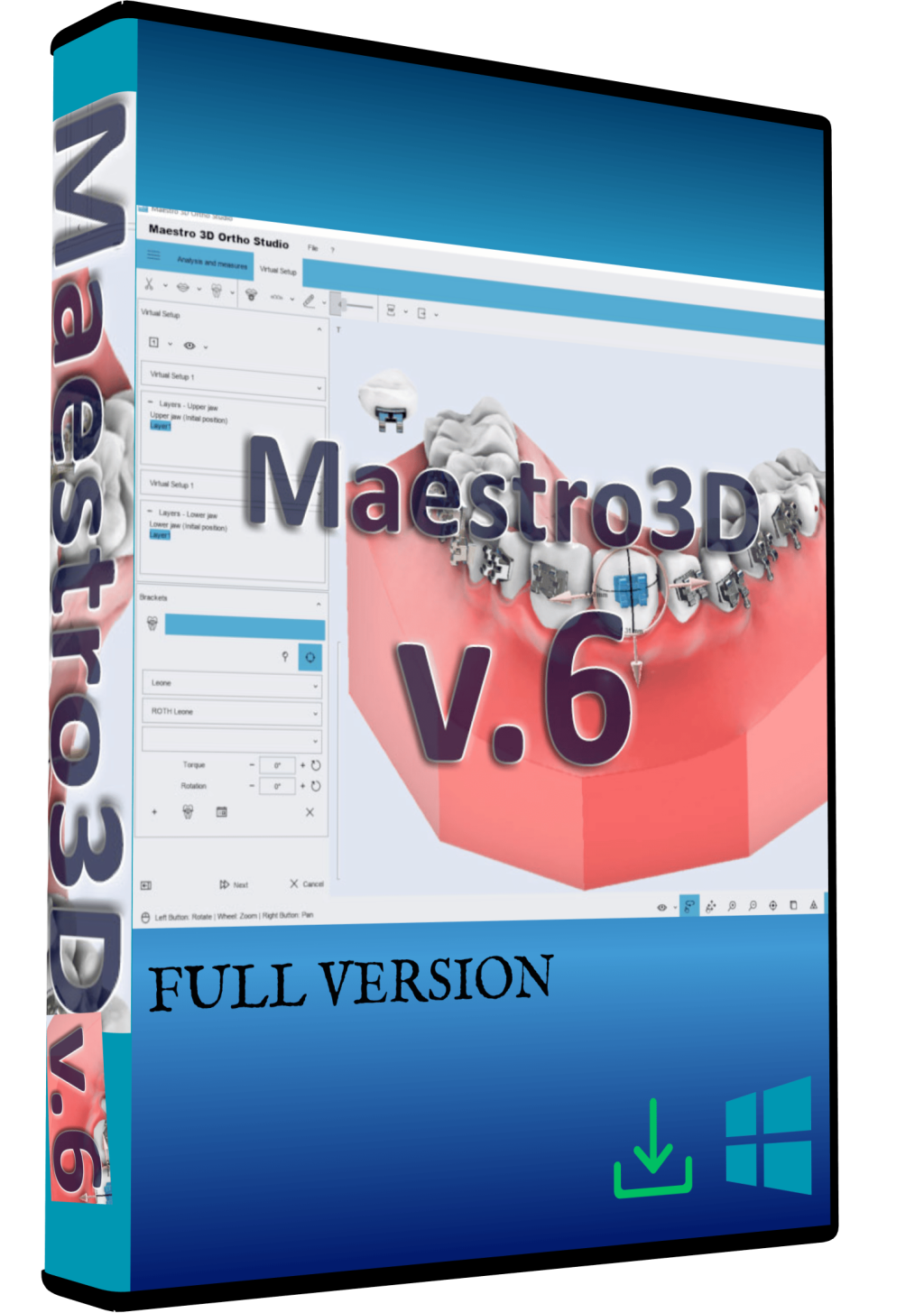
Maestro 3D Dental Studio V6 Full Version Lifetime – Dental CAD Software Instant Download ($99)
Reviews
There are no reviews yet.