
Explore embroidery software for creating stitch designs, editing existing files and adding lettering. Compare the exact version and edition, then check your computer, embroidery machine format and hoop size before choosing. Browse the products below or use our buying guide to prepare a compatibility checklist.
Embroidery Software
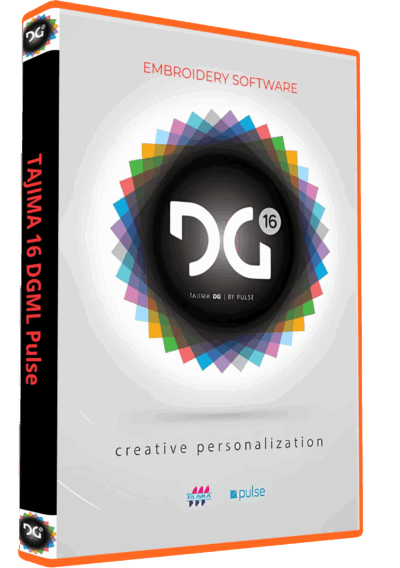
Tajima DGML 16 Pulse Embroidery Software Full Version Lifetime – Instant Download
Embroidery Software
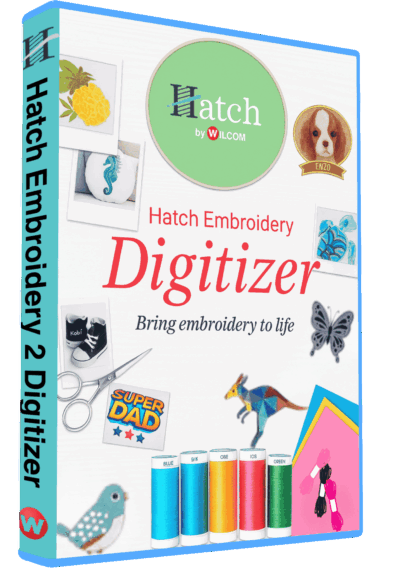
Hatch Embroidery 2 Professional Digitizing Software – 1 Key per PC Lifetime License
Embroidery Software
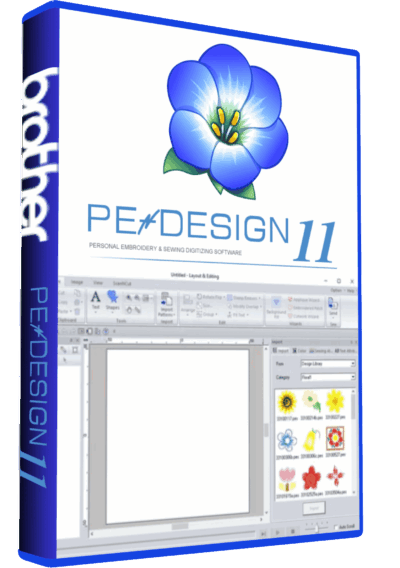
PE-Design 11.40 Embroidery Software Full Version Lifetime – Professional Digitizing
Embroidery Software
Embroidery Software
Embroidery Software
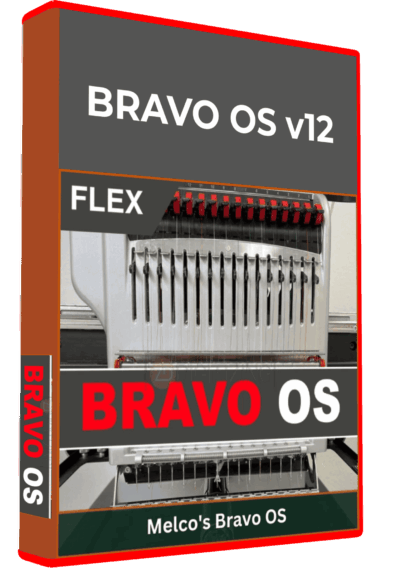
Bravo Amaya OS 12.06.42 Full Version Lifetime – Embroidery Machine Software
Embroidery Software
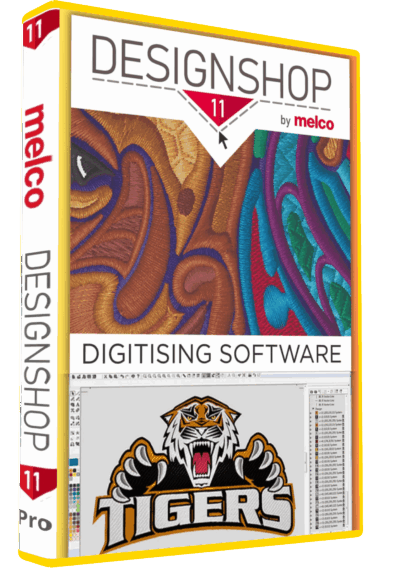
Melco DesignShop 11.3 Pro Embroidery Software Full Version Lifetime – Instant Download
Embroidery Software
Embroidery Software
DesignShop V9 Professional Embroidery Software Full Version Lifetime – Instant Download
Embroidery Software
How to choose embroidery software for your projects
Start with the work you need to complete. Personalizing a ready-made design, converting artwork into stitches and managing production are different tasks. A longer feature list is only useful when those tools match your workflow.
Editing existing embroidery designs
If you mainly combine designs, change thread colors or add names, list those operations before comparing editions. Check whether the supplied edition can edit your source files and export the exact format your machine accepts. Keep an untouched copy of every original design before making changes.
Digitizing logos and original artwork
For new designs, compare the available digitizing tools, not just the presence of an automatic conversion button. Plan how you will handle small lettering, overlapping shapes and changes in fabric. Ask whether the specific edition includes the tools needed for your sample project.
Lettering and personalization
Prepare a sample name at the finished size you intend to stitch. Check the included lettering options and any separately supplied fonts. A font that looks clear on screen still needs a stitch-out at the intended size and on the intended material.
Compare the exact product, version and offer
Use these product pages as starting points for your shortlist. They describe different offers; inclusion here does not mean that the programs have identical features or support every machine.
- Hatch Embroidery 2: review the version-specific workflow guide, editable versus machine files and the one-PC offer.
- PE-DESIGN 11.40: review the Brother USB-key requirement and confirm what the supplied package includes, alongside your computer and machine-file needs.
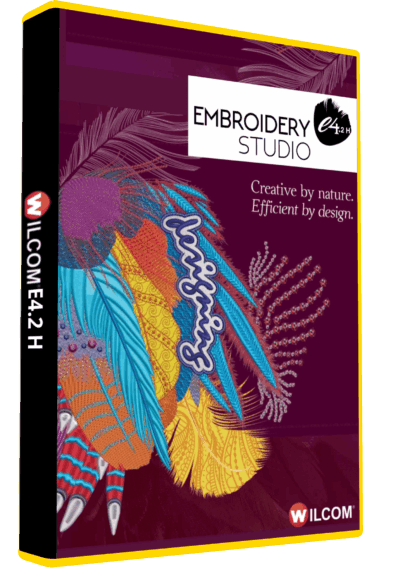
- Wilcom e4.2: compare editable EMB files with machine output, and check the exact build before assuming Windows 11 compatibility.
- Tajima DG/ML 16 by Pulse: review this specific version and confirm the tools needed for your production workflow.
- Embird 2017: check the listed components and version compatibility rather than assuming that every optional module is included.
- Melco DesignShop 11.3 Pro: understand the OFM workflow and distinguish digitizing software from Melco machine operating software.
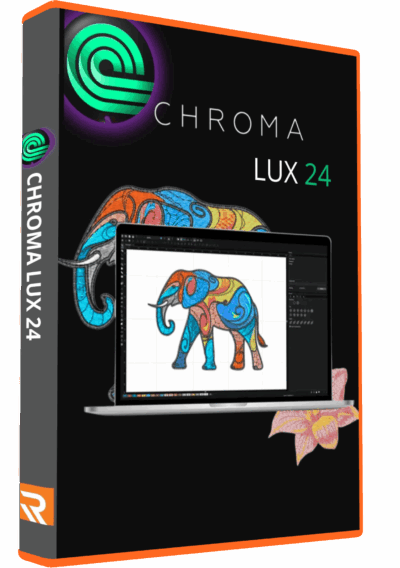
- Chroma Luxe 24: compare the complete build and Luxe tools without assuming that features from later releases are included.
Your pre-purchase compatibility checklist
- Computer: provide your operating system version, processor and memory. Requirements from a newer release should not be assumed to apply to an older one.
- Machine: note the exact brand and model, supported embroidery file format and transfer method.
- Design size: record the available hoop dimensions and the finished size you need.
- Source files: identify whether you have editable project files, machine stitch files or artwork that still needs digitizing.
- Offer: confirm the edition, number of computers, activation terms, delivery method and installation support shown on the product page.
Test a small project before scaling up
Choose one representative design, keep a copy of the source and prepare it at its final size. Review the stitch sequence and thread changes in the selected software. Export for the intended machine, then stitch a sample using the fabric, thread and stabilizer planned for the finished job. Record adjustments before producing a batch. This gives you a more useful comparison than judging software from screenshots alone.
Frequently asked questions
Which embroidery software is best for beginners?
The right starting point depends on your first task. Editing purchased designs and digitizing new logos require different tools. Choose a specific project, compare the relevant edition and review the available learning material before buying.
Can I use one program with any embroidery machine?
Do not assume universal compatibility. Confirm the export format, design limits and transfer method for your exact machine model, together with the capabilities of the software version you are considering.
Does automatic digitizing remove the need for testing?
No. Review the generated design and make a sample stitch-out before production. Artwork quality, lettering size and the intended material all affect the decisions you need to check.
Are installation support and licensing terms the same for every product?
Check each offer individually. Confirm the number of computers, activation scope and support included before ordering; do not infer these terms from the category name.
Need help narrowing your shortlist? Contact Needlic with your machine model, computer details and a description of the project you want to create. You can also browse the full software catalog.