
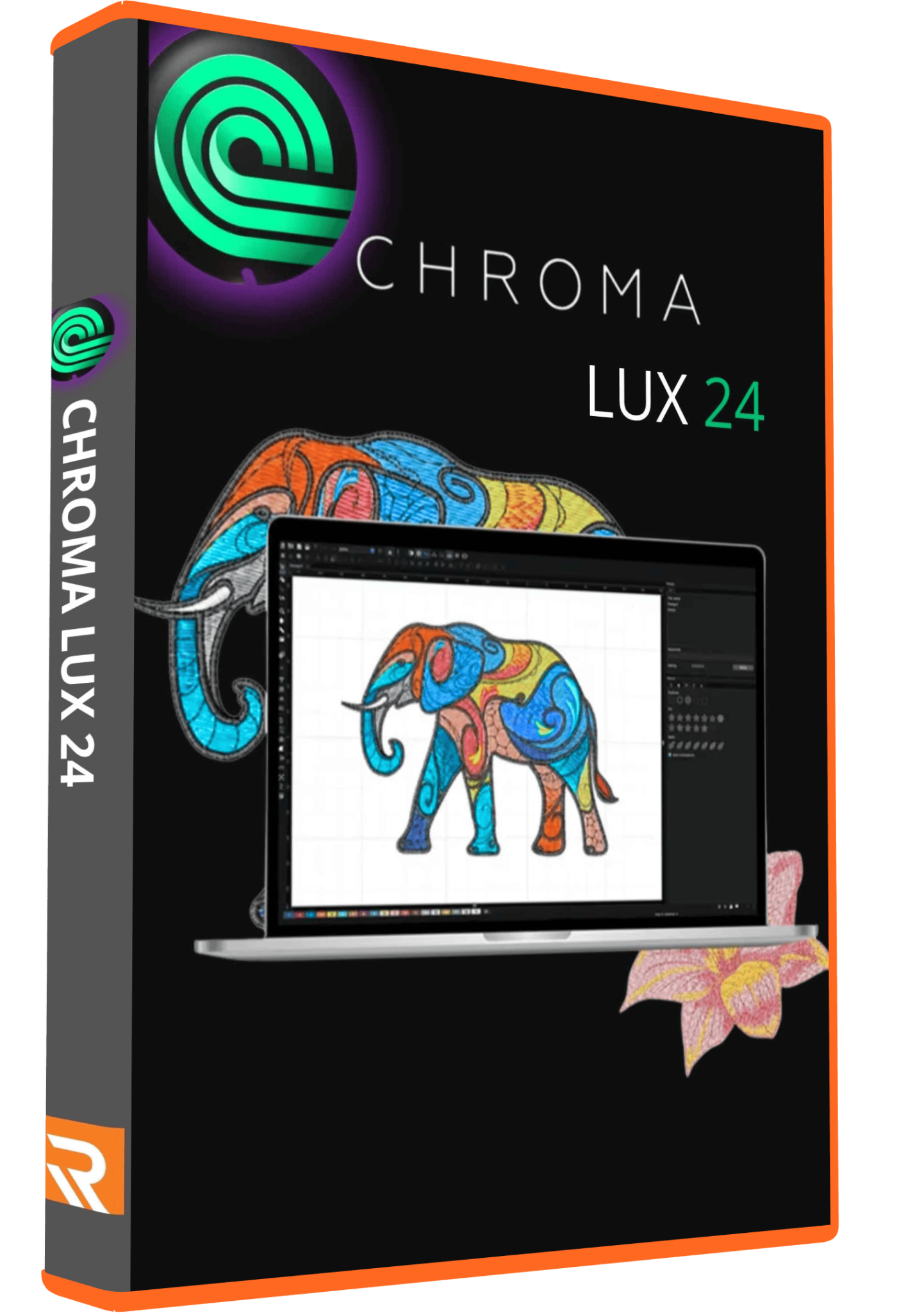
Chroma Luxe 24 Embroidery Digitizing Software
99,00 $
Chroma Luxe 24 embroidery digitizing software for preparing artwork, lettering and stitch designs.
- Listed offer: one-time payment and lifetime activation on one computer.
- Digital delivery, installation guides and free remote setup support.
- Confirm the complete build, computer compatibility and required machine format before ordering.
Chroma Luxe 24 embroidery digitizing software
Chroma is embroidery digitizing software from Ricoma. This listing is for Chroma Luxe 24, intended for preparing artwork, lettering and stitch designs. Luxe is the advanced tier within the Chroma family; it should not be confused with Inspire or Plus, or with a newer release advertised on the manufacturer’s current website.
Before ordering, confirm the complete version number of the supplied installer and the tools you need. “24” alone does not identify every maintenance release. Chroma’s official release history lists version 24.30 in April 2025 and version 26.40 in April 2026, so features shown in current demonstrations are not automatically features of every version 24 build.
Luxe tools and practical uses
The manufacturer’s Luxe overview describes Magic Wand area digitizing, color blending, cross and steil stitches, and splitting oversized designs. These are useful points to check against your supplied build. A current feature page is not confirmation that later additions or expanded font libraries are included in an earlier package.
- Artwork areas: Magic Wand helps select areas for digitizing. Start with clean boundaries and inspect the resulting shapes and stitch choices.
- Color transitions: blending can create gradual changes, but thread selection and the sewn sample determine the final appearance.
- Decorative work: specialty stitches can add texture. Check whether their size and density suit the fabric rather than applying an effect only because it looks attractive on screen.
- Large projects: a split design still needs a practical hooping and alignment plan. Confirm the sewing field and test placement before committing to a large piece.
Prepare artwork before automatic digitizing
A photograph, flat-color logo and finished stitch file are different starting points. Choose an example that reflects your everyday work, then record its final embroidered dimensions and fabric. For a logo, remove unnecessary background detail, separate unclear boundaries and check whether small text can be simplified with the customer’s approval.
Automatic digitizing can speed up parts of preparation, but “one click” does not guarantee production-ready embroidery from any image. Inspect overlaps, narrow gaps, travel paths and dense areas. A screen preview cannot establish how a design will behave on a particular garment.
File formats and machine checks
Ask for confirmation of the exact import and export formats required by your workflow. A long list of brands or a claim of “50+ formats” does not establish that your particular file version and machine are supported. Keep an editable project separately from the file sent to the machine.
- Provide the embroidery machine model and its required output format.
- Check the maximum sewing area and intended design dimensions.
- Test a representative existing file if your work mainly involves editing customer designs.
- Reopen the exported output and compare size, stitch sequence and color changes with your approved design.
Computer compatibility and the supplied build
Confirm the operating system supported by the actual package before payment. Send Needlic your Windows or macOS version, processor, RAM and available disk space. Do not assume that a demonstration on another platform means that the same installer or activation can be used on your computer.
The hardware requirements and activation behavior of a current Chroma subscription may differ from an older installation. Request the requirements for the supplied build instead of using a generic specification from another embroidery application. Back up your existing projects before installation or migration, and retain access to your working setup until a sample job has been checked.
From artwork to a tested embroidery file
- Define the job: record the finished size, fabric, hoop and output format, and confirm permission to reproduce the artwork.
- Prepare and digitize: use the tools available in your confirmed build, then inspect the resulting shapes and stitches.
- Review at actual size: look closely at small lettering, thin outlines and areas with several overlapping colors.
- Export and sew a sample: use the intended fabric, stabilizer and thread. Correct problems before starting the production batch.
- Save the approved version: retain the editable project, machine output and production notes with clear revision names.
Needlic’s activation and installation offer
The existing offer is a one-time payment with lifetime activation on one computer, digital delivery, a PDF installation guide, a step-by-step video tutorial and free remote installation support via TeamViewer or AnyDesk. Needlic also lists 24/7 support and discounted multi-seat pricing on request.
The existing refund offer is a 14-day money-back guarantee: if you are not completely satisfied, contact Needlic for a full refund, no questions asked. These are the terms advertised for this listing; they should not be confused with the manufacturer’s current subscription plans. Confirm the exact activation method, included version and update entitlement before ordering.
Frequently asked questions
Is this the latest Chroma release?
This listing is for Luxe 24. The official release history includes newer versions. Check the complete build number and do not assume that new subscription features are included.
Does a higher font count prove that a package is better?
No. Check the fonts included in the exact build, their supported characters and whether they stitch clearly at your intended size. Current and older releases can have different libraries.
Will Chroma Luxe work with every embroidery machine?
Compatibility depends on the output format and machine requirements. Provide the model and a sample file for confirmation rather than relying on universal compatibility claims.
Can I install this offer on a Mac?
Confirm whether a compatible macOS installer and activation are included in this specific offer. Do not purchase virtualization software or assume a Windows package will work on a Mac without checking the exact setup.
Does lifetime activation include all future updates?
Lifetime activation and access to later releases are different questions. Confirm the update entitlement for the supplied version before ordering; newer features are not promised by the version 24 product name.
Can I use supplied artwork and fonts for customer work?
Check the applicable software and asset licenses, including any restrictions on redistribution. Owning software does not automatically grant permission to reproduce third-party logos or resell every included design.
Compare by your main embroidery task
For editing and conversion, compare the file workflow; for original logos, compare digitizing controls; for personalization, compare lettering and layout. Use our embroidery software buying guide and the pages for Hatch 2, Wilcom e4.2 and PE-DESIGN 11.40. For package-specific questions, contact Needlic before ordering.
Manufacturer references: Chroma Luxe overview and Chroma release history. These describe the product family and release changes, not confirmation of the contents of this particular offer.
Only logged in customers who have purchased this product may leave a review.
Related products
Embroidery Software
Embroidery Software
Bravo Amaya OS 12.06.42 Full Version Lifetime – Embroidery Machine Software
Embroidery Software
Melco DesignShop 11.3 Pro Embroidery Software Full Version Lifetime – Instant Download
Embroidery Software
Tajima DGML 16 Pulse Embroidery Software Full Version Lifetime – Instant Download
Embroidery Software
Embroidery Software
Embroidery Software
DesignShop V9 Professional Embroidery Software Full Version Lifetime – Instant Download
Embroidery Software
PE-Design 11.40 Embroidery Software Full Version Lifetime – Professional Digitizing
Reviews
There are no reviews yet.