


Silhouette Studio Business Edition for design and cutting
Silhouette Studio Business Edition adds advanced file exchange and production tools to the Silhouette Studio design environment. It suits makers preparing vinyl decals, heat-transfer graphics and repeat cutting jobs who need more control over how artwork moves from design to output. Basic Edition is free; Business Edition is a paid software upgrade. The edition name describes the available tools, not a particular software version number.
Basic, Designer or Business: which tools do you need?
Choose an edition around your workflow. Basic provides the starting design environment. Designer Edition and above can open SVG files; Business adds SVG export. If your only requirement is importing purchased SVG artwork, that distinction matters. If you create your own artwork and need to transfer it to another compatible design application, Business offers the additional export options.
Official upgrade products can have different starting editions. Before ordering, tell Needlic whether you currently use Basic, Designer or Designer Plus, and provide your installed Studio version. Confirm the upgrade path and activation method supplied with this listing. A Business edition name alone does not identify the starting edition required by a particular upgrade package.
Business tools and practical uses
- SVG export: transfer suitable original vector artwork to another application that accepts SVG.
- Automatic nesting: arrange repeated parts within the available material area. Review spacing before output, particularly for small lettering.
- Tiling: divide larger artwork into sections for assembly. Plan panel overlaps and alignment before cutting an entire sign.
- Weed-line tools: help organise the removal of excess vinyl around a design.
- Multi-cutter support: supports workflows involving multiple compatible Silhouette cutters; it does not make every third-party plotter compatible.
For a batch of personalised labels, establish the finished dimensions first, then duplicate and arrange the approved design. For an HTV shirt graphic, check the material’s instructions for orientation and mirroring before output. Software layout tools cannot replace a test on the actual blade and material combination.
File formats: editable projects, vectors and images
Keep an editable STUDIO3 project as your working copy. Business Edition adds export options including SVG, PDF, PNG and JPG. Its import options include AI, EPS and CDR alongside formats available in lower editions. File support is not a promise that every effect or every file revision transfers unchanged: inspect the imported artwork at its intended size.
A PNG or JPG preview is a raster image, not ready-made vector cut paths. With PDF imports, importing as an image differs from importing as vectors. Check the resulting paths before sending the job. SVG export is also flattened by Studio, so retaining the original project is useful when later edits are likely.
Design Store artwork and commercial use
Business Edition is a software edition, not a blanket commercial licence for fonts or artwork. Check the licence attached to each asset you use. Silhouette documents export restrictions for Design Store content: protected artwork may appear as dotted segments in an exported SVG. Do not assume buying the software removes those restrictions or includes a design subscription or asset bundle.
A first-project checklist
- Record the Studio version, active edition, computer operating system and exact cutter model.
- Open your artwork, set the intended size and inspect fine detail, duplicate outlines and overlapping paths.
- Set up the material area and arrange the pieces with enough separation for handling and weeding.
- Review the Send settings and perform a small test cut on the intended material.
- Save the editable project separately from any exported delivery files.
Installation and compatibility
Silhouette Studio is available for Windows and Mac, but operating-system and hardware requirements depend on the installed release. Match the installer to your computer and cutter rather than relying on an old generic requirements list. Confirm the supplied version, activation instructions and support scope with Needlic before purchase, especially when upgrading an existing working installation.
Frequently asked questions
Is Business Edition the free Silhouette software?
No. Basic Edition is the free starting edition. Business is a paid upgrade that unlocks additional tools.
Do I need Business just to open SVG files?
Designer Edition or above can open SVG files. Business is needed for Studio’s SVG export option, which is a separate requirement.
Does this purchase include a cutter or design collection?
This is a software listing. Do not assume a physical cutter, Design Store subscription or commercial artwork collection is included unless it is explicitly confirmed in your offer.
Why is my exported SVG different from my project?
Check whether the design contains protected Design Store content, and compare the export with the saved original. Inspect the result in the destination application before committing material to a production run.
Compare other cutting workflows
Explore Sure Cuts A Lot Pro for an alternative design-and-cut workflow, or SignCut Pro 2 when comparing dedicated cutting-output tools. In each case, check support for your specific cutter before choosing.
Technical references: Silhouette Business features, official file-format guide and import/export troubleshooting.
Only logged in customers who have purchased this product may leave a review.
Related products
Vinyl Cutting Software
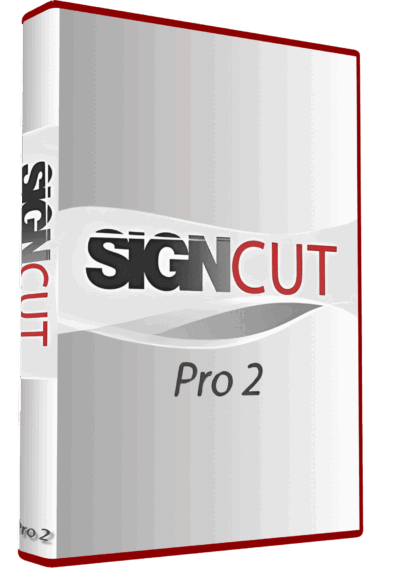
SignCut Pro 2 Vinyl Cutting Software Full Version Lifetime – Professional Plotter Tool
Vinyl Cutting Software
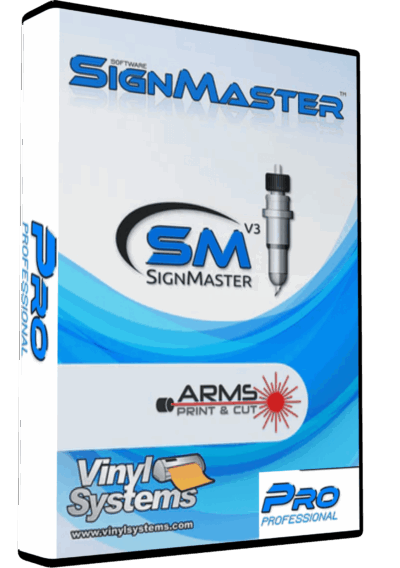
SignMaster V3.5 PRO Vinyl Cutting Software – Lifetime Activation & Installation
Vinyl Cutting Software

Reviews
There are no reviews yet.