
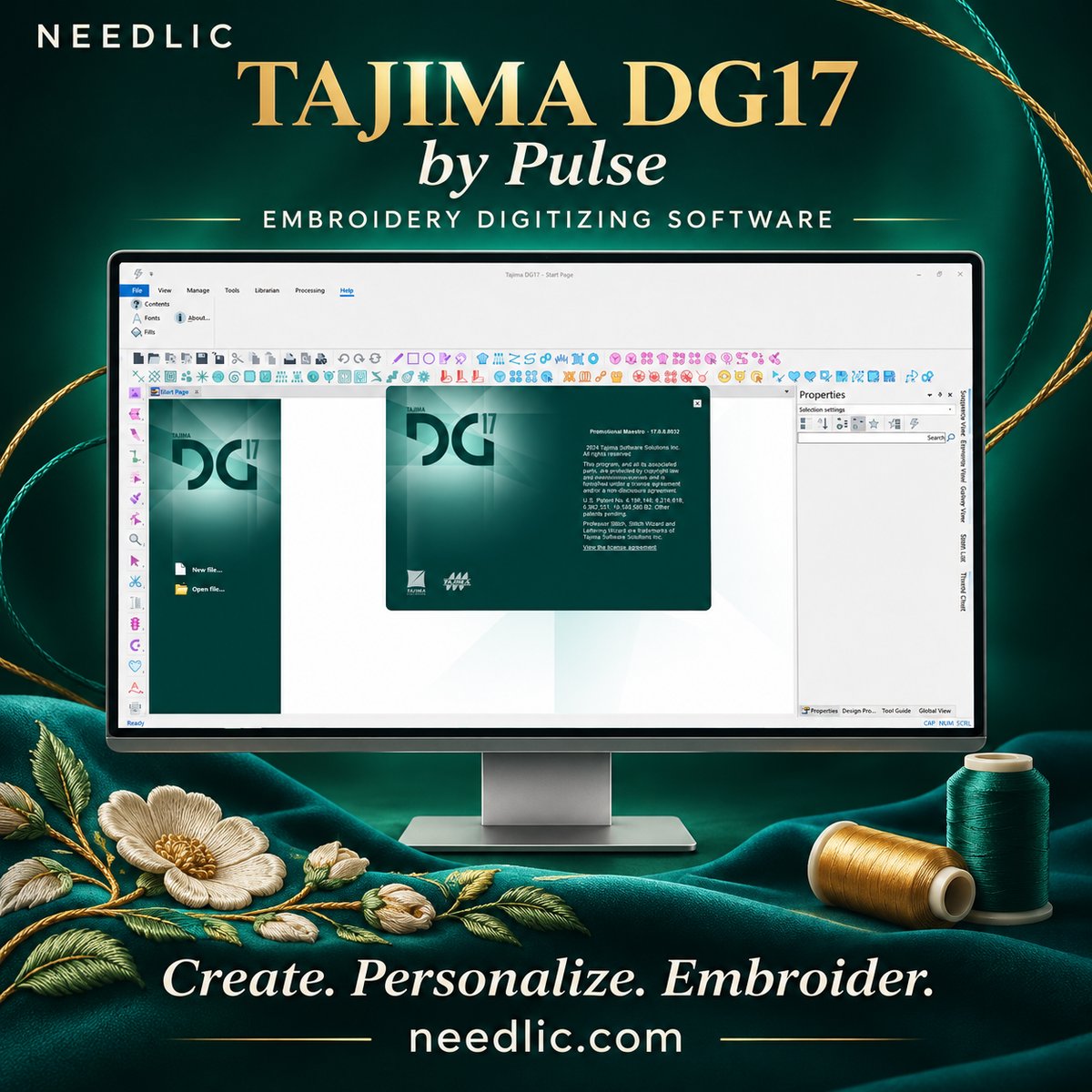
Tajima DG17 by Pulse – Embroidery Digitizing Software – 1 Key Activation For Lifetime

90,00 $
Create personalized embroidery with Tajima DG17 by Pulse, a professional software range for lettering, design editing and embroidery digitizing. Work with PXF designs, customize text, adjust stitches and prepare embroidery for compatible machines. Available tools depend on the selected software level. Check the edition, computer requirements and activation details before ordering.
Tajima DG17 by Pulse Embroidery Software
Tajima DG17 by Pulse brings embroidery lettering, design editing and production tools into one software environment. Whether you personalize workwear, prepare embroidered names or develop logo designs, the DG17 range offers different software levels to match your workflow.
For businesses comparing embroidery digitizing software, choosing the right level matters: lettering and editing needs differ from creating complex designs from original artwork.
Personalize Names, Lettering and Logos
Text is central to many embroidery orders. Pulse embroidery software provides a library of embroidery fonts and tools for adjusting individual characters, helping you prepare names, business lettering and personalized designs.
Resize, rotate or reshape individual letters and arrange text to suit your layout. Combine lettering with existing embroidery designs to create variations for customers, teams and workwear orders.
Edit Designs and Refine Your Workflow
DG17 includes tools for resizing, rotating and skewing designs, alongside stitch-by-stitch editing. Adjust the sewing sequence and organize thread palettes as you prepare a design for production.
Action Symbols and flyout toolbars give you convenient access to editing commands. Fabric settings recipes help organize settings for different materials, while printed worksheets communicate design information to the operator.
Always test a design on the intended fabric before starting a production run.
PXF Files and Embroidery File Conversion
Tajima DG17 supports the native PXF format and a range of popular embroidery machine formats. Batch conversion helps when preparing multiple files for different production requirements.
Before ordering, confirm the specific file formats required by your embroidery machine and workflow. File conversion and editable design content are different considerations, especially when working with designs supplied by another digitizer.
Choose the Right DG17 Level
The Tajima DG17 range includes Composer, Creator, Illustrator Extreme, Artist Plus and Maestro.
Composer focuses on personalization with lettering and outlines. Other levels expand the available editing, drawing and digitizing tools, with advanced artistic and specialty effects offered in higher levels.
If you are looking specifically for Tajima DG17 Maestro, confirm that Maestro is the edition listed in your order. Features shown across the DG17 range are not automatically included in every package.
Embroidery Machine Connectivity
The DG17 range offers connection capabilities for compatible Tajima, Barudan, Brother, SWF and ZSK machines, including support for Tajima LAN-enabled equipment.
Actual connectivity depends on your machine model, connection hardware and configuration. Confirm your setup before relying on direct design transfer or production monitoring.
PulseCloud and specialty embroidery options should also be checked against the selected package and service requirements.
Recommended Computer Specifications
The DG17 user guide lists the following recommended specifications:
- Windows 10 or Windows 11, 64-bit.
- Intel quad-core processor at 3.0 GHz or faster.
- 16 GB RAM.
- 4 GB of available disk space.
- Mouse.
- LAN connection.
- USB port for the security device where required by the supplied licensing setup.
Confirm the requirements of the exact build and activation method supplied with your order.
Frequently Asked Questions
What is Tajima DG17 by Pulse used for?
It is an embroidery software range used for personalization, lettering, design editing and digitizing. The available creation tools depend on the software level.
Does Tajima DG17 work with Windows 11?
The DG17 documentation lists Windows 11 64-bit among its supported operating systems. Check the exact build and computer specifications before installation.
Is DG17 only for Tajima embroidery machines?
The software range includes connectivity for several embroidery machine brands. Compatibility must be checked for your specific model and connection method.
Are all DG17 packages Maestro?
No. Maestro is one level within the DG17 range. Always check the edition included in the product offer.
What should I check before buying Tajima DG17?
Review the software level, price, number of permitted computers, activation requirements, download delivery, support and update terms. These details determine what your purchase includes.
Find the Right Setup for Your Embroidery Work
Considering Tajima DG17 by Pulse for your next project? Contact Needlic with your computer specifications, embroidery machine model and required features to confirm the right package before ordering.
Only logged in customers who have purchased this product may leave a review.
Related products
Embroidery Software
PE-Design 11.40 Embroidery Software Full Version Lifetime – Professional Digitizing
Embroidery Software
Embroidery Software
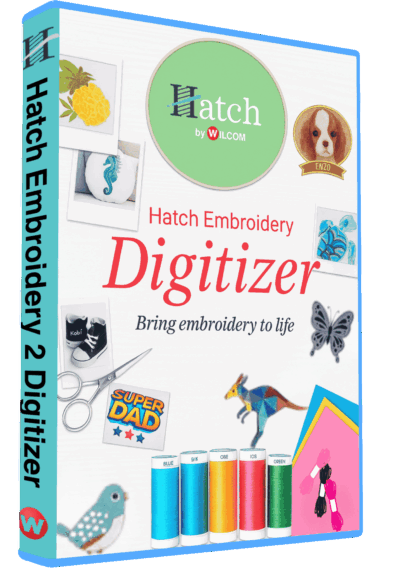
Hatch Embroidery 2 Professional Digitizing Software – 1 Key per PC Lifetime License
Embroidery Software
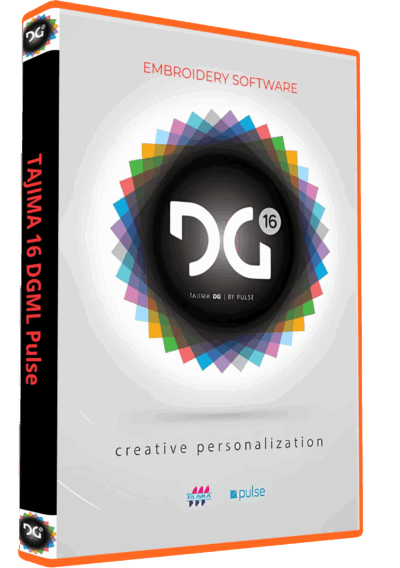
Tajima DGML 16 Pulse Embroidery Software Full Version Lifetime – Instant Download
Embroidery Software
Embroidery Software
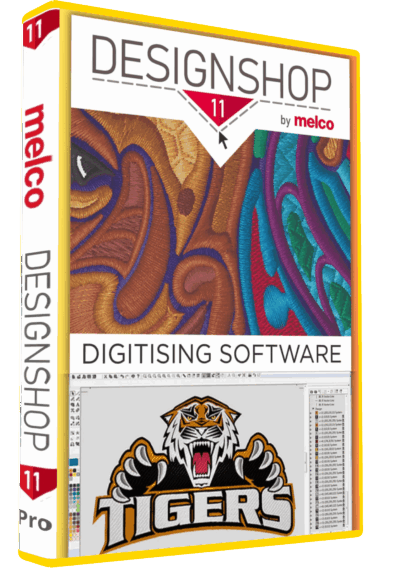
Melco DesignShop 11.3 Pro Embroidery Software Full Version Lifetime – Instant Download
Embroidery Software
Embroidery Software
Reviews
There are no reviews yet.