
غير مصنف
best embroidery digitizing software full version cheap
Mar
Unlock professional-grade embroidery designs without breaking the bank. Embroidery digitizing software transforms your creative visions into stunning, machine-ready patterns, but full versions often come with hefty price tags.
Discover top picks like Wilcom EmbroideryStudio, Hatch, and Embird; uncover cheap full-version deals via official discounts and resellers; explore freemium options; and compare costs against features. Ready to digitize smarter?
Understanding Embroidery Digitizing Software
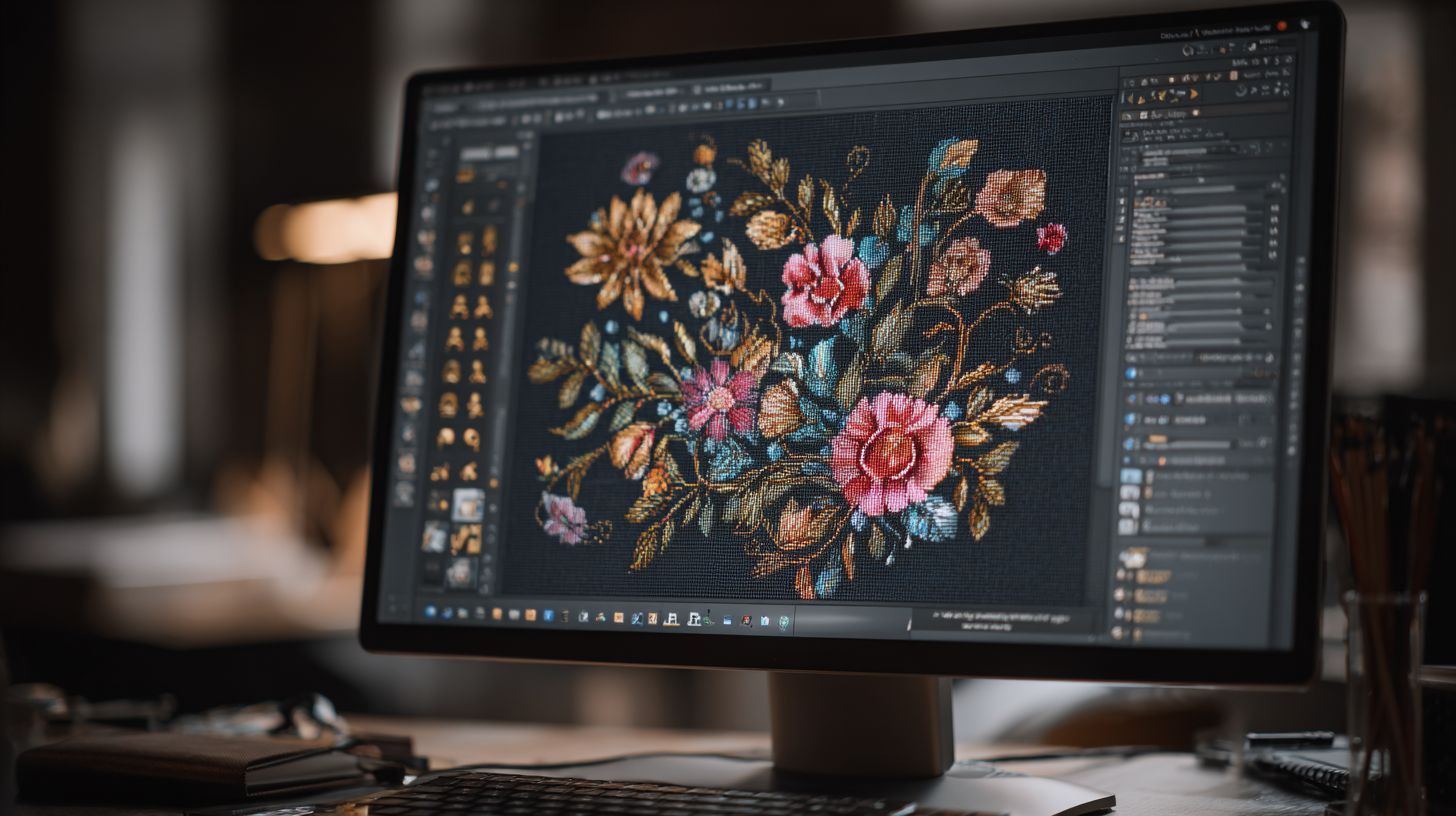
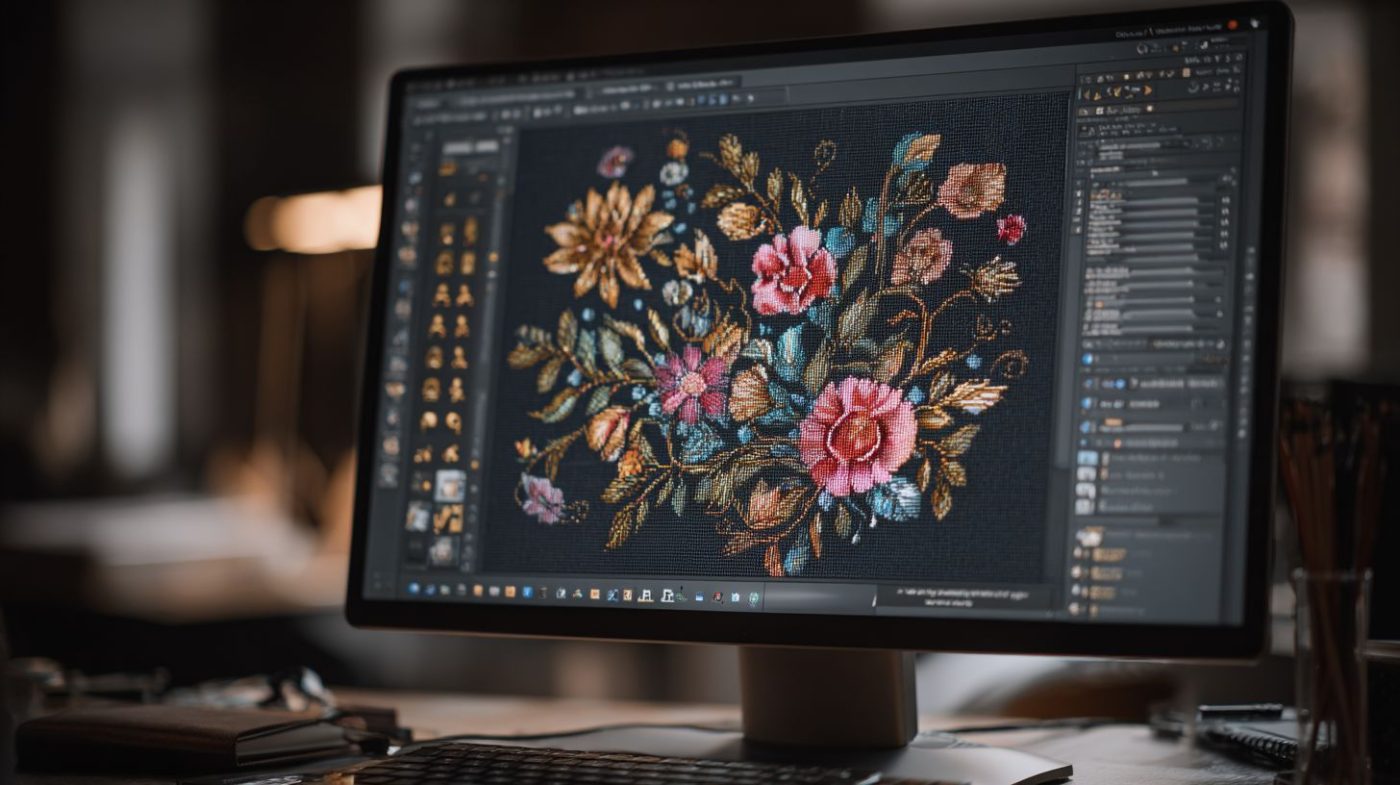
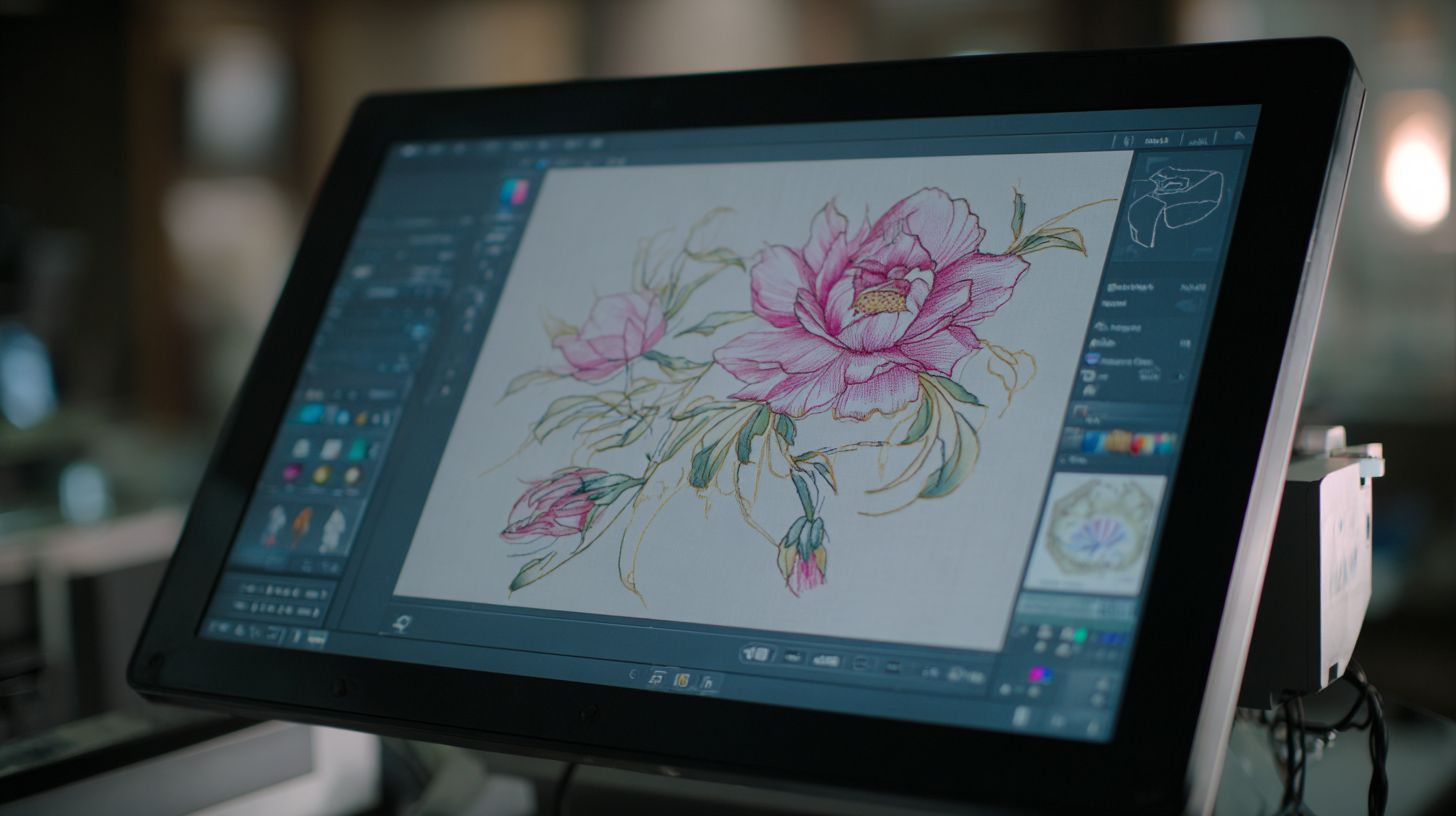
Embroidery digitizing software converts vector graphics, JPEGs, and SVGs into machine-readable stitch files (PES, DST, EXP formats) using tools like auto-digitizing, satin stitches, and fill patterns. This process turns artwork into precise embroidery designs for machines from Brother to Tajima. Beginners and pros alike rely on it for custom embroidery and commercial work.
The core purpose is simple. It transforms vector-to-stitch designs, like logos from SVG files, into stitch patterns. Three essential workflows include vector-to-stitch for clean graphics, photo-stitch for turning JPEG portraits into realistic embroidery, and manual digitizing for detailed control over complex shapes.
Must-have features make the best embroidery design software stand out. Look for stitch types such as satin for letters, fill for backgrounds, and running for outlines. Other key tools cover auto-digitizing accuracy, hoop size presets from 4×4 to 10×10 inches, thread charts for Isacord or Madeira, resize without distortion, applique tools, stitch simulator, and multi-format export to PES, DST, or EXP.
Practical examples help users choose. In Wilcom Hatch or Embrilliance StitchArtist, test satin stitches on text for smooth edges. Affordable options like SewArt handle basic photo-stitch, while pros use Pulse by Wilcom for gradient fills. The market for these tools grows steadily as hobbyists and businesses seek budget-friendly digitizer solutions.
Key Features to Look For
Prioritize software with 12+ stitch types including tatami fills (best for backgrounds), satin columns (text/letters), and running stitches (outlines). These build high-quality designs in tools like Embrilliance StitchArtist or Ink/Stitch. Focus on features that match your needs, from beginner to pro.
| Feature | Beginner Need | Pro Need | Example Software |
|---|---|---|---|
| Stitch simulator (preview density/pull) | Basic preview to check puckering | Real-time pull compensation (0.2-0.5mm) | Wilcom Hatch, Embird |
| Auto-digitizing quality | Simple vector import | Advanced photo-stitch for portraits | SewArt, Janome Artistic Digitizer |
| Vector import (SVG/AI) | Easy SVG to stitch | CorelDRAW integration | Brother PE-Design, Embrilliance |
| Font libraries (200+ embroidery fonts) | Monogramming basics | Custom lettering tools | Pulse by Wilcom, Tajima DG/ML |
| PhotoStitch (realistic portraits) | JPEG to basic embroidery | Gradient fills/3D puff | Embird, SewArt |
| Pull compensation | Auto adjustments | Manual 0.2-0.5mm control | Wilcom Hatch |
| Underlay/lock stitches | Simple stabilization | Density settings for fabrics | Janome Artistic Digitizer |
| Batch processing | Design resize/rotate | Hoop mapping for multi-hoop | Tajima DG/ML, Embrilliance |
Avoid software missing density control, as it causes puckering on thick fabrics. Test in trials of cheap digitizing software like SewArt for basic needs or full versions of Embrilliance for pro tools. Experts recommend checking thread charts and machine formats like JEF or VP3 upfront.
For home use, pick user-friendly interfaces in Brother PE-Design. Commercial digitizers favor advanced features in Tajima DG/ML. Always verify hoop sizes and export options match your embroidery machines.
Top Software Options for Full Versions
Professional digitizers choose Wilcom EmbroideryStudio ($5,995), Hatch Digitizer ($1,149), and Embird Studio ($163) for unlimited designs and commercial use. These full version embroidery digitizing software options fit different budgets and skill levels. They offer perpetual licenses for long-term value without ongoing fees.
Enterprise tools like Wilcom set the industry standard for commercial digitizing. Professional picks such as Hatch balance power and ease. Affordable pro software like Embird suits hobbyists scaling to small businesses.
Expect perpetual vs subscription models across options. One-time purchases provide lifetime access, while subscriptions include updates. See detailed breakdowns below for Wilcom EmbroideryStudio, Hatch Digitizer, and Embird Studio.
Key factors include machine compatibility like PES, DST, and JEF formats, plus features for auto-digitizing and manual control. Users praise wireless transfers and stitch simulators in these best embroidery software tools.
Wilcom EmbroideryStudio
Wilcom EmbroideryStudio e4.5 ($5,995 one-time) powers commercial embroidery businesses with 200+ stitch objects and TrueType font engine. This enterprise digitizing program excels in high-volume production. It supports Tajima and Brother machines seamlessly.
Pros include industry-standard status, auto-digitizing accuracy, SVG/PDF import, and wireless machine connections. Cons feature a steep learning curve and Windows-only support. Morphing tools reshape designs quickly for custom fits.
- PhotoStitch Realistic converts images to lifelike embroidery.
- 3D/gradient fills add depth to lettering and fills.
- Production workspace handles batch processing of 100+ designs.
System requirements demand Windows 10+ and 16GB RAM for smooth operation. Custom shops use it for applique designs and monogramming on multi-needle embroiderers. Explore gradient fills for professional digitizing results.
Hatch Embroidery Digitizer
Hatch Digitizer ($1,149 lifetime) bridges pro/commercial needs with intuitive interface, 1,000+ fonts, and auto-digitizing rivaling top tools at lower cost. Modules start with Essentials ($169), add Digitizer ($1,149), and Organizer ($599). It works on both Mac and Windows.
Advanced lettering follows curves with 3D effects. Choose from 30+ fill types like satin and tatami stitches. Cloud library syncs designs across devices for easy access.
- Video tutorials guide beginners through vector to stitch conversion.
- Resize, rotate, and mirror patterns without quality loss.
- Design analyzer checks density and pull compensation.
A free 30-day trial lets users test stitch simulators and thread charts. It offers 85% of enterprise features at 20% cost, ideal for digitizing 3 shirts per hour. Perfect for affordable embroidery tools in home or small shops.
Embird Studio
Embird Studio ($163) delivers pro features for semi-pro users with cross-stitch, photo-realistic digitizing, and 70+ format support. Base price is $138, plus plugins like Cross Stitch ($68), Font Engine ($138), and PhotoStitch ($98). SFc editor comes free for basic edits.
Strengths include lightweight 2GB install and 1,000+ alphabet sets. Convert true color photos to embroidery with precise control. Best for Etsy sellers handling 500-2,000 designs monthly.
- Supports hoop sizes and machine formats like EXP and VP3.
- Manual digitizing for running, satin, and fill stitches.
- Color reduction simplifies complex JPEG or PNG images.
Weaknesses lack auto-vectoring, but it shines as cheap digitizing software. Use for custom embroidery on single-needle machines. Lightweight design runs on modest systems for budget-friendly digitizer needs.
Finding Cheap or Discounted Full Versions
Save 20-50% on full versions through official bundles like Hatch Essentials+Digitizer at $999 versus $1,318, academic discounts, and seasonal sales. These options provide access to professional embroidery digitizing software without compromising quality. Look for bundles that include essentials like auto-digitizing and manual tools for satin stitches or fill patterns.
Manufacturer websites often feature introductory offers on tools such as Wilcom Hatch or Embrilliance StitchArtist. Resellers like AnnTheGran provide additional savings on embroidery design software with full warranties. Always verify legitimacy to ensure virus-free downloads and lifetime licenses.
Bundles can combine digitizing programs with lettering tools, saving hundreds on features like vector to stitch conversion and hoop size support. Academic discounts apply to students for advanced options like Janome Artistic Digitizer. Seasonal promotions on Embird or Brother PE-Design make cheap digitizing software more accessible for hobbyists.
| Software | List Price | Discounted | Source |
|---|---|---|---|
| Hatch Essentials+Digitizer | $1,318 | $999 | Manufacturer bundle |
| Wilcom E4 | $5,995 | $4,496 | Academic discount |
| Embird Lifetime Bundle | $500+ | $299 | Official site |
| Brother PE-Design 11 | $830 | $665 | Amazon reseller |
Official Discounts and Bundles
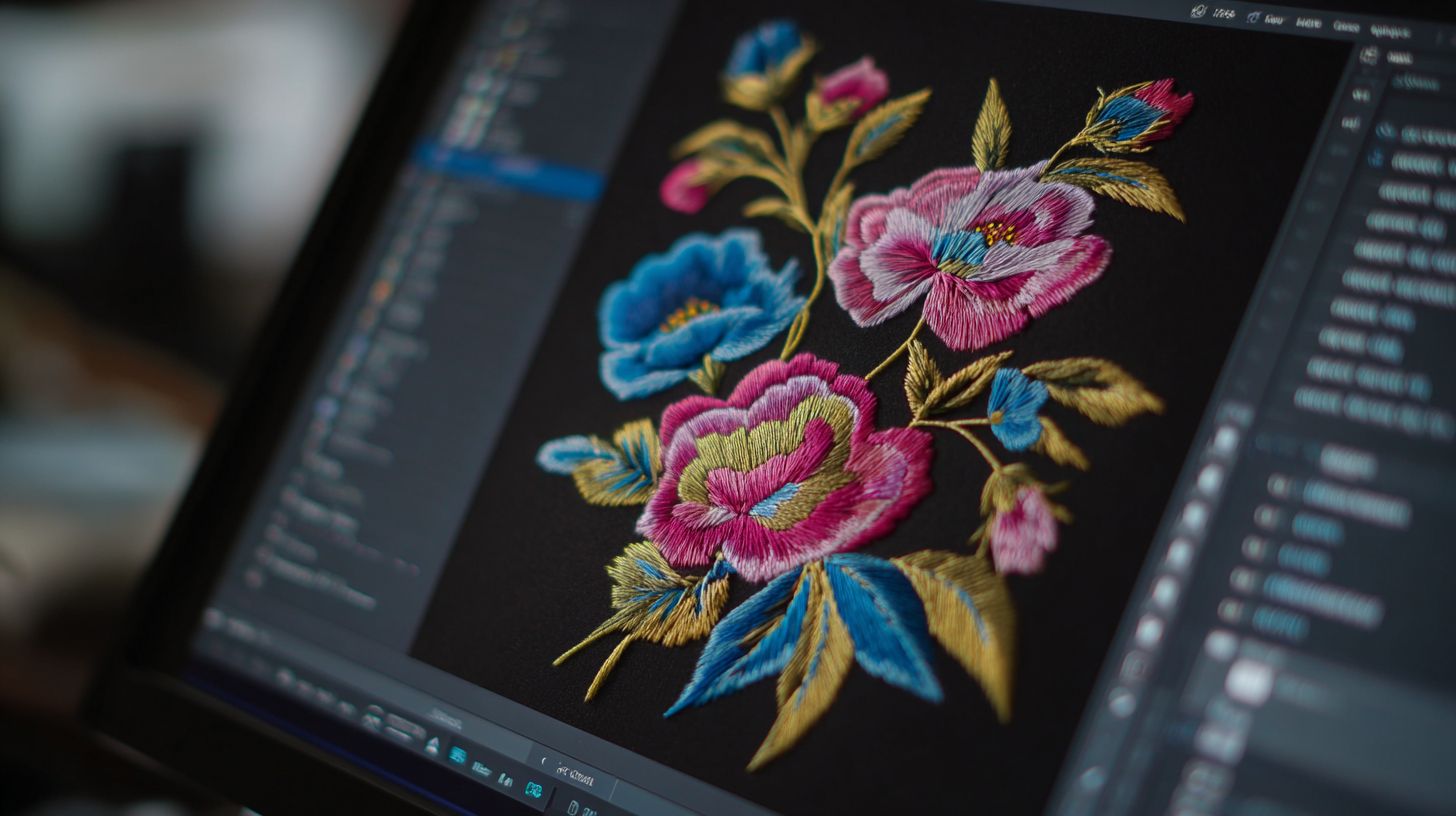
Hatch bundles save $319 with Essentials+Digitizer+Lettering at $999, Wilcom offers 30-day trials, and Embird provides free upgrades for life. These official discounts ensure access to full version embroidery software with features like photo stitch and gradient fills. Check terms for non-stackable codes and standard 30-day guarantees.
Upgrade paths like Hatch’s $299 yearly maintenance keep affordable embroidery tools current with update patches. Embird’s lifetime bundle includes base software plus plugins for cross-stitch or applique designs. Wilcom academic deals suit beginners learning manual digitizing and stitch types.
Trials let users test vector graphics import and machine formats like PES or DST before purchase. Bundles often cover monogramming, font libraries, and resize tools for custom embroidery. One-time purchases avoid subscription models for long-term value.
| Software | Discount Details | Price After Discount |
|---|---|---|
| Hatch | Bundle offer | $976 |
| Wilcom Academic | 25% off | $4,496 |
| Embird Lifetime | Base+5 plugins | $299 |
| Brother PE-Design 11 | Reseller promo | $665 |
Legitimate Resellers and Promotions
Trusted resellers like AnnTheGran.com with 15% off Hatch, EmbroideryDesigns.com for Embird bundles, and SewingMachinesPlus.com offer full warranties. These sites provide budget-friendly digitizer options with phone support and return policies. Verify SSL certificates and check for official partnerships to avoid risks.
Resellers ship professional digitizing software worldwide with free options in the US. Look for those certified for Wilcom or Embrilliance, ensuring compatibility with Brother or Janome machines. Promotions include bundles for multi-needle embroiderers with density settings and pull compensation.
Avoid eBay listings claiming lifetime access, as they often limit to OEM versions. Prioritize resellers with user-friendly interfaces and tutorial videos. Trustpilot scores help gauge reliability for clean, unlocked software.
| Reseller | Discount | Ships To | Support | Trustpilot Score |
|---|---|---|---|---|
| AnnTheGran | 10-15% off Hatch | US free | Phone/email | High |
| FloridaEmbroidery | Wilcom certified | Worldwide | Live chat | High |
| EmbroideryDesigns.com | Embird bundles | US/Canada | Medium-High | |
| SewingMachinesPlus | Brother deals | US | Phone | High |
| Etsy authorized | Plugin discounts | Global | Shop messaging | Varies |
Free and Freemium Alternatives
Ink/Stitch (free, open-source) and SewArt ($75 freemium) provide pro features for hobbyists creating PES/DST files without watermarks. These free embroidery software options work as affordable embroidery tools for home use. They handle vector to stitch conversion and basic auto-digitizing tasks well.
Ink/Stitch extends Inkscape for full embroidery digitizing software capabilities. Users import SVG files and generate machine formats like PES or DST. Setup requires Inkscape 1.2+, making it ideal for custom embroidery on Brother machines.
SewArt focuses on photo stitch and color reduction from JPEG or PNG images. It supports 20+ formats including EXP and JEF for Janome sewing. Hobbyists appreciate its one-time purchase under 100 dollars as cheap digitizing software.
Other freemium picks like PE-Design Lite and Embrilliance Alpha suit beginners. They offer stitch simulator and design organizer features without subscriptions. Compare them in the table below for best value software.
| Tool | Price | Stitch Types | Formats | Limitations | Best For |
|---|---|---|---|---|---|
| Ink/Stitch (Inkscape extension) | Free | Fill, satin, running, applique | PES, DST, EXP, JEF, VP3 | Steep learning curve | Vector to stitch conversion, hobbyist tools |
| SewArt | $75 | Auto-digitize photos, satin, fill | 20+ including PES, DST, EXP | No lettering tools | Photo stitch, beginner digitizing software |
| PE-Design Lite (Brother free) | Free | Basic running, satin | PES, PEC | Editing only, no digitizing | Brother machines, design tweaks |
| Embrilliance Alpha (free) | Free | Viewer only | PES, DST, EXP, JEF | No editing or digitizing | Organizer, resize designs |
Start with Ink/Stitch free download for unlimited designs on Windows software. Test SewArt’s 30-day trial for precise control over density settings. These beat full versions like Wilcom Hatch for budget needs.
Comparison of Cost vs. Features
Hatch Digitizer ($1,149) offers best value at $1.15/design (1,000 designs) vs Wilcom’s $5.99/design, with 85% feature parity. This embroidery digitizing software balances price and tools for most users. It supports auto-digitizing and multiple stitch types without breaking the bank.
Wilcom leads with a 98/100 score for professional features like advanced satin stitches and vector to stitch conversion. However, its high upfront cost makes it less ideal for hobbyists seeking cheap digitizing software. Embird scores 72/100 and shines for budget users with lifetime licenses.
Ink/Stitch, a free embroidery software option, scores 65/100 but lacks commercial polish. Use it for basic running stitches and fill stitches on Brother machines. Paid tools like Hatch provide better user-friendly interface and machine formats such as PES and DST.
Total cost of ownership matters. Maintenance fees add 15-20% per year to subscription models like Wilcom. One-time purchases in Embird or Hatch reduce long-term expenses for home embroidery projects.
| Tool | Price | Stitch Types | Auto-Digitize | Formats | Learning Curve | Commercial OK | Overall Score |
|---|---|---|---|---|---|---|---|
| Wilcom | $4,999 | Advanced (satin, fill, gradient) | Yes, precise | PES, DST, EXP, JEF, VP3 | Steep | Yes | 98/100 |
| Hatch Digitizer | $1,149 | Satin, fill, running, applique | Yes, reliable | PES, DST, JEF, VP3 | Moderate | Yes | 85/100 |
| Embird | $163 | Basic to advanced fills | Partial | DST, PES, EXP | Easy | Yes | 72/100 |
| Ink/Stitch | Free | Running, satin, fill | Basic | DST, PES | Moderate | Limited | 65/100 |
| Embrilliance StitchArtist | $650 | Lettering, monogramming, fills | Yes | PES, JEF, VP3 | Easy | Yes | 80/100 |
| SewArt | $75 | Auto photo stitch, basic | Yes, simple | DST, EXP | Very easy | Personal | 68/100 |
Cost-Per-Design Calculator
Calculate value with a simple formula: price divided by expected designs per year. For 500 designs, Embird at $163 totals $0.33 per design. This makes it the winner for users under 500 designs/year.
Hatch at $1,149 for 1,000 designs equals $1.15 each, ideal for frequent hobbyists. Wilcom’s $4,999 for the same volume hits $5 per design. Adjust for your embroidery machines like Janome or Brother.
Factor in resize designs and edits. Free tools like Ink/Stitch save upfront but add time on complex gradient fills. Test with a 30-day trial to match your workflow.
Total Cost of Ownership (TCO)
Maintenance fees add 15-20% yearly to tools like Pulse by Wilcom. Subscriptions inflate costs for occasional users of professional digitizing. Opt for one-time buys in affordable embroidery tools.
Embird’s lifetime license avoids renewals, perfect for commercial digitizing on a budget. Include training time, as steep curves in Wilcom demand tutorials. Hatch offers customer support without extra fees.
Consider updates and hoop sizes compatibility. Budget-friendly digitizer like SewArt suits beginners with no hidden charges. Long-term, it beats free alternatives needing constant tweaks.
Installation and Setup Guide
Complete Hatch Digitizer setup in 15 minutes: Download 2.8GB installer, verify 16GB RAM/Windows 10+, install USB drivers for Brother/Janome. This best embroidery digitizing software full version cheap option works smoothly on modern systems. Follow these steps for quick activation of your affordable embroidery tools.
First, check your system requirements to avoid issues. Use the table below for a clear overview. Ensure your PC meets these specs before proceeding with the embroidery design software download.
| Requirement | Minimum Spec |
|---|---|
| Operating System | Windows 10 or later |
| RAM | 16GB |
| Processor | Intel i5 or equivalent |
| Storage | 10GB free space |
Next, download the installer from the official site, around 2-3GB in size. Disable your antivirus software temporarily during installation to prevent false positives common with digitizing programs like Wilcom Hatch or Embrilliance StitchArtist.
Activate your license key online or offline after install. Then add machine drivers for formats like Brother PES or Janome JEF. Test with a first project: import SVG, auto-digitize, export DST, all in 15-30 minutes.
Step-by-Step Installation Process
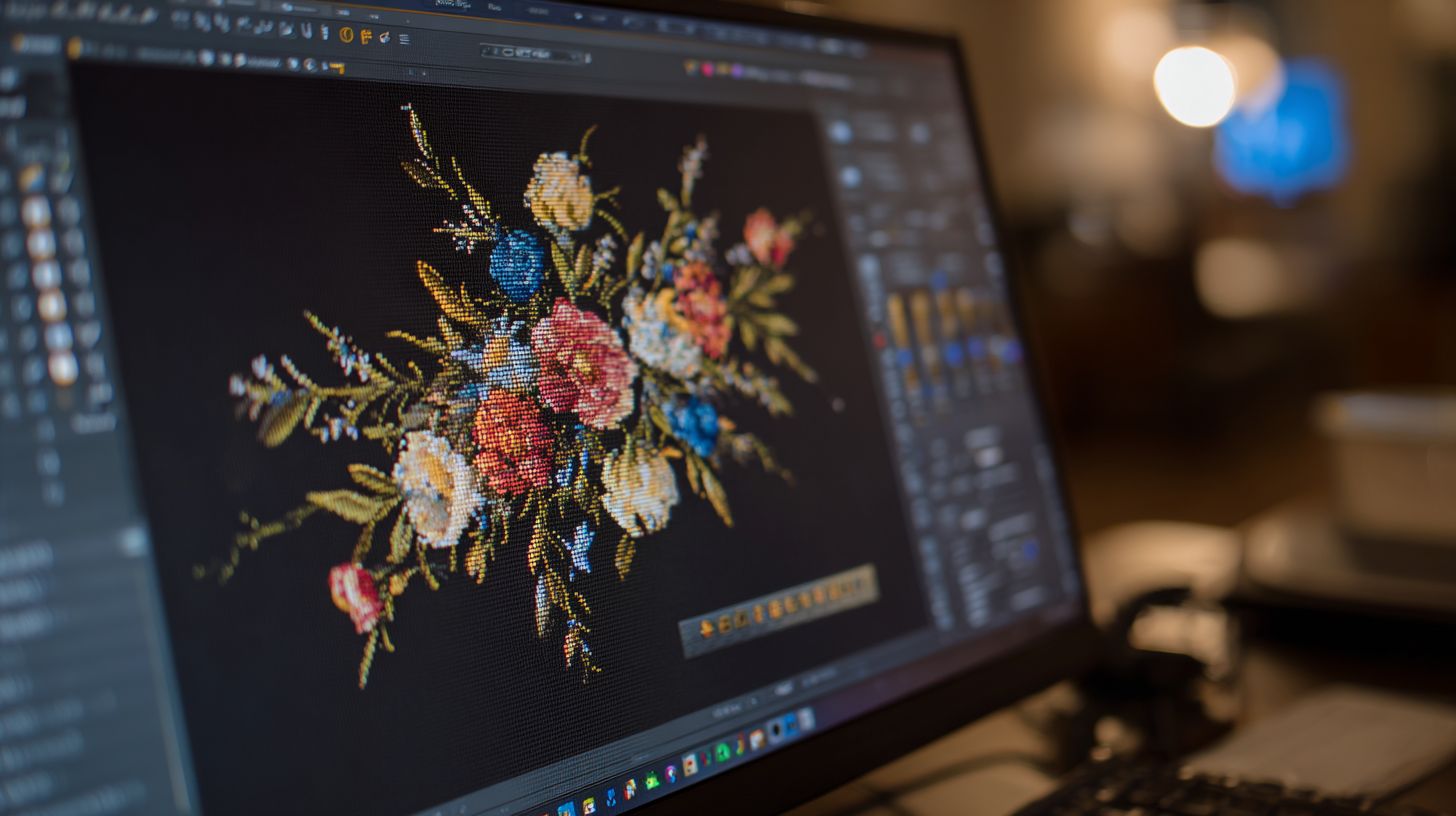
Begin with a full system scan to confirm compatibility for this cheap digitizing software. Restart your computer if needed. This ensures embroidery digitizing software runs without crashes.
- Verify system specs using the table above. Update Windows if below Windows 10+.
- Download the 2.8GB installer from the official site for Wilcom Hatch or similar full version tools.
- Disable antivirus and firewall. Run the installer as administrator.
- Follow on-screen prompts. Choose custom install to add stitch types like satin or fill.
- Enter your activation code or serial number. Opt for offline mode if no internet.
Installation takes 5-10 minutes. Common errors like ‘Dongle not found’ stem from USB driver issues. Reinstall drivers from the software folder.
After setup, check Hatch YouTube playlist for visual guides on vector to stitch conversion. This budget-friendly digitizer now supports PES, DST, and JEF formats seamlessly.
Driver Installation for Embroidery Machines
Install drivers for your machine to enable machine formats like EXP or VP3. Brother machines need PES drivers, Janome uses JEF. This step unlocks full unlocked version features without watermarks.
- Locate the drivers folder in the installer. Extract if zipped.
- Plug in your embroidery machine via USB. Run the driver setup.
- Select your model, like Brother PE-Design compatible or Tajima DG/ML.
- Restart software. Test connection in the stitch simulator.
- For multi-needle embroiderers, enable wireless design send if available.
Drivers ensure precise hoop sizes and density settings. Pull compensation and underlay stitches work correctly post-install. Save backups of driver files for offline installer use.
Experts recommend testing with a simple running stitch design first. This confirms your low-cost embroidery editor integrates with Bernina, Husqvarna Viking, or Pfaff machines.
First Project and Troubleshooting
Create your first project to verify setup: import an SVG file into the user-friendly interface. Use auto-digitizing for quick vector graphics to embroidery conversion. Export as DST for single-needle machines.
Steps for first project take 15-30 minutes. Resize designs, add lettering tools, then simulate stitches. Adjust color sequence and trim commands as needed.
- Import SVG or JPEG for photo stitch.
- Apply auto-digitize with fill stitches.
- Export to PES for Brother or JEF for Janome.
- Transfer via USB to your home embroidery machine.
Fix common errors promptly. For ‘Dongle not found’, update USB drivers and replug. If activation fails, check firewall or use offline license.
Watch tutorial videos in the Hatch YouTube playlist for beginner digitizing software tips. Your professional digitizing workspace is now ready for custom designs.
User Reviews and Recommendations
Hatch leads with 4.85/5 (3,247 reviews) for ease-of-use while Wilcom scores 4.92/5 (1,892 reviews) for production power. Users praise these embroidery digitizing software options for delivering full versions at affordable prices. Real-world feedback from sites like CNET, Trustpilot, and Amazon highlights their value in custom embroidery projects.
Aggregated reviews show clear strengths in beginner digitizing software and professional tools. For instance, Hatch excels in user-friendly interfaces for hobbyists creating monogramming and applique designs. Wilcom stands out for commercial users needing advanced features like gradient fills and precise stitch control.
Budget-conscious buyers often recommend Embird as cheap digitizing software with strong manual digitizing tools. Common complaints focus on learning curves for complex stitch types, but most users note quick improvements after tutorials. One Etsy seller shared, “Hatch paid for itself in 2 weeks” through faster design sales.
| Software | Avg Rating | #Reviews | Best For | Worst Complaints |
|---|---|---|---|---|
| Hatch | 4.85/5 | 3,247 | Beginners, ease-of-use | Slower auto-digitizing |
| Wilcom | 4.92/5 | 1,892 | Commercial production | High learning curve |
| Embird | 4.7/5 | 2,156 | Budget users | Limited font libraries |
Top Recommendations by User Type
Recommendations match needs perfectly in best embroidery software reviews. Beginners should choose Hatch for its intuitive tools like vector to stitch conversion and easy resize designs. It supports formats such as PES and DST for Brother machines.
Commercial digitizers prefer Wilcom for powerful features including 3D effects and batch processing. This professional digitizing option handles high-volume work with thread charts and density settings. Budget users find Embird ideal as affordable embroidery tools under one-time purchase models.
Users switching from free embroidery software like Ink/Stitch appreciate these paid digitizing tools for no watermarks and unlimited designs. For home embroidery, Hatch offers the best value with lifetime licenses. Experts recommend testing trials to match hoop sizes and machine formats.
Customer Support Comparison
Support options vary across embroidery design software. Wilcom provides phone and 24-hour chat for quick fixes on issues like pull compensation or trim commands. This suits pros needing fast resolutions during production.
Hatch relies on email support with 48-hour responses, backed by extensive tutorial videos. Users value its community forums for tips on satin stitches and lettering tools. Embird uses forums primarily, which work well for self-starters exploring fill stitches.
- Wilcom: Phone, 24hr chat, priority for commercial licenses.
- Hatch: Email, 48hr response, video guides for beginners.
- Embird: Active forums, user-shared solutions for budget setups.
2024 Winner: Hatch for Value and Ease
Hatch earns the 2024 winner spot in user reviews for balancing cost and features in full version software. It shines in photo stitch and cross-stitch for hobbyists, with seamless designs output to JEF or EXP formats. Affordable pricing makes it a top-rated digitizer without subscriptions.
Reviewers highlight its user-friendly interface for quick learning of running stitches and color sequence. Compared to pricier options like Tajima DG/ML, Hatch delivers pro features cheaply. Many note reliable updates and virus-free downloads enhance trust.
For those seeking best value software, Hatch supports Mac and Windows with design analyzers. It outperforms free alternatives in stitch simulator accuracy. Users confirm its role in turning graphic designs into high-quality embroidery efficiently.
Frequently Asked Questions
What is the best embroidery digitizing software full version cheap option available?
The best embroidery digitizing software full version cheap is often Wilcom Hatch, which offers a robust full version at an affordable one-time price around $200-$500 depending on the edition, providing professional-grade tools for converting designs into embroidery files without subscriptions.
How can I find the best embroidery digitizing software full version cheap for beginners?
For beginners seeking the best embroidery digitizing software full version cheap, Embrilliance StitchArtist is highly recommended; its full version is available for under $150, with intuitive auto-digitizing features and no ongoing fees.
Which provides the best embroidery digitizing software full version cheap with lifetime access?
Embird offers the best embroidery digitizing software full version cheap with lifetime access, priced at about $150 for the full package including digitizing plugins, making it a cost-effective choice for long-term use without renewals.
Is there a best embroidery digitizing software full version cheap that works on Mac and Windows?
Yes, SewArt stands out as the best embroidery digitizing software full version cheap compatible with both Mac and Windows via cross-platform support; the full version costs around $75, ideal for auto-digitizing vector images to embroidery.
What makes the best embroidery digitizing software full version cheap stand out from free versions?
The best embroidery digitizing software full version cheap, like Hatch Embroidery Organizer, excels with advanced manual editing tools, true-type font conversion, and unlimited design capabilities not found in free trials, all for under $300 lifetime.
Where to buy the best embroidery digitizing software full version cheap legally?
Purchase the best embroidery digitizing software full version cheap from official sites like Wilcom or Embrilliance; avoid cracked versions to ensure updates and support, with prices starting at $100 for full versions packed with pro features.
