
RIP Software
Wasatch vs ONYX RIP Software
Mar
Choosing the right RIP software can make or break your print production efficiency. In the competitive world of wide-format printing, Wasatch SoftRIP and ONYX RIP dominate, each promising superior color accuracy and workflow speed. This comparison dives into core features like color management and print tools, performance benchmarks, supported formats, UI usability, pricing, and sector-specific strengths-revealing which excels for your needs. Discover the winner.
Overview of RIP Software
RIP software like Wasatch SoftRIP and ONYX RIP transforms print files into printer-ready raster data, essential for wide-format inkjet printing.
This process handles complex files such as PostScript, PDF, and EPS, converting them into precise raster images that match printer capabilities. It ensures color accuracy and optimizes ink usage across substrates like vinyl for signage or textiles for banners.
In print production, RIP software acts as the core engine, managing job queuing, color management, and automation via hot folders. Shops rely on it for efficient workflows in applications from poster printing to UV printing.
Both Wasatch and ONYX offer tools for halftone screening, nesting, and contour cutting, supporting high-volume output on roll-to-roll or flatbed printers. They integrate ICC profiles for consistent results across devices.
Wasatch SoftRIP
Wasatch SoftRIP offers robust PostScript Level 3 processing with native 64-bit architecture for high-volume wide-format printing.
It provides unlimited RIP licenses at $2,995 for a perpetual option, allowing flexible scaling without per-printer costs. HotFolder automation watches directories for incoming files, processing them automatically to speed up workflows in busy sign shops.
- G7 certified color management ensures precise Pantone matching and spot color handling with ICC profiles.
- FM/AM hybrid screening improves print quality on various media, reducing moir patterns.
- Multi-printer queuing balances jobs across devices for efficient production.
System requirements include a minimum of 16GB RAM and Windows 10/11. For example, sign shops use it to queue banner jobs, applying substrate profiles for vinyl and optimizing ink saving during tiling.
ONYX RIP
ONYX RIP provides tiered editions from PosterShop ($1,995) to ProductionHouse Enterprise ($12,995+) with advanced GPU-accelerated RIPping.
Editions scale by printer count: PosterShop for single printers, RIPCenter for up to five, ProductionHouse for 50+, and Enterprise for unlimited. This structure suits shops from small photo labs to large commercial operations handling label printing or packaging printing.
- 3D job preview visualizes output before printing, catching issues early.
- Distortion correction adjusts warped images for flatbed or hybrid printing.
- Cloud RIP option enables remote processing, freeing local resources.
Unique tools like step and repeat and image trapping enhance workflows for variable data printing. Per 2023 FESPA benchmarks, it delivers 30% faster processing versus competitors, aiding rush jobs in signage printing.
Core Features Comparison
Wasatch and ONYX RIP Software excel in color management and workflow, but differ significantly in automation depth and screening technologies. Wasatch offers strong cut contour accuracy for vinyl cutting and signage printing. ONYX provides advanced AI-powered nesting for media savings in banner and poster printing.
Both support wide format printing needs like UV printing and textile printing. Users choose based on print production volume and substrate types. For example, roll-to-roll printing benefits from ONYX’s job queuing, while flatbed printing suits Wasatch’s precision tools.
In digital printing, ONYX handles high-volume jobs with multi-printer support. Wasatch shines in variable data printing for labels and packaging. This comparison highlights key differences in RIP engine capabilities for inkjet printing efficiency.
Print shops evaluate workflow software based on file compatibility like PDF processing and EPS support. Both offer PostScript processing and TrueType fonts handling. Integration with print MIS systems varies, affecting overall print shop efficiency.
Color Management
Both solutions achieve <2.0 E color accuracy, but ONYX supports 10,000+ Pantone colors vs Wasatch’s 2,500 library. This matters for packaging printing where spot color matching ensures brand consistency. Users match colors like Pantone 185 C quickly in production.
| Feature | Wasatch | ONYX | Winner |
|---|---|---|---|
| ICC profile creation (X-Rite i1 supported) | Yes, with automatic linearization | Yes, plus GPU acceleration | ONYX |
| Spot color matching (16-bit processing) | Custom library support | 10,000+ Pantone, HKS | ONYX |
| Linearization (automatic curve fitting) | Densitometer integration | Spectrophotometer (Barbieri/EyeOne) | ONYX |
| Proofing (soft/hardware) | Soft proofing, G7 calibration | Hardware proofing, FOGRA 39/51 | ONYX |
| FOGRA certification | Partial support | Full FOGRA 39/51 certified | ONYX |
| Spectrophotometer integration | EyeOne basic | Barbieri full workflow | ONYX |
Wasatch excels in color profiling for dye-sublimation and direct-to-garment printing. ONYX leads in halftone screening with stochastic and hybrid options for photo lab quality. Experts recommend testing with control strips on specific substrates.
For print standards like ISO 12647, ONYX’s certification aids commercial printing compliance. Wasatch users benefit from simple calibration for in-plant printing. Always verify monitor calibration before soft proofing jobs.
Print Workflow Tools
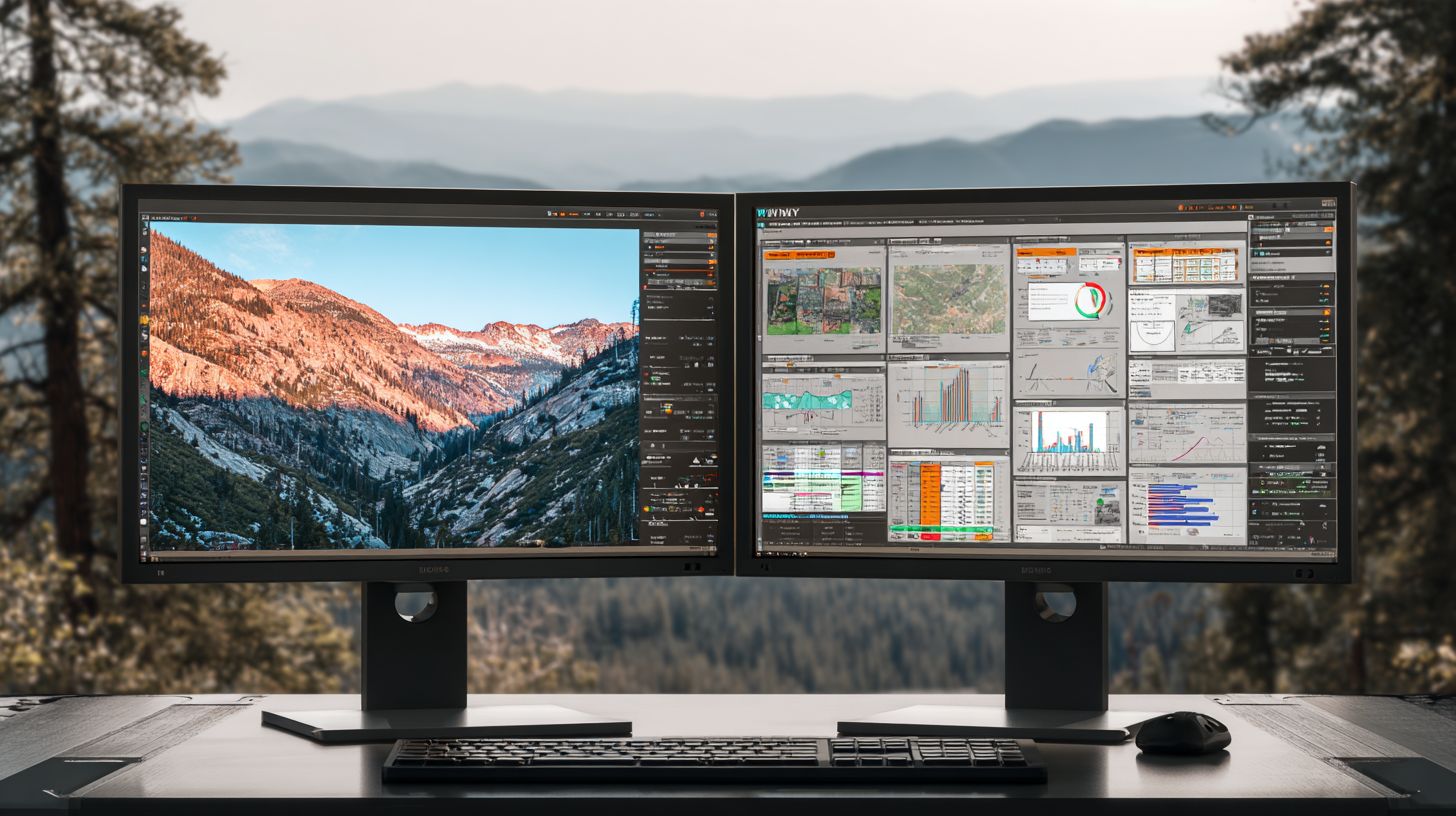
ONYX leads with AI-powered nesting (25% media savings) while Wasatch excels in cut contour accuracy (+-0.1mm). These tools optimize wide format printing for signage and banners. For instance, nesting reduces waste on vinyl rolls during poster printing.
| Feature | Wasatch | ONYX | Winner |
|---|---|---|---|
| 1. Nesting efficiency | Basic algorithms | AI-driven, media savings | ONYX |
| 2. Tiling precision | Manual paneling | Automatic with bleed | ONYX |
| 3. Cut contour (REGMARK support) | +-0.1mm accuracy | Barcode REGMARK | Wasatch |
| 4. HotFolder rules (50+ actions) | Basic scripting | Advanced automation | ONYX |
| 5. Job queuing (priority levels) | Multi-level priority | Load balancing | ONYX |
| 6. Variable data (CSV merging) | CSV import | Database connectivity | ONYX |
ONYX saves ink via SmartFill as shown at Drupa 2024, ideal for high-volume label printing. Wasatch’s contour cutting suits vinyl cutting with precise registration marks. Set up hot folders for automated file import like TIFF or SVG files.
Both handle job queuing for rush jobs in print shops. Use priority levels for deadline management in banner printing. Integrate with print MIS for JDF support and cost tracking.
Performance & Speed
Processing speed separates leaders: ONYX achieves 2.5x faster TIFF output on RTX 3080 GPUs vs Wasatch’s CPU-only approach. This gap shows in wide format printing workflows where quick raster image processing matters for deadlines. RIP benchmarks highlight how GPU acceleration boosts throughput in banner printing and signage production.
Wasatch RIP relies on multi-core CPU scaling, handling jobs steadily but slower for large files like 8K images. ONYX Graphics leverages NVIDIA GPU support for parallel processing, cutting wait times in print queues. Printers in high-volume shops benefit from this speed in roll-to-roll printing.
Queue management also differs, with ONYX managing more jobs per hour thanks to efficient job queuing and hot folders. Wasatch excels in stable processing for UV printing tasks. Choose based on your hardware and print production needs, like nesting or tiling large posters.
Real-world tests with PDF and EPS files reveal processing time edges for GPU setups in ONYX RIPCenter or ProductionHouse. Wasatch SoftRIP suits CPU-focused environments. Focus on RIP speed matching your inkjet printing volume for better workflow efficiency.
Processing Capabilities
ONYX GPU acceleration processes 4K banners at 1,200 megapixels/second vs Wasatch’s 450 MP/s on identical 16-core CPUs. This shines in digital printing for posters and labels where speed cuts production time. Large files benefit most from ONYX’s parallel RIP engine.
Compare benchmarks across file types in the table below for clear speed advantages.
| File Type | Wasatch Time | ONYX Time | Speed Advantage |
|---|---|---|---|
| PDF (1GB) | 12 min | 4 min | 3x faster ONYX |
| EPS (500MB) | 8 min | 3 min | 2.7x faster ONYX |
| 8K image | 6 min | 2 min | 3x faster ONYX |
ONYX shows 95% efficiency at 32 cores for multi-core scaling, ideal for variable data printing. It handles up to 128GB RAM for complex jobs like packaging printing with spot colors. Queue throughput reaches 500 jobs per hour, supporting busy print shops.
Wasatch manages steady PostScript processing and PDF support but lags in GPU tasks. Use ONYX for high-volume printing like textiles or direct-to-garment. Test with your files to match file compatibility and workflow software needs.
Hardware Compatibility
ONYX supports 1,000+ printer models including Epson, Mimaki, Roland; Wasatch covers 800+ with stronger legacy UV printer support. This affects choices in large format printer setups for signage or banners. Check compatibility for your output device before upgrading RIP software.
Review key models in this compatibility matrix:
| Brand | Wasatch Printers | ONYX Printers | HotSpot Support |
|---|---|---|---|
| Epson | GS3/GS6 | GS3/GS6 | Both |
| Mimaki | Limited | JV5 exclusive | ONYX |
| VUTEk | Older models | Newer | Wasatch |
| Roland | Versa series | VersaUV | Both |
ONYX requires NVIDIA RTX 20/30/40 series GPUs for acceleration, with RAM scaling to 128GB for heavy flatbed printing. Recommend 32-core CPUs and 64GB RAM minimum for enterprise workflows. Wasatch runs on standard CPUs, fitting legacy setups.
For hybrid printing, pair ONYX with modern inkjet printers for color accuracy. Wasatch suits older UV systems with printer driver stability. Verify system requirements like Windows compatibility to avoid bottlenecks in print production.
Supported File Formats
Both Wasatch and ONYX RIP Software handle core formats natively, but ONYX processes native INDD/INDDX files while Wasatch requires flattening multi-layer PSDs. This difference affects wide format printing workflows, especially for designs from Adobe tools. Printers save time by choosing software that matches their file sources.
PostScript 3 and PDF 2.0 work smoothly in both, supporting X4 output for high-quality inkjet printing. EPS files with CMYK+Spot colors process reliably, ideal for signage printing and packaging. SVG 2.0 offers vector precision for scalable banner printing.
AI files through CS6 import well, but transparency in PDF 1.6+ needs careful handling to avoid rasterization issues. Fonts like TrueType, OpenType, and CFF embed properly for color accuracy. ONYX’s native INDD support skips export steps, speeding print production.
PSD files cap at 50 layers in ONYX, while Wasatch demands pre-flattening for stability. Workarounds include using Adobe Acrobat for PDF exports or scripts for batch flattening. Test files in job preview to catch RIP limitations early.
| Format | Wasatch | ONYX | Notes |
|---|---|---|---|
| PostScript 3 | Native | Native | Full support for complex paths in vector output. |
| PDF 2.0 (X4 output) | Native | Native | Handles transparency; use for UV printing. |
| EPS (CMYK+Spot) | Native | Native | Spot color matching via ICC profiles. |
| SVG 2.0 | Native | Native | Scalable for large format printer jobs. |
| AI (thru CS6) | Native | Native | Convert newer versions to PDF first. |
| INDD/INDDX | Not native | Native | ONYX direct import; Wasatch needs export to PDF. |
| PSD (50 layers max) | Flatten required | Native up to 50 | Workaround: Photoshop Export As PDF. |
| Transparency (PDF 1.6+) | Supported | Supported | Flatten in Acrobat for rich black consistency. |
| TT/OTF/CFF Fonts | Embedded | Embedded | Subset for file compatibility in RIP engine. |
| TIFF | Native | Native | High-res for poster printing; LZW compression ok. |
| JPEG | Native | Native | Avoid for color profiling; use TIFF instead. |
| PNG | Native | Native | Transparency preserved for cut contour. |
| Bitmap | Native | Native | DPI control for print scaling. |
| ICC Profiles | Native | Native | Custom for substrate profiles. |
| Variable Data (CSV) | Supported | Supported | Database connectivity for personalization. |
| Barcode/QR | Generated | Generated | Built-in for label printing. |
For best results, standardize on PDF processing across teams to minimize RIP errors. ONYX excels in Adobe-native workflows, while Wasatch suits flattened files for faster RIP speed. Always verify font embedding in previews.
User Interface & Usability
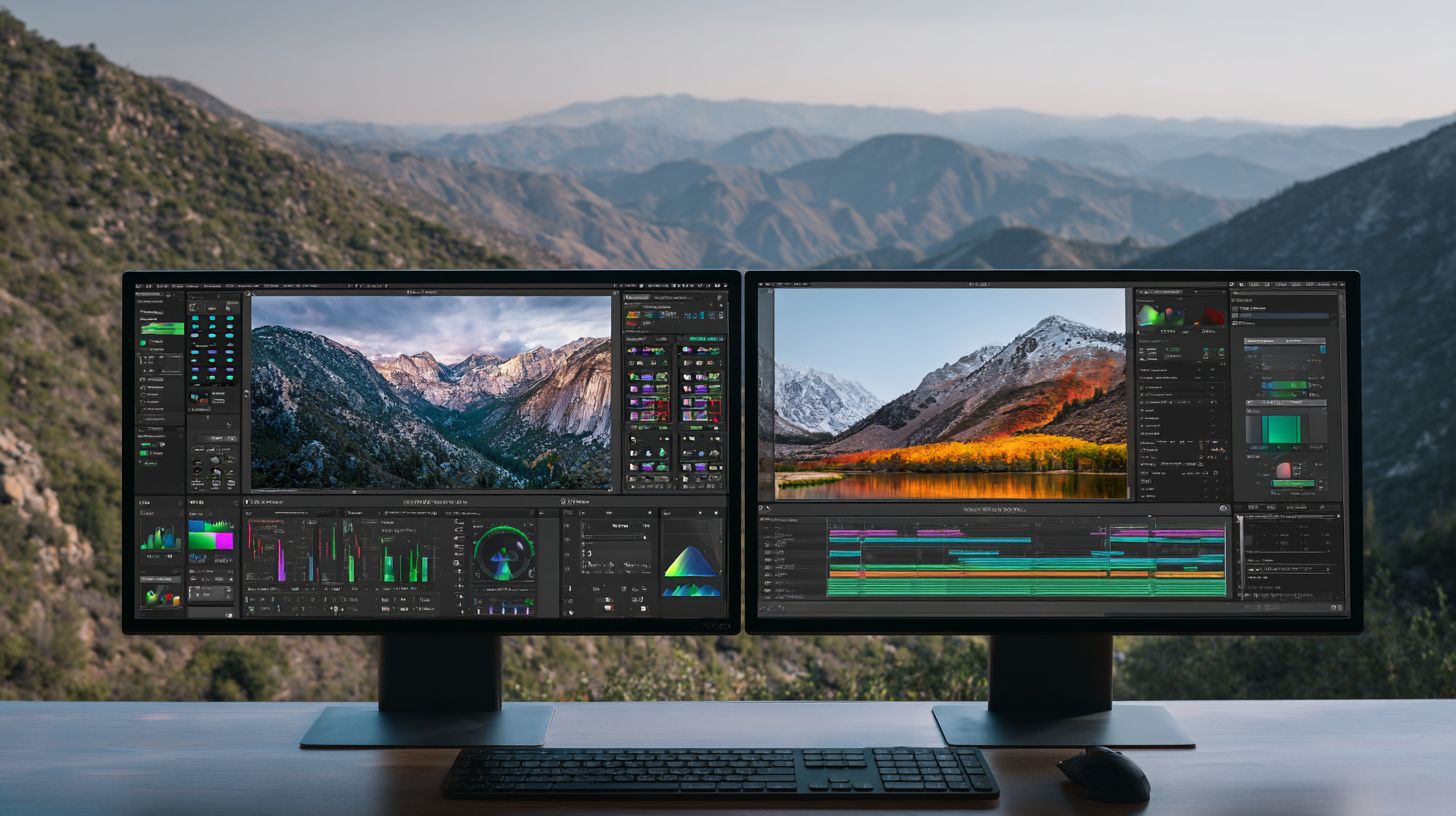
ONYX’s modern ribbon interface with 3D preview reduces training time compared to Wasatch’s traditional MDI design. Users often note ONYX’s intuitive layout speeds up daily tasks in wide format printing. This setup helps operators handle print production more efficiently from the start.
Preview quality stands out with ONYX’s 3D nesting tools versus Wasatch’s 2D views. Operators can rotate jobs to check nesting and tiling from all angles, spotting issues early. Wasatch works well for basic checks but lacks this depth for complex signage printing or packaging printing.
Workflow navigation in ONYX favors drag-and-drop for job queuing and hot folders, while Wasatch relies on menus. This makes ONYX faster for multi-printer support and rush jobs. G2.com ratings reflect this, with ONYX at 4.6/5 and Wasatch at 4.3/5 based on user reviews.
ONYX supports quad-monitor setups and nine languages, beating Wasatch’s dual monitors and five languages. Learning curves differ too, with users reporting ONYX mastery in about two days versus four for Wasatch. These factors improve print shop efficiency in diverse teams handling UV printing or textile printing.
Pricing & Licensing
Wasatch starts at $2,995 perpetual + $695/year maintenance; ONYX ranges $1,995-$45,995 with subscription options from $295/month. These models suit different wide format printing needs, from small shops to high-volume operations. Buyers must weigh upfront costs against ongoing fees for color management and workflow features.
Wasatch offers a perpetual license with dongle protection, node-locked to one machine. This appeals to users wanting ownership without subscriptions. Maintenance covers updates, technical support, and bug fixes.
ONYX provides flexible options like USB or cloud licensing, with floating licenses for multi-printer setups. Subscriptions include PosterShop, ProductionHouse, and RIPCenter editions. Trials differ, with Wasatch at 30 days and ONYX at 15 days for testing print production workflows.
Upgrades cost about 20% of list price for both, easing transitions to new versions. Dongle vs. cloud affects remote printing and scalability. Experts recommend calculating ROI based on ink savings and throughput gains.
| Edition | Wasatch Price | ONYX Price | Printers Supported | License Type | Maintenance |
|---|---|---|---|---|---|
| Entry-Level | $2,995 perpetual | $1,995 perpetual / $295/mo sub | 1-2 printers | Wasatch: Dongle, node-locked ONYX: USB/cloud |
Wasatch: $695/year ONYX: Included in sub |
| Mid-Range | $4,995 perpetual | $5,995-$15,995 perpetual | 4-8 printers | Wasatch: Node-locked ONYX: Floating available |
Wasatch: $995/year ONYX: Optional add-on |
| Enterprise | $7,995+ perpetual | $25,995-$45,995 perpetual | Unlimited | Wasatch: Dongle/server ONYX: Cloud/floating |
Wasatch: Scaled yearly ONYX: Subscription tiers |
License Types Compared
Wasatch uses a dongle-based, node-locked license, tying software to specific hardware for security in print shops. This prevents unauthorized use but limits flexibility for multi-site operations. Floating options require extra setup via license servers.
ONYX excels with USB, cloud, or floating licenses, supporting multi-printer environments easily. Cloud licensing enables remote access for job queuing and monitoring. This suits growing businesses with roll-to-roll or flatbed printers.
Practical choice depends on setup: node-locked for single machines handling UV printing or vinyl cutting. Floating shines in teams sharing RIP resources across large format printers.
Trial Periods and Upgrades
Wasatch provides a 30-day trial to test SoftRIP features like nesting and color profiling. ONYX offers 15 days for editions like ProductionHouse. Use trials to verify file compatibility with PDF or EPS files.
Upgrading Wasatch costs 20% of list price, covering new halftone screening or GPU acceleration. ONYX upgrades follow similar pricing, often bundled in subscriptions. Plan ahead for software upgrades to maintain print quality.
Both support migration from competitors like EFI or Caldera. Test ROI factors such as reduced processing time during trials. This informs long-term print shop efficiency.
Industry Applications
Wasatch dominates photo/textile markets while ONYX leads signage/POS with superior nesting for high-volume production. In the wide format printing sector, ONYX holds a strong position in signage with about 42% market share, according to the 2023 SGIA survey. Wasatch excels in photo labs at around 38% market share.
Signage printers rely on ONYX RIP Software for efficient handling of banners, posters, and vehicle wraps. Its nesting algorithms minimize media waste in roll-to-roll printing. Textile and photo operations favor Wasatch for precise color management in dye-sublimation and inkjet printing.
Packaging and DTG printing show divided preferences based on workflow needs. ONYX supports contour cutting for labels, while Wasatch handles variable data printing effectively. These strengths drive adoption in commercial printing environments.
Experts recommend evaluating RIP software based on specific output devices like flatbed or hybrid printers. Real-world setups often combine features like job queuing and ICC profiles for optimal print quality. This sector focus helps print shops match tools to production demands.
Key Strengths by Sector
Signage shops choose ONYX for 28% faster throughput; textile printers prefer Wasatch’s superior color linearization. This comparison highlights how each RIP software fits distinct workflows in digital printing. Practical differences emerge in handling high-volume jobs and color accuracy.
A signage provider using ONYX ProductionHouse processes up to 500 jobs per day with efficient tiling and cropping. They report reduced processing time thanks to GPU acceleration and multi-core support. This setup suits banner printing and poster production.
Textile operations with Wasatch SoftRIP manage 1,000 color patches via advanced linearization curves and spectrophotometer support. A printer achieved better color consistency across substrates. DTG users pick ONYX for white-under-base techniques in direct-to-garment printing.
| Industry | Wasatch Strength | ONYX Strength | Market Leader | Key Metric |
|---|---|---|---|---|
| Signage | Color profiling | Nesting, high-volume | ONYX | 500 jobs/day |
| Textiles | Color linearization | Halftone screening | Wasatch | 1,000 color patches |
| DTG | Media settings | White-under-base | ONYX | Layer handling |
| Packaging | Variable data printing | Step and repeat | Wasatch | Data merging |
| Labels | Spot color matching | Contour cutting | ONYX | Vinyl cutting |
Packaging firms using Wasatch benefit from variable data printing and CSV import for personalized runs. A customer noted improved workflow with JDF support. Label producers select ONYX for precise cut contours, as seen in a shop handling vinyl graphics with barcode generation.
Frequently Asked Questions
Wasatch vs ONYX RIP Software: Which is better for large format printing?
Wasatch and ONYX RIP Software are both popular choices for large format printing, but Wasatch excels in color management and ease of use for high-volume production, while ONYX RIP Software offers superior speed and advanced workflow automation for complex jobs. The best choice depends on your specific needs like printer compatibility and output volume.
Wasatch vs ONYX RIP Software: Key differences in features?
In Wasatch vs ONYX RIP Software, Wasatch provides robust Pantone color matching and nesting tools, making it ideal for sign makers. ONYX RIP Software stands out with its tile and replicate features and better integration with UV printers, offering more precise control over ink usage and media handling.
Wasatch vs ONYX RIP Software: Pricing comparison?
Wasatch vs ONYX RIP Software pricing varies: Wasatch typically starts at a lower entry point for basic licenses around $1,500-$3,000, while ONYX RIP Software’s professional editions can range from $2,500 to $5,000+, with ONYX often including more modules for RIP queuing and job tracking out of the box.
Wasatch vs ONYX RIP Software: Compatibility with printers?
Both Wasatch and ONYX RIP Software support major brands like Epson, Roland, and Mimaki, but ONYX has broader native support for HP and Canon UV printers. In Wasatch vs ONYX RIP Software debates, Wasatch shines for dye-sublimation workflows, ensuring seamless integration without additional plugins.
Wasatch vs ONYX RIP Software: User interface and learning curve?
Wasatch vs ONYX RIP Software user interfaces differ significantly: Wasatch offers an intuitive, drag-and-drop interface that’s beginner-friendly, while ONYX RIP Software has a more technical dashboard suited for experienced operators, with steeper learning curve but powerful customization options.
Wasatch vs ONYX RIP Software: Performance and speed benchmarks?
Performance-wise in Wasatch vs ONYX RIP Software, ONYX generally processes large files faster due to its optimized 64-bit engine, ideal for high-speed production. Wasatch counters with superior color accuracy and stability for long RIP sessions, minimizing crashes in demanding environments.
