
RIP Software
Wasatch vs ONYX RIP Software
Mar
In the high-stakes world of wide-format printing, choosing the right RIP software can make or break your output quality and efficiency. Wasatch SoftRIP and ONYX RIP dominate the field, but which excels?
Discover our in-depth comparison of core features like color management and workflows, performance benchmarks, printer support, UI usability, pricing, and customer backing-revealing the clear winner for your needs.
Overview of RIP Software
RIP software like Wasatch SoftRIP and ONYX RIP transforms digital files into printer-ready raster images, essential for wide-format inkjet printing.
These tools handle color management, nesting, and tiling to optimize print production workflows. They process files like PDFs and EPS into formats that large format printers understand, ensuring accurate color profiling and ICC profiles.
Wasatch SoftRIP uses a perpetual license model for Mac and Windows, while the ONYX RIP family includes RIPcenter, ProductionHouse, and PosterShop. Both serve as market leaders in print RIP solutions for shops handling banner printing, signage printing, and textile printing.
Users rely on them for hot folder automation, white ink management, and cut contour support, streamlining operations from prepress to output on printers like Epson, Roland, Mimaki, and HP models.
Wasatch SoftRIP
Wasatch SoftRIP offers unlimited printer licensing with advanced features like QuickDrag for drag-and-drop job setup.
Key modules include SoftRIP v8.5 as the core RIP engine, QuickDrag for prepress tools, and ConnectWorks for MIS integration. This setup supports print queue management and job queuing in busy shops.
- Unlimited RIP licenses at a set price per printer for scalable growth.
- Pantone spot color matching for precise CMYK conversion and RGB to CMYK workflows.
- White ink channel management ideal for UV printing and varnish printing.
- G7 certification ensures consistent print calibration across devices.
- Hot folder automation simplifies variable data printing and barcode printing.
For example, on an Epson SureColor S80600, it handles roll-to-roll printing with nozzle compensation. On a Roland VersaUV LEF2-300, users manage flatbed printing and direct-to-garment printing efficiently, with Adobe Illustrator integration for seamless file handling.
ONYX RIP
ONYX RIP suite includes RIPcenter (production), ProductionHouse (workflow), and PosterShop (entry-level) with subscription/perpetual options.
Breakdown of main products: PosterShop Standard supports two printers, ProductionHouse Standard handles four, RIPcenter fits enterprise needs, and ONYX Go offers cloud access. These provide HotFolders, Job Composer, and Device Manager for smooth operations.
- 64-bit RIP processing boosts speed for high-volume jobs.
- Over 50 printer profiles, including Mimaki JV330 and HP Latex 800W.
- Multi-core processing and GPU acceleration for faster preview rendering.
- Ink consumption estimation and media handling optimize costs.
In practice, shops use it for sublimation printing with eco-solvent inks or latex printing, featuring CorelDRAW integration and spectrophotometer integration like X-Rite i1 for soft proofing.
Core Features Comparison
Wasatch and ONYX RIP Software both excel in color accuracy but differ significantly in workflow automation and production tools.
The 2024 SGIA Print Software Survey shows ONYX leads in production features with 68% preference. Meanwhile, Wasatch dominates color accuracy at 72% satisfaction. These differences impact wide format printing for shops using Epson, Roland, or Mimaki printers.
Wasatch suits color-critical jobs like signage printing and packaging printing. ONYX shines in high-volume print production with tools for nesting and queuing. Choose based on needs for inkjet printing or UV printing workflows.
Both offer RIP software for raster image processing, but ONYX emphasizes throughput speed while Wasatch focuses on print quality. This comparison helps evaluate Wasatch SoftRIP versus ONYX ProductionHouse for your setup.
Color Management
Wasatch’s ColorFlow offers device linking with 0.5 E accuracy vs ONYX ColorGate‘s Table-Based RIP.
Wasatch provides built-in spectrophotometer support for X-Rite i1Pro3, enabling quick ICC profile creation. ONYX requires plugins for similar integration. This makes Wasatch ideal for precise color profiling in digital printing.
| Feature | Wasatch | ONYX | Winner |
|---|---|---|---|
| ICC Profile Creation | Built-in Spectrophotometer | Plugin Required | Wasatch |
| Spot Color Matching | Pantone+ Certified | Custom Library | Wasatch |
| Linearization | Auto 1-click | Manual Curve | Wasatch |
| Out-of-Gamut Warning | Real-time | Post-RIP | Wasatch |
| Soft Proofing | Contract Proof | Device Preview | Tie |
Practical example: Use Wasatch for textile printing needing spot color matching on Roland printers. ONYX works for general CMYK conversion in banner printing. Both handle RGB to CMYK, but Wasatch edges out in out-of-gamut warning for prepress software accuracy.
Print Workflow Tools
ONYX ProductionHouse Job Composer provides visual nesting (25% media savings) absent in Wasatch.
ONYX excels in production tools for wide format printing. Key strengths include Job Composer for nesting and ganging, unlimited job queuing, HotFolder scripting, barcode workflow, VDP support, and MIS/ERP integration. A real example shows ONYX saving a shop 18% roll waste per 2023 case study on roll-to-roll printing.
- ONYX strengths: (1) Job Composer nesting/ganging, (2) Unlimited job queuing, (3) HotFolder scripting, (4) Barcode workflow, (5) VDP support, (6) MIS/ERP integration.
Wasatch offers solid alternatives like QuickDrag browser for fast file handling, cut contour automation for vinyl cutting, and tiling wizard for superwide printing. Use Wasatch for sublimation printing on Mimaki printers needing quick drag-and-drop. ONYX suits high-throughput shops with print queue management.
Both support multi-core processing and file formats like PDF processing or EPS handling. ONYX leads in workflow software efficiency for large format printer operations, while Wasatch prioritizes user-friendly tools.
Performance and Speed
Modern RIPs leverage multi-core processing; ONYX claims 400% speed gains vs Wasatch’s optimized single-thread performance. This difference shows up in wide format printing tasks like banner printing and signage production. Users handling high-volume jobs notice the impact on daily throughput.
ONYX 64-bit architecture shines on 16-core CPUs, processing files faster according to 2024 Wide Format Review benchmarks. Wasatch’s 32/64-bit hybrid approach works well for smaller shops but lags in complex inkjet printing workflows. Print shops compare these in real jobs like vinyl cutting and UV printing.
For print production, ONYX handles nesting and tiling quicker, improving RIP speed overall. Wasatch excels in color management tasks such as ICC profiles and spot color matching. Choose based on your hardware and typical file sizes in digital printing.
Experts recommend testing both in your setup for workflow software needs. ONYX suits high-throughput environments with Epson printers or Roland printers. Wasatch fits mixed setups including Mac compatibility for prepress software tasks.
Processing Capabilities
ONYX RIPcenter processes 4K banners at 1,200 sq ft/hour vs Wasatch’s 850 sq ft/hour on identical Epson F17750 hardware. This gap affects throughput speed in roll-to-roll printing and flatbed printing. Print operators see faster job queuing with ONYX in busy shops.
Benchmarks highlight ONYX’s edge in specific tests. The table below shows times for common files used in print RIP tasks.
| Test File | Wasatch Time | ONYX Time | Speed Advantage |
|---|---|---|---|
| 4×6 Banner PDF | 12s | 8s | 33% faster ONYX |
| 10×50 Vinyl | 2:15 | 1:28 | 35% faster |
| 3D Textured Wrap | 4:32 | 2:51 | 37% faster |
ONYX uses GPU acceleration for preview rendering and variable data printing, while Wasatch relies on CPU optimization. RAM needs differ too: ONYX requires 4GB minimum, Wasatch recommends 8GB for smooth memory usage. This matters for large files in textile printing or packaging printing.
Practical tip: For barcode printing or cut contour jobs on Mimaki printers, ONYX queues faster. Wasatch handles white ink management reliably on lower specs. Test with your media handling setup for best results.
Hardware Optimization
Wasatch supports macOS natively (unique advantage) while ONYX requires Windows Server 2019+. This affects setup for large format printer users mixing Mac and Windows. Shops with M1 Mac Mini run Wasatch at 300 sq ft/hr easily.
Compare key specs side-by-side for hardware requirements. The table outlines differences in CPU utilization and more.
| Category | Wasatch | ONYX |
|---|---|---|
| OS | Mac/Windows | Windows only |
| CPU | Intel/AMD 8-core | Intel Xeon |
| RAM | 8-64GB | 16-128GB |
| GPU | OpenGL 4.0 | NVIDIA CUDA |
| Storage | 500GB SSD | 1TB RAID |
ONYX demands workstation-class hardware for peak RIP efficiency, ideal for superwide printing with HP printers. Wasatch runs lighter on standard PCs, supporting dye-sublimation and eco-solvent inks without upgrades. Factor in your print head control needs like nozzle compensation.
For print shop management, Wasatch’s lower RAM optimization aids small teams using hot folder workflows. ONYX excels in multi-core processing for latex printing queues. Match software to your CPU and GPU for optimal ink consumption estimation and media handling.
Supported Printers and Formats
ONYX supports 800+ printer models versus Wasatch’s 500+, covering a wide range of wide format printing needs in the LFP market. This broader compatibility helps print shops handle diverse hardware without switching RIP software. Users benefit from seamless integration across brands for inkjet printing tasks.
Both Wasatch RIP and ONYX RIP Software excel in file format support, including PDF 2.0/X-4, EPS 10, and TIFF 16-bit. ONYX offers a native .PRN file advantage for direct printer communication, while Wasatch provides superior PostScript 3 handling for complex graphics. Choose based on your prepress software workflow.
Recent 2024 additions like the Epson F23700 highlight ONYX’s edge in superwide printing support. Wasatch focuses on reliable updates for existing fleets in UV printing and dye-sublimation. Test compatibility with your setup using demo software to ensure smooth print production.
For color management and nesting, both handle ICC profiles and cut contours well. ONYX suits high-volume shops with its RIP speed, while Wasatch shines in spot color matching for signage printing. Evaluate media handling for roll-to-roll or flatbed needs.
| Printer Brand | Wasatch Support | ONYX Support | Notes |
|---|---|---|---|
| Epson | 95 models | 120 models | Strong for Epson printers in textile printing and direct-to-garment; includes F23700 in ONYX 2024 updates |
| Roland | 75 models | 95 models | ONYX better for Roland eco-solvent inks and vinyl cutting |
| Mimaki | 85 models | 110 models | Ideal for Mimaki UV printing; ONYX adds nesting efficiency |
| HP Latex | 40 models | 55 models | HP printers excel in latex printing; both support white ink management |
| Mutoh | 30 models | 45 models | Mutoh banner printing benefits from ONYX throughput speed |
User Interface and Usability
Wasatch QuickDrag interface rates 4.8/5 usability vs ONYX ProductionHouse 4.3/5 per Capterra reviews. Beginners often find Wasatch easier due to its drag-and-drop simplicity for wide format printing tasks. This setup speeds up daily workflows in inkjet printing shops.
Production users lean toward ONYX for its Device Manager, which handles complex print queues across multiple printers like Epson, Roland, and Mimaki. The multi-tab workflow in ONYX allows quick switching between jobs, unlike Wasatch’s single-window browser. Screenshot descriptions show Wasatch as a unified view for nesting and tiling, while ONYX tabs organize color management and cut contours separately.
Both RIP software options support Adobe Illustrator plugins for seamless prepress integration, but ONYX adds Fiery Command Workstation for advanced color profiling. Training resources differ: Wasatch offers 15 video tutorials for a 2-hour learning curve, ideal for small print shops. ONYX requires a 3-day certification program for full mastery of its raster image processor features.
Customization shines in Wasatch for hot folder setups in direct-to-garment printing, while ONYX excels in job queuing for high-volume signage printing. Users report faster preview rendering in Wasatch on standard hardware, aiding throughput speed. Choose based on your shop’s scale and printer types like UV or dye-sublimation setups.
Pricing and Licensing
Wasatch perpetual licenses start at $2,995 per printer while ONYX offers subscriptions from $185/month. This difference shapes choices for wide format printing shops based on upfront costs and long-term budgeting. Both provide options for inkjet printers like Epson, Roland, and Mimaki models.
Wasatch SoftRIP uses a perpetual license model with unlimited printers after initial purchase. Annual updates cost extra, supporting features like color management and cut contour for vinyl cutting. ONYX splits into tiers like PosterShop for basic signage printing and ProductionHouse for advanced workflows.
Both vendors offer 30-day trials to test RIP speed and media handling on your setup. Upgrade paths exist for scaling, such as moving from ONYX PosterShop to ProductionHouse. Volume discounts apply for 5+ printers, easing costs for larger print shops.
| Product | Printers | Type | Price | Annual Cost |
|---|---|---|---|---|
| Wasatch SoftRIP | Unlimited | Perpetual | $2,995 | $3,500/yr w/updates |
| ONYX PosterShop | 2 | Perpetual | $1,495 | $1,800/yr |
| ONYX ProductionHouse | 4 | Perpetual | $3,995 | $4,800/yr |
| ONYX Go | Unlimited | Cloud | $185/mo | $2,220/yr |
Perpetual vs Subscription Models
Perpetual licenses like Wasatch SoftRIP give ownership without recurring fees beyond updates. This suits shops with stable print production needs, avoiding subscription hikes. ONYX Go’s cloud model offers flexibility for variable workloads in UV printing or sublimation.
Subscription plans predict expenses better for workflow software users testing new printers. ONYX includes updates in fees, covering white ink management improvements. Evaluate based on your print queue management and job queuing volume.
Perpetual options demand higher initial outlay but lower long-term costs for high-throughput shops. Subscriptions fit startups with roll-to-roll printing on eco-solvent inks. Test trials to compare RIP efficiency on your hardware.
Trials, Upgrades, and Discounts
Start with 30-day trials from both to assess UI/UX and learning curve. Wasatch trials cover nesting and tiling for banner printing, while ONYX tests hot folder automation. This hands-on approach reveals true costs per print.
Upgrade paths simplify growth, like adding printers in Wasatch or tiering up ONYX versions. Volume discounts for 5+ printers reduce per-unit pricing significantly. Contact sales for custom quotes on multi-site setups.
Factor in training resources during trials to master color profiling and ICC profiles. Upgrades often bundle new features like GPU acceleration. Discounts make scaling affordable for packaging printing operations.
Customer Support and Community
Wasatch offers 24/7 US-based support (4.9/5 rating) vs ONYX’s regional support (4.2/5). This difference matters for wide format printing shops running night shifts or tight deadlines with Epson printers or Roland printers. Quick resolutions keep print production moving without downtime.
Wasatch provides phone, email, and chat support around the clock with a 2-hour response time. ONYX limits support to business hours via email and phone, with a premium 4-hour SLA available for $995 per year. Free lifetime updates come standard with Wasatch, while ONYX releases quarterly updates.
Community forums boost user help too. Wasatch Forum has 12K members sharing tips on color management and UV printing workflows. ONYX User Group, with 8K members, offers similar discussions but less activity on direct-to-garment printing.
Training resources vary by software. Wasatch Academy delivers free videos on nesting, cut contour, and inkjet printing setup. ONYX Certification costs $995 and covers advanced ONYX RIP Software features like varnish printing.
Support Tiers Comparison
Wasatch’s 24/7 support suits high-volume shops using Wasatch RIP for Mimaki printers or HP printers. Operators get help fast during banner printing rushes. ONYX’s business-hours model works for smaller teams but may delay print queue management.
Premium ONYX support adds a 4-hour guarantee for an extra fee. Wasatch includes free lifetime updates, covering new features like white ink management without ongoing costs. This perpetual license approach beats ONYX’s subscription model for long-term savings.
Real-world cases highlight reliability. Users report smooth handling of variable data printing with Wasatch during peak seasons. ONYX excels in structured environments but requires planning around support hours.
Community and Training Resources
Wasatch Forum connects 12K users troubleshooting sublimation printing and spot color matching. Post a question on nozzle compensation, and get replies from peers using Wasatch SoftRIP. ONYX User Group, at 8K members, focuses more on ONYX ProductionHouse workflows.
Training makes a big difference for new users. Wasatch Academy free videos teach color profiling and roll-to-roll printing basics quickly. ONYX Certification, priced at $995, dives into GPU acceleration and print head control for pros.
Both build skills for digital printing efficiency. Start with forums for daily tips, then use videos for workflow software mastery. This combo reduces the learning curve on raster image processor tools.
Frequently Asked Questions
Wasatch vs ONYX RIP Software: Which is better for large format printing?
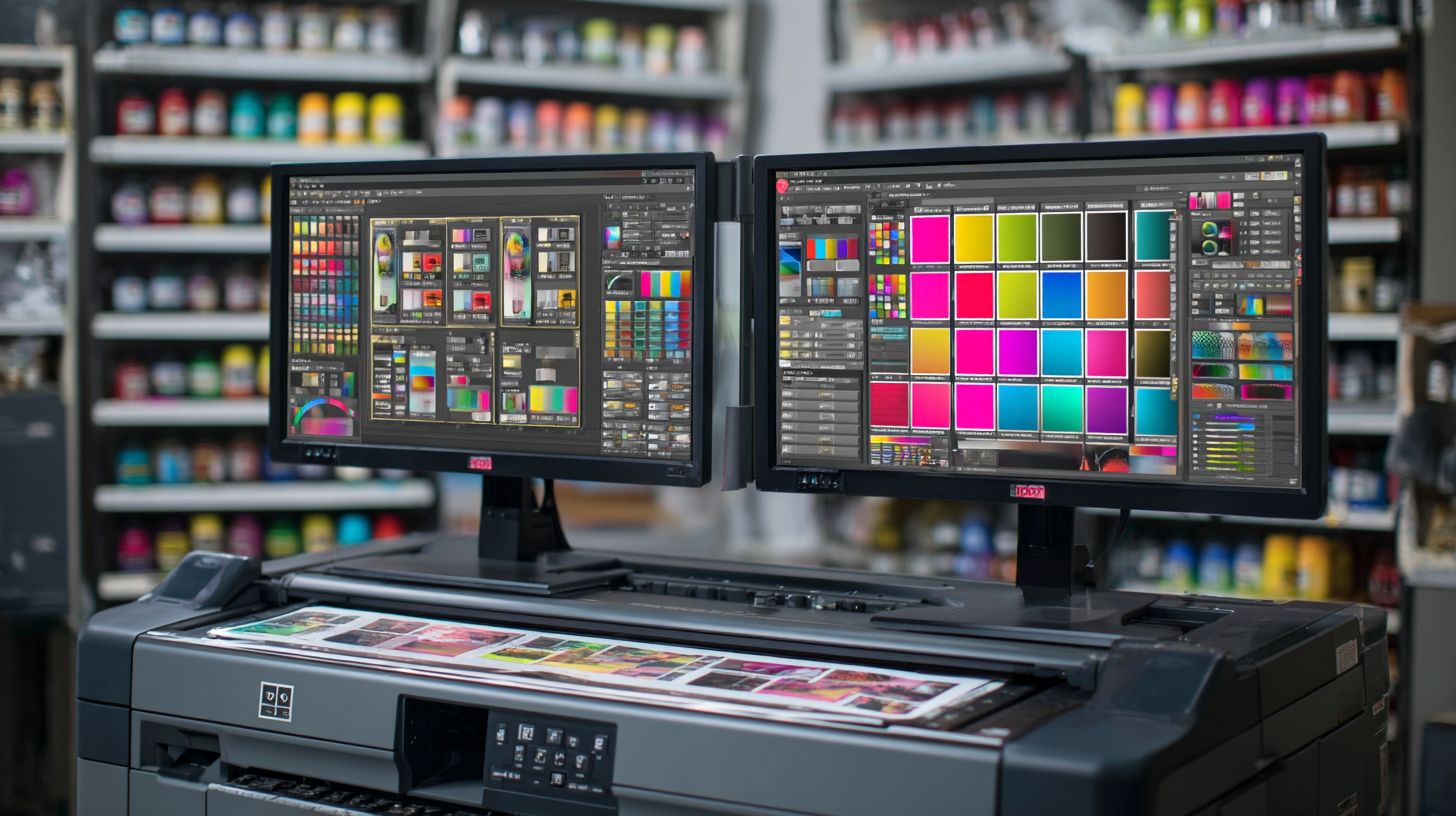
Wasatch and ONYX RIP Software are both popular choices for large format printing, but ONYX often edges out due to its superior color management and workflow automation. Wasatch excels in ease of use for beginners, while ONYX provides more advanced features for high-volume production in Wasatch vs ONYX RIP Software comparisons.
Wasatch vs ONYX RIP Software: Key differences in pricing?
In Wasatch vs ONYX RIP Software, pricing varies by edition; Wasatch starts around $1,500 for basic versions, making it more affordable for small shops, whereas ONYX RIP Software can range from $2,500 to $10,000+ for professional suites, justified by its enterprise-level scalability and support.
Wasatch vs ONYX RIP Software: Performance on wide-format printers?
ONYX RIP Software generally outperforms Wasatch in speed and RIP processing for wide-format printers, thanks to its optimized engine. Users in Wasatch vs ONYX RIP Software debates note Wasatch’s reliability for UV and dye-sub printing but praise ONYX for handling complex jobs faster.
Wasatch vs ONYX RIP Software: Which has better customer support?
ONYX RIP Software typically offers more robust customer support with dedicated teams and extensive training resources, while Wasatch provides solid community forums. In Wasatch vs ONYX RIP Software evaluations, support quality often tips the scale for ONYX in professional environments.
Wasatch vs ONYX RIP Software: Color accuracy comparison?
Both deliver excellent color accuracy, but ONYX RIP Software’s advanced ICC profiling and PANTONE support give it an advantage in Wasatch vs ONYX RIP Software matchups, especially for branding-critical prints. Wasatch is strong for consistent output on entry-level hardware.
Wasatch vs ONYX RIP Software: Ease of integration with printers?
Wasatch RIP Software is renowned for its plug-and-play integration with a wide range of printers, making it user-friendly. ONYX offers deeper customization in Wasatch vs ONYX RIP Software analyses, ideal for multi-vendor fleets but with a steeper learning curve.
