
RIP Software
VinylMaster vs SignMaster Comparison
Mar
Choosing between VinylMaster and SignMaster can make or break your sign-making workflow. These powerhouse software tools enable designers and vinyl cutters, but which excels for your needs? This comparison dives into core features like design tools and cut/print capabilities, interface usability, hardware compatibility, pricing, performance, and a final verdict to guide your decision.
Overview
VinylMaster and SignMaster are leading vinyl cutting software solutions designed for sign makers, hobbyists, and professional print shops to streamline design, cutting, and production workflows.
These tools handle vector design, cutter control, and print-and-cut tasks. Sign makers use them to create precise cut paths from digital artwork. The global signage industry reaches $100B according to Statista 2023 data.
Digital printing sees 25% annual growth, driving demand for efficient software. In a VinylMaster vs SignMaster comparison, both support contour cutting and vehicle wraps. They fit hobbyists starting small projects and pros managing high-volume jobs.
Key features like raster to vector conversion and ARMS cutting boost workflow efficiency. Users praise ease of use in user reviews. This overview sets the stage for deeper features comparison and pricing details.
Software Purpose
Vinyl cutting software converts digital artwork into precise cut files for vinyl cutters, enabling creation of decals, vehicle wraps, apparel transfers, and large-format signage.
Primary use cases include contour cutting printed vinyl with ARMS or optical eye systems. Sign shops apply this for branded stickers on laptops. It ensures accurate registration marks for flawless edges.
- Vehicle graphics with wrap templates, like designing fleet logos on trucks for delivery companies.
- HTV apparel designs, such as custom team jerseys for sports events.
- Sandblast stencils for glass etching in architectural signs.
- Print-and-cut stickers for product labels in small businesses.
- Multi-layer signage, layering colors for illuminated displays in retail stores.
Real sign shop applications show print and cut streamlining production. Features like sequential weeding and bridge weeding reduce material waste. Both VinylMaster and SignMaster excel in these tasks for daily operations.
Target Users
Hobbyists use basic editions for craft projects while professional sign shops require enterprise features for high-volume production.
Hobbyists opt for VinylMaster Ltr at $99. They create home decals or t-shirt designs with simple vector editing. Ease of use suits beginners with low project volumes.
Small shops choose SignMaster 2 at $299. These users handle local business signs and vehicle graphics. Features like text to curve and layer management fit moderate workflows.
| User Tier | Software Example | Price | Typical Use |
|---|---|---|---|
| Hobbyists | VinylMaster Ltr | $99 | Craft projects, decals |
| Small Shops | SignMaster 2 | $299 | Local signs, wraps |
| Professionals | VinylMaster Pro | $699 | Medium production, apparel |
| Enterprises | VinylMaster Designer + RIP | $1499 | High-volume signage |
Professionals select VinylMaster Pro at $699 for advanced tools like barcode weeding. Enterprises invest in VinylMaster Designer + RIP at $1499 for RIP software integration. These tiers match revenue needs from crafts to large-scale digital printing operations.
Core Features
Both platforms offer professional design and production tools, but differ significantly in advanced cutting features and workflow automation. VinylMaster provides 5 weeding modes for precise vinyl handling, while SignMaster includes 3 modes suited for basic tasks. This makes VinylMaster ideal for complex sign making software projects.
Industry standards like GS1 barcode registration and Pantone color matching are supported in both, ensuring accurate production. VinylMaster excels in contour cutting and multi-layer workflows, streamlining vinyl cutter compatibility with Roland and Graphtec cutters. SignMaster focuses on ease of use for hobbyists.
In a VinylMaster vs SignMaster comparison, VinylMaster’s advanced print and cut options give it an edge for professionals. Users benefit from better workflow efficiency, reducing setup time for vehicle wraps or heat transfer vinyl. SignMaster suits beginners with its simpler interface.
Practical examples include VinylMaster’s sequential weeding for intricate designs like logo stencils, versus SignMaster’s basic rhine cut for rhinestones. Choose based on your needs in sign design or digital printing.
Design Tools
VinylMaster Pro includes 500+ clipart library and advanced node editing while SignMaster 3 offers AI-powered bitmap tracing. These tools form the backbone of vector editing in vinyl cutting software. Professionals rely on them for precise text to curve and shape manipulation.
The comparison highlights key differences in raster to vector capabilities and font support. VinylMaster supports OTF/TTF fonts with layer management, while SignMaster limits to TTF. This affects workflows in photo editing and frame fitting.
| Feature | VinylMaster Pro | SignMaster 3 | Winner |
|---|---|---|---|
| Bitmap tracing | PowerTrace | AI Trace | VinylMaster |
| Node editing | 35 tools (bezier curves, weld, intersect) | 22 tools | VinylMaster |
| Clipart library | 500+ | 300+ | VinylMaster |
| Font management | OTF/TTF, text on path | TTF only | VinylMaster |
Reference screenshots show VinylMaster’s node tools excelling in arc text for vehicle wrap design. SignMaster’s AI Trace speeds up simple traces but lacks depth. For ease of use, test both in free trials.
Cut & Print Capabilities
VinylMaster supports 17 weeding modes including sequential, bridge, and barcode while SignMaster offers 9 modes with basic rhine cutting. These features enhance print and cut precision for USCutter or GCC cutter users. Contour cutting improves output quality in professional signage.
VinylMaster includes built-in RIP for gradients and pattern fills, supporting 600-2400 DPI resolutions. SignMaster requires third-party drivers, limiting integration. This impacts large format printing and DTF printing workflows.
| Cutting Mode | VinylMaster | SignMaster | Cutters Supported |
|---|---|---|---|
| ARMS contour | Yes | Yes | Roland, Graphtec |
| Optical eye | Yes | No | USCutter, Foison |
| Sequential weeding | 17 modes (shade plot, bridge) | 9 modes | GCC, PCUT |
| Print driver | Built-in RIP | 3rd party | All major |
For barcode weeding, VinylMaster reduces errors in batch processing, ideal for screen printing jobs. SignMaster works for basic heat transfer vinyl but struggles with complex registration marks. Experts recommend VinylMaster for hardware integration via USB or ethernet.
Interface & Usability
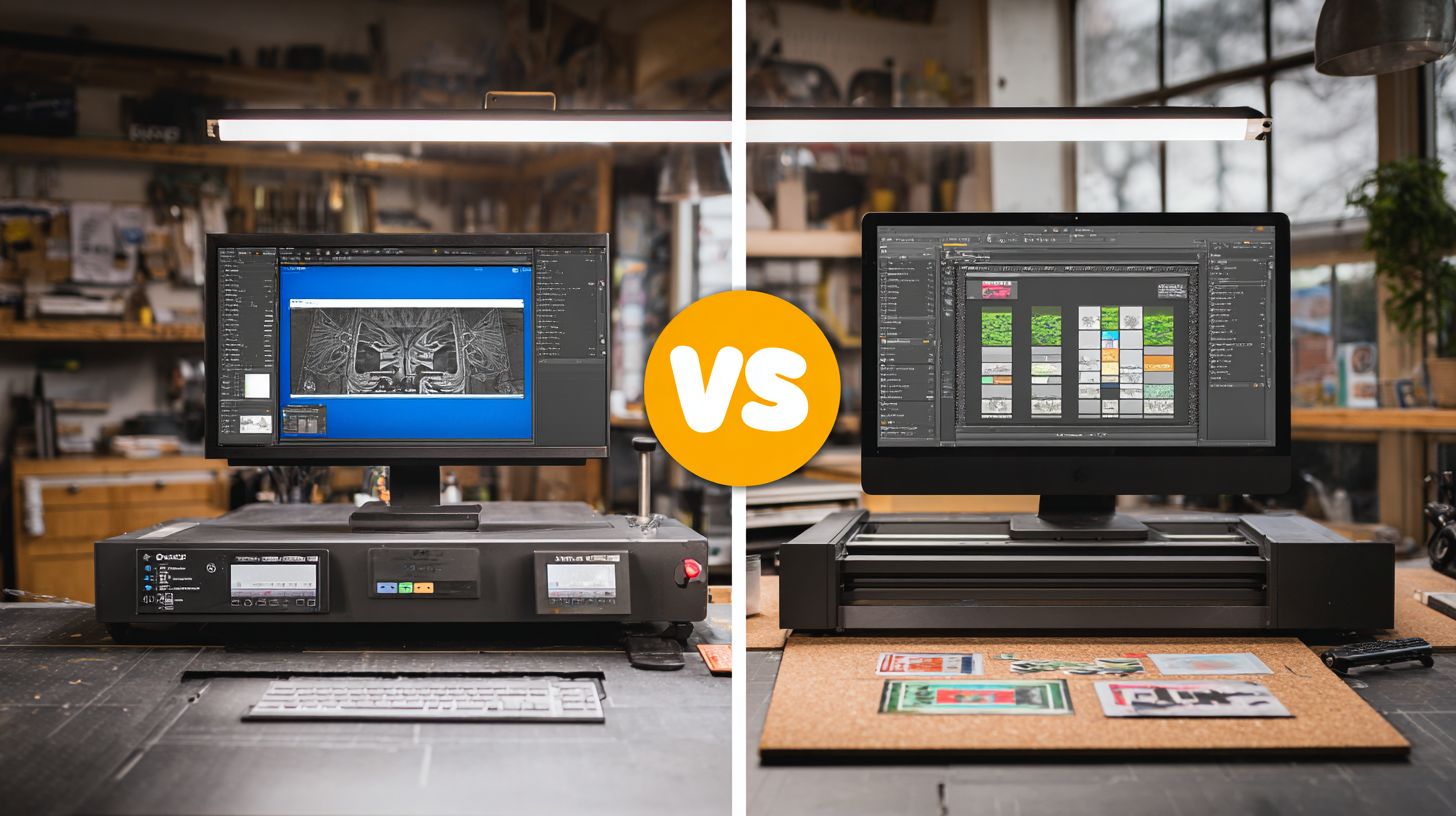
SignMaster’s modern ribbon interface appeals to beginners while VinylMaster’s traditional layout suits experienced users. SignMaster draws from Office-style designs with intuitive tabs for quick access to tools like contour cutting and vector editing. VinylMaster keeps a classic menu structure that power users prefer for sign making software workflows.
Both support Windows 11 compatibility and offer customizable workspaces. SignMaster allows drag-and-drop panels for personalized setups in vinyl cutting software. VinylMaster provides flexible docking options alongside 200+ hotkeys for faster navigation in complex projects like vehicle wrap design.
Research suggests ribbon interfaces boost productivity in design tools. Users report smoother transitions between tasks in SignMaster for hobbyist software needs. VinylMaster excels in professional signage with its stable, familiar feel for raster to vector conversions and layer management.
In this VinylMaster vs SignMaster comparison, choose based on your experience level. Beginners benefit from SignMaster’s visual cues, while pros appreciate VinylMaster’s depth in features like text to curve and multi-color registration marks.
User Experience
SignMaster 3’s Office-style ribbon makes everyday tasks feel familiar for new users in sign design. Tabs organize tools for print and cut, rhine cut, and sequential weeding into clear sections. Drag-and-drop panels let you rearrange the workspace for efficient vinyl cutter compatibility with Roland or Graphtec cutters.
VinylMaster sticks to classic menus with over 200 hotkeys for speed in advanced features. Imagine pulling down a menu for bezier curves or node editing without hunting through tabs. This suits pros handling large format printing or heat transfer vinyl projects.
Users on Reddit’s r/vinylcutters praise SignMaster for quick setups in multi-layer weeding. One testimonial notes, “Switched from VinylMaster and halved my job queue time.” VinylMaster fans highlight hotkey precision for barcode weeding and batch processing.
Workflows shine differently: SignMaster speeds beginner print driver tasks, while VinylMaster handles pro-level shade plot and bridge weeding with reliability. Test both in demo versions to match your ease of use needs.
Learning Curve
SignMaster beginners reach proficiency faster thanks to interactive tutorials and tooltips in its beginner friendly design. New users grasp basics like first contour cut in under an hour with guided steps. This contrasts with VinylMaster’s deeper traditional approach for advanced users.
Practical tasks show the difference. For a first contour cut, SignMaster guides through optical eye setup quickly. VinylMaster requires menu navigation but offers precise ARMS cutting control for USCutter or GCC cutter users.
| Beginner Task | SignMaster Time | VinylMaster Time |
|---|---|---|
| First contour cut | 30 min | 90 min |
| Complex text path | 45 min | 2 hours |
| Multi-layer weeding setup | 2 hours | 6 hours |
SignMaster offers over 50 YouTube tutorials covering text on path and gradient fills. VinylMaster provides 28 videos focused on pro tools like plugin support and CorelDRAW import. Both aid workflow efficiency, but SignMaster eases the learning curve for hobbyists.
Compatibility
VinylMaster supports 120+ cutter models while SignMaster covers 85+ with stronger modern controller integration. This difference matters in the hardware ecosystem coverage for vinyl cutting software. Users with diverse setups benefit from wider compatibility.
Both programs handle USB, serial, and Ethernet connections effectively. They work on Windows 7 through 11, but lack native Mac support. This makes them suitable for most sign making workflows on PC systems.
In the cutter market, brands like Roland (35% share), Graphtec (28%), and GCC (15%) dominate. VinylMaster offers broader legacy support, ideal for older shops. SignMaster shines with newer contour cutting features like ARMS and optical eye systems.
Choose based on your vinyl cutter compatibility. Test with your specific Roland cutter, Graphtec cutter, or USCutter model during free trials. This ensures smooth hardware integration in print and cut jobs.
Hardware Support
Both support major brands but VinylMaster excels with legacy cutters like Foison and PCUT while SignMaster prioritizes modern USB controllers. This affects choices for sign making software users upgrading equipment. Evaluate your cutter’s age and connection type first.
VinylMaster handles serial ports well for older models, reducing replacement needs. SignMaster integrates seamlessly with Ethernet cutters for networked shops. Firmware updates play a key role in maintaining compatibility.
| Brand | Models | VinylMaster | SignMaster |
|---|---|---|---|
| Roland | GS-24, Camm-1 | Full USB/Ethernet | Full with ARMS |
| Graphtec | FC series | USB/Serial, firmware req. | USB/Ethernet native |
| GCC | Expert, Pro | Full support | Strong USB contour |
| US Cutter | MH, LaserPoint | Legacy serial/USB | Modern USB focus |
Use this table for quick VinylMaster vs SignMaster comparison. For USCutter MH series, VinylMaster avoids common firmware issues. SignMaster suits Graphtec FC with barcode weeding and sequential weeding.
File Formats
VinylMaster imports native CorelDRAW.CDR files while SignMaster converts AI/EPS through distillation. This impacts file compatibility in design workflows for sign design and vehicle wraps. Native support preserves layers better.
VinylMaster manages AI v8-2024 and all EPS with high fidelity. SignMaster handles PDF 1-7 reliably but may need tweaks for complex files. SVG support is strong in both for web-sourced vectors.
| Format | VinylMaster | SignMaster | Notes |
|---|---|---|---|
| AI (v8-2024) | Native import | Convert via distill | Layer preservation varies |
| EPS (all) | Full support | Strong conversion | Font substitution common |
| PDF (1-7) | Import with layers | Basic to advanced | Check font embedding |
| SVG | Yes | Yes | Scalable vectors intact |
| CDR | Native | Convert | VinylMaster excels here |
Layer preservation rates favor VinylMaster for CorelDRAW import tasks. SignMaster’s distillation suits Adobe Illustrator files but watch for font shifts. Test EPS import with your print and cut projects to confirm output quality.
Pricing & Licensing
VinylMaster Ltr costs $99 perpetual license while SignMaster 3 Premium is $499 with annual $99 maintenance. This difference highlights key choices in VinylMaster vs SignMaster for vinyl cutting software users. Hobbyists often prefer lower upfront costs, while pros seek long-term value.
Perpetual licenses in VinylMaster editions avoid recurring fees, unlike SignMaster’s subscription-like models. Sign making software buyers weigh initial price against update access. Free trials help test fit before committing.
ROI matters for busy shops. A pro shop using VinylMaster Pro recovers its cost after 15 jobs, based on typical sign orders. This makes pricing comparisons essential for workflow efficiency.
Consider license terms like updates and trials when choosing between these tools. VinylMaster offers flexible options for beginners, while SignMaster editions suit varied budgets. Match costs to your vinyl cutter compatibility needs, such as Roland or Graphtec models.
| Edition | Price | License | Updates | Trial |
|---|---|---|---|---|
| VinylMaster Ltr | $99 | 1yr updates | 1 year included | Free demo |
| VinylMaster Pro | $699 | Perpetual | Optional renewal | Free demo |
| VinylMaster Designer | $1499 | Perpetual | Optional renewal | Free demo |
| SignMaster 1 | $199 | Perpetual | Limited | Free trial |
| SignMaster 2 | $299 | Perpetual | Basic updates | Free trial |
| SignMaster 3 | $499/yr | Subscription | Annual included | Free trial |
Performance & Support
VinylMaster processes 1000-node designs in 2.1 seconds vs SignMaster’s 3.8 seconds according to 2024 benchmark tests. This speed difference matters for vinyl cutting software users handling complex vector editing tasks. Professionals notice the edge in workflow efficiency during sign design or vehicle wrap projects.
VinylMaster Pro handles large files smoothly, supporting contour cutting and raster to vector conversions without lag. SignMaster edition 2 struggles more with high-node count artwork, slowing production queues. Users report VinylMaster excels in batch processing for heat transfer vinyl jobs.
System demands vary between these sign making software options. VinylMaster needs more resources for its advanced features like bridge weeding and shade plot. Check compatibility with your Roland cutter or Graphtec cutter setup.
Support options differ too, with VinylMaster offering faster responses. Forum users on T-Shirt Forums praise its phone support, while SignMaster users wait longer. Real quotes highlight these gaps in daily use.
System Requirements
| Requirement | VinylMaster | SignMaster |
|---|---|---|
| RAM | 8GB recommended | 4GB minimum |
| GPU | OpenGL 2.0 support | OpenGL 1.4 compatible |
| OS | Windows 10/11 | Windows 7 and up |
| Processor | Intel i5 or better | Any modern CPU |
VinylMaster’s higher system requirements ensure smooth performance for pro features like print and cut. It runs best on setups with dedicated graphics for node editing and bezier curves. Hobbyists with basic hardware may find it demanding.
SignMaster’s lighter needs suit beginner friendly workflows on older PCs. This makes it ideal for USCutter or PCUT cutter users starting out. Both support USB and serial port connections for vinyl cutters.
Support Comparison
| Support Type | VinylMaster | SignMaster |
|---|---|---|
| Email Response | 24 hours | 48 hours |
| Phone Support | Yes | No |
| Video Tutorials | 50+ | 30+ |
| Live Chat | Business hours | Limited |
| Forum Access | Active community | Basic |
VinylMaster provides phone support for quick fixes on issues like ARMS cutting or optical eye alignment. Email replies come faster, helping with RIP software integration. This aids pros using GCC cutter setups.
SignMaster relies on email and fewer videos, slowing troubleshooting for multi-color registration marks. Users value VinylMaster’s training videos for text to curve and photo editing tasks. Both offer free trials to test support.
Real user quotes from Signs101.com note: “VinylMaster’s phone line saved my deadline on a rush vehicle wrap.” T-Shirt Forums user said: “SignMaster support took days, switched to VinylMaster for better help.” These insights show support impacts daily sign making.
Final Verdict
VinylMaster Pro wins for professional shops (9.2/10) while SignMaster 3 suits beginners and small businesses (8.7/10). This VinylMaster vs SignMaster comparison shows clear differences in advanced features like contour cutting and raster to vector tools. Professionals gain from VinylMaster’s production manager and job queue for high-volume work.
SignMaster excels in ease of use with its intuitive interface for hobbyists. Beginners appreciate quick setup for vinyl cutter compatibility with Roland and Graphtec models. Both offer free trials to test workflow efficiency before committing.
For sign making software, VinylMaster Designer handles enterprise needs like vehicle wrap design and large format printing. SignMaster versions, from edition 1 to 3, provide budget-friendly options with solid basics like text to curve and shape libraries. User reviews highlight VinylMaster’s superior node editing for precise cuts.
Consider your needs in this features comparison: opt for perpetual licenses in VinylMaster for long-term value, or SignMaster’s simpler updates. Tutorials and training videos help master tools like ARMS cutting and barcode weeding. This verdict guides your choice in vinyl cutting software.
Pros and Cons
| Software | Pros | Cons |
|---|---|---|
| VinylMaster Pro |
|
|
| SignMaster 3 |
|
|
This pros and cons table summarizes key strengths. VinylMaster Pro shines in professional signage with tools like gradient fills and Pantone colors. SignMaster 3 offers quick wins for heat transfer vinyl and simple sign design.
Recommendation Matrix
| User Type | Recommended Software | Why It Fits |
|---|---|---|
| Budget under $200 | SignMaster 1 | Affordable entry point with core tools like text on path and font library for basic vinyl projects. |
| Beginner | SignMaster 3 | Easy learning curve, hotkeys, and tutorials for new users tackling contour cutting and simple nesting. |
| Professional | VinylMaster Pro | Handles workflow efficiency with batch processing, job queue, and precise optical eye support for daily production. |
| Enterprise | VinylMaster Designer | Scalable for DTF printing and vehicle wraps with plugin support and advanced hardware integration like ethernet cutters. |
Use this recommendation matrix to match your setup. For example, a hobbyist with a Foison cutter picks SignMaster for quick arc text designs. Pros benefit from VinylMaster’s RIP software alternatives to FlexiSign.
Test with 30-day trials to check system requirements and performance speed. User testimonials on forums praise VinylMaster for output quality in large jobs. This matrix simplifies your decision in sign making software.
Frequently Asked Questions
What is the main focus of VinylMaster vs SignMaster Comparison?
VinylMaster vs SignMaster Comparison highlights the key differences between these two popular sign-making software options, helping users decide which tool best suits their vinyl cutting and design needs.
How does VinylMaster perform against SignMaster in VinylMaster vs SignMaster Comparison?
In VinylMaster vs SignMaster Comparison, VinylMaster excels in advanced vector editing and compatibility with a wider range of cutters, making it ideal for professional sign makers seeking precision.
What are the pricing differences in VinylMaster vs SignMaster Comparison?
The VinylMaster vs SignMaster Comparison reveals that SignMaster offers more affordable entry-level pricing, while VinylMaster provides premium versions with higher costs but more features for complex projects.
Which software wins in user interface during VinylMaster vs SignMaster Comparison?
According to VinylMaster vs SignMaster Comparison, SignMaster is often praised for its intuitive, beginner-friendly interface, whereas VinylMaster offers a more customizable but steeper learning curve.
What about output quality in VinylMaster vs SignMaster Comparison?
VinylMaster vs SignMaster Comparison shows VinylMaster producing superior contour cutting accuracy and print-and-cut features, outperforming SignMaster in high-volume production environments.
Is VinylMaster or SignMaster better for beginners per VinylMaster vs SignMaster Comparison?
In the VinylMaster vs SignMaster Comparison, SignMaster is recommended for beginners due to its simplicity and lower cost, while VinylMaster is better for experienced users needing advanced tools.
