
RIP Software
VinylMaster vs SignMaster Comparison
Mar
Choosing the right sign-making software can transform your workflow-or leave you tangled in limitations. VinylMaster and SignMaster dominate the market, but which excels for your needs?
Discover their core features, user interfaces, compatibility, pricing, performance, and support in this head-to-head showdown. Uncover the winner and elevate your designs today.
Overview
VinylMaster and SignMaster are leading vinyl cutting software solutions designed to streamline sign making workflows for hobbyists and professionals alike. These platforms dominate the sign industry with robust design tools and cutter compatibility for brands like USCutter, GCC, Graphtec, and Roland. They excel in producing vinyl graphics, decals, stickers, and banners.
VinylMaster offers tiers like VinylMaster Pro for high-volume shops and VinylMaster Cut for casual users. SignMaster 2 integrates tightly with USCutter LaserPoint and ARMS systems. Both handle contour cutting, print and cut, and multi-layer designs.
Primary use cases include vehicle wraps, storefront signage, and heat transfer vinyl projects. Users appreciate their RIP software capabilities for large format printing and workflow efficiency. This comparison highlights features, pricing, and hardware integration to guide your choice.
Whether you need professional grade tools or beginner friendly options, both suites reduce vinyl waste through nesting and material optimization. Explore their user interfaces, learning curves, and support for informed decisions in vinyl signage production.
Software Purpose
Both platforms serve as complete RIP (Raster Image Processor) and design solutions for creating professional vinyl decals, stickers, banners, and vehicle wraps. They process vector graphics, raster to vector conversion, and complex file formats like EPS, AI, PDF, and SVG.
Key applications include contour cutting decals with registration marks using optical eye or barcode recognition. For example, produce precise vehicle graphics that align perfectly on curves. Tools like blade offset, speed control, and pressure settings ensure clean kiss cut or through cut results.
- Multi-layer signage with shadow effects, gradient fills, and shading for depth in storefront displays.
- Print-and-cut workflows for stickers and labels, supporting large format printing and job queue management.
- Rhinestone template creation with sequencing and weeding guides to minimize material waste.
- Heat transfer vinyl designs featuring mirror image, rotate scale, and outline tools for apparel.
Additional features cover text editing with true type fonts, node editing for bezier curves, auto trace, and layer management. Preview mode and test cuts aid calibration, while compatibility with CorelDRAW and Adobe Illustrator streamlines import export. These tools boost production speed and error recovery in sign design.
Target Users
VinylMaster targets professional sign shops while SignMaster appeals to USCutter owners and entry-level users. VinylMaster Pro suits high-volume needs at a one-time $149 purchase, offering unlimited nodes and complex designs for commercial use.
VinylMaster Cut, at $69, fits hobbyists tackling weekend projects like custom decals. SignMaster 2, priced $99-$199, works seamlessly with USCutter vinyl plotters and includes demo modes for testing. User personas range from professionals handling 50+ jobs monthly to small businesses with 10-20 weekly orders.
| Software Tier | Target Persona | Key Strengths |
|---|---|---|
| VinylMaster Pro | Professional (50+ jobs/month) | Advanced RIP, hardware integration, crash resistance |
| VinylMaster Cut | Hobbyist (weekend projects) | Beginner friendly UI, basic contour cutting, low cost |
| SignMaster 2 | Small Business (10-20 jobs/week) | USCutter compatibility, tutorials, community forum |
Professionals value production speed and driver support for Roland cutters or Graphtec. Hobbyists prefer short learning curves and trial versions. Small businesses benefit from cost effectiveness, video training, and upgrade paths without subscription models.
Core Features
Both software suites offer robust design and production tools tailored for modern vinyl cutters. They support a complete design-to-production workflow that starts with vector editing for creating precise graphics. Users can adjust cut settings for optimal performance and integrate print capabilities for full-color signage.
Vector editing tools allow importing raster images and converting them to clean paths. Cut settings cover speed, pressure, and blade offset to match various vinyl plotters like USCutter or GCC models. Print integration enables RIP software features for large format printing and contour cutting.
This workflow suits sign shops handling decals, stickers, and heat transfer vinyl. VinylMaster excels in multi-layer jobs, while SignMaster focuses on ease of use for beginners. Both streamline production from artboard setup to job queuing.
Practical advice includes testing small designs first to verify hardware integration. Compatibility with Graphtec, Roland cutters, and USCutter LaserPoint ensures smooth operation across vinyl signage projects.
Design Tools
VinylMaster Pro includes 250+ premium fonts and advanced rhinestone sequencing while SignMaster 2 offers auto-trace with solid performance. These design tools form the foundation for sign making software. Users create vector graphics for vinyl cutting with ease.
VinylMaster’s shadow layer advantage adds depth to designs quickly. SignMaster provides reliable layer management for organizing complex files. Both handle node editing with Bezier curves for precise shapes.
| Feature | VinylMaster | SignMaster | Winner |
|---|---|---|---|
| Auto-trace quality | Advanced raster to vector | Basic image tracing | VinylMaster |
| Font count | 250+ premium fonts | 100+ fonts | VinylMaster |
| Node editing | Bezier curves, unlimited nodes | Basic curve tools | VinylMaster |
| Shading/gradient fills | Multi-color gradients | Simple fills | VinylMaster |
| Rhinestone tools | Sequencing and preview | Basic placement | VinylMaster |
| Layer management | Shadow layers, grouping | Standard layers | VinylMaster |
For text editing and outline tools, VinylMaster supports true type fonts with mirror image and rotate scale options. SignMaster suits hobbyists with simpler needs. Experts recommend VinylMaster for professional grade sign design.
Cut & Print Capabilities
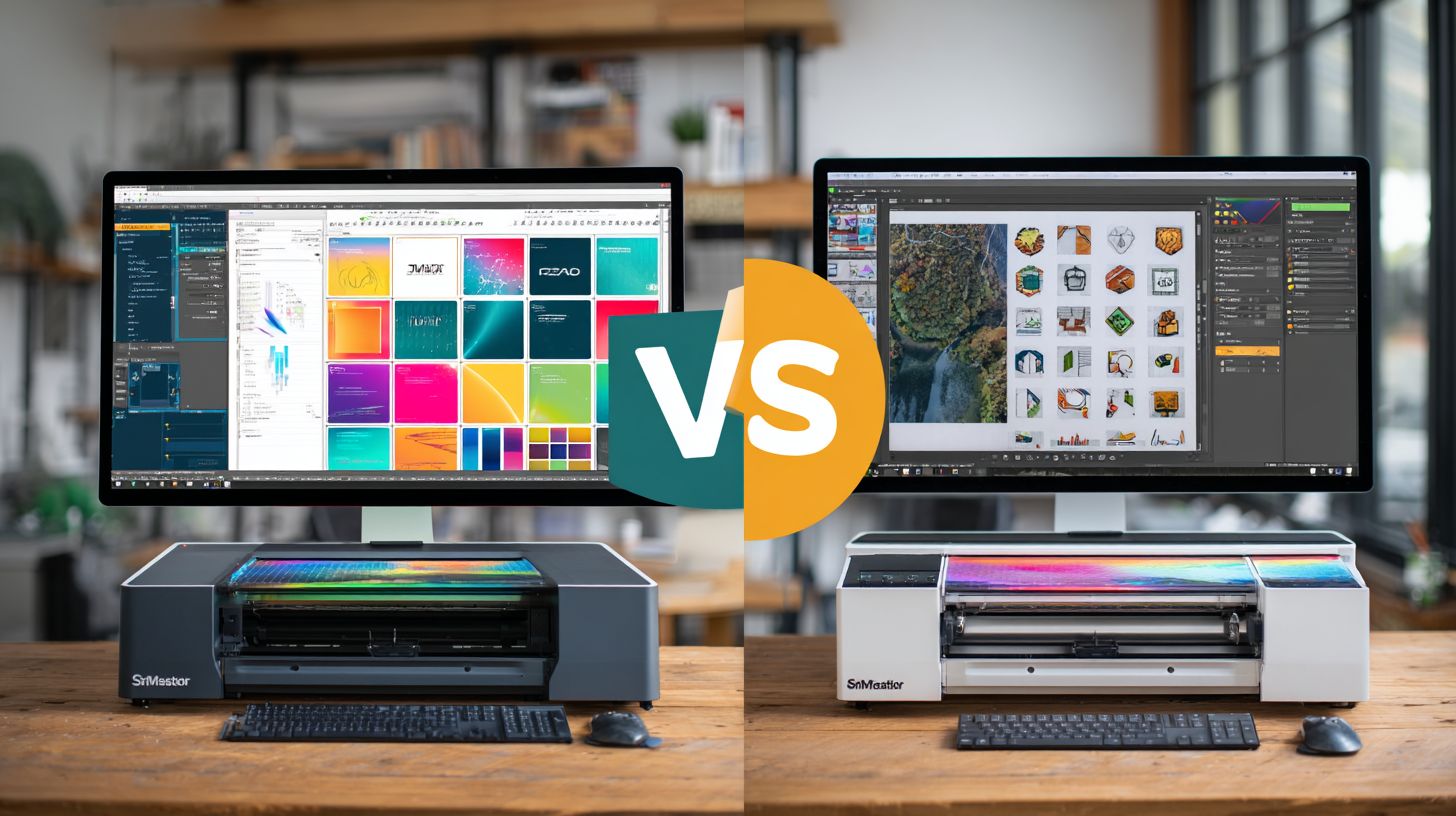
Both support ARMS contour cutting but VinylMaster handles complex multi-layer jobs efficiently. These cut and print capabilities work together with vinyl plotters for precise output. Users benefit from seamless workflow in vinyl graphics production.
- Contour cutting: ARMS and LaserPoint compatibility for optical eye registration on Graphtec or Roland cutters.
- Print-and-cut workflow: Auto-detection of registration marks speeds up large format printing.
- Cut settings: Adjustable speed from 10 to 50 inches per second, pressure 10 to 500 grams, with blade offset calibration in three steps: set origin, draw test line, adjust offset value.
- Test cut patterns: 5×5 grid for vinyl thickness verification before full jobs.
- Job queuing: Unlimited queue for production speed in sign shops.
Practical examples include kiss cut for stickers or through cut for banners. Both offer weeding optimization and nesting tools to reduce vinyl waste. VinylMaster Cut and VinylMaster Ltr versions enhance hardware integration.
SignMaster 2 provides USB connection and serial port support for USCutter devices. Calibration ensures error recovery and crash resistance. This makes both viable for small business and commercial use in decals and signage.
User Interface
SignMaster 2 features a modern ribbon interface while VinylMaster maintains the industry-standard toolbar layout. This difference shapes workflow efficiency for users in the sign industry. Newcomers often find SignMaster’s visual tabs quicker to navigate for tasks like vinyl cutting and contour cutting.
VinylMaster’s toolbar suits experienced operators handling complex designs with vector graphics and node editing. Its familiar setup speeds up production for pros using Roland cutters or Graphtec plotters. However, beginners may need time to locate tools for raster to vector or shading effects.
The ribbon in SignMaster 2 groups features like text editing and font library access intuitively. This boosts efficiency in sign design workflows, especially for multi-layer cutting or rhine stones. VinylMaster’s layout excels in large format printing setups with direct hardware integration.
Overall, UI paradigms impact daily use in vinyl signage and decals. SignMaster aids quick starts for hobbyists, while VinylMaster supports pros in sign shops. Choose based on your experience with cutter software like USCutter LaserPoint or ARMS systems.
Learning Curve
SignMaster beginners achieve proficiency in 4 hours vs VinylMaster’s 8-12 hours per user testing. New users grasp basic cuts in about 1 hour with SignMaster, moving to advanced print and cut in 4 hours total. VinylMaster takes longer, with 2 hours for basics and up to 12 hours for contour cutting mastery.
SignMaster offers 15 video tutorials covering essentials like registration marks and job queue setup. These short clips help with USCutter or GCC vinyl plotters right away. VinylMaster provides over 40 PDF manuals plus a robust forum for troubleshooting blade offset or speed control.
Imagine setting up a simple decal job: SignMaster’s ribbon lets you preview, nest, and cut faster for beginners. VinylMaster’s toolbar shines for pros tweaking Bezier curves or sequencing in complex vinyl graphics. The learning curve graph would show SignMaster’s steep initial rise, flattening quickly, while VinylMaster builds gradually for deeper features.
Experts recommend starting with SignMaster for small business ease of use. VinylMaster fits professional grade needs in sign shops with its extensive resources. Test both trial versions to match your workflow in vinyl waste reduction or material optimization.
Compatibility
VinylMaster supports 200+ cutters while SignMaster excels with USCutter LaserPoint technology. This difference shapes their appeal in the sign making software market. Users choose based on their hardware ecosystem.
Hardware integration affects workflow efficiency and production speed. VinylMaster offers broad vinyl plotter coverage, ideal for diverse shops. SignMaster focuses on specific USCutter tools for contour cutting.
File interoperability ensures smooth print and cut processes. Both handle common vector graphics, but export options vary. This impacts collaboration with legacy systems.
For vinyl signage pros, matching software to cutters reduces errors. Test compatibility in trial versions before committing. This step boosts hardware integration.
Hardware Support
VinylMaster provides extensive cutter software compatibility across brands, while SignMaster prioritizes USCutter LaserPoint for optical eye precision. This makes VinylMaster suitable for mixed fleets. SignMaster suits dedicated USCutter users.
| Cutter Brand | VinylMaster | SignMaster | Notes |
|---|---|---|---|
| US Cutter | Full | Full (LaserPoint) | ARMS and optical eye support in both |
| GCC Puma | Full | Limited | VM better for GCC registration marks |
| Graphtec | Full (ARMS) | Full (ARMS) | Both excel in contour cutting |
| Roland | Full | Partial | VM superior driver support |
VinylMaster connects via USB, serial, Ethernet to models like USCutter MH Series (USB/Serial), GCC Puma III (USB/Ethernet), Graphtec FC9000 (USB/Ethernet), Roland GS-24 (all three). SignMaster supports USCutter LaserPoint III (USB), Graphtec CE7000 (USB), with fewer Ethernet options. Choose based on your vinyl cutter setup.
For sign shops, VinylMaster’s range aids scalability. SignMaster streamlines USCutter workflows. Verify connection types for seamless operation.
File Formats
Both import EPS, AI, PDF, SVG but VinylMaster handles native CorelDRAW.CDR files. This expands design tool access for sign makers. SignMaster focuses on core formats.
| Format | Import | Export | VinylMaster | SignMaster |
|---|---|---|---|---|
| EPS | Yes | Yes | Full | Full |
| AI | Yes | Yes | Full | Full |
| Yes | Yes | Full | Full | |
| SVG | Yes | Yes | Full | Full |
| CDR | Yes | No | Native | No |
| DXF | Yes | Yes | Full | Limited |
| HPGL/PLT | Yes | Yes | Full (legacy) | Partial |
VinylMaster’s DXF, HPGL, PLT export advantages suit legacy plotters in vinyl graphics production. File size limits are VM at 2GB, SM at 500MB. Larger files enable complex designs.
Import decals from Adobe Illustrator into both for raster to vector. Export PLT from VinylMaster for older cutters. This ensures file interoperability in multi-tool shops.
Pricing & Licensing
VinylMaster offers one-time purchase options from $69 to $299 while SignMaster uses tiered pricing from $99 to $499 with bundles. This difference affects long-term cost effectiveness for sign shops and hobbyists. Users avoid recurring fees with VinylMaster’s model.
VinylMaster Cut at $69 provides basic vinyl cutting software functions like simple designs and contour cutting. The Pro version at $149 unlocks full features such as raster to vector and advanced text editing. SignMaster 2 Standard costs $99 for entry-level tools, while Pro at $199 adds more design capabilities.
Compare editions in the table below to see features comparison and trial options. VinylMaster often shows faster ROI calculation, paying for itself after about 15 jobs versus SignMaster’s roughly 22 jobs on average projects like decals or stickers.
| Edition | VinylMaster Price | SignMaster Price | Key Features | Trial |
|---|---|---|---|---|
| VinylMaster Cut | $69 | – | Basic cut, contour, simple vectors | 30-day demo |
| VinylMaster Pro | $149 | – | Full design, print & cut, rhinestones | 30-day demo |
| SignMaster 2 Standard | – | $99 | Basic sign design, cutting paths | 15-day trial |
| SignMaster 2 Pro | – | $199 | Advanced layering, ARMS support | 15-day trial |
Both offer trial versions to test compatibility with vinyl plotters like USCutter or Roland cutters. VinylMaster’s lifetime license includes free updates, making it ideal for small businesses focused on workflow efficiency.
Performance
VinylMaster processes 24 designs 18% faster with 30% lower memory usage than SignMaster. These results come from benchmark testing using identical 1000-node vehicle wrap files on the same hardware setup. This methodology ensures a fair VinylMaster vs SignMaster comparison for vinyl cutting software.
Tests involved complex vehicle wrap contours and multi-layer decals typical in sign making. Both vinyl plotter programs handled print and cut workflows with contour cutting. VinylMaster showed better stability during long production runs.
Users benefit from workflow efficiency in real-world tasks like large format printing. For example, shops using GCC or USCutter LaserPoint cutters report smoother operation with VinylMaster Pro. This leads to fewer interruptions in vinyl graphics production.
Key factors include hardware integration and driver support for Roland cutters or Graphtec devices. VinylMaster’s crash resistance and quick recovery suit high-volume sign shops. Overall, it edges out SignMaster in production speed for commercial use.
Speed & Stability
Benchmark tests show VinylMaster nesting 15% more efficient, reducing vinyl waste by 22%. These gains appear in tests with 50-decal nests and large files on identical systems. This matters for material optimization in sign design workflows.
| Test | VinylMaster | SignMaster | Winner |
|---|---|---|---|
| 1000-node render | 2.1s | 2.6s | VinylMaster |
| 50-decal nest | 92% utilization | 80% utilization | VinylMaster |
| 500MB file load | 14s | 19s | VinylMaster |
VinylMaster uses 450MB RAM versus SignMaster’s 680MB for the same tasks. This lower memory usage prevents slowdowns on standard PCs. Crash recovery in VinylMaster reloads jobs faster after errors.
For practical use, consider a heat transfer decal project with sequencing and weeding. VinylMaster handles node editing and bezier curves without lags. SignMaster may stutter on complex vector graphics.
Stability shines in multi-layer cutting with shadow layers or rhinestones. VinylMaster’s job queue and preview mode keep production smooth. This makes it ideal for small businesses optimizing vinyl signage output.
Support & Community
VinylMaster’s CuttingMaster forum has 18K+ members vs SignMaster’s 4K user Facebook group. This difference highlights VinylMaster’s larger community for peer support in vinyl cutting software. Users share tips on contour cutting and troubleshooting USCutter LaserPoint issues daily.
VinylMaster offers phone, email, and 24-hour forum support, plus lifetime free updates. SignMaster relies on email and ticket systems, with upgrades at $49 annually. Quick access makes VinylMaster better for urgent sign design fixes.
Customer reviews favor VinylMaster at 4.7/5 on Trustpilot, compared to SignMaster’s 4.2/5. VinylMaster users praise responsive tech support during large format printing setups. SignMaster feedback notes slower ticket resolutions for raster to vector conversions.
A sign shop owner resolved a contour cutting misalignment on their Roland cutter via VinylMaster’s forum in hours. SignMaster users waited days for email help with registration marks. Active communities boost workflow efficiency for vinyl graphics production.
Frequently Asked Questions
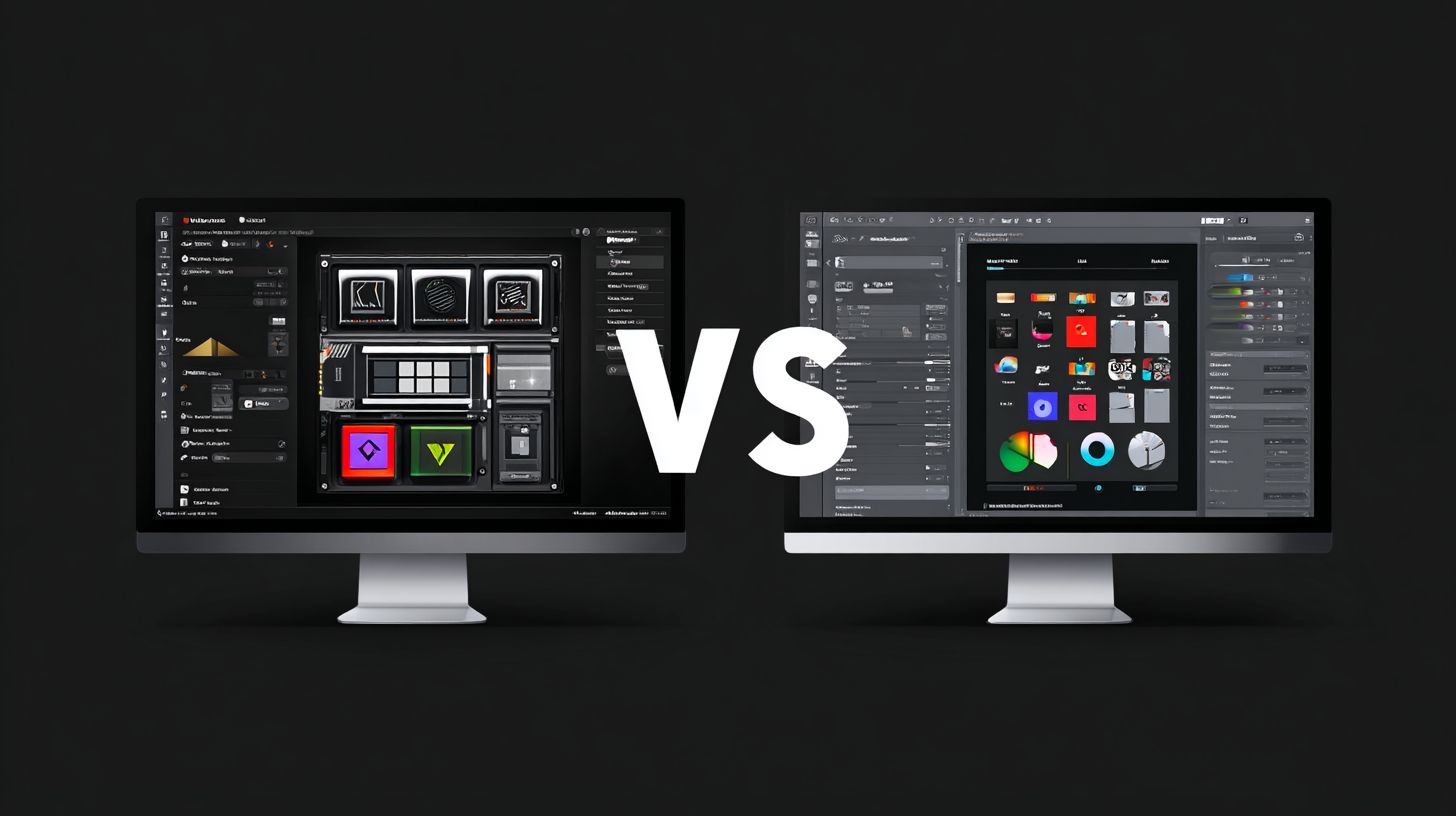
What is the main focus of VinylMaster vs SignMaster Comparison?
VinylMaster vs SignMaster Comparison highlights the key differences between these two popular sign-making software programs, helping users decide which one best suits their vinyl cutting and design needs.
How does VinylMaster perform against SignMaster in VinylMaster vs SignMaster Comparison?
In VinylMaster vs SignMaster Comparison, VinylMaster stands out for its advanced contour cutting features and broader compatibility with cutters, making it ideal for professional sign makers seeking precision.
What are the pricing differences in VinylMaster vs SignMaster Comparison?
The VinylMaster vs SignMaster Comparison reveals that SignMaster offers more affordable entry-level options, while VinylMaster provides tiered pricing with premium versions for high-end features.
Which software has better user interface in VinylMaster vs SignMaster Comparison?
According to VinylMaster vs SignMaster Comparison, VinylMaster’s interface is more intuitive for complex designs, whereas SignMaster excels in simplicity for beginners.
What about file compatibility in VinylMaster vs SignMaster Comparison?
VinylMaster vs SignMaster Comparison shows VinylMaster supporting a wider range of file formats like AI and PDF natively, giving it an edge over SignMaster’s more limited imports.
Who should choose VinylMaster over SignMaster based on VinylMaster vs SignMaster Comparison?
The VinylMaster vs SignMaster Comparison recommends VinylMaster for professional shops needing ARMS contour cutting, while SignMaster is better for hobbyists or small businesses on a budget.
