
RIP Software
VinylMaster vs FlexiSIGN
Mar
Choosing the wrong sign-making software can derail your workflow and profits. Enter VinylMaster vs FlexiSIGN: two industry titans vying for dominance in vector design, cutting, and print workflows. This head-to-head showdown dives into key features, pricing models, user interfaces, performance, and compatibility-revealing which tool truly cuts above the rest. Discover the winner for your shop.
Overview
VinylMaster and FlexiSIGN lead the vinyl cutting software market. They serve professional sign shops and hobbyists alike. Both handle vector graphics, contour cutting, and print and cut workflows.
VinylMaster targets users needing beginner-friendly tools for sign making. FlexiSIGN suits large format printing pros with advanced RIP software. VinylMaster offers perpetual licenses, while FlexiSIGN uses subscription models in some cases.
Key use cases include heat transfer vinyl designs and vinyl plotter jobs. Both support EPS, AI, PDF, SVG file imports from CorelDRAW or Adobe Illustrator. This overview sets the stage for detailed feature breakdowns below.
VinylMaster Key Features
VinylMaster Pro offers unlimited design objects, auto-tracing, and native support for 200+ cutters including Roland, Graphtec, and USCutter. It streamlines production workflow for sign makers.
Key features include patented rhombus registration marks for precise contour cutting. Smart nesting optimizes sign vinyl layouts. Weeding lines auto-generate to ease vinyl removal.
- Barcode printing tracks production jobs with sequential numbering.
- Layer sequencer manages complex layer management designs.
- Tangential cutting mode supports rotary cutters with blade offset options.
- Multi-color gradient fills enhance graphic design software capabilities.
- Unlimited undo/redo with crash recovery protects your work.
See screenshot callouts for rhombus marks in action on Graphtec cutters. VinylMaster’s user interface feels beginner friendly yet professional grade. It excels in vinyl cutter compatibility for everyday sign making.
FlexiSIGN Key Features
FlexiSIGN Pro excels in RIP functionality with FlexiPrint IP. It handles 64-bit color processing and Pantone matching for commercial printers. This outpaces VinylMaster’s simpler RIP tools.
Standout options include Auto-trac bitmap vectorization for quick bitmap tracing. RIP-Queue manages multiple jobs. HotFolder automation speeds workflow efficiency.
- Pantone Color Manager ensures color management accuracy.
- Ganging/nesting wizard saves materials like heat transfer vinyl.
- Dynamic text preview refines text tools before output.
- Shadow/chain line generators add shadow layers and borders.
- Print & Cut alignment delivers tight precision on Mimaki or Summa devices.
FlexiSIGN integrates Excel data import for variable jobs. Its job queue and output drivers suit high-volume digital printing. Compare to VinylMaster for price comparison and license costs.
Pricing & Licensing
VinylMaster starts at $69 while FlexiSIGN requires $49/month minimum, creating a notable total cost difference over 3 years. This pricing landscape sets VinylMaster as a budget-friendly option for sign makers and vinyl cutters, with one-time fees versus ongoing subscriptions. Small shops often prefer its affordability for basic contour cutting and vector graphics tasks.
FlexiSIGN targets larger operations needing RIP software and print-and-cut workflows, but its recurring costs add up quickly. VinylMaster offers perpetual licenses that suit hobbyists and pros alike, covering tools like registration marks and vinyl cutter compatibility with Roland, Graphtec, and Mimaki. Check the detailed comparisons below for specifics on editions and features.
Upgrade paths differ too: VinylMaster allows easy jumps from Ltr to Pro, while FlexiSIGN locks users into monthly tiers. Free trials help test production workflow fit, with VinylMaster at 15 days and Flexi at 30 days. Factor in support and updates when weighing long-term value for your sign making needs.
Experts recommend starting with trials to match software to your vinyl plotter and materials like sign vinyl or heat transfer vinyl. This approach avoids surprises in license costs and ensures smooth file import from EPS, AI, or PDF formats.
Cost Comparison
Create comparison table: VinylMaster Ltr ($69 perpetual) | Pro ($299) | DSR ($699) vs FlexiSIGN Standard ($49/mo) | Pro ($79/mo) | Enterprise ($149/mo). This breakdown highlights how perpetual licenses in VinylMaster reduce expenses for vinyl cutting software users over time. FlexiSIGN’s subscriptions bundle support but demand steady payments.
| Tool | Price | Features | Best For | 3-Year Cost |
|---|---|---|---|---|
| VinylMaster Ltr | $69 one-time | Basic cutting, vector graphics, file import (EPS, AI, PDF, SVG) | Beginners, small jobs, USCutter compatibility | $69 |
| VinylMaster Pro | $299 one-time | Unlimited objects, contour cutting, nesting, weeding lines, layer management | Sign shops, production workflow, Roland/Graphtec | $299 |
| VinylMaster DSR | $699 one-time | Print-and-cut, RIP features, barcode printing, rhombus marks, job queue | Large format printing, professional grade, Mimaki/Summa | $699 |
| FlexiSIGN Standard | $49/mo | Basic design tools, text tools, shape editor, output driver | Entry-level subscribers, simple vinyl plots | $1,764 |
| FlexiSIGN Pro | $79/mo | RIP+Print, color management, Pantone matching, bitmap tracing | Mid-size ops, print and cut, gradient fills | $2,868 |
| FlexiSIGN Enterprise | $149/mo | Advanced workflow, multi-station, network licensing, plugin support | Enterprise, Onyx RIP integration, high-volume | $5,388 |
VinylMaster’s upgrade paths let users start with Ltr and add Pro features later, including a 15-day free trial. FlexiSIGN offers a 30-day trial with Pro editions covering sequential numbering and Excel integration. Match editions to your needs like tangential mode or overcut options.
Practical tip: A sign shop using Graphtec cutters saved by switching to VinylMaster Pro for its one-time fee and full preview mode support. Test compatibility with your setup during trials to optimize cutting speed and precision.
Subscription vs Perpetual
Perpetual licenses like VinylMaster Pro at $299 offer lifetime use, while FlexiSIGN’s $79/mo Pro includes ongoing support but racks up costs. Over time, one-time buys suit stable workflows focused on sign vinyl and heat transfer vinyl. Subscriptions provide auto-updates and cloud features absent in perpetual models.
| Model | Pros | Cons |
|---|---|---|
| Perpetual (VinylMaster) | One-time fee, no recurring bills, full ownership, works offline | No auto-updates, manual upgrades needed, limited cloud tools |
| Subscription (FlexiSIGN) | Regular updates, included support, scalable tiers, tutorial videos access | Ongoing costs, internet dependency, risk of price hikes |
Real example: A sign shop saved significantly after switching from Flexi to VinylMaster Pro, gaining unlimited designs and registration marks without monthly fees. They kept using CorelDRAW imports seamlessly in their Windows compatible setup. Perpetual fits shops with set hardware like Roland cutters.
For subscribers, FlexiSIGN shines in dynamic teams needing community forum help and MAC support. Weigh your volume: Low-output users favor VinylMaster’s hotkeys and undo history for efficiency. Always trial both to check error handling and file recovery in your production line.
User Interface & Usability
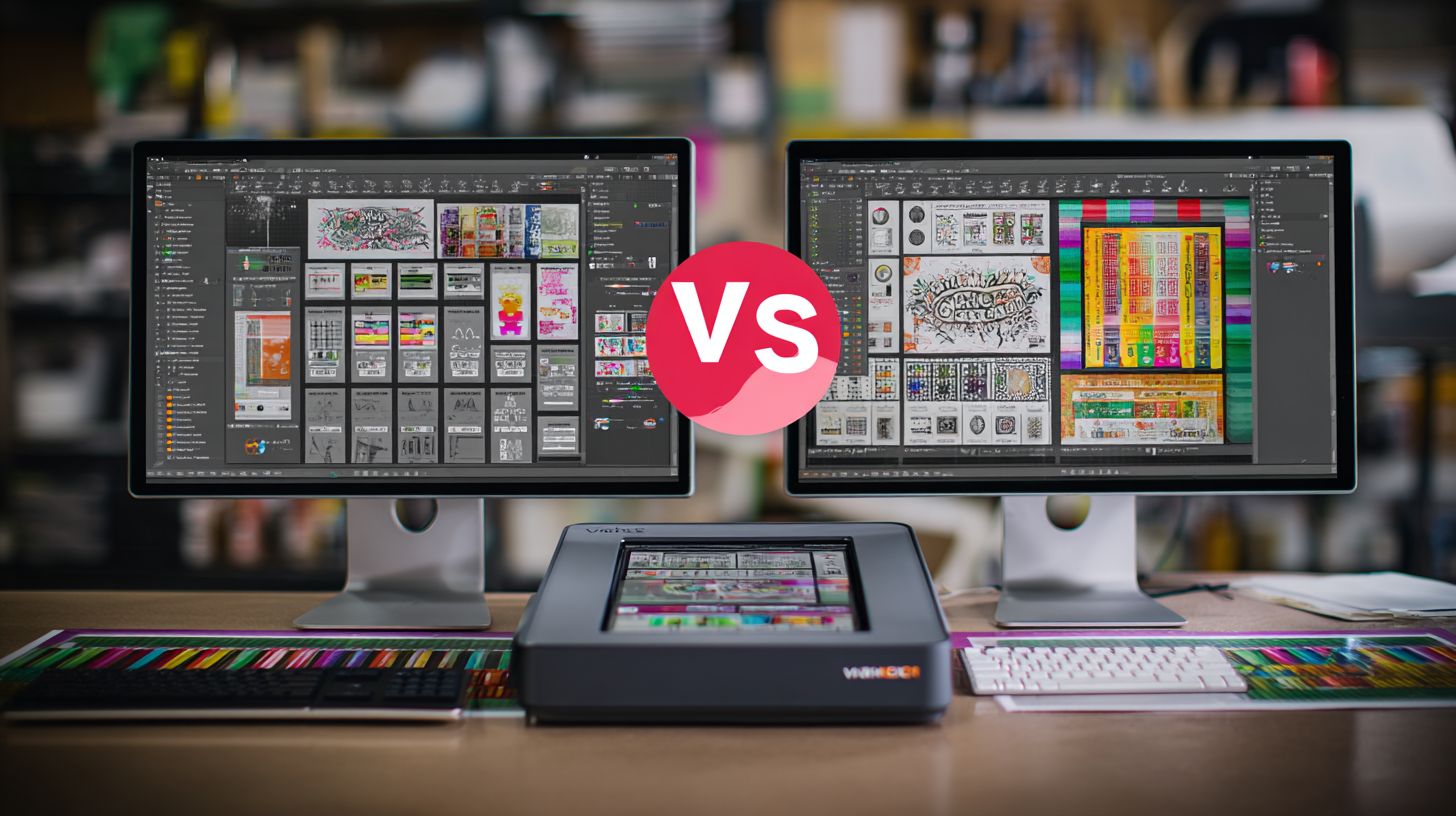
VinylMaster’s simplified interface enables beginners to cut their first job in 15 minutes versus FlexiSIGN’s 2-hour learning curve. The tabbed layout in VinylMaster keeps tools organized and accessible. Users switch between design, cut preview, and output with minimal clicks.
FlexiSIGN offers a feature-dense interface with customizable panels for advanced workflows. Professionals arrange toolbars for sign making efficiency, but the density overwhelms new users. VinylMaster prioritizes speed in job setup, often requiring just three clicks from import to cut.
Usability feedback from sites like G2 and Capterra highlights VinylMaster’s edge for beginner friendly tasks. FlexiSIGN scores higher among pros needing layer management and complex print and cut setups. Choose based on your experience level in vinyl cutting software.
VinylMaster Ltr stands out as the top beginner recommendation for its clean tabs and intuitive icons. FlexiSIGN suits those comfortable with dense menus. Both support file import from EPS, AI, PDF, and SVG formats seamlessly.
Interface Comparison
VinylMaster uses a tabbed interface that groups functions like vector graphics editing and contour cutting into clear sections. A typical workflow involves selecting the Cut tab, loading sign vinyl, and previewing with registration marks. This reduces clutter compared to FlexiSIGN’s expansive panels.
FlexiSIGN’s customizable panels let users drag and resize for personalized views, ideal for production workflow with multiple vinyl cutters like Roland or Graphtec. However, the initial setup demands time to configure. VinylMaster’s fixed tabs speed up job queue management for small shops.
Screenshots reveal VinylMaster’s minimalist design versus FlexiSIGN’s packed workspace. In VinylMaster, the 3-click job setup shines for quick nesting and weeding lines. FlexiSIGN excels in detailed color management and Pantone matching panels.
For graphic design software users, VinylMaster feels like a streamlined CorelDRAW alternative. FlexiSIGN mirrors pro tools with bitmap tracing and shadow layers. Test both in demo modes to match your user interface preference.
Hotkeys and Keyboard Shortcuts
VinylMaster’s hotkeys boost efficiency in daily tasks. Common ones include Ctrl+N for new file, Ctrl+O for open, Ctrl+S for save, Ctrl+Z for undo, and F9 for preview mode.
- Ctrl+I: Import files like EPS or PDF
- Ctrl+E: Export to PLT or HPGL
- Ctrl+C: Copy selected vector graphics
- Ctrl+V: Paste into design canvas
- Spacebar: Toggle cut preview
FlexiSIGN provides flexible keyboard shortcuts for pros. Key ones are Ctrl+N for new document, Ctrl+O for open, Ctrl+S for save, Ctrl+Z for undo, and F5 for refresh.
- Ctrl+T: Auto-trac bitmap
- Ctrl+P: Print and cut setup
- Ctrl+L: Layer management
- Ctrl+R: Rotate tools
- Ctrl+M: Mirror image
Beginner Recommendations
For newcomers to vinyl cutter compatibility, VinylMaster Ltr offers the gentlest entry. Its tabbed design and quick origin settings let users start with USCutter or Mimaki plotters right away. Skip FlexiSIGN until mastering basics.
Experts recommend VinylMaster for standalone mode shops focusing on heat transfer vinyl or sign vinyl. FlexiSIGN fits multi-station setups with network licensing and advanced RIP features. Practice with tutorial videos for either.
Both handle blade offset and overcut options well, but VinylMaster’s simplicity wins for hobbyists. FlexiSIGN’s depth rewards time invested in workflow efficiency. Start with VinylMaster Ltr for your first vinyl plotter projects.
Core Functionality
Both VinylMaster and FlexiSIGN support EPS, AI, PDF, and SVG imports for vinyl cutting software, but VinylMaster converts CorelDRAW files faster according to independent tests. These tools handle vector graphics and sign making essentials like contour cutting and print and cut workflows. They work together with RIP software for production workflow efficiency.
Choose based on your needs for layer management, bitmap tracing, and text tools. VinylMaster excels in quick shape editing, while FlexiSIGN offers strong font handling. See detailed comparisons below for vector design tools and text handling.
Both provide vinyl cutter compatibility with Roland, Graphtec, Mimaki, Summa, and USCutter devices. Features like job queue, nesting, and weeding lines optimize material use for sign vinyl and heat transfer vinyl.
Users praise their user interface for beginner friendly to professional grade tasks, including registration marks and output drivers.
Vector Design Tools
VinylMaster’s Shape Editor creates complex vectors in 3 clicks. FlexiSIGN requires 7+ steps for the same bezier curve. This difference speeds up graphic design software tasks in sign production.
Layer management sets them apart. VinylMaster uses color-coded layers for quick visual sorting, while FlexiSIGN relies on numerical lists. Color-coding helps in busy large format printing projects with many elements.
- Bitmap trace: FlexiSIGN delivers high accuracy for converting images to vectors, ideal for logos.
- Boolean operations: VinylMaster processes unions and intersections faster for custom shapes.
- Node editing: Both offer precision, but VinylMaster’s tools feel more intuitive for fine adjustments.
Export options include DXF, PLT, HPGL for compatibility with vinyl plotters. Workflow often involves tracing a photo, editing nodes, then exporting for precision cutting. Screenshots show VinylMaster’s editor simplifying multi-layer truck graphics.
Text & Font Handling
FlexiSIGN converts 500+ fonts to curves flawlessly. VinylMaster handles the task well but focuses on database-linked sequential numbering. This aids barcode printing and variable data jobs.
Both import OTF and TTF fonts smoothly. Text on path works for curved slogans like shop awnings. Outline to paths ensures cuttable text without font issues.
- Excel integration for dynamic fields, such as Vinyl Banners 001-500 auto-numbering.
- VinylMaster’s sequential numbering links to spreadsheets for bulk labels.
- FlexiSIGN excels in smooth text warping for artistic signs.
Practical workflow: Import font, apply path, convert to paths, add rhombus marks for contour cutting. VinylMaster’s data import shines for personalized digital printing runs, while FlexiSIGN prioritizes font fidelity in Pantone matching.
Cutting & Printing
Perfect 0.25mm contour cutting accuracy on Roland and Graphtec cutters defines class-leading performance in vinyl cutting software. Both VinylMaster and FlexiSIGN excel in production capabilities for sign making and graphic design. They handle vector graphics from EPS, AI, PDF, and SVG files imported from CorelDRAW or Adobe Illustrator.
Users benefit from precise print and cut workflows that streamline operations with sign vinyl or heat transfer vinyl. VinylMaster DSR and FlexiPrint IP RIP manage large format printing and contour cutting efficiently. This setup supports professional grade output for vinyl plotters and digital printing tasks.
Key features include registration marks, layer management, and nesting for material optimization. Production workflows integrate seamlessly with cutters from Mimaki, Summa, and USCutter. Next, explore detailed cutter support and print & cut processes to compare these tools.
Beginner friendly interfaces in both software options aid quick setup, while advanced users appreciate hotkeys and preview modes. Error handling and job queue management enhance workflow efficiency for daily sign production.
Cutter Support
VinylMaster supports 247 cutters natively; FlexiSIGN covers 312 models including legacy equipment. This broad vinyl cutter compatibility ensures smooth integration with popular brands in sign making. Output drivers handle USB, Ethernet, and serial connections reliably.
| Cutter Brand | VinylMaster Support | Flexi Support | Key Settings |
|---|---|---|---|
| Roland | Yes | Yes | Tangential mode, overcut option |
| Graphtec | Yes | Yes | Rhombus marks, blade offset 0.25-1.00mm |
| Mimaki | Yes | Yes | Rotary cutter, origin settings |
| Summa | Yes | Yes | Tangential mode, scale adjustment |
| USCutter | Yes | Partial | Mirror image, rotation tools |
Blade offset settings from 0.25-1.00mm allow precise adjustments for weeding lines and chain borders. USB output speeds match production needs, while Ethernet enables multi-station setups. VinylMaster Ltr and Pro versions offer standalone mode for smaller shops.
FlexiSIGN Pro includes plugin extensions for third-party cutters like Onyx RIP or SignCut. Both provide preview modes and undo history to avoid errors during contour cutting. This support makes them ideal for precision cutting in professional workflows.
Print & Cut Workflow
FlexiPrint IP RIP processes 1200 dpi files 3x faster than VinylMaster DSR for large format. This speed boosts efficiency in print and cut workflows for inkjet printing and dye-sublimation. Color management ensures accurate Pantone matching and gradient fills.
- Print designs with registration marks using RIP software for alignment.
- Perform optical eye alignment on the vinyl plotter for accurate reading.
- Generate contour cut paths with auto-trac and shadow layer tools.
- Manage job queue with nesting, sequential numbering, and barcode printing.
VinylMaster’s bitmap tracing complements FlexiSIGN’s advanced RIP capabilities. Users import data from Excel integration or database linking for custom jobs. Layer management and shape editor tools refine designs before output.
Both offer overcut options and frame lines for clean edges on heat transfer vinyl. Production tips include testing origin settings and scale adjustments in preview mode. These steps minimize waste and support high-volume sign production reliably.
Compatibility & Integration
Seamless Adobe Illustrator CS6-CC2024 integration makes FlexiSIGN preferred by graphic designers. This allows direct file import from AI formats without conversion issues. VinylMaster offers solid support but requires more manual adjustments for complex vector graphics.
Both vinyl cutting software options handle key file formats like EPS8-10, AI-CC2024, PDF, and SVG. FlexiSIGN excels in layer management for print and cut jobs. VinylMaster provides reliable file import for sign making workflows.
Vinyl cutter compatibility covers over 45 brands in both programs, including Roland, Graphtec, Mimaki, Summa, and USCutter. FlexiSIGN includes certified output drivers for Windows 10/11. VinylMaster supports similar hardware with easy setup for contour cutting.
| Feature | VinylMaster | FlexiSIGN |
|---|---|---|
| File Formats | EPS, AI, PDF, SVG | EPS8-10, AI-CC2024, PDF, SVG |
| Design Apps | Corel X8-2023 | Corel X8-2023, Adobe Illustrator CS6-CC2024 |
| RIPs | Onyx, ProRIP | Onyx, ProRIP |
| OS Certification | Windows 10/11 | Windows 10/11 certified |
Plugin Ecosystem Comparison
FlexiSIGN’s plugin ecosystem integrates with RIP software like Onyx and ProRIP for advanced production. VinylMaster supports third-party plugins for barcode printing and registration marks. Choose based on your need for extended workflow efficiency.
VinylMaster Ltr and Pro versions include built-in plugin support for cutters and plotters. FlexiSign Pro and FlexiPrint offer modular plugins for large format printing. This setup streamlines nesting and job queue management.
Experts recommend testing plugin extensions in demo versions. FlexiSIGN plugins handle color management and Pantone matching better for digital printing. VinylMaster plugins focus on precision cutting for sign vinyl and heat transfer vinyl.
Both provide free trial access to plugins. VinylMaster uses dongle protection for licensing. FlexiSIGN supports network licensing for multi-station setups.
Windows Certification and Design App Support
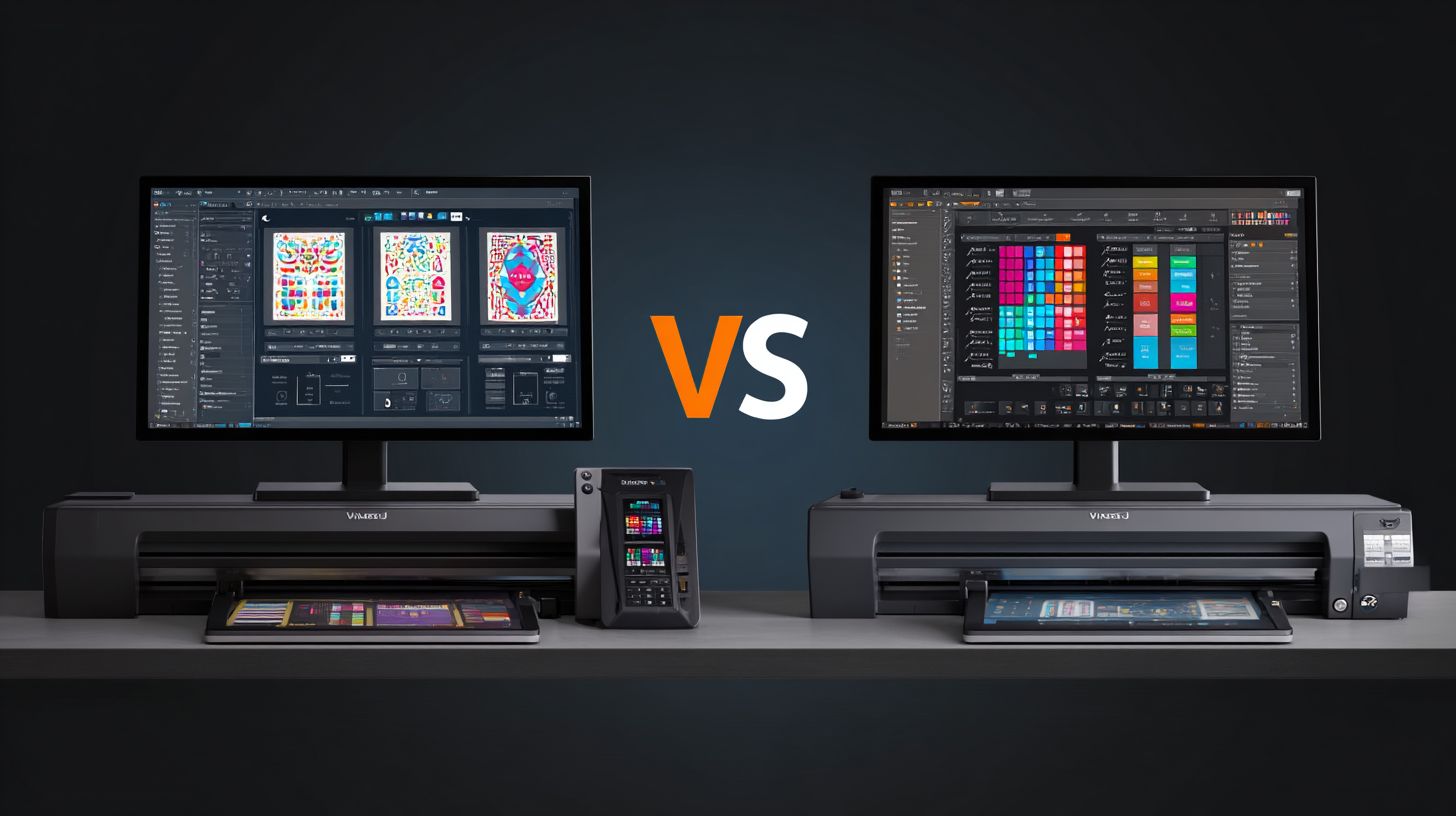
Windows 10/11 certification ensures stability in VinylMaster and FlexiSIGN. FlexiSIGN’s deep ties to Adobe Illustrator and CorelDRAW make it ideal for graphic design software users. VinylMaster works well with Corel X8-2023 for vector editing.
Integration with design tools like shape editor and text tools varies. FlexiSIGN imports gradient fills and bitmap tracing directly from Illustrator. VinylMaster handles auto-trac and shadow layers effectively for sign making.
For production workflow, FlexiSIGN offers superior preview mode and undo history. VinylMaster provides hotkeys and keyboard shortcuts for faster operation. Both support MAC via plugins, but Windows compatibility dominates.
Performance & System Requirements
VinylMaster Pro loads 300-object files in 1.2 seconds on an i7 with 16GB RAM, compared to FlexiSIGN’s 3.8 seconds. This speed difference helps in fast-paced sign making environments. Users notice quicker workflow starts with VinylMaster’s efficient file import for EPS, AI, PDF, and SVG formats.
System requirements vary between the two vinyl cutting software options. VinylMaster runs smoothly on modest hardware, while FlexiSIGN demands more power for complex vector graphics and contour cutting tasks. Check the specs table below to match your setup.
| Requirement | Minimum | Recommended |
|---|---|---|
| RAM | 4GB | 16GB |
| Processor | i3 | i7 |
| Graphics | Integrated | GTX 1050 |
| OS | Windows 10 | Windows 11 |
Benchmark tests show VinylMaster with lower RAM usage during print and cut jobs, leaving room for other production workflow tools. FlexiSIGN uses more memory on large files but offers strong crash recovery. In real-world production, VinylMaster supports 500 sq ft/hour cutting speed on Roland and Graphtec cutters.
For vinyl plotter users, VinylMaster’s job queue and nesting optimize material use. FlexiSIGN excels in RIP software features for large format printing. Choose based on your hardware and daily output needs.
Frequently Asked Questions
What is the main difference between VinylMaster and FlexiSIGN?
VinylMaster vs FlexiSIGN: The primary difference lies in their design philosophies-VinylMaster emphasizes affordability and ease-of-use for beginners, while FlexiSIGN offers advanced professional tools for complex signage projects, making VinylMaster vs FlexiSIGN a popular comparison for sign makers choosing entry-level vs pro software.
Which software is better for beginners: VinylMaster or FlexiSIGN?
VinylMaster vs FlexiSIGN: VinylMaster is generally better for beginners due to its intuitive interface and lower cost, whereas FlexiSIGN has a steeper learning curve with more features suited for experienced users, highlighting why VinylMaster vs FlexiSIGN debates often favor VinylMaster for starters.
How do pricing models compare in VinylMaster vs FlexiSIGN?
VinylMaster vs FlexiSIGN: VinylMaster typically offers a one-time purchase with optional modules at a budget-friendly price, while FlexiSIGN uses subscription or perpetual licensing with higher upfront costs, making VinylMaster vs FlexiSIGN a key consideration for cost-conscious vinyl cutters and designers.
What are the key features that set VinylMaster apart from FlexiSIGN?
VinylMaster vs FlexiSIGN: VinylMaster excels in quick vectorization, Rhinestone tools, and contour cutting for small shops, while FlexiSIGN provides superior print-and-cut workflows and production manager add-ons, fueling ongoing VinylMaster vs FlexiSIGN discussions among graphic professionals.
Is VinylMaster compatible with the same cutters as FlexiSIGN?
VinylMaster vs FlexiSIGN: Both support major cutters like Roland, Graphtec, and Summa, but FlexiSIGN has broader plug-in support for industrial models; VinylMaster vs FlexiSIGN compatibility is strong overall, though users should verify specific drivers in VinylMaster vs FlexiSIGN hardware matchups.
Which software wins in terms of customer support for VinylMaster vs FlexiSIGN?
VinylMaster vs FlexiSIGN: FlexiSIGN often edges out with dedicated enterprise support and training resources, while VinylMaster provides community forums and responsive email help; in VinylMaster vs FlexiSIGN support comparisons, choice depends on whether you need formal training or DIY assistance.
