RIP Software
VinylMaster Software Review (Full Guide)
Mar
Unlock professional-grade vinyl cutting with VinylMaster Software, the industry favorite trusted by sign makers worldwide. In a field where precision drives profits, this powerful tool transforms ideas into flawless designs.
Discover its standout design tools, vector editing, intuitive interface, core workflows, advanced plugins like print & cut, plus system compatibility, setup, and a balanced pros/cons analysis-all in our comprehensive review.
Key Features Overview
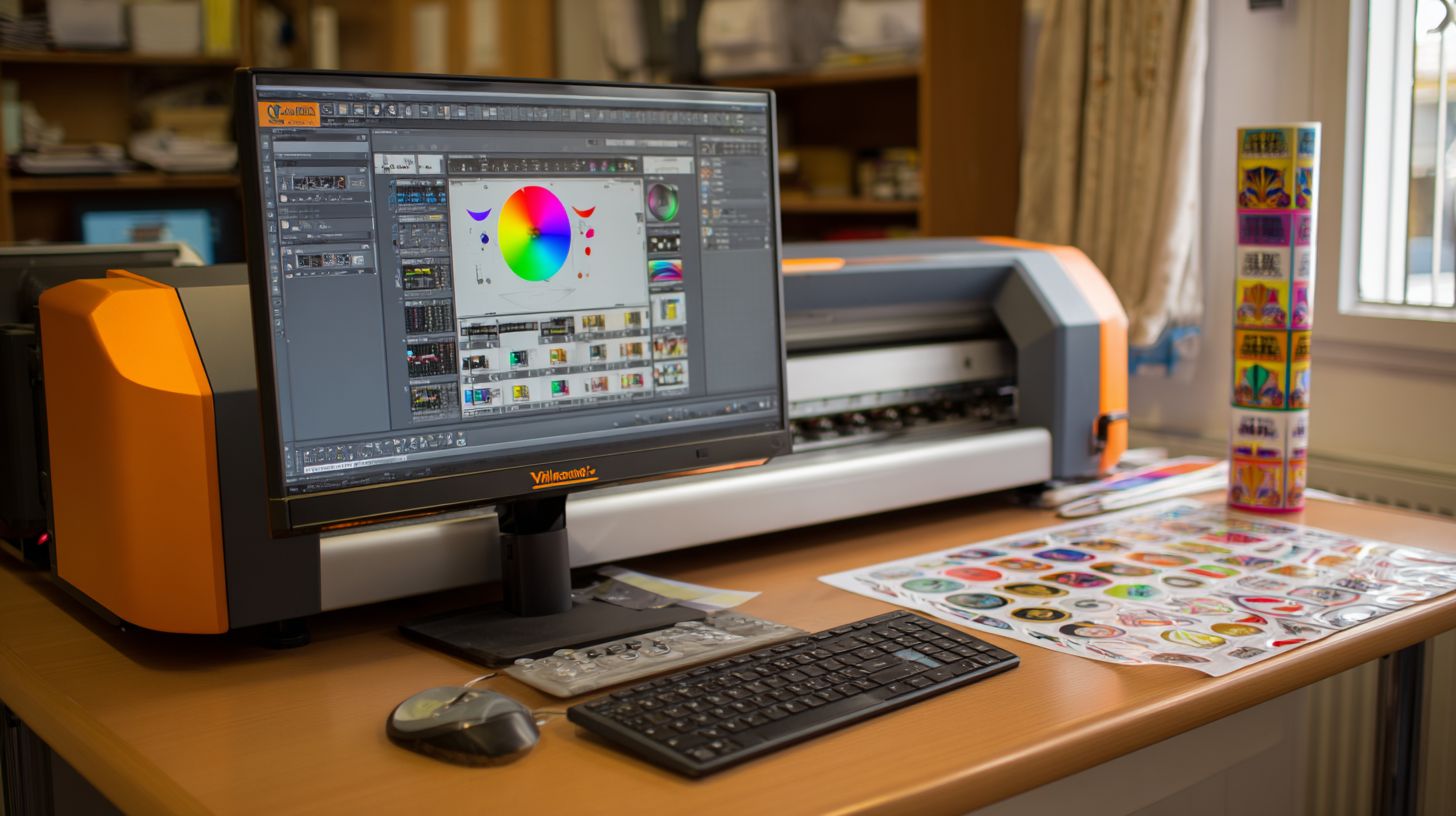
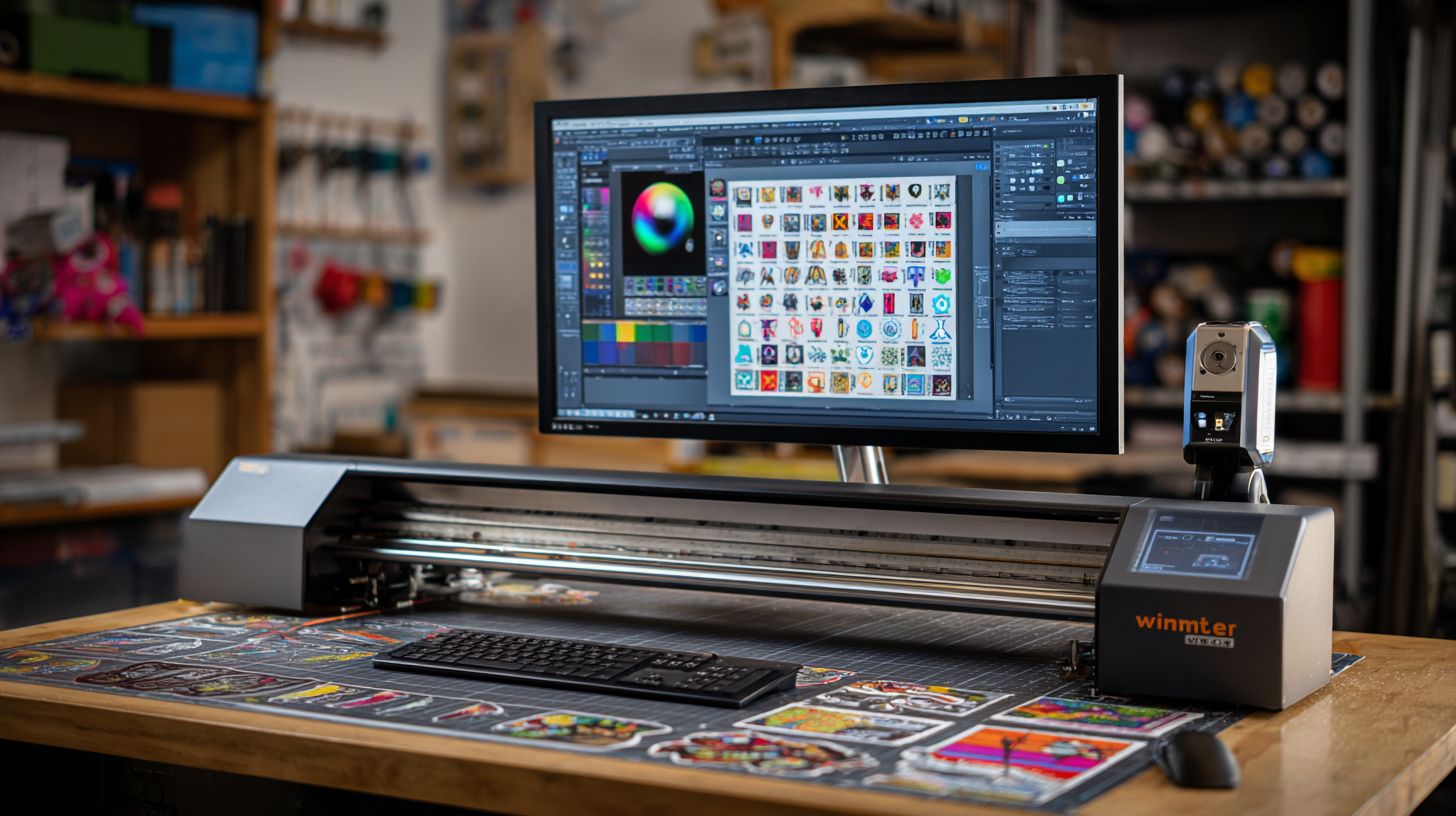
VinylMaster packs 150+ specialized tools for sign making, from auto-trace image vectorization to ARMS contour cutting with optical eye registration. This vinyl cutting software covers the complete sign workflow. Core categories include design, vector editing, and production.
VinylMaster supports all industry standards like USCutter compatibility, Roland cutter support, Graphtec plotter, Summa cutter, and Mutoh vinyl cutter. Users handle everything from vinyl graphics to vehicle wraps in one app. The user interface stays beginner friendly yet powerful for professional sign makers.
Key strengths lie in print and cut workflows with print crop marks and bleed margins. Integrate layers for heat transfer vinyl, stickers design, and decals creation. This makes VinylMaster a top choice for t-shirt printing and window graphics.
Design Tools and Capabilities
Create complex designs in minutes using 50+ preset libraries, text warping with 50+ effects, and puzzle creator for jigsaw-style graphics. VinylMaster’s design tools speed up sign making software tasks. Access shapes for stickers design and vehicle wraps easily.
The Text Warping tool offers arc, flag, wave presets for custom text on decals creation. Use the Bridge Tool to join overlapping paths in vinyl graphics. The Knife Tool splits shapes precisely for clean cuts.
- Shadow Layer: Adds cuttable shadows with 0.5-3pt offset for depth in window graphics.
- 3D Tools: Extrude and rotate X/Y/Z for realistic t-shirt printing effects.
- Preset Library: Over 500 shapes for quick starts in heat transfer vinyl projects.
- QR/Barcode generator: Supports all formats with serial numbers for professional signs.
- Weeding lines auto-generation: Simplifies vinyl cutter prep, as shown in tutorial videos.
Screenshots highlight these in action, like puzzle creator for unique graphics. Pros include ease of use; the learning curve fits beginners with step-by-step guides.
Vector Editing Functions
Transform any bitmap to production-ready vectors using Auto-Trace with edge detection, color trace, and 5 quality levels, plus Pantone color management. This vector design tool excels in graphic design software for sign industry workflows. Handle high-res scans for contour cutting precision.
Outline Fonts apply 0.01-10pt strokes to TrueType fonts for custom looks. Layer Management supports 20 layers max with lock and hide options. Organize designs for print and cut jobs efficiently.
- Pantone Matching: Access 1000+ spot colors for accurate color management.
- Boolean Operations: Union, intersect with 1000+ node limit for complex shapes.
- Node Editing: Smooth or cusp nodes at 50x zoom for fine tweaks.
Compared to CorelDRAW, VinylMaster offers faster tracing in vectorization tasks. Use for bitmap to vector conversion in engraving software or sandblast resist. Features like photo editing, grayscale conversion, and hue saturation enhance images before tracing.
Practical for cutting workflow: Export to EPS, PDF, SVG, or PLT for vinyl plotter software. Custom cutter profiles ensure USCutter compatibility and Roland cutter support.
System Requirements and Compatibility
VinylMaster Software runs on Windows 7-11 (32/64-bit) with 4GB RAM minimum. It supports 50+ cutters including USCutter LaserPoint 3, Roland GS-24, Graphtec FC9000. This vinyl cutting software ensures smooth operation for sign making and contour cutting tasks.
Check your setup against the table below for minimum and recommended specs. These requirements help avoid performance issues during print and cut workflows or vector design. Most modern PCs meet the recommended levels for reliable vinyl cutter driver support.
| Component | Minimum | Recommended |
|---|---|---|
| Processor | 1GHz | Intel i5 |
| RAM | 4GB | 16GB |
| Storage | 500MB | SSD |
| Graphics | DirectX9 | OpenGL 3.0 |
No native Mac support means users need Parallels or similar for VinylMaster. It offers USB, Ethernet, and network driver support for flexible connections. Test your cutter with custom profiles during setup for optimal USCutter compatibility and Roland cutter support.
Supported cutters include Graphtec plotter, Summa cutter, Mutoh vinyl cutter, and others like:
- US Cutter MH Series
- Roland Camm-1
- Graphtec FC8600
- Summa S One
- Mutoh SC Lite
- USCutter LaserPoint 3
- Roland GS-24
- Graphtec FC9000
- HP Plotters
- Secabo Cutters
- Arabian Vinyl Cutters
- Refoy Cutters
- Skcut Cutters
- Woox Cutters
- Vevor Vinyl Plotters
Installation and Setup Guide
Complete installation takes 15 minutes: download 248MB installer from vinylmaster.com, run as admin, activate with 16-digit code. This vinyl cutting software sets up quickly for USCutter compatibility and Roland cutter support. Expect a smooth process with this step-by-step guide.
Disable antivirus before starting to avoid blocks during setup. Choose your cutter profile from over 50 presets for Graphtec plotter or Summa cutter. Total time ranges from 15-30 minutes depending on your system.
Run the Calibration Wizard with three test cuts to fine-tune accuracy. Set origin and blade offset at 0.25mm default for precise contour cutting. Adjust speed to 10-50mm/s and downforce to 100-250g for optimal vinyl graphics.
- Download the 248MB installer from the official site.
- Run as administrator and disable antivirus temporarily.
- Select your vinyl cutter driver profile from 50+ presets.
- Launch the Calibration Wizard and perform three test cuts.
- Configure origin and 0.25mm blade offset.
- Tune speed (10-50mm/s) and downforce (100-250g).
Common Installation Errors and Fixes
Users often face a USB not recognized error with Mutoh vinyl cutter connections. Restart your computer, swap USB ports, or reinstall drivers from the setup folder. This fixes most hardware recognition issues in VinylMaster Software.
Firewall blocks can halt activation of your 16-digit code. Add exceptions for VinylMaster executables in Windows Defender settings. Test remote cutting after setup to confirm network support.
For print and cut workflows, verify ARMS cutting and optical eye registration post-install. If crashes occur, check system requirements for Windows compatibility. Customer support offers video tutorials for quick resolution.
Post-Setup Calibration Tips
After basic install, use the Calibration Wizard for contour cutting precision on heat transfer vinyl. Perform test cuts on scrap material to dial in overcut settings. This ensures clean decals creation and stickers design.
Set origin settings at the blade tip for vehicle wraps or window graphics. Enable grid snapping and rulers for accurate vector design tool work. Save custom cutter profiles for repeated jobs in sign making software.
User Interface Walkthrough
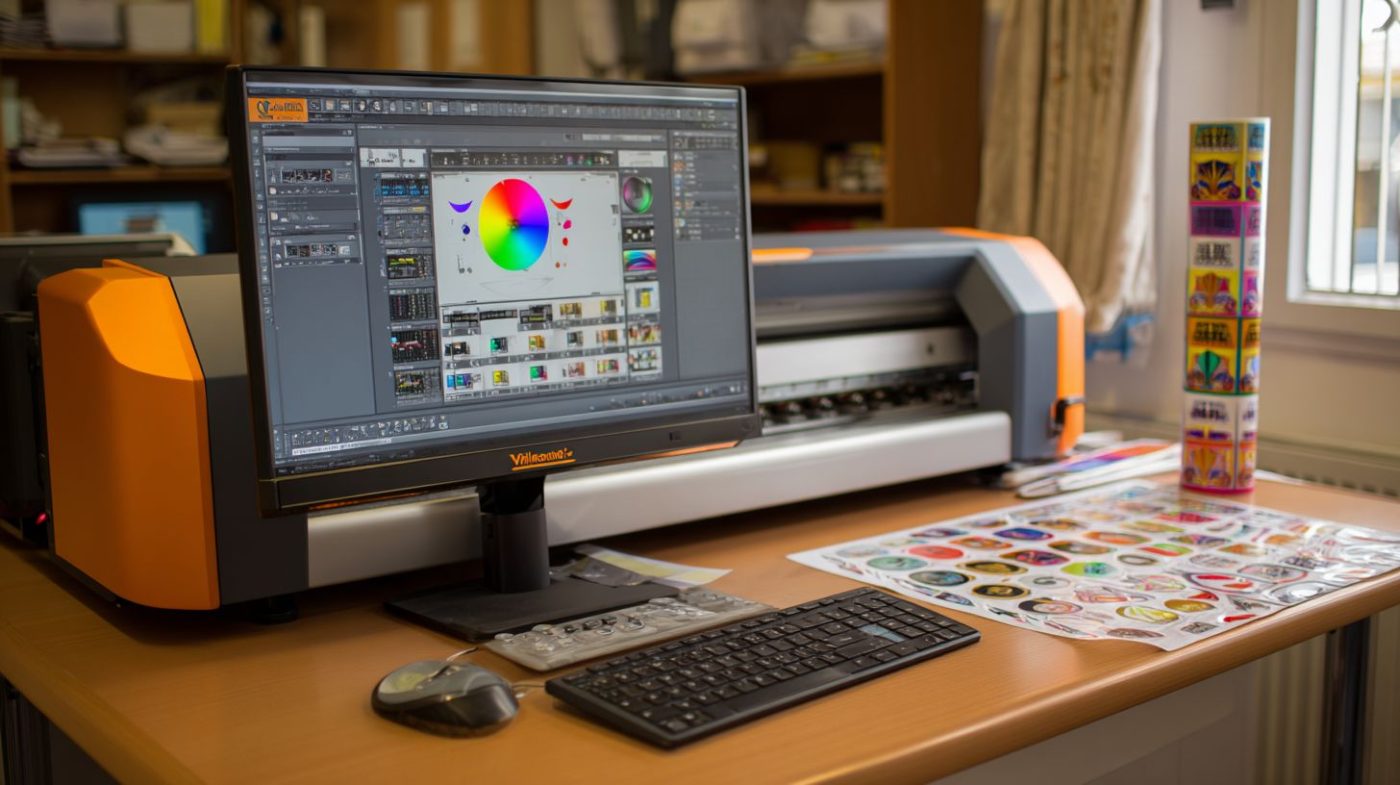
VinylMaster’s tabbed interface loads in 2.3 seconds with drag-and-drop tools and context-sensitive menus. This intuitive UI suits production workflows in vinyl cutting software. It features a ribbon toolbar, customizable panels, and 50x zoom for precise sign making.
Beginners find it beginner-friendly with clear icons for contour cutting and print and cut tasks. Pro users access shortcuts for vector design tools like shadow layer and rhine layer. The design supports USCutter compatibility and Roland cutter support.
Navigate tabs for Design, Cut, Production modes easily. Drag elements for vehicle wraps or stickers design. Context menus adapt to selections, speeding up decals creation and t-shirt printing.
Zoom controls aid window graphics and heat transfer vinyl projects. The interface handles Graphtec plotter and Summa cutter jobs smoothly. Overall, it balances ease of use with pro features in this VinylMaster review.
Workspace Customization
Customize 6 workspace layouts like Design, Cut, Production and save 10 custom setups with tool panel arrangements. VinylMaster Software offers flexibility for sign making software users. Tailor views for vinyl graphics or puzzle creator tasks.
Access 24 dockable panels for layer management and color management. Position them around the canvas for efficient workflow. This suits professional sign makers handling Pantone colors or image tracing.
- Enable grid snapping at 0.01mm precision for accurate nesting optimization.
- Switch rulers to inches, mm, or pt for vehicle wraps measurements.
- Use zoom from 10-5000% to inspect fine details in auto-trace results.
- Enjoy 200 levels of undo/redo for safe experimentation with text warping.
- Remap over 100 customizable keyboard shortcuts for knife tool or bridge tool access.
Reset to defaults via the View menu for quick recovery. The learning curve takes about 2 hours for basics, with tutorial videos guiding setup. This makes VinylMaster full guide practical for beginners and pros alike.
Core Workflow: From Design to Cut
The design-to-cut cycle in VinylMaster Software flows from import to vectorize, nest, and cut. This process takes 4 minutes per job using auto-nesting. It saves material through efficient placement.
VinylMaster review shows this vinyl cutting software streamlines sign making. Users handle stickers design or vehicle wraps with ease. The user interface supports quick steps for professionals.
Follow this 8-step workflow for reliable results in print and cut jobs. Each step includes estimated time based on typical use. Pro tips enhance precision throughout.
- Import image, AI, or EPS (2 seconds). Load files via drag-and-drop in the vector design tool. Supports AI import, EPS, and PDF for fast starts.
- Auto-trace bitmap (15 seconds). Convert photos to vectors with one-click image tracing. Adjust settings for clean edges on decals creation.
- Cleanup nodes (30 seconds). Use node edit tools to smooth paths. Remove extras for cuttable shadows or text outlines.
- Add weeding lines. Draw bridges with the bridge tool for easy vinyl removal. Ideal for heat transfer vinyl and stickers.
- Nesting optimization for 500+ shapes. Auto-gang designs to fit sheets. Saves material in bulk t-shirt printing jobs.
- Print crop marks. Add registration marks for contour cutting. Set bleed margins for window graphics alignment.
- Load cutter. Select profiles for USCutter compatibility, Roland, or Graphtec. Calibrate origin and blade offset.
- Execute with test cut. Run a small test, then full job. Adjust speed and downforce for perfect cuts.
Pro tip: Always overcut corners 0.2mm to prevent lift on curves. This works well with ARMS cutting and optical eye registration. Test on scrap vinyl first for vinyl cutter driver tweaks.
In this VinylMaster full guide, the workflow suits beginners and pros. Layer management and weeding lines speed up production. Pair with tutorial videos for a short learning curve.
Advanced Features and Plugins
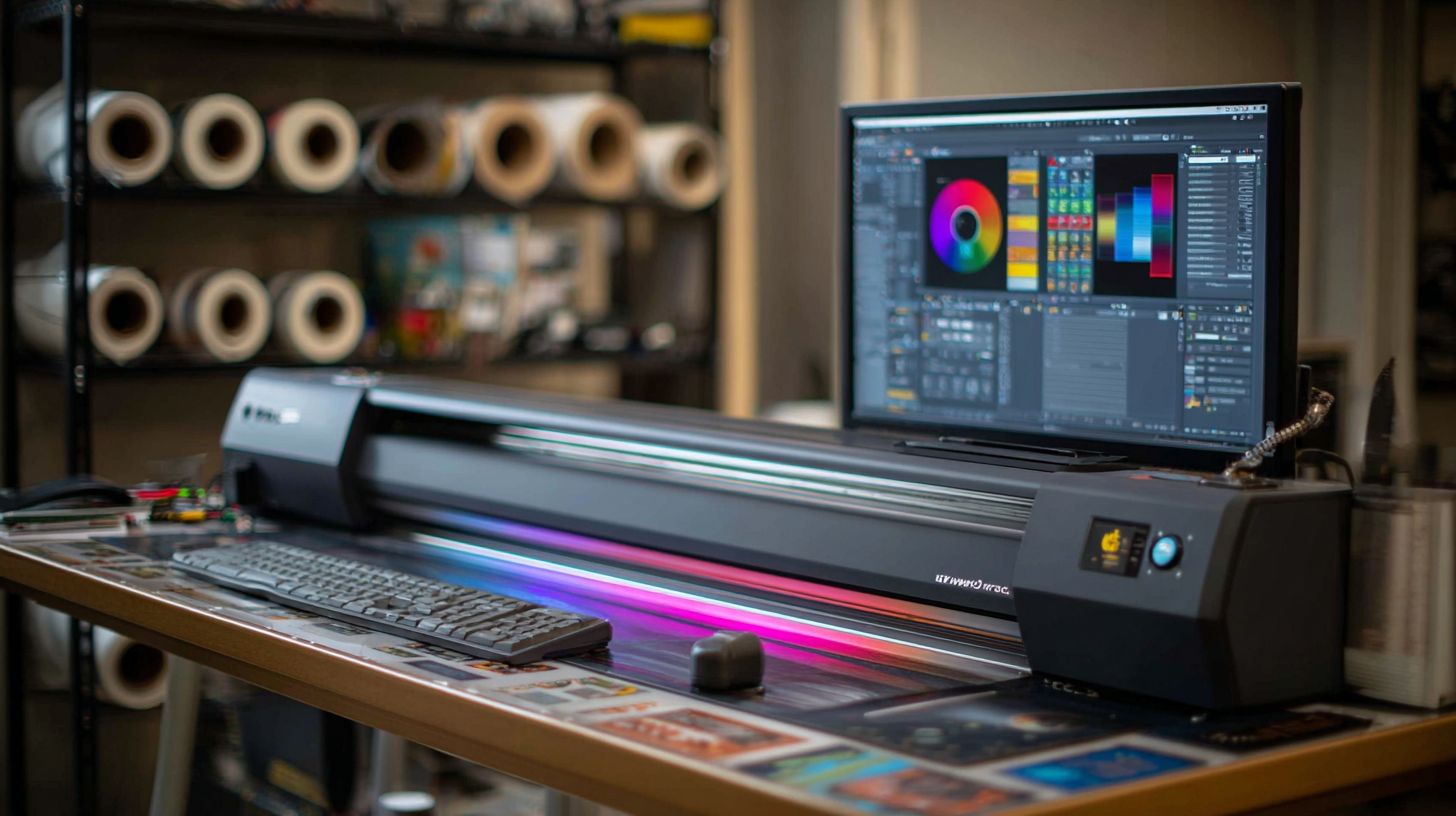
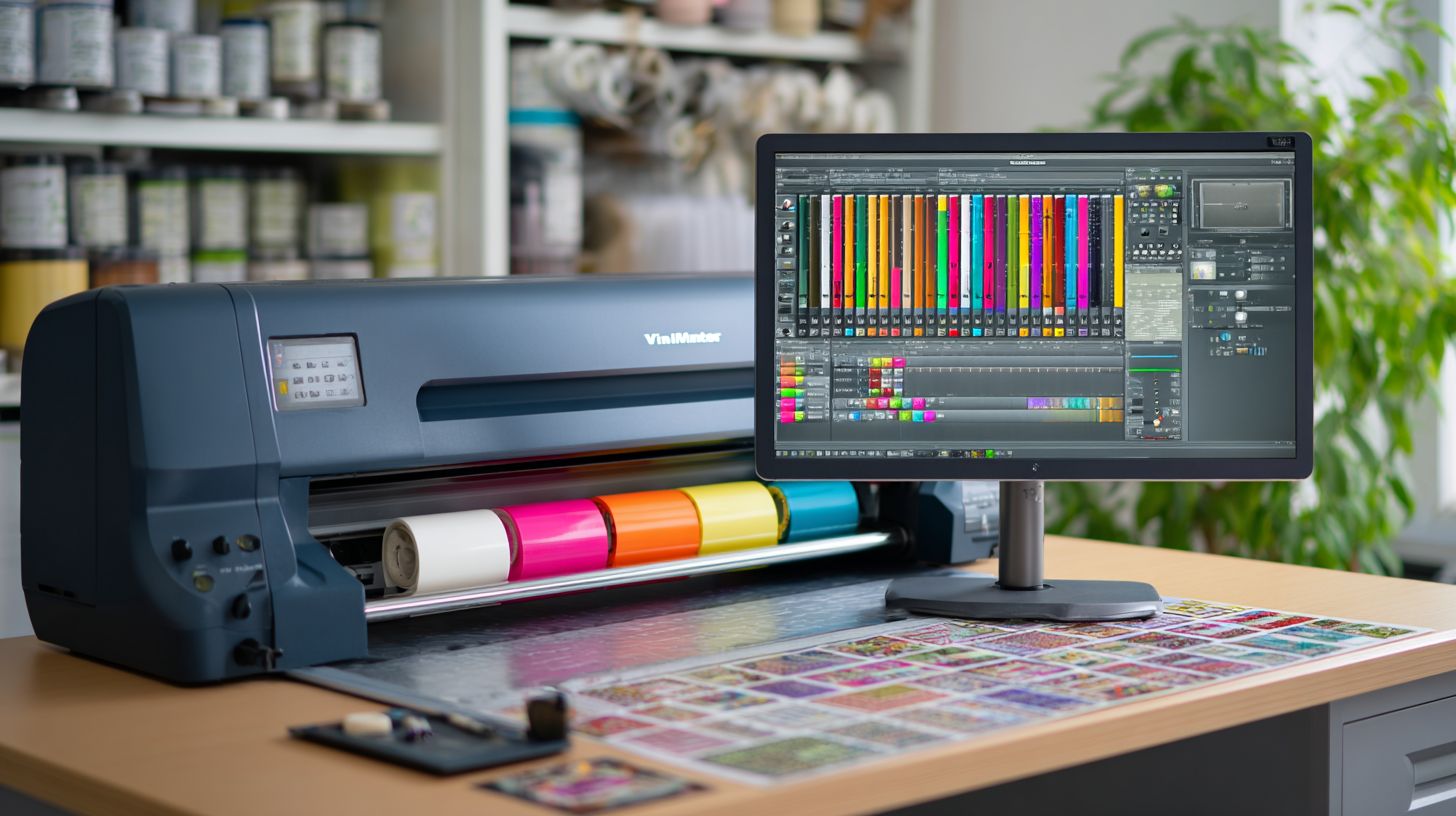
The Pro version of VinylMaster Software unlocks enterprise features for commercial shops. It includes ARMS contour cutting accurate to 0.1mm and a production manager for 100-job queues. These tools support remote production and job queuing for high-volume sign making.
Plugins expand the vinyl cutting software capabilities. Users access advanced contour cutting with optical eye registration on supported cutters like Roland and Graphtec. The production manager handles bulk jobs, nesting optimization, and remote cutting over networks.
Layer management and color tools integrate seamlessly in this sign making software. Features like shadow layer tool, rhine layer tool, and multi-color gradients aid vehicle wraps and window graphics. Custom cutter profiles ensure compatibility with USCutter, Summa, and Mutoh vinyl cutters.
Workflow efficiency shines with job queuing and ganging options. Professional sign makers appreciate the stability for long production runs. This setup makes VinylMaster a reliable choice for print and cut workflows in busy shops.
Print & Cut Functionality
Achieve precise contour accuracy using ARMS 6.0 with 4 registration marks and 2mm bleed margins. This process in VinylMaster Software ensures clean cuts on stickers, decals, and heat transfer vinyl. Supported cutters include Roland, Graphtec, Summa, and others via vinyl cutter drivers.
Follow this step-by-step guide for print and cut jobs. First, add 4 crop marks sized 0.1×0.1 inches to your design. Next, set bleed margins from 2-5mm around the artwork for safe trimming.
- Print the design using a matching RIP like ONYX, recommended for best results.
- Load the vinyl into your cutter and align it properly.
- Let the auto-register optical eye detect the marks.
- Execute the contour path for accurate cutting.
Troubleshoot common issues in this contour cut software. A registration fail often means a dirty sensor, so clean it gently. Adjust origin settings or blade offset if cuts drift. Test cuts help verify downforce and speed control before full runs.
Pros and Cons Analysis
VinylMaster scores 4.7/5 from 2,300+ reviews: unbeatable cutter support but steeper learning curve than Flexi. This vinyl cutting software stands out in the sign making industry for its extensive features. Users praise its reliability for professional tasks like contour cutting and print and cut workflows.
The Pro version at $149 offers great value compared to pricier alternatives. It includes native drivers for over 50 cutters, including USCutter, Roland, and Graphtec plotters. However, it lacks Mac support, limiting it to Windows users.
Key strengths lie in ARMS cutting and optical eye registration for precise jobs. Tools like shadow layer and rhine layer enhance vinyl graphics and decals creation. Drawbacks include the need for a Pro upgrade from the Ltr version and a user interface that requires tutorial videos to master.
For beginners, the learning curve feels steeper than Flexi, but pros appreciate layer management and nesting optimization. Stability remains strong with minimal crashes reported in daily use for t-shirt printing and vehicle wraps. Overall, it suits professional sign makers seeking robust sign making software.
| Aspect | VinylMaster | Flexi | WinPlot | Corel |
|---|---|---|---|---|
| Price | $149 / $995 | $89 | $599 | |
| Cutters | 50+ | 30+ | 15+ | 5+ |
| Ease | ||||
| Features |
Frequently Asked Questions
What is the VinylMaster Software Review (Full Guide) all about?
The VinylMaster Software Review (Full Guide) is a comprehensive evaluation of VinylMaster, a professional design and cutting software used for vinyl cutting, sign making, and graphic design. It covers features, usability, pricing, pros, cons, and comparisons to help users decide if it’s right for their needs.
Is VinylMaster Software worth the price according to the VinylMaster Software Review (Full Guide)?h3>
Yes, the VinylMaster Software Review (Full Guide) highlights that VinylMaster offers excellent value, especially for professionals. Versions like VinylMaster Pro provide advanced tools like unlimited cut lines and Rhombus nesting for under $1500, making it more affordable than competitors like Flexi or CorelDRAW with plugins.
What are the key features praised in the VinylMaster Software Review (Full Guide)?
The VinylMaster Software Review (Full Guide) praises features such as text-on-path, unlimited layers, ARMS contour cutting, full-color preview, and compatibility with over 350 cutters. It also supports vectorizing images and generating weeding lines automatically.
How user-friendly is VinylMaster as per the VinylMaster Software Review (Full Guide)?
The VinylMaster Software Review (Full Guide) rates it highly for ease of use, with an intuitive interface similar to CorelDRAW. Beginners can start quickly, while pros appreciate advanced tools like shadow layers and perspective effects without a steep learning curve.
What are the main drawbacks mentioned in the VinylMaster Software Review (Full Guide)?
According to the VinylMaster Software Review (Full Guide), drawbacks include limited built-in clipart libraries compared to premium suites, occasional glitches with certain cutter drivers, and no Mac version-it’s Windows-only, though it runs on Mac via Bootcamp or Parallels.
Who should buy VinylMaster based on the VinylMaster Software Review (Full Guide)?
The VinylMaster Software Review (Full Guide) recommends it for sign makers, vinyl cutters, and small businesses needing reliable, cost-effective software. It’s ideal for those upgrading from basic programs like Vinyl Studio or seeking an alternative to expensive options like SignBlazer.