
RIP Software
Top Vinyl Design Software for T-Shirts
Mar
Unlock vibrant, professional t-shirt designs with the right vinyl software-elevating your custom apparel from amateur to standout. In a market where precision vector editing and seamless layer management define success, choosing wisely is crucial.
Discover top picks like Cricut Design Space, Silhouette Studio, and VinylMaster Pro, plus expert comparisons, beginner-friendly options, pro features, and pricing insights to fuel your creativity.
Key Features for T-Shirt Vinyl Design
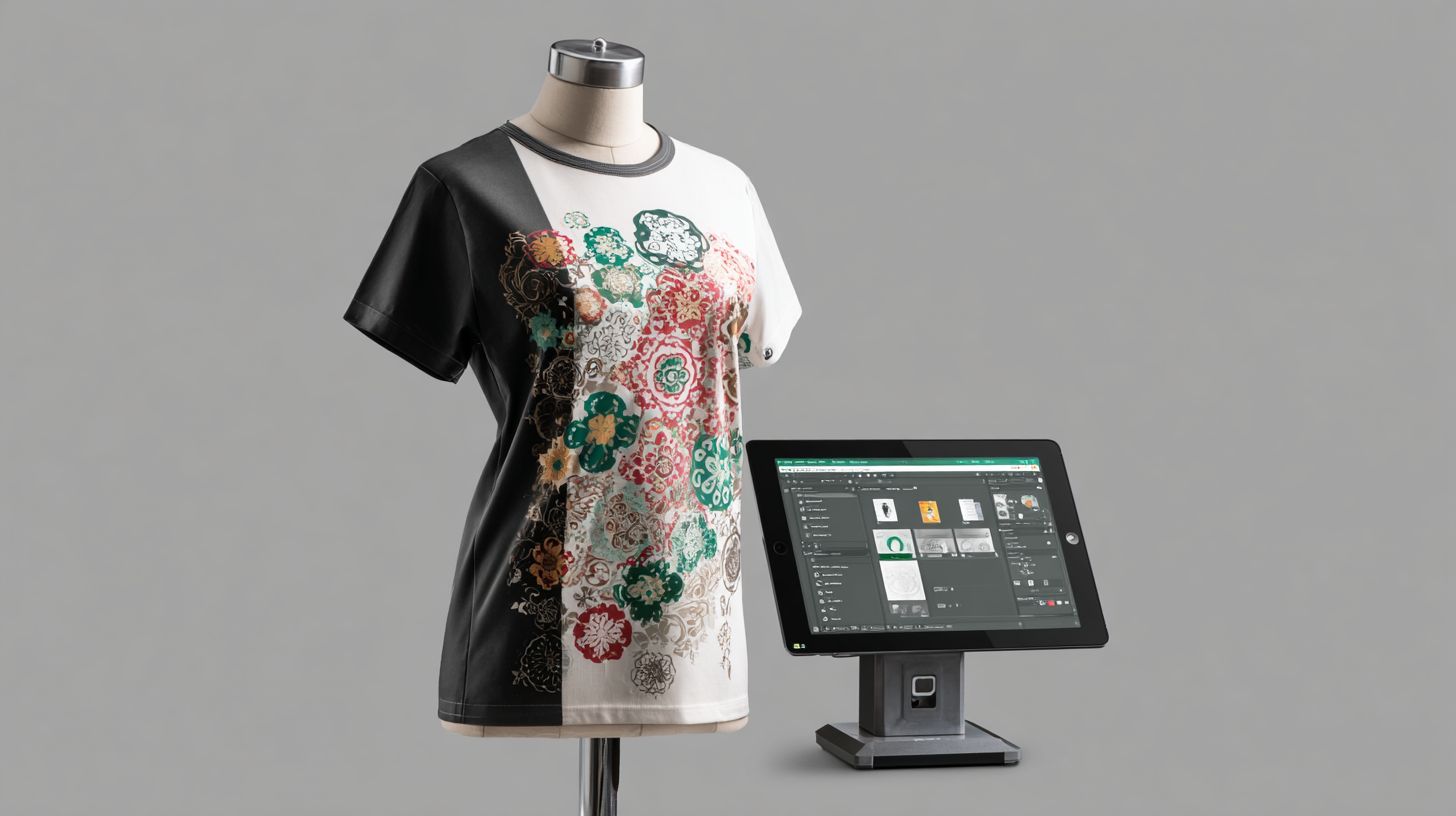
T-shirt vinyl design software requires specialized features like precise weeding lines, multi-layer HTV support, and mirror printing controls found in top tools. These capabilities ensure professional apparel graphics that cut cleanly and apply smoothly. Essential features enable custom t-shirt designs ready for vinyl cutters like Cricut or Silhouette.
Top vinyl cutter software includes vector editing for scalable shapes and layer management for complex multi-layer designs. Users benefit from tools that optimize cut paths and preview HTV stacking. This setup supports everything from simple logos to intricate patriotic eagle graphics.
Print and cut functions with registration marks align designs perfectly on heat transfer vinyl. Material settings adjust for glitter vinyl patterns or stretchable HTV. These features streamline workflows in t-shirt vinyl printing for home crafters and small shops.
Experts recommend software with weeding tools software and nesting algorithms to minimize waste. Integration with cutters via USB or WiFi enhances efficiency. Overall, these tools turn ideas into durable, vibrant t-shirt graphics.
Vector Editing Tools
Vector editing tools like Bzier curves, node editing, and weld/unite functions create clean, scalable t-shirt graphics that won’t pixelate at any size. These features form the backbone of vector editing software in top vinyl programs. Designers use them for precise custom t-shirt designs.
- Bzier curves draw smooth curves ideal for text and organic shapes like flowing script fonts.
- Node editing provides precise anchor point control to refine paths without distortion.
- Weld/unite merges overlapping shapes for seamless letters in logos.
- Subtract/intersect performs boolean operations to carve complex icons from base shapes.
- Auto-trace converts raster images to vectors using engines like potrace for accurate edge detection.
- SVG export outputs universal files compatible with most vinyl cutting software.
Converting a PNG logo to SVG maintains quality while reducing file size. This works well for sports team emblems that scale from small chest prints to full-back designs. Potrace engine handles fine details in typography effects reliably.
In programs like Inkscape or CorelDRAW, combine these tools for heat transfer vinyl prep. Auto-trace simplifies importing clipart, while node editing perfects curves. This ensures crisp cuts on any vinyl plotter software.
Layer Management
Layer management handles complex t-shirt designs with 10+ HTV colors, color sorting, and cut order optimization. This feature organizes layered designs in software like Silhouette Studio or Cricut Design Space. It prevents cutting errors on multi-color t-shirt vinyl printing projects.
- Color-coded layers sort elements by vinyl type, such as glitter for accents and matte for backgrounds.
- Cut order optimization sequences lightest colors first to avoid lifting darker layers.
- Opacity blending previews transparency for overlapping HTV elements.
- Group/ungroup organizes related shapes like stars and stripes in a flag design.
- Send to back/front controls adjust stacking for accurate previews.
For a patriotic t-shirt with 7 layers including red stars, blue field, and white stripes, nesting algorithms save vinyl. These reduce material use through efficient placement. Designers apply this to multi-layer HTV for professional results.
Layer tools include weeding lines and contour cutting previews. Adjust opacity to check blend modes on stretchable HTV. This setup supports holiday designs or business branding with minimal waste.
Top Vinyl Design Software Reviews
These three tools represent leading options among vinyl design software for t-shirt projects. They support popular workflows like heat transfer vinyl and HTV design.
Crafters and professionals rely on them for custom t-shirt designs. Each offers unique strengths in vector editing and cutting features.
Expect tools for layered designs, weeding simulation, and print-and-cut precision. Choose based on your setup with Cricut, Silhouette, or pro cutters.
Key aspects include mobile apps, font libraries, and material settings. They integrate SVG files, PNG import, and shape tools for t-shirt graphics.
Cricut Design Space
Cricut Design Space powers 12+ million users with its free cloud-based platform optimized for Cricut cutters. This vinyl cutter software excels in t-shirt vinyl printing.
Pros include a free basic version, 1M+ ready designs, and iOS/Android apps. The library holds 500K+ images with 300 DPI export and 50+ material settings.
- Free access suits beginners in holiday designs or sports logos.
- Subscription at $9.99/mo adds premium fonts and images.
- Ideal for Print Then Cut projects on apparel mockups.
Cons are internet requirement and limited pro features like advanced node editing. Ratings hit 4.6/5 on app stores. Best for hobbyists creating multi-layer HTV on cotton vinyl.
Silhouette Studio
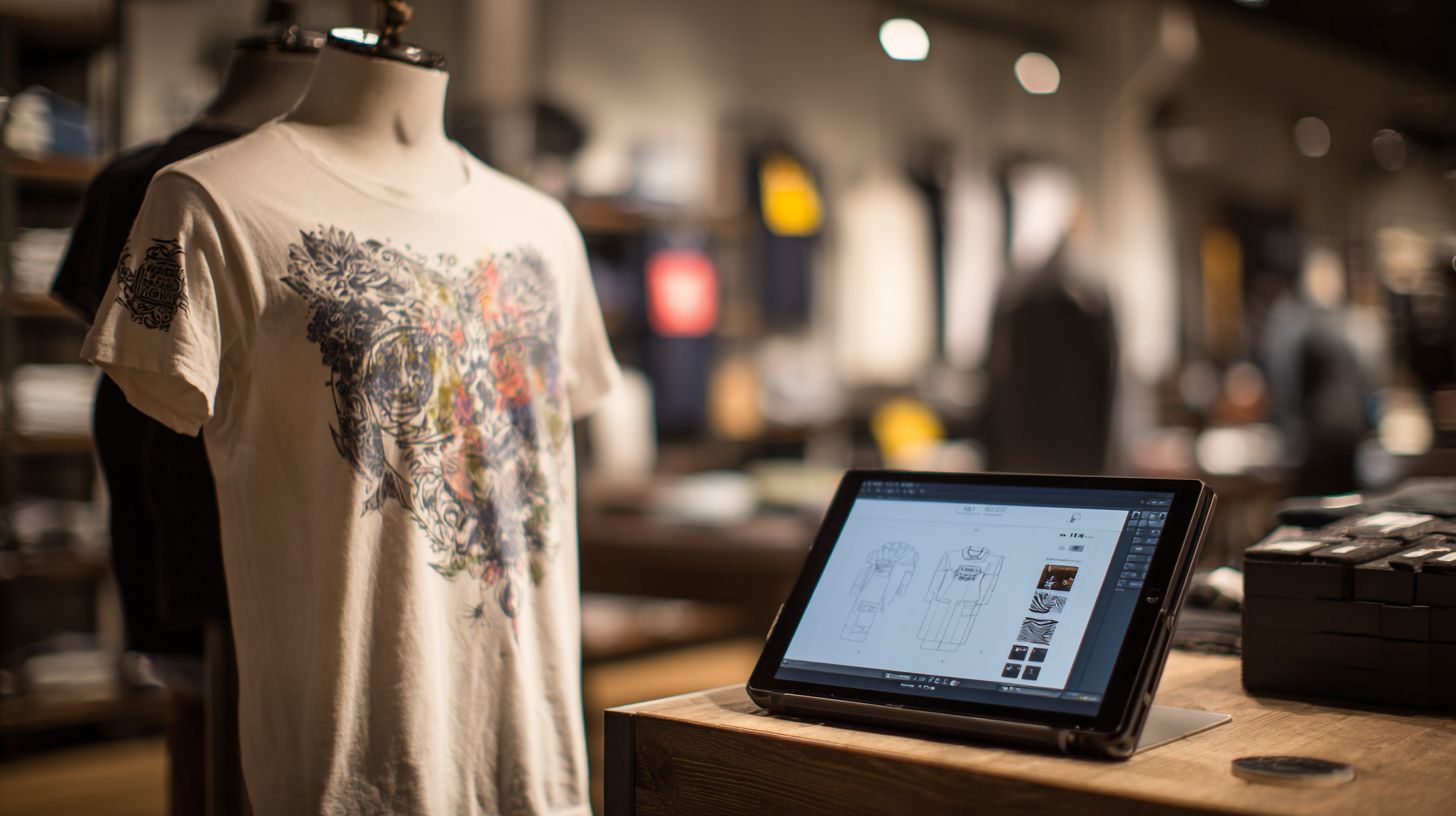
Silhouette Studio’s free version rivals paid competitors with advanced tools like rhinestone templates and SVG import. It serves 8M+ downloads for Silhouette Cameo users.
Free vs Business Edition at $99 one-time offers flexibility. Key features include trace tool, 200+ free fonts, and WiFi connectivity.
- Designer Edition upgrades enable layer resizing, PDF import, knife tool.
- Supports text warping, mirror printing for stretchable HTV.
- Ratings reach 4.7/5 on CNET for advanced hobbyists.
Best for vinyl cutting software in business branding or glitter vinyl patterns. Use weld shapes and unite paths for clean weeding lines on t-shirt graphics.
VinylMaster Pro
VinylMaster Pro serves commercial shops with RIP capabilities and 64-bit large format support. This top vinyl software handles production for t-shirt shops.
Priced at $249 one-time, it features auto-nesting, unlimited cut lines, Pantone matching. Cut job queuing manages 100+ files efficiently.
- Best for production with Roland/Graphtec cutters.
- Batch processing boosts workflow, as one shop noted higher throughput.
- Ratings hit 4.8/5 on sign industry forums.
Ideal for pro vinyl tools in multi-layer designs or contour cutting. Apply blade offset, pressure settings for durable prints on polyester designs.
Comparison of Top Tools
This comparison table reveals the best tool based on your vinyl workflow needs. It covers key vinyl design software options for t-shirt design and heat transfer vinyl projects. Compare features like pricing, user level, and strengths to pick the right fit.
| Software | Pricing | Key Features | Best For | Limitations |
|---|---|---|---|---|
| Cricut Design Space | Free/$9.99mo | Beginner-friendly, cloud-based, Print-Cut | Hobbyists | Limited pro features |
| Silhouette Studio | Free/$99 | Advanced free tools, offline use | Enthusiasts | Hardware locked |
| VinylMaster Pro | $249 | RIP software, nesting, commercial cuts | Production shops | Steep learning curve |
| Adobe Illustrator | $22.99/mo | Industry standard, vector editing, all formats | Professionals | Expensive subscription |
| CorelDRAW | $22.99/mo | Vector + bitmap, print-ready outputs | Professionals | Complex interface |
Look at material settings and cut depth controls in each for precise HTV design. For example, Cricut Design Space excels in multi-layer designs for custom t-shirts. VinylMaster Pro handles nesting algorithms to reduce waste on roll vinyl.
Subscription models like Adobe Illustrator offer cloud storage and updates, while one-time buys like Silhouette Studio suit offline vinyl cutter software work. Test free versions for weeding tools software and contour cutting before committing.
Recommendation Matrix
Match your skill level to the top vinyl software with this matrix. Beginners should start with Cricut Design Space for its simple shape tools and tutorial videos. It supports SVG files and basic text warping for quick t-shirt graphics.
Enthusiasts benefit from Silhouette Studio’s free advanced features like weld shapes and layer management. Use it for stencil maker projects or holiday designs with font libraries.
- Production users: Choose VinylMaster Pro for RIP capabilities, job queuing, and large format printing.
- Professionals: Opt for Adobe Illustrator or CorelDRAW with bezier curves, node editing, and CMYK to RGB conversion.
- Budget focus: Free tiers in Cricut or Silhouette cover beginner vinyl software needs.
Consider your cutter, like Cricut or Silhouette machines, for compatibility. Pros need pro vinyl tools with registration marks and multi-pass cutting. This guides custom t-shirt designs from hobby to business.
Best Software for Beginners
Three beginner-friendly options with 4.5+ ratings and extensive video tutorials make vinyl design software accessible for t-shirt projects. These top vinyl software choices include free tools that support heat transfer vinyl and custom t-shirt designs. New users can start creating layered designs quickly without steep costs.
Cricut Design Space tops the list as a free platform with over 1000 YouTube tutorials. Beginners grasp the basics in 2 hours and complete their first project, like a simple text logo on cotton vinyl. It offers drag-drop shapes, 500+ fonts, and auto-weld for clean HTV designs.
Silhouette Studio Basic provides free forever access to vinyl cutter software essentials. Users reach multi-layer designs in about 5 hours, ideal for t-shirt graphics with contour cutting. Starter features include text warping, mirror printing, and shape tools for stencil maker projects.
Inkscape, a free open-source vector editing software, suits those wanting node editing and bezier curves. Its communities, like the Cricut Facebook group with 2 million members and Silhouette School blog, offer tips on weeding tools software and print preview. These tools support SVG files and PNG import for beginner vinyl software workflows.
- Drag-drop interfaces simplify custom shapes and holiday designs.
- Font libraries enable typography effects like shadow text.
- Auto-weld and unite paths reduce material waste in multi-layer designs.
Experts recommend starting with these for t-shirt vinyl printing due to their intuitive layer management and material settings. Practice with sports logos or minimalist designs to build skills fast.
Advanced Features for Pros
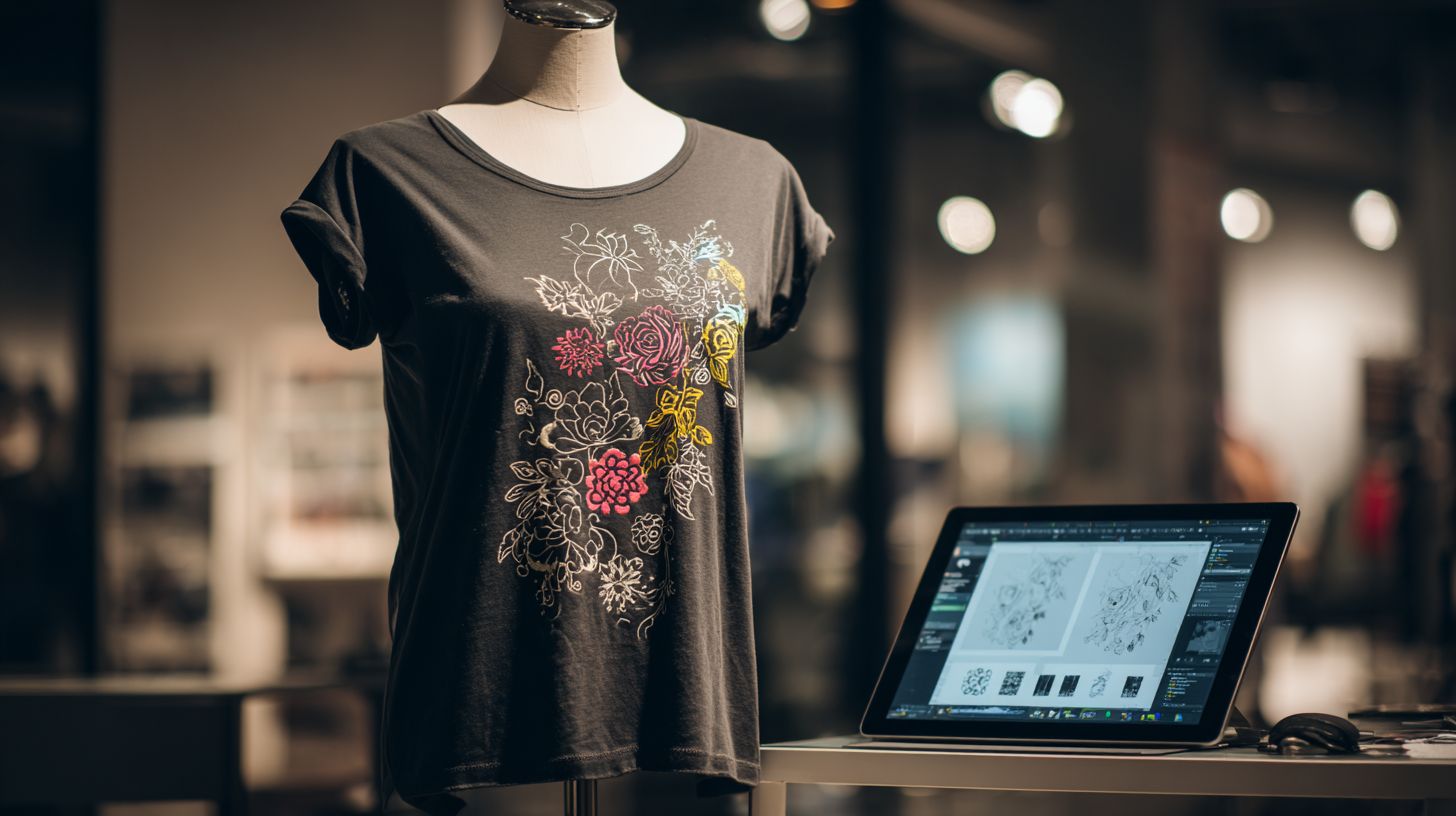
Professional features like RIP processing, nesting algorithms, and Pantone color matching set top vinyl software apart for t-shirt pros. These tools handle complex multi-layer HTV designs and large production runs. They ensure precise cuts on vinyl cutter software like Roland or Graphtec machines.
ICC color profiles deliver consistent colors across devices and materials. Pros use them for metallic finishes or glitter vinyl patterns in custom t-shirt designs. This maintains brand quality in high-volume t-shirt vinyl printing.
- RIP software like VinylMaster or FlexiSign processes files for accurate color separation and halftone effects in print-and-cut workflows.
- Nesting algorithms arrange designs tightly on vinyl sheets to cut material waste and speed up production.
- ICC color profiles match Pantone shades with high accuracy for professional color reproduction.
- Multi-pass cutting handles intricate layered designs by making multiple precise passes over complex paths.
- G-code export enables compatibility with CNC routers for hybrid vinyl and milling projects.
- Production queuing manages hundreds of jobs in sequence for efficient shop workflows.
- API integration automates tasks like order pulling from e-commerce for seamless shop operation.
A typical workflow goes Design Nest RIP Cut, often under five minutes per t-shirt. Start in vector editing software like Adobe Illustrator, nest parts, RIP through FlexiSign, then cut on your vinyl plotter. This streamlines pro vinyl tools for daily production.
RIP Software Integration
RIP software like VinylMaster or FlexiSign is essential for pros handling print and cut on heat transfer vinyl. It separates colors, applies screening, and optimizes for vinyl plotter hardware. This ensures clean edges on intricate t-shirt graphics.
Integrate it with tools like Roland VersaWorks for large format jobs. Pros preview rips to check color management before cutting. It supports CMYK to RGB conversion for accurate HTV results.
Nesting and Waste Reduction
Nesting algorithms fit multiple designs onto one sheet of vinyl. They rotate and space parts automatically for t-shirt production. This saves material on rolls or sheets used in DTF printing software workflows.
Adjust settings for blade offset and cut depth to match fabric types like cotton. Pros use this for holiday designs or sports logos in bulk. It pairs well with production queuing for nonstop operation.
Color Accuracy with ICC Profiles
ICC profiles calibrate colors for consistent output across printers and cutters. Load profiles for specific vinyl types like stretchable HTV. This is key for Pantone matching in business branding.
Test proofs on scrap material before full runs. Combine with gradient tools for holographic effects. Tools like FlexiSign excel here for pro-level precision.
Pricing and Licensing Options
Pricing ranges from free hobby tools to $500+ commercial suites with perpetual licenses. This variety suits beginners crafting DIY t-shirts and pros handling production workflows. Choose based on your volume of custom t-shirt designs and need for features like multi-layer designs.
Subscription models offer low entry costs but add up over time, ideal for occasional use with vector editing software. One-time purchases provide ownership for vinyl cutter software like those supporting heat transfer vinyl. Factor in commercial rights for selling t-shirt vinyl printing projects.
A pro tool often pays for itself quickly. For example, upgrading saves about $5 per t-shirt through efficient weeding tools software and material waste reduction. After 50 shirts, the investment covers costs for small shop software.
| Tool | Base Price | Pro Upgrade | Commercial Rights | Free Trial |
|---|---|---|---|---|
| Cricut Design Space | Free | $9.99/mo | Yes ($120/yr) | N/A |
| Silhouette Studio | Free | $99 one-time | Yes | 30 days |
| VinylMaster | $249 one-time | $499 Ltr | Unlimited | 15 days |
| Adobe Illustrator | $22.99/mo | N/A | Yes | 7 days |
| CorelDRAW | $22.99/mo | $499 one-time | Yes | 15 days |
Frequently Asked Questions
What is the top vinyl design software for T-shirts?
The top vinyl design software for T-shirts includes programs like Adobe Illustrator, Cricut Design Space, and VinylMaster, which offer precise vector tools, cut lines, and heat transfer vinyl (HTV) compatibility for professional designs.
Which top vinyl design software for T-shirts is best for beginners?
For beginners, Cricut Design Space stands out among the top vinyl design software for T-shirts due to its user-friendly interface, free access with Cricut machines, and built-in templates tailored for T-shirt vinyl projects.
What features should I look for in top vinyl design software for T-shirts?
Key features in top vinyl design software for T-shirts include vector editing, weeding line generation, color layering previews, print-and-cut functionality, and integration with cutters like Roland or Silhouette for seamless T-shirt production.
Is Adobe Illustrator one of the top vinyl design software for T-shirts?
Yes, Adobe Illustrator is widely regarded as one of the top vinyl design software for T-shirts, providing advanced pathfinder tools, precise contour cutting paths, and export options optimized for vinyl cutters used in custom apparel.
How does top vinyl design software for T-shirts work together with cutting machines?
Top vinyl design software for T-shirts like VinylMaster and SCAL (Sure Cuts A Lot) integrates directly with cutting machines via USB or wireless, allowing you to send designs for HTV cutting straight from the software to produce T-shirt graphics efficiently.
Are there free options among the top vinyl design software for T-shirts?
While premium tools dominate the top vinyl design software for T-shirts, free options like Inkscape offer robust vector capabilities, SVG exports for vinyl cutters, and community plugins suitable for T-shirt vinyl design workflows.
