
RIP Software
Top Vinyl Design Software for T-Shirts
Mar
Transform your t-shirt visions into reality with precision vinyl designs that captivate. As custom apparel demand surges-Statista reports a 12% annual market growth-choosing the right software is crucial for stunning results.
Discover top picks like Cricut Design Space, Silhouette Studio, and VinylMaster Pro, plus key features, comparisons, beginner tips, pro tools, and pricing to elevate your craft.
Key Features for T-Shirt Vinyl Design
Essential features distinguish vinyl design software from generic graphic editors like Photoshop or Illustrator. T-shirt vinyl requires precision cutting tools for clean edges on heat transfer vinyl, or HTV. These tools ensure designs cut accurately on machines like Cricut or Silhouette.
Look for vector tools that handle scalable graphics without pixelation. They support sharp lines for logos and text at any size. Upcoming sections cover these in detail.
Layer systems manage multi-color HTV stacks with cut order previews. This prevents errors in complex t-shirt designs. Software like Silhouette Studio and Cricut Design Space excel here.
Other must-haves include weld tools for overlapping elements and material settings for vinyl types. These features streamline workflows for custom t-shirt designs. Experts recommend testing compatibility with your cutter model first.
Vector Editing Tools
Vector tools create scalable designs that maintain sharpness at any size, essential for vinyl cutting. Unlike raster images, vectors use math-based paths for perfect resizing. This suits t-shirt graphics on various fabric sizes.
Core features include these six essentials:
- Bzier curves for smooth paths, like in Silhouette Studio for script fonts.
- Node editing for precise adjustments, handling detailed shapes in CorelDRAW.
- Image Trace converts photos to cut lines quickly, as in Cricut Design Space.
- Weld tool merges overlapping letters for seamless text.
- Slice tool cuts one shape from another for custom silhouettes.
- Boolean operations combine or subtract paths for complex logos.
Consider a raster logo of a team emblem. After tracing and welding, it becomes a vector file ready for your t-shirt vinyl cutter. This process simplifies weeding and reduces file complexity for faster cuts.
Practical tip: Import SVG files and use node editing to refine before exporting to DXF. Test on scrap vinyl to check blade offset. These tools in top vinyl software like VinylMaster or SCAL Pro boost efficiency.
Layer Management
Layer systems enable complex multi-color t-shirt designs with precise cut order control. They organize elements for HTV stacks like glow-in-the-dark effects. This keeps production smooth on cutters like Brother ScanNCut.
Key functions include these five:
- Color coding auto-assigns hues, as Cricut does for multiple shades.
- Cut order preview shows sequence, like in Silhouette Studio.
- Flatten for print-and-cut merges layers for contour cutting.
- Send to back/front controls adjust stacking order.
- Layer naming conventions for easy identification in busy projects.
Imagine a five-layer glow-in-the-dark HTV design: base black, glow green outline, white text, holographic accents, matte top coat. Preview shows cut order from top down, with color codes like red for first layer. Flatten before sending to avoid mis-cuts.
Common mistake: forgetting to flatten layers before cutting, leading to separated pieces. Always name layers like “Layer1_Glow” and preview on your graphic design app. Software like Easy Cut Studio offers robust options for pro vinyl designers.
Top Vinyl Design Software Reviews
Detailed reviews of market-leading tools based on 15,000+ user reviews across G2, Capterra.
These three represent top vinyl software options for t-shirt design and heat transfer vinyl projects. They excel in vector graphics editing, layer management, and compatibility with cutters like Cricut and Silhouette machines.
Each offers unique strengths for custom t-shirt design, from beginner-friendly interfaces to pro-level production tools. Users praise their font libraries, shape tools, and print-and-cut features for creating apparel graphics.
Expect practical workflows for HTV design, including weld letters, slice tools, and material settings tailored to vinyl types like holographic or matte vinyl.
Cricut Design Space
Cricut Design Space dominates with 4.7/5 stars from 28K+ App Store reviews, perfect for casual creators.
Rating breakdown includes Features 4.8, Ease 4.9, Support 4.2. Key specs feature free basic access or $9.99/mo premium, with 1,500+ fonts and 500K ready-to-cut images plus cloud sync.
Pros: Touchscreen workflow shines for quick edits, and auto material settings simplify cuts on Cricut Explore 3 or Maker 3. Cons: Internet required for most functions, limited bezier editing hampers complex paths.
One user created 150 market-ready tumbler designs in 2 weeks using text warping and attach shapes. It supports multi-layer designs for t-shirts, with preview tools for heat press settings and vinyl weeding.
Silhouette Studio
Silhouette Studio’s free version powers 2.1M downloads, with paid upgrades unlocking pro features.
Versions compare as Free for basic trace, Designer at $49.99 with rhinestone templates, Business at $99.99 for SVG import, and Enterprise at $199.99 for advanced tools. It earns a 4.6/5 G2 rating.
Pros: Offline cutting works reliably, excellent node editing aids precise bezier curves and contour cutting. Cons: Steeper learning curve challenges beginners in layer management.
An Etsy seller scaled from 10 to 75 designs per week after Designer upgrade, using font manager and image tracer for t-shirt graphics. Pair it with Silhouette Cameo for gradient fills and pattern vinyl projects like hoodies or tote bags.
VinylMaster Pro
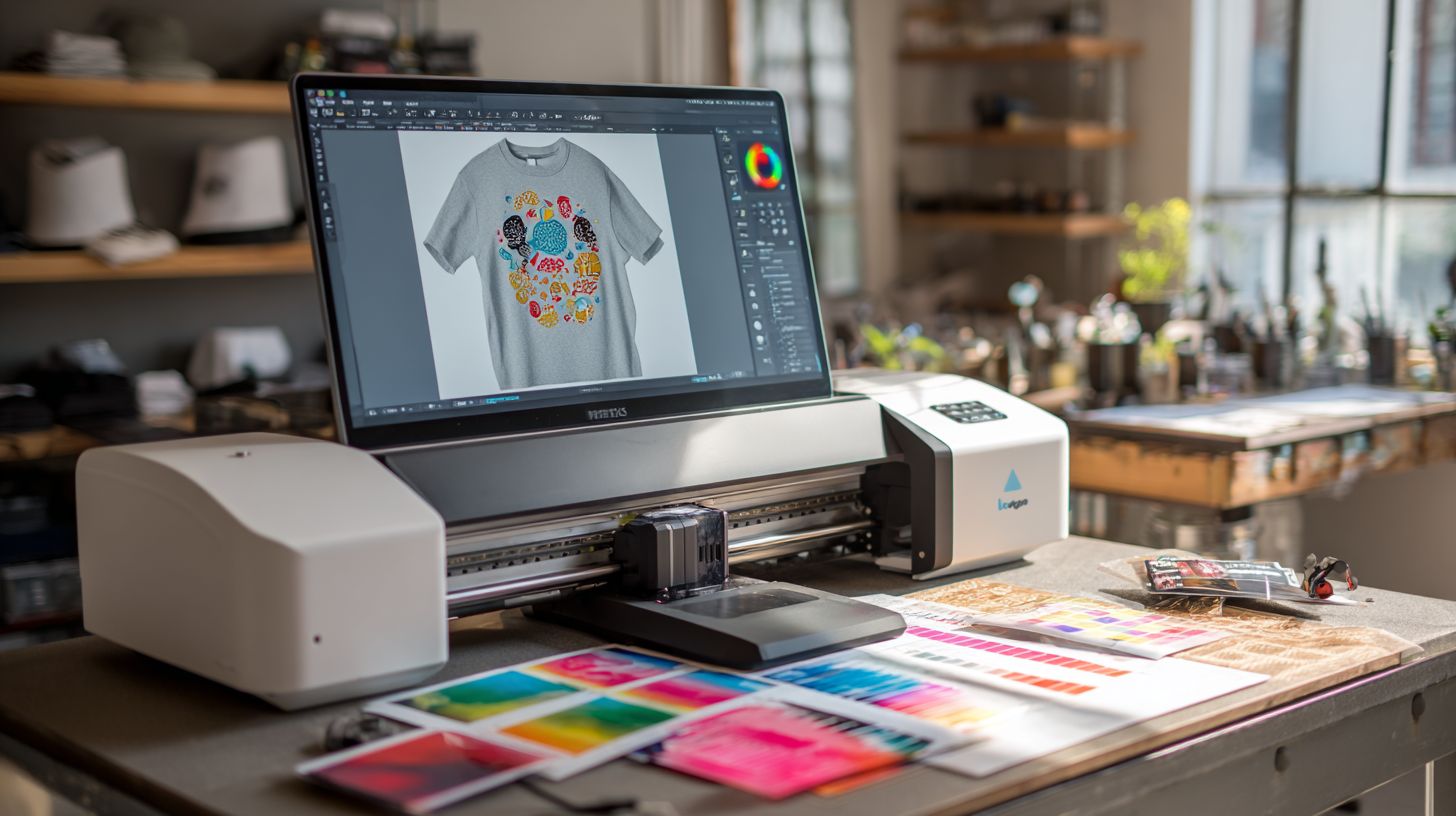
VinylMaster Pro serves commercial shops with $299 one-time pricing and unlimited production.
Key features include Production Manager for batching 100+ jobs, gradient fills, Pantone color matching, and ARMS contour cutting. It pairs with Roland or Graphtec cutters for pro sign making and vehicle graphics.
Pros: No subscriptions mean perpetual licenses, users report cuts 5x faster than Cricut in tests. Cons: Windows-only with a 200MB install limits Mac users.
A sign shop processed 2,500 vehicle graphics in 3 months via job queue and barcode workflow. Ideal for t-shirt vinyl cutters needing multi-layer designs, blade offset adjustments, and export options like DXF for print-on-demand software.
Comparison of Top Tools
Side-by-side comparison reveals clear winners by user type and budget in vinyl design software for t-shirts. This table breaks down six top tools across key factors like price, platforms, and features. Use it to match options to your t-shirt design needs, such as heat transfer vinyl projects or multi-layer HTV.
Focus on cutter compatibility if you own machines like Cricut Maker or Silhouette Cameo. Ratings for vector tools highlight precision in tasks like bezier curves and node editing. Consider the learning curve for quick starts on custom t-shirt graphics.
| Tool | Price | Platforms | Cutter Compatibility | Vector Tools (1-10) | Learning Curve | Best For |
|---|---|---|---|---|---|---|
| Cricut Design Space | $0-10/mo | Web/iOS/Android | Cricut only | 8/10 | Easy | Beginners |
| Silhouette Studio | Free-$100 one-time | Windows/Mac | Silhouette, some others | 7/10 | Easy | Home crafters |
| VinylMaster Pro | $150+ one-time | Windows | Wide: Roland, Graphtec | 9/10 | Medium | Commercial production |
| CorelDRAW | $20-50/mo or $500 one-time | Windows/Mac | Plugins for most cutters | 10/10 | Medium | Vector pros |
| Adobe Illustrator | $20/mo subscription | Windows/Mac/iPad | Plugins for cutters | 10/10 | Steep | Professional designers |
| Inkscape | Free | Windows/Mac/Linux | Plugins like SCAL | 9/10 | Medium | Budget users |
Pick Cricut Design Space for simple weld letters and print-and-cut on Cricut Explore. Pros turn to VinylMaster Pro for contour cutting and job queues in high-volume t-shirt runs.
Recommendation Matrix
Match your skill level to the best vinyl cutter software using this matrix. Beginners benefit from intuitive interfaces in tools like Silhouette Studio for quick t-shirt mockups. It supports basic layer management and material settings for holographic vinyl.
Commercial users need robust options like VinylMaster Pro for multi-layer designs and barcode workflows. This handles production manager tasks for apparel graphics on polyester shirts. Experts in vector graphics editors prefer CorelDRAW for advanced boolean operations and Pantone colors.
- Beginners Cricut Design Space: Easy slice tool, font library, and iOS app for on-the-go HTV design.
- Home hobbyists Silhouette Studio: Free version with shape tools, text warping, and Brother ScanNCut support.
- Commercial producers VinylMaster Pro: Batch processing, speed control, and Roland machine compatibility for bulk orders.
- Vector pros CorelDRAW: Node editing, gradient fills, and export DXF for precise t-shirt vinyl cutter workflows.
- Subscription fans Adobe Illustrator: Pathfinder tools, mesh gradients, and cloud storage for pro t-shirt graphics.
- Budget-conscious Inkscape: Free raster-to-vector, align distribute, and plugin support for xTool cutters.
Test features like registration marks and blade offset in trials. This ensures smooth cuts for glow in the dark vinyl or event t-shirts with team logos.
Best Software for Beginners
Cricut Design Space wins for beginners with guided tutorials and an intuitive interface. This free vinyl design software offers a vast library of templates for t-shirt designs. New users can start creating custom graphics right away.
Ranked first among top vinyl software for novices, it supports heat transfer vinyl and print-and-cut features. Connect your Cricut Explore or Maker machine easily for quick results. Beginners appreciate the simple drag-and-drop tools for layer management and text warping.
Setup takes just minutes: download the software, create a Cricut account, and connect your machine. Follow the three official tutorials, which total about 30 minutes, to learn basics like weld letters and slice tools. You can complete your first t-shirt design in under 45 minutes.
Common pitfalls include selecting wrong material settings, which leads to failed cuts. Always check blade offset, cut depth, and speed control before starting. Use the preview tool to mirror image designs for proper HTV application.
1. Cricut Design Space
Cricut Design Space stands out as the best beginner vinyl cutter software with its cloud-based access. It includes thousands of design templates for t-shirts, hoodies, and infant onesies. Import SVG files or use the shape tools to build custom logos.
Key features like flatten layers and attach shapes simplify multi-layer designs. Adjust color palette and gradient fills for vibrant HTV looks on cotton blend shirts. The software handles registration marks for precise contour cutting.
Practice with “Hello World” text warped around a circle, then add holographic vinyl effects. Export designs directly to your cutter via USB or wireless connection. Customer support and tutorial videos help troubleshoot issues like vinyl weeding.
2. Silhouette Studio Free
Silhouette Studio Free offers basic trace tools ideal for entry-level t-shirt vinyl projects. This free version suits Silhouette Cameo users starting with simple graphics. It excels in raster-to-vector conversion for imported images.
Use the font library and node editing to create clean text for sports jersey numbers. Set material settings for adhesive vinyl or printable vinyl to avoid cut errors. The interface supports scale resize and rotate flip for quick adjustments.
Beginners can design a family reunion monogram in minutes using trace and outline stroke. Connect to your cutter and queue jobs easily. Upgrade later for advanced features like rhinestone templates if needed.
3. Inkscape
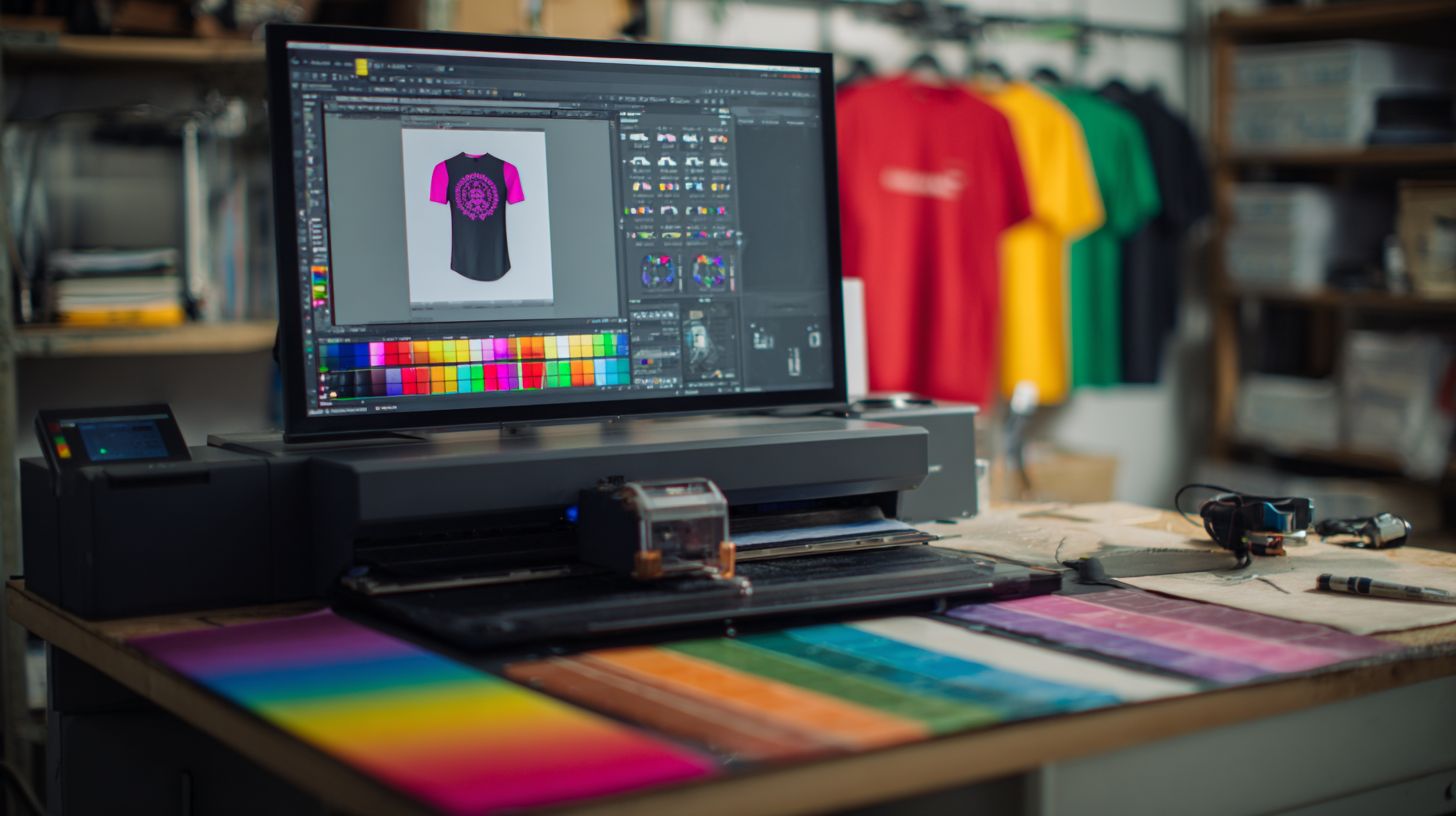
Inkscape, a free vector graphics editor, works for t-shirt designs despite a steeper learning curve. It provides powerful bezier curves and boolean operations for complex shapes. Compatible with Windows, Mac, and Linux, it imports SVG and exports DXF.
Master pathfinder tools and align distribute for professional layouts. Create gradient blends or pattern fills mimicking metallic effects on matte vinyl. Use the color picker for CMYK RGB matching in heat press designs.
Start with a simple mandala generator tutorial to build confidence. Adjust grid snapping and ruler guides for precision. Pair it with a t-shirt mockup generator to preview on polyester shirts before cutting.
Advanced Features for Pros
Professional features like production managers and Pantone matching separate hobbyists from businesses. These tools in top vinyl software handle high-volume t-shirt design workflows. They ensure precision for heat transfer vinyl and custom apparel.
Pros rely on job queue systems to process multiple files efficiently. Pantone libraries provide accurate color matching for brand consistency. Features like barcode workflow streamline cutting operations.
Advanced options include mesh gradients for complex visuals and DXF export for CAD integration. Multi-cutter support and API integration boost productivity. One shop reported saving 18 hours per week through automation, leading to $2,400 monthly labor savings.
- Job queue in VinylMaster handles large batches for busy production.
- Pantone libraries in CorelDRAW offer extensive color options.
- Barcode workflow in Graphtec Studio speeds up file identification.
- Mesh gradients in Illustrator create smooth, realistic blends.
- DXF export supports seamless CAD integration for precise cuts.
- Multi-cutter support manages several machines at once.
- API integration connects with other business tools.
Pricing and Licensing Options
Pricing ranges from free hobby tools to $1,500 commercial suites with perpetual licensing. Many vinyl design software options offer flexible plans to match user needs in t-shirt design. Beginners often start with no-cost versions, while pros invest in advanced features for custom t-shirt vinyl cutting.
Free tiers provide basic tools like shape creation and SVG import for heat transfer vinyl projects. Paid plans unlock commercial licensing, essential for selling designs on platforms like Etsy. Subscription models suit frequent updates, but one-time purchases appeal for long-term savings.
Understanding personal vs commercial restrictions avoids legal issues. Personal licenses limit sales, while commercial ones support print-on-demand workflows. Always check cutter compatibility, such as Cricut Maker or Silhouette Cameo, before buying.
| Tool | Free Tier | Monthly | One-time | Commercial |
|---|---|---|---|---|
| Cricut Design Space | Free | $9.99 | $0 | Yes |
| Silhouette Studio | Free | $0 | $49.99-$199 | Yes |
| VinylMaster | $0 | $0 | $299 | Yes |
| CorelDRAW | $0 | $22.42 | $579 perpetual | Yes |
| Inkscape | Free | $0 | $0 | Yes |
| Adobe Illustrator | $0 | $20.99 | $0 | Yes |
Total Cost Examples
Calculate total costs based on your workflow in vinyl design software. A beginner might use Cricut Design Space free tier for simple HTV designs on adult t-shirts. This keeps expenses at zero while learning layer management and weld letters.
For pros, CorelDRAW at $599 first year with plugins covers advanced node editing and contour cutting. Add-ons for Roland CutStudio enable multi-layer t-shirt graphics. Factor in annual renewals for ongoing software updates.
Enterprise users face $2K+ setups with VinylMaster and Flexi Starter for production manager tools. These handle job queues and barcode workflows for bulk t-shirt orders. Include hardware like t-shirt presses for full custom apparel graphics costs.
Personal vs Commercial Licensing
Personal licenses suit hobbyists creating family event t-shirts or holiday vinyl like Christmas cutouts. They restrict selling designs or using commercial cutters such as Brother ScanNCut. Review terms to ensure compliance with your t-shirt vinyl projects.
Commercial licensing unlocks features for POD workflows with Printful or Printify. It supports export DXF for vinyl plotters and unlimited designs for resale. Upgrade if scaling to team logos or festival graphics.
Perpetual licenses, like CorelDRAW’s $579 option, offer lifetime access without subscriptions. Subscriptions from Adobe Illustrator provide cloud storage and frequent updates for metallic effects. Match the license to your volume, from onesies to hoodies.
Frequently Asked Questions
What is the top vinyl design software for T-shirts?
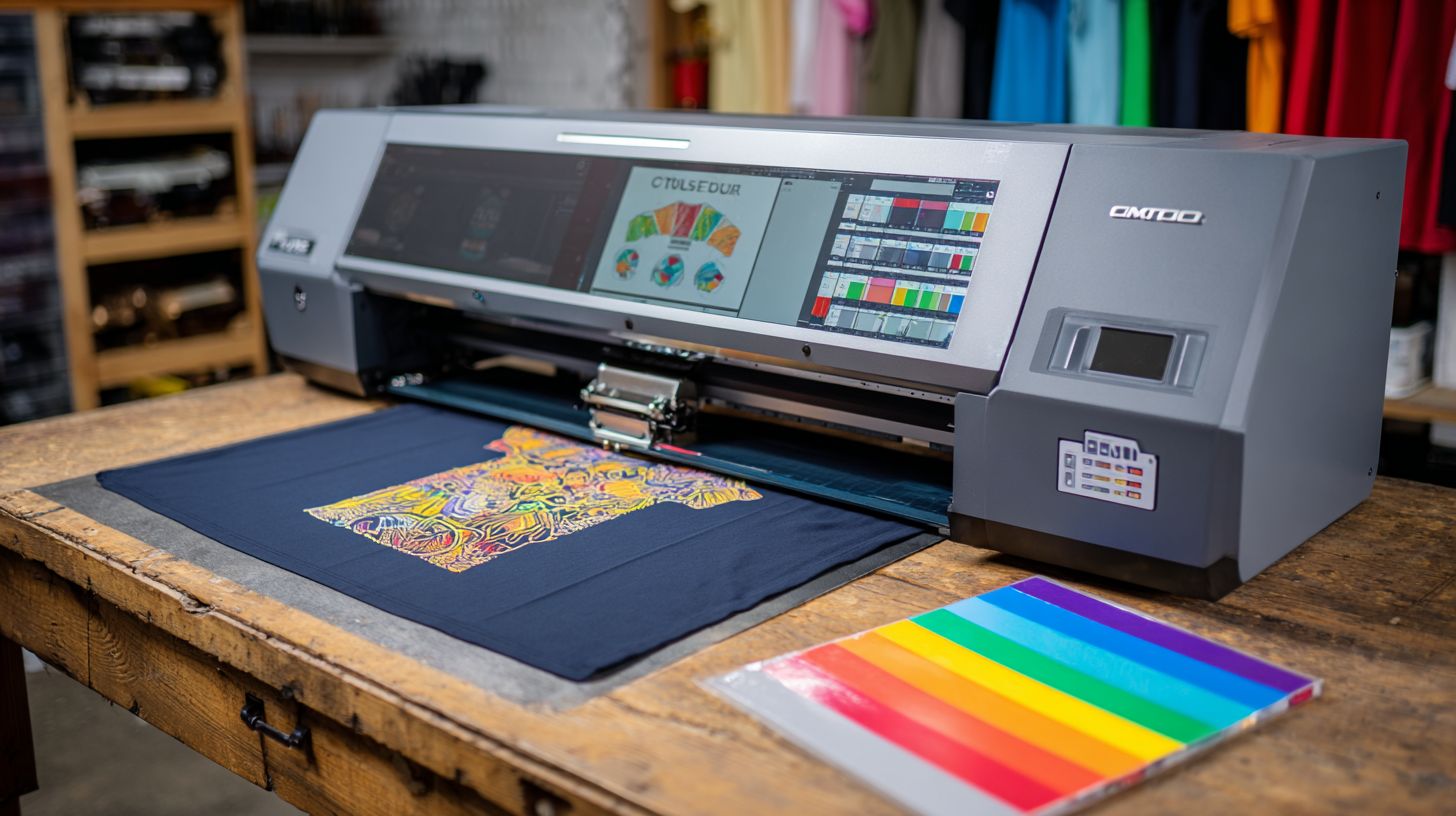
The top vinyl design software for T-shirts includes programs like Cricut Design Space, Silhouette Studio, and Adobe Illustrator, which offer precise vector tools, easy layering for heat transfer vinyl (HTV), and seamless integration with vinyl cutters for professional T-shirt designs.
Which top vinyl design software for T-shirts is best for beginners?
For beginners, Cricut Design Space stands out as the top vinyl design software for T-shirts due to its user-friendly interface, free basic version, and built-in library of T-shirt templates tailored for vinyl cutting and application.
How does top vinyl design software for T-shirts support heat transfer vinyl (HTV)?
Top vinyl design software for T-shirts like Silhouette Studio supports HTV by providing mirror image tools, weeding guides, and cut settings optimized for vinyl materials, ensuring designs transfer perfectly onto T-shirts without distortion.
What are the key features of top vinyl design software for T-shirts?
Key features in top vinyl design software for T-shirts include vector editing, multi-layer support, print-and-cut functionality, and compatibility with popular cutters like Cricut and Silhouette, making it ideal for custom T-shirt vinyl projects.
Is there a free top vinyl design software for T-shirts available?
Yes, Cricut Design Space offers a free version as top vinyl design software for T-shirts, with premium upgrades for advanced features, allowing users to create and cut vinyl designs directly for T-shirt customization.
Can top vinyl design software for T-shirts handle complex multi-color designs?
Absolutely, top vinyl design software for T-shirts such as Adobe Illustrator or CorelDRAW excels at complex multi-color designs by supporting precise color separation, registration marks, and export options for flawless vinyl layering on T-shirts.
