
RIP Software
Top Vinyl Design Software for T-Shirts
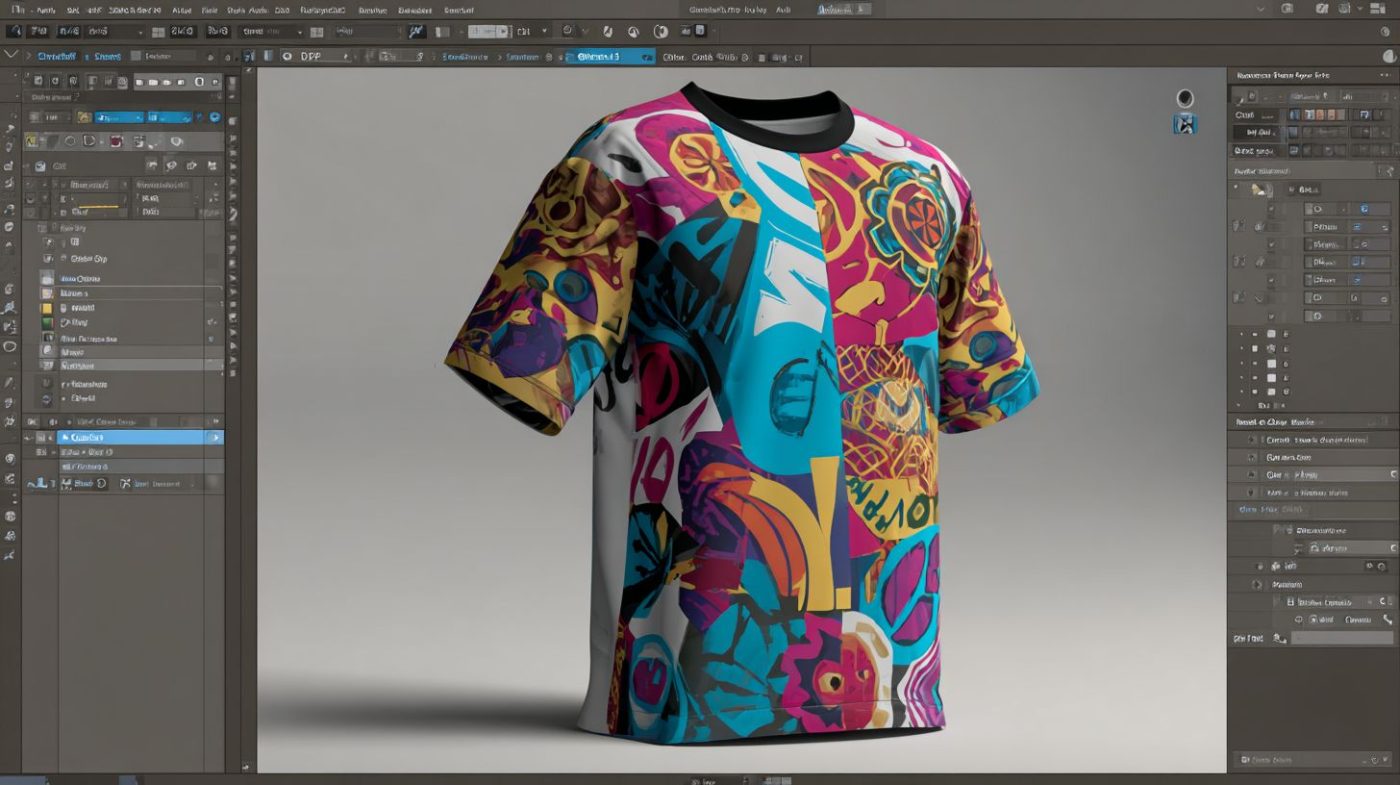
Mar
Unlock vibrant, professional T-shirt designs with the right vinyl software-elevating your custom apparel from amateur to standout. In a market projected to hit $10 billion by 2025 (Statista), precision tools make all the difference. Discover essential features like vector editing and layer management, top picks including Cricut Design Space, Silhouette Studio, and VinylMaster Pro, plus comparisons, beginner-friendly options, pro recommendations, and pricing insights.
Key Features for T-Shirt Vinyl Design
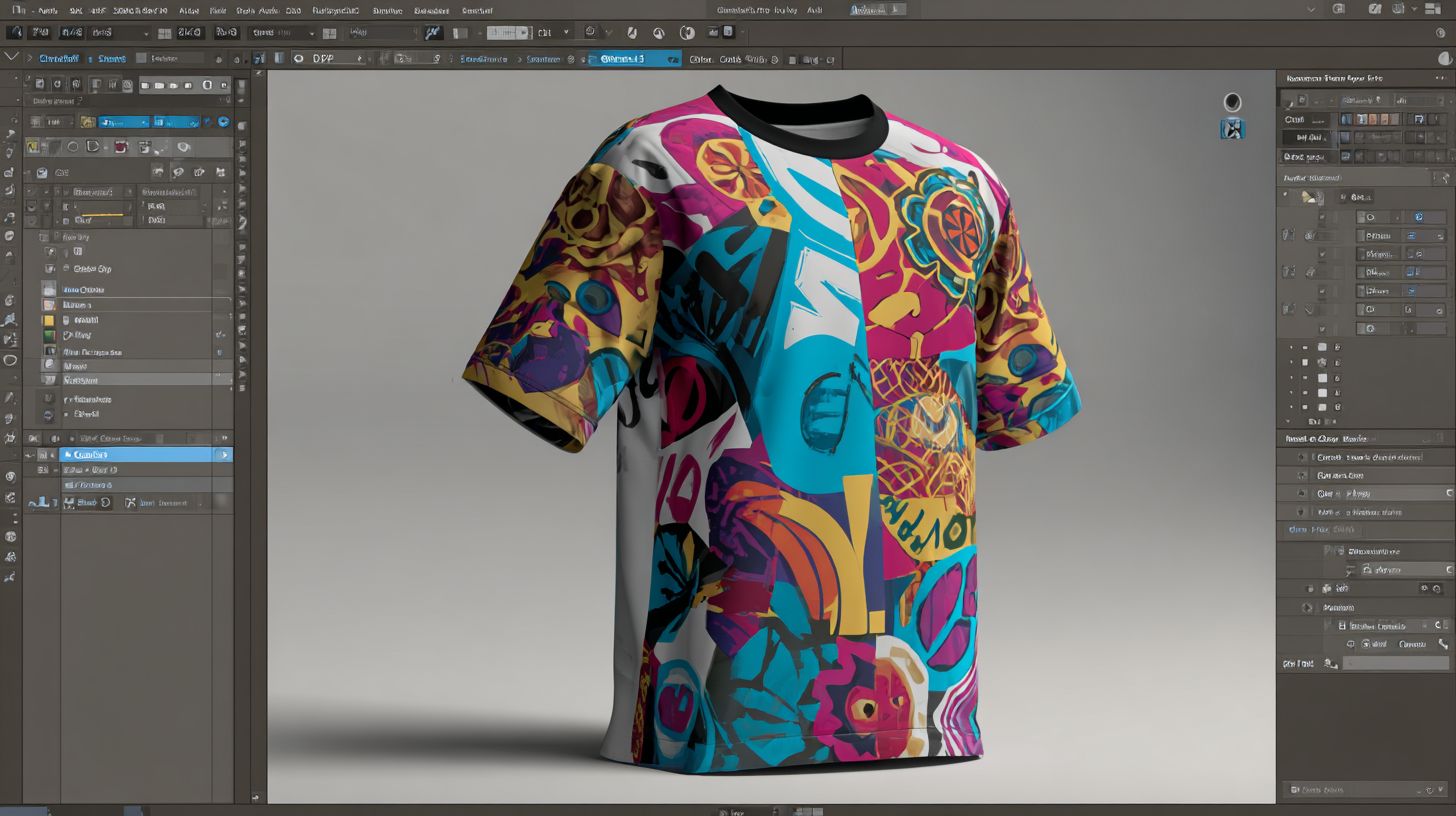
Essential features in vinyl design software ensure scalable, cut-ready designs for heat transfer vinyl (HTV) t-shirts, focusing on precision tools that handle multi-layer apparel graphics without distortion.
T-shirt vinyl demands specific tools because stretchable HTV requires designs that flex with fabric movement. Software must generate clean weeding lines to remove excess material easily. It also adds registration marks for accurate multi-layer alignment during cutting and application.
These features prevent common issues like jagged edges or misalignment on curved surfaces. Top vinyl software like Silhouette Studio and Cricut Design Space include them for professional results. They transition seamlessly to detailed breakdowns of vector editing and layer management.
With the right tools, hobbyists and pros create custom t-shirt designs ready for cutters like Cricut Maker or Silhouette Cameo. Precision matters for durable, vibrant prints on apparel.
Vector Editing Tools
Vector tools like Bzier curves, weld/slice functions, and raster-to-vector tracing convert photos into clean, scalable SVGs essential for t-shirt vinyl that won’t pixelate at any size.
Key tools include Bzier curves as in Silhouette Studio’s pen tool for smooth custom shapes. The weld tool merges overlapping letters into one piece, perfect for text on tees. Slice tool cuts shapes from images, like subtracting a heart from a star for layered HTV.
- Trace Bitmap in Inkscape auto-traces logos from PNG files to editable vectors.
- Pathfinder in CorelDRAW performs unions and intersections for complex graphics.
- Node editing allows precise anchor adjustments on paths.
Consider a 300px raster logo of a band emblem. After tracing and node tweaks, it becomes an infinite-scale SVG for any t-shirt size. This workflow in Adobe Illustrator or Inkscape ensures sharp cuts on vinyl cutters without quality loss.
Layer Management
Multi-layer management with grouping, alignment, and color-coded layers handles complex t-shirt designs like ‘Patriotic Eagle’ with 7 layers (base, shadow, stars, text, rhinestones, glitter, outline).
Color-code layers by vinyl type, such as red for permanent HTV and blue for glitter. This organizes workflows in software like VinylMaster or FlexiSign. Auto-generate weeding lines and registration marks for each layer to simplify cutting.
- Group and align elements precisely using snap grids.
- Flatten layers for a realistic preview on t-shirt mockups.
- Send individual layers to the cutter with material settings like blade offset and pressure.
Imagine a 5-layer ‘Mom Life’ design in the layer panel: base text in matte HTV, shadow in metallic, hearts in glitter, outline, and rhinestones. Tools in SCAL Pro or CorelDRAW make exporting DXF or SVG files straightforward for multi-pass cuts on machines like Roland cutters.
Top Software Recommendations
Each excels in different scenarios. Cricut Design Space suits crafters, Silhouette Studio offers precision, and VinylMaster Pro handles business needs. Detailed sections below cover features, pricing, and workflows for t-shirt vinyl design.
These three platforms dominate vinyl design software. Cricut Design Space provides beginner-friendly tools, Silhouette Studio delivers precise control, and VinylMaster Pro supports commercial production. Choose based on your setup, from home crafting to high-volume custom t-shirt design.
Experts recommend matching software to your vinyl cutter, like Cricut for Explore series or Roland for pros. Workflows include importing SVG files, editing layers, and sending to cutters. This guide breaks down practical uses for heat transfer vinyl on apparel.
Cricut Design Space
Cricut Design Space (free basic, $9.99/mo premium) powers home vinyl crafters with 1-click Print Then Cut and 500+ ready fonts for Cricut Explore/Maker series. It simplifies t-shirt design for beginners using printable vinyl.
Price: Free/$9.99/mo. Key Features: Cloud library with images, auto-weld text, print-then-cut up to 12×24 inches, material settings database. Users import PNG files, flatten layers, and cut HTV designs easily.
- Cloud library for quick access to assets
- Auto-weld tool merges overlapping text
- Print-then-cut handles larger projects
- Material settings optimize blade offset and pressure
Workflow: Import PNG, flatten, print on printable vinyl, cut. Best for Cricut owners making 10-20 t-shirts/week. Compatibility includes Explore 3 (12″ wide) and Maker 3 (12×24″).
| Model | Width |
|---|---|
| Explore 3 | 12″ wide |
| Maker 3 | 12×24″ |
Cons: Internet required for cloud features. Great for hobbyists with weld tool, slice tool, and mirror options. Tutorials guide vinyl application on t-shirts.
Silhouette Studio
Silhouette Studio (free basic, $99 Designer/$199 Business editions) offers advanced tools like Trace Bitmap and rhinestone templates for Cameo 4/Portrait 3 users creating professional decals. It excels in multi-layer HTV for detailed t-shirts.
Price: Free/$99/$199. Key Features: Unlimited undo/redo, point editing, rhinestone wizard, free font converter. Edit Bezier curves and add contour cuts for precise vinyl cutter software output.
- Unlimited undo/redo for experimentation
- Point editing refines vector paths
- Rhinestone wizard automates templates
- Free font converter expands library
Workflow: Scan design, auto-trace, add contour cut, send to Cameo. Cuts 12″ vinyl efficiently. Best for detailed multi-layer HTV with 5+ colors. Upgrade path: Basic to Designer to Business for commercial license.
Handles raster to vector conversion and node editing well. Use for sequin design or glitter vinyl on apparel. Community forums offer vinyl software reviews and tips.
VinylMaster Pro
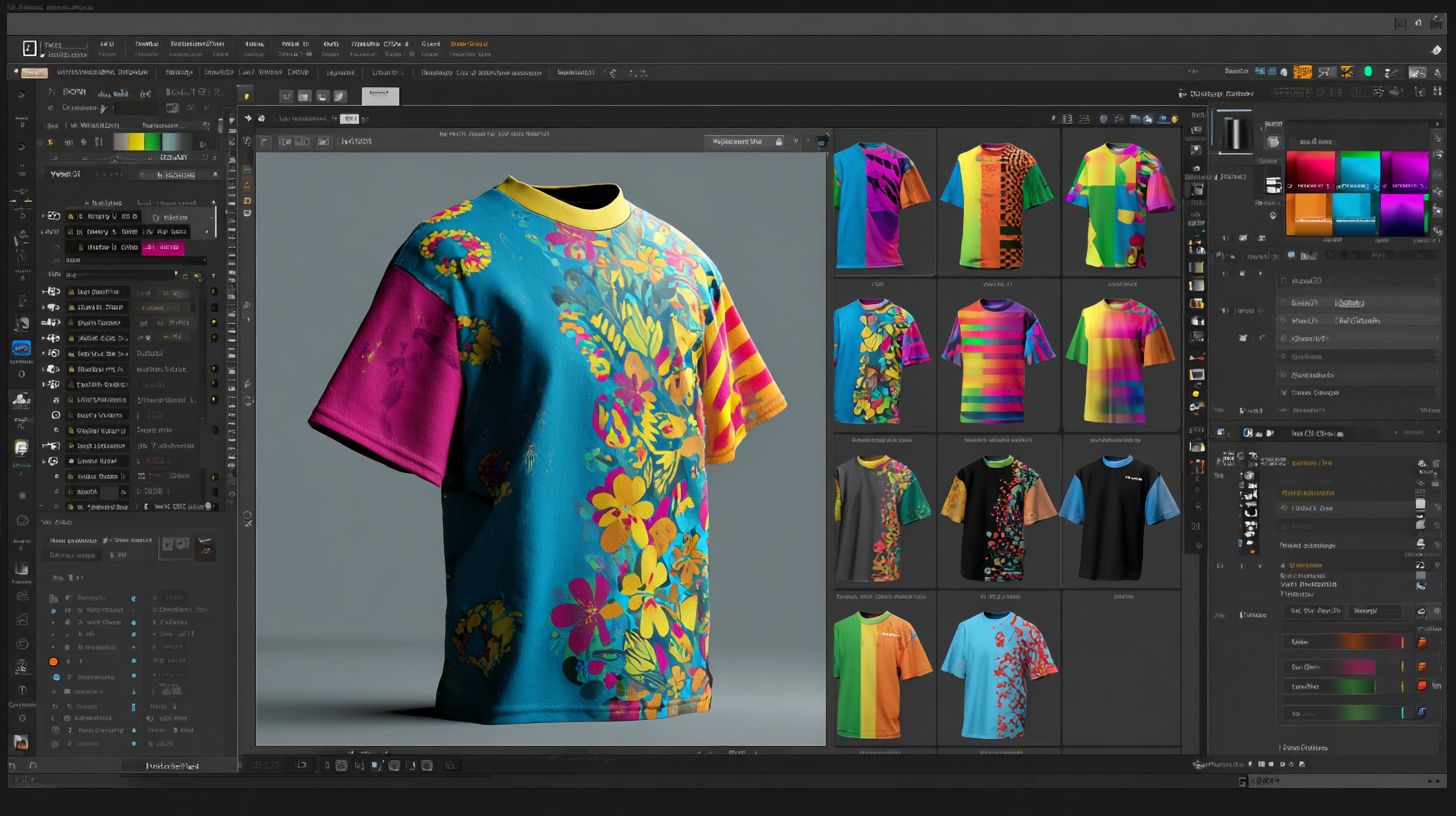
VinylMaster Pro ($149 one-time Pro/$299 Ltr) targets professional sign shops with optical eye contour cutting and unlimited design layers for Roland/Graphtec cutters. Ideal for high-volume business vinyl printing and t-shirts.
Price: $149 (Pro)/$299 (Ltr). Key Features: Unlimited nodes, Pantone color matching, batch processing, ARMS contour cutting. Supports large format vinyl and complex EPS files.
- Unlimited nodes for intricate edits
- Pantone matching ensures color accuracy
- Batch processing speeds production
- ARMS for precise contour cutting
Workflow: Import EPS, node edit, generate weeding lines, output HPGL. Best for commercial shops with 100+ designs/week. Pairs with Roland GS-24 (24″ commercial).
Offers layer management, registration marks, and weeding tools for pros. Use print and cut for vehicle wraps or banners alongside t-shirts. Lifetime license avoids subscriptions.
Comparison of Top Tools
Cricut Design Space wins for speed with a 2-minute setup, Silhouette Studio for precision at 0.01-inch accuracy, and VinylMaster for production volume with 500+ designs per hour. These top vinyl design software options cater to different needs in t-shirt design and heat transfer vinyl projects. Beginners appreciate simple interfaces, while pros seek advanced contour cut and print and cut features.
Choosing the right vinyl cutter software depends on your workflow, from home vinyl crafting to commercial vinyl cutter tasks. For custom t-shirt design, look for tools with strong layer management, weld tool, and slice tool. The table below compares key aspects like price, learning curve, and pro features.
| Tool | Price | Learning Curve (1-5) | Max Cut Width | Print/Cut | Pro Features | Best Use Case |
|---|---|---|---|---|---|---|
| Cricut Design Space | Free/$9.99 | 1 | 12″ | Yes | Basic | Home t-shirts |
| Silhouette Studio Business | $199 | 3 | 24″ | Yes | Rhinestones | Multi-layer apparel |
| VinylMaster Pro | $149 | 4 | Unlimited | Yes | Pantone | Commercial |
| CorelDRAW | $549 | 5 | Unlimited | No | Vector Pro | Signage |
| Inkscape | Free | 4 | Unlimited | No | Open Source | Budget pros |
| Brother CanvasWorkspace | Free | 2 | 12″ | Yes | ScanNCut | Fabric |
This vinyl software comparison highlights options for various skill levels. For beginner vinyl software, start with free tools like Cricut or Brother. Pros benefit from Pantone colors and batch processing in paid versions for business vinyl printing.
Best for Beginners
Cricut Design Space and Brother CanvasWorkspace (both free) offer drag-and-drop interfaces with 100+ video tutorials, perfect for first-time t-shirt makers. These beginner vinyl software tools simplify heat transfer vinyl designs for custom t-shirts. New users can start creating without prior graphic design experience.
Cricut Design Space tops the list with over 40 guided projects and 1-click fonts. It has a gentle learning curve, often taking just 2 hours to complete your first cut. The interface includes a vast font library and shape library for quick t-shirt designs.
Brother CanvasWorkspace ranks second, thanks to ScanNCut integration and fabric presets. Expect about 3 hours to master basic cuts for t-shirt vinyl. It supports svg files and png files for easy import of custom graphics.
Silhouette Studio Basic comes third as free vinyl software with a clear upgrade path. Its layer management and weld tool help beginners handle multi-layer designs. All three provide official YouTube playlists for tutorials on vinyl design workflow.
Top 3 Ranked for Beginners
- Cricut Design Space: Ideal for home vinyl crafting with print and cut features. Use the slice tool and mirror tool for perfect heat transfer vinyl alignment on t-shirts.
- Brother CanvasWorkspace: Strong ScanNCut compatibility and material settings for various t-shirt vinyl types like permanent vinyl or glitter vinyl.
- Silhouette Studio Basic: Free entry to silhouette cameo users, with contour cut and text effects for custom t-shirt design.
These tools focus on user-friendly interfaces and beginner tutorials. They handle common tasks like importing images and trace bitmap for apparel design tools.
4-Step Starter Project
- Design: Select a t-shirt template, add text with custom font upload, and import svg files or use the shape library.
- Flatten: Combine layers with the weld tool to create a single cut line for heat transfer vinyl.
- Send to Mat: Adjust cut settings like blade offset, pressure settings, and speed control for your vinyl thickness.
- Cut: Output to your cricut explore or brother scan n cut, then weed and apply with transfer tape using a heat press.
This simple workflow works across Cricut Design Space, Brother CanvasWorkspace, and Silhouette Studio. Practice with a basic logo maker vinyl project like a “Home Sweet Home” text design on removable vinyl.
Learning Curve and Tips
Expect a smooth start with Cricut Design Space in 2 hours to your first t-shirt cut. Brother tools take slightly longer at 3 hours due to ScanNCut setup. Focus on grid snap and align distribute for precise designs.
Watch official YouTube playlists for vinyl software reviews and tutorials vinyl. Enable registration marks for print and cut accuracy on patterned htv. Test material settings on scrap vinyl before full projects.
These top vinyl software options include font manager and clipart library to spark ideas. Beginners benefit from undo redo features and zoom pan for detailed node editing on bezier curves.
Best for Professionals
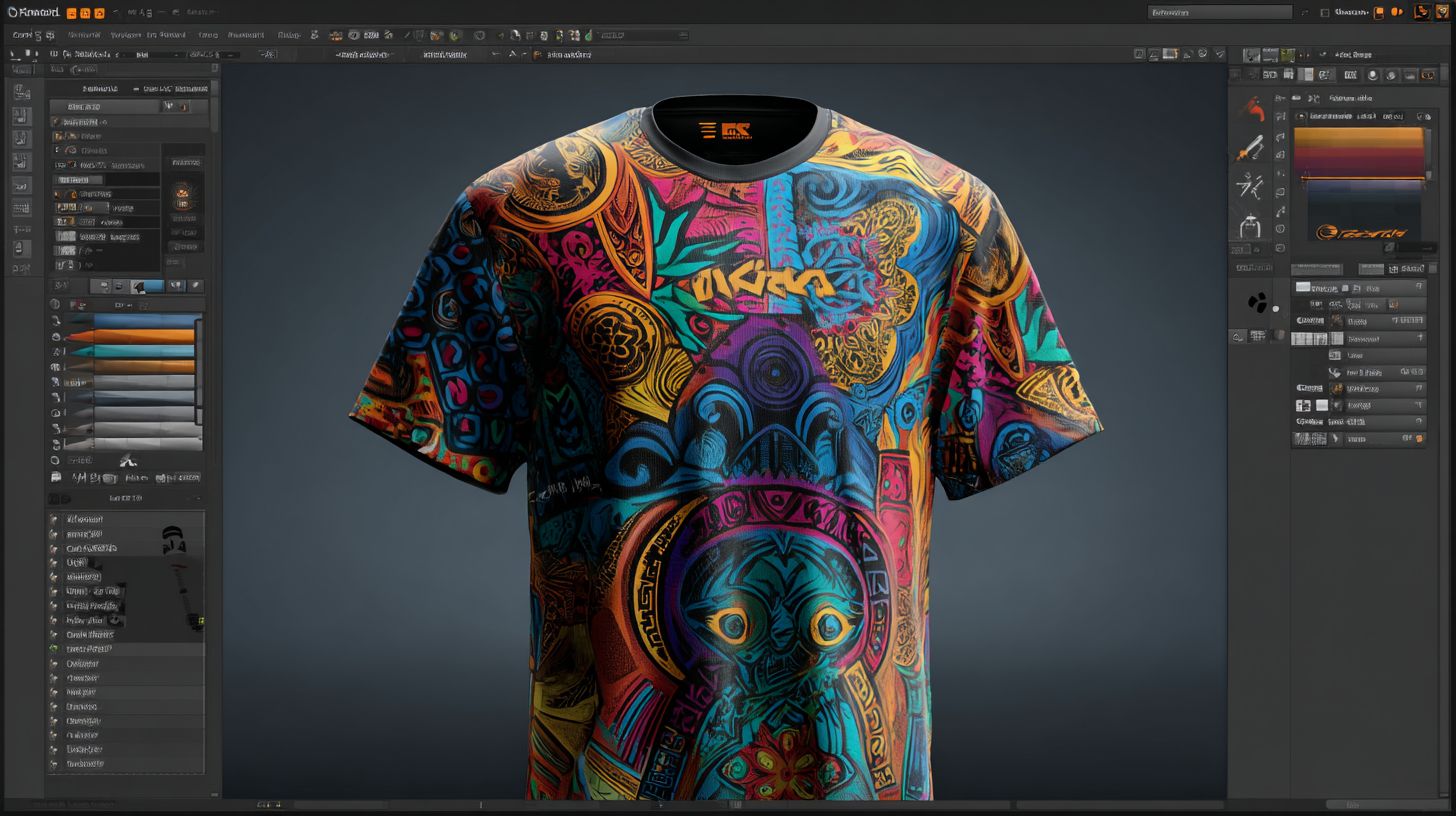
Professionals choose VinylMaster Pro ($149) and CorelDRAW Graphics Suite ($549) for unlimited layers, Pantone matching, and 24-60″ commercial cutter compatibility. These tools handle complex t-shirt vinyl designs with precision. They support high-volume production for custom apparel businesses.
VinylMaster Pro tops the list for pros with ARMS contour cutting and batch processing of 100+ designs. It integrates seamlessly with Roland, Graphtec, and USCutter plotters for efficient workflows. Commercial licensing ensures legal use in business settings.
CorelDRAW excels in CMYK production and outputs HPGL or DXF files for vinyl cutters. Its vector graphics editor manages multi-layer heat transfer vinyl (HTV) projects effortlessly. Pros appreciate the Pantone color library for accurate garment decoration.
Adobe Illustrator ($20.99/mo) serves as the industry standard with advanced bezier curves and layer management. It supports SVG, EPS, and PDF exports for print-and-cut operations. Subscription models include regular updates for professional vinyl cutter software.
VinylMaster Pro
VinylMaster Pro offers powerful contour cutting with optical eye sensors for precise registration marks. Professionals use it for batch jobs on commercial vinyl cutters like Roland or Graphtec. The software includes material settings for vinyl thickness, blade offset, and pressure control.
ROI comes quickly, as VinylMaster pays for itself after 15 paid t-shirt jobs. It processes designs equivalent to 500 shirts per hour in high-volume runs. Features like weeding lines and rhinestone templates speed up production for apparel businesses.
Custom font upload and text effects allow intricate logo designs on glitter vinyl or metallic HTV. Node editing and weld tools refine vector paths for clean cuts. Pros rely on its compatibility with large-format plotters for banners and vehicle wraps too.
CorelDRAW Graphics Suite
CorelDRAW provides robust vector graphics editing for t-shirt vinyl workflows. Its font manager and clipart library support complex multi-layer designs. Export options include high-resolution PNG with transparent backgrounds for DTF printing software integration.
Pantone matching ensures colors match across CMYK printing and RGB previews. The raster-to-vector tool converts imported images quickly for custom apparel. Pros use pathfinder tools for boolean operations and offset paths in garment templates.
Compatibility with 24-60″ cutters makes it ideal for business vinyl printing. Features like pattern fills, gradients, and shape libraries enhance creative projects. Commercial licensing covers unlimited use in sign making and large-format vinyl production.
Adobe Illustrator
Adobe Illustrator dominates as the industry standard for professional vinyl design software. Its artboard system and grid snap tools aid precise sizing for t-shirt mockups. Layer management handles intricate designs with mirrors, slices, and groups.
Subscription access includes collaboration tools and version history for team workflows. Export DXF or HPGL files directly to cutters like Cricut Maker or Silhouette Cameo equivalents. Pros leverage the color palette for Pantone and spot colors in production.
Advanced features like node editing and scale tools perfect svg files for contour cuts. Integration with design asset marketplaces expands options for clipart and fonts. It suits pros needing mac-compatible software with plugin extensions for expanded functionality.
Pricing and Licensing
Free starters like Cricut Design Space and Silhouette Basic scale to pro pricing from $9.99 to $549 one-time or $20-50/month subscriptions with commercial licensing for business use. This range suits hobbyists crafting custom t-shirts at home to pros handling print-on-demand vinyl orders. Choose based on your workflow for heat transfer vinyl or contour cuts.
Subscription models offer ongoing updates and cloud sync, ideal for teams using t-shirt mockup generators. Lifetime licenses provide value for solo designers focusing on SVG files and DXF exports without recurring fees. Always check commercial OK status to sell designs legally.
Hidden costs matter too. Cricut Design Space requires constant internet with no extra charge, while CorelDRAW often needs Windows Pro edition around $199. Factor in these for your vinyl cutter software budget.
Trials let you test layer management and weld tools before committing. Compare pro features like raster-to-vector and Pantone colors against your needs for HTV design software or garment decoration.
| Tool | Free Tier | Pro Price | License Type | Commercial OK? | Trial |
|---|---|---|---|---|---|
| Cricut Design Space | Basic shapes | $9.99/mo | Subscription | $120/yr | 30 days |
| Silhouette Business | Basic cut | $199 once | Lifetime | Yes | Free upgrade |
| VinylMaster Pro | No | $149 once | Lifetime | Yes | 15 days |
| CorelDRAW | No | $549 once | Perpetual | Yes | 15 days |
| Adobe Illustrator | No | $20.99/mo | Subscription | Yes | 7 days |
Frequently Asked Questions
What is the top vinyl design software for T-shirts?
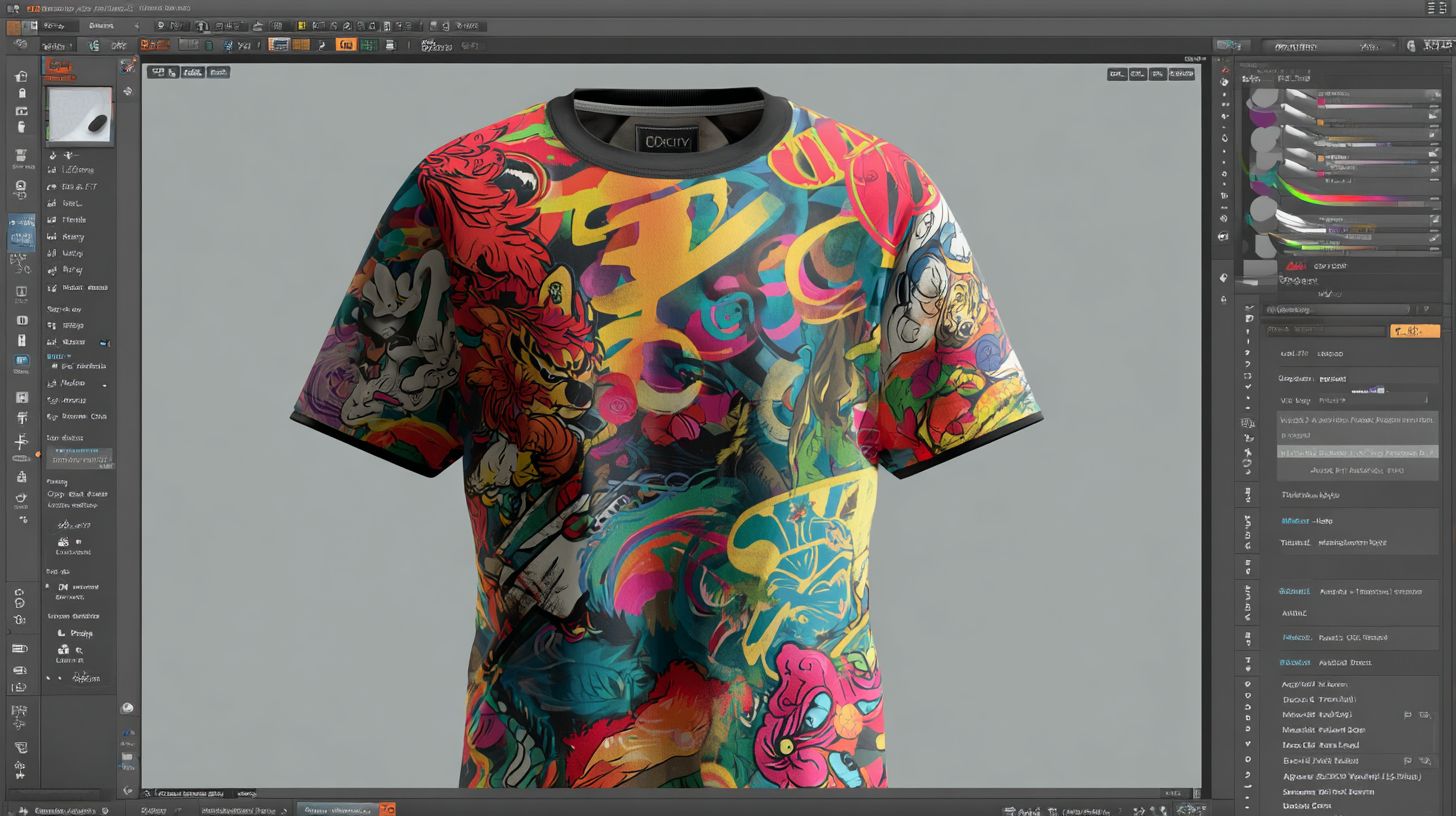
The top vinyl design software for T-shirts includes programs like Cricut Design Space, Silhouette Studio, and VinylMaster, which offer intuitive tools for creating, editing, and cutting custom vinyl designs specifically tailored for T-shirt applications. These stand out for their precision and compatibility with vinyl cutters.
Why choose specialized top vinyl design software for T-shirts over general graphic editors?
Top vinyl design software for T-shirts is optimized for heat transfer vinyl (HTV) workflows, including layer management, weeding previews, and direct cutter integration, making it more efficient than general editors like Photoshop for producing professional T-shirt graphics.
What are the key features to look for in top vinyl design software for T-shirts?
Essential features in top vinyl design software for T-shirts include vector editing tools, font libraries, color separation for multi-layer vinyl, print-and-cut capabilities, and seamless integration with popular vinyl cutters like Cricut or Roland machines.
Is there free top vinyl design software for T-shirts available?
Yes, options like Silhouette Studio’s basic version or Inkscape (with plugins) provide free access to top vinyl design software for T-shirts, though premium upgrades unlock advanced features like unlimited cuts and commercial licensing.
How does top vinyl design software for T-shirts handle multi-color designs?
Top vinyl design software for T-shirts excels at multi-color designs by allowing users to separate layers, assign vinyl colors, preview registration marks, and generate cut files that ensure accurate alignment during T-shirt application.
Which top vinyl design software for T-shirts is best for beginners?
For beginners, Cricut Design Space is often recommended as top vinyl design software for T-shirts due to its user-friendly interface, extensive template library, and guided tutorials that simplify the design-to-cut process.
