
RIP Software
Top RIP Software for Print Shops
Mar
In the high-stakes world of print production, RIP software can make or break your shop’s efficiency and output quality. Poor color accuracy or slow processing costs time and revenue-yet the right tool transforms chaos into precision.
Discover essential features like color management and variable data printing, plus an in-depth comparison of top contenders: Onyx RIP, EFI Fiery, Caldera VisualRIP, SAI FlexiRIP, and Wasatch SoftRIP. Which one elevates your workflow?
What is RIP Software?
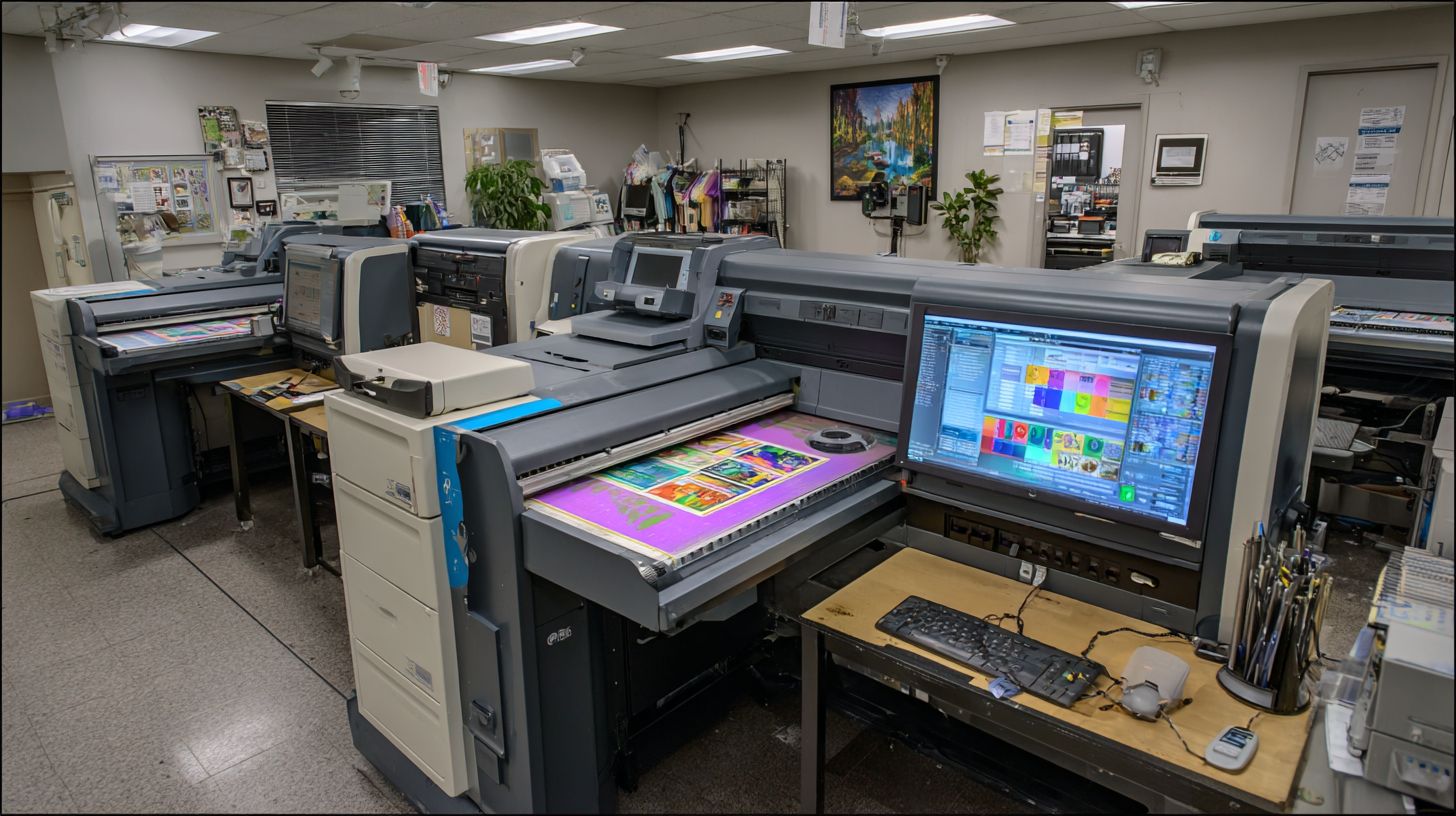
RIP (raster image processor) software converts vector files like PostScript, EPS, and PDF into printer-ready raster images, essential for high-DPI output in digital, offset, and wide-format printing. It acts as the core engine in the printing workflow for print shops. This process ensures sharp output quality on devices like Roland, Mimaki, or HP printers.
The software applies screening algorithms such as AM, stochastic, or hybrid to create halftone dots. It manages color space conversions from CMYK to RGB and uses ICC profiles for accurate color profiling. Print shops rely on it for handling spot colors and Pantone colors in packaging printing or label printing.
Three main functions define RIP software. First, it performs file rasterization at high resolutions like 1200-2400 DPI for crisp details in large format printing. Second, it enables precise color management with custom media profiles. Third, it supports print job queuing through hot folders and print queues for efficient batch processing.
Unlike standard printer drivers, which offer basic output, RIP software provides advanced features like nesting optimization, ganging, and step and repeat. It follows the Adobe PostScript specification and integrates with digital front ends (DFE) for driverless printing. In a typical workflow, files enter the RIP engine for processing, color conversion, rasterization, and queuing before output to inkjet RIP or UV printing systems.
Key Features to Look For
Modern RIP software must excel in core capabilities that directly impact print quality, workflow speed, and media versatility. Print shops face challenges like color inconsistency and slow processing, which top raster image processors address through essential tools. These features streamline large format printing, digital printing, and offset workflows.
Key must-have features include advanced color management for consistent hues across devices, VDP support for personalized runs, and nesting/step-repeat to optimize media use. Hot folder automation enables hands-free job queuing, while multi-language ICC profiles handle global color standards. White ink/varnish support expands options for specialty prints, JDF/MIS integration links to production systems, and driverless printing simplifies output to wide format printers.
These tools solve real print shop pain points, such as inconsistent colors from varying substrates or delays in batch processing. For example, nesting reduces waste in sign making, and hot folders speed up vinyl cutting jobs. Experts recommend prioritizing RIP software with these for efficient prepress and imposition workflows.
Color Management
Advanced color management ensures consistent output across devices using ICC profiles and spot color libraries. It handles complex file formats like PostScript, EPS, and PDF/X, preventing shifts in large format printing or packaging jobs. Print shops rely on it for reliable output quality in inkjet RIP and UV printing.
Look for five key capabilities: DeviceLink profiles that streamline color conversions, Pantone/spot color matching with extensive libraries, and ink limiting to avoid overloads. Add linearization curves for precise tone response and soft-proofing integration for on-screen checks. These features support color profiling across dye-sublimation and direct-to-garment printing.
- DeviceLink profiles minimize errors in multi-device workflows.
- Pantone matching ensures brand accuracy in label printing.
- Ink limiting protects printers from excess density.
- Linearization fine-tunes media profiles for custom substrates.
- Soft-proofing speeds approvals before RIP engine processing.
For instance, tools like those in Onyx RIP adjust colors effectively, as seen in ICC specification guidelines. This reduces variations in halftone dots, stochastic screening, or hybrid screening. Print production teams gain confidence with custom profiles for roll media or flatbed printers.
Variable Data Printing
VDP enables personalized printing at production speeds, processing CSV/XML data merged with templates. It transforms static PDF processing into dynamic workflows for direct mail, labels, and packaging printing. Print shops use it to handle high-volume jobs without sacrificing speed or accuracy.
The typical VDP workflow starts with importing data from Excel or CSV files into the RIP software. Next, map fields to templates in PDF or EPS formats, generate barcodes or QR codes, and apply nesting optimization for efficient ganging. This supports step-and-repeat for textiles or sign making.
- Import large datasets and validate records.
- Map variables to design elements precisely.
- Generate dynamic elements like serial numbers.
- Optimize layout for material savings via nesting.
Compare options like Fiery for steady throughput and Onyx for flexible scaling in complex runs. A real-world example is a direct mail campaign with thousands of personalized flyers using VDP for names and addresses. This boosts workflow efficiency with job queuing, print reports, and MIS integration for tracking.
Top RIP Software Comparison
Compare 5 leading RIP solutions across key metrics to identify the best fit for your print shop. These raster image processors handle color management, PDF processing, and output quality for large format printing and digital printing workflows.
Each tool supports file formats like PostScript, EPS, TIFF, JPEG, and PDF/X. They optimize printing workflows with features such as nesting optimization, job queuing, and contour cutting for sign making and vinyl cutting.
Choose based on your needs for inkjet RIP, UV printing, or direct-to-garment printing. Integration with MIS systems and support for ICC profiles ensures smooth prepress software operation.
| Tool | Starting Price | Max Printers | Key Strength | User Rating (G2/Capterra) | Best For |
|---|---|---|---|---|---|
| Onyx RIP | $2500 | Unlimited | Color accuracy | 4.7/5 | Production |
| EFI Fiery | $3000 | Unlimited | Print speed | 4.6/5 | High-volume |
| Caldera VisualRIP | $1500 | 5 | Contour cutting | 4.5/5 | Sign making |
| SAI FlexiRIP | $2000 | 3 | Nesting optimization | 4.4/5 | Label printing |
| Wasatch SoftRIP | $1800 | Unlimited | Media handling | 4.6/5 | Wide format |
Onyx RIP excels over EFI Fiery in color profiling for shops handling spot colors and Pantone colors. Its advanced screening algorithms, like stochastic screening, deliver superior output quality on roll media and flatbed printers.
EFI Fiery suits high-volume shops with faster RIP engine performance and driverless printing. It integrates well with DFE for offset printing and variable data printing tasks.
For print production, test demos to compare workflow efficiency in your setup. Both support hot folders and print queues, but Onyx offers better customization for custom profiles.
1. Onyx RIP
Onyx RIP stands as an industry leader for commercial print shops, built on over 25 years of development. It supports more than 1000 printer models across large format printing and digital printing workflows. Print shops rely on its robust RIP engine for consistent output quality.
Onyx RIP dominates production environments with superior color fidelity and workflow automation. Its advanced color management handles ICC profiles and spot colors effectively. Operators appreciate the seamless PDF processing and support for file formats like PostScript, EPS, and PDF/X.
For prepress software needs, Onyx excels in imposition software features such as nesting optimization and step and repeat. It integrates with digital front ends for driverless printing on inkjet RIP and UV printing systems. Print shops using wide format printers benefit from its media handling for roll media and sheet media.
Expert users note its compatibility with printing workflow tools, including hot folders for job queuing. This setup streamlines variable data printing and label printing tasks. Overall, Onyx enhances print production efficiency across offset printing and sign making applications.
Strengths
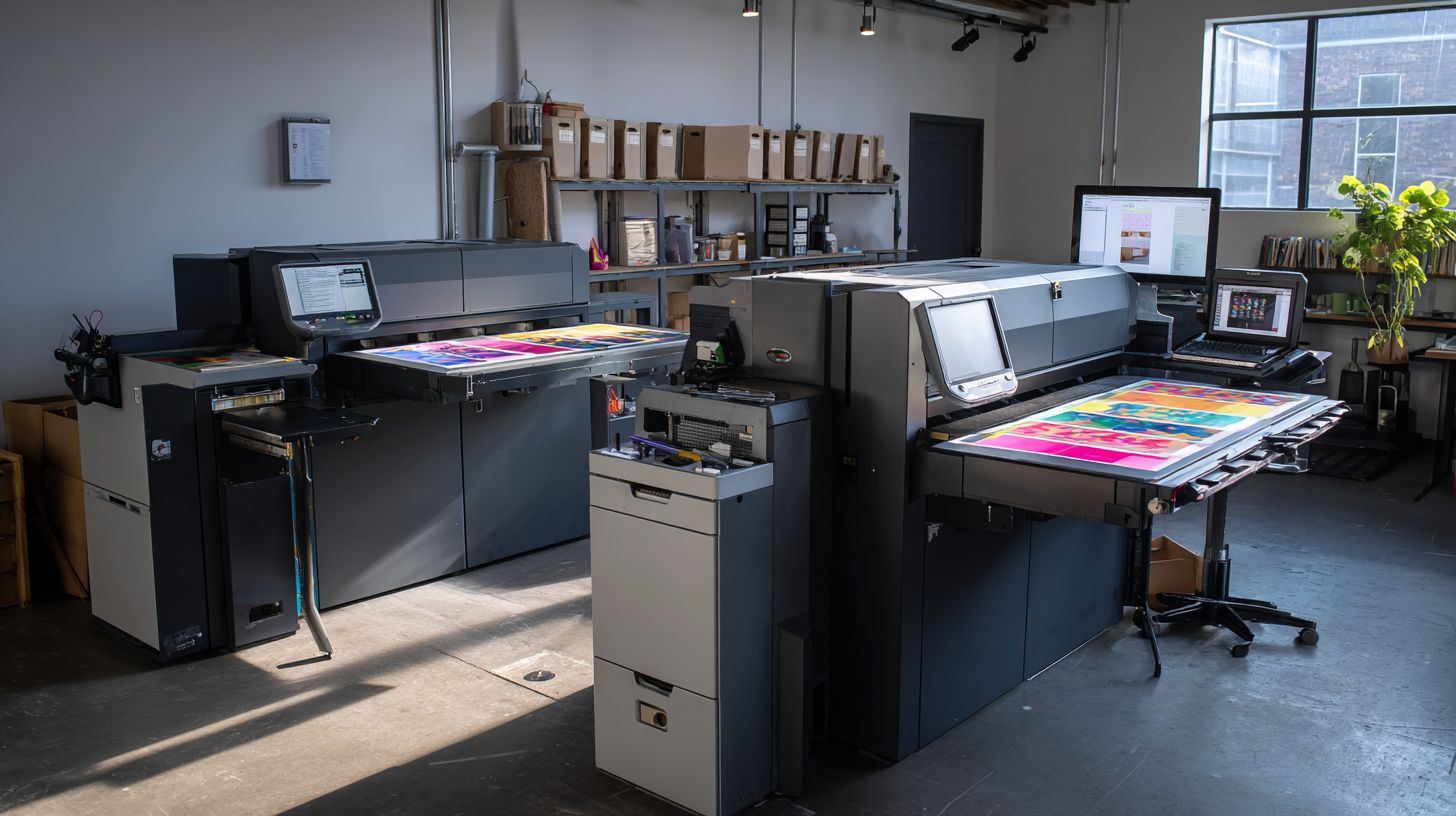
Onyx excels in production efficiency with patented HotFolders and Advanced Nesting saving materials in busy print shops. These tools automate file intake and optimize layouts for nesting optimization. Shops handling high volumes see faster turnaround times.
Key strengths include exceptional color accuracy, often achieving E values under 2.0 for precise color profiling. Nesting density improves layouts by up to 28 percent, reducing waste in packaging printing. The unlimited job queue manages large print queues without interruptions.
- Multi-RIP scaling supports over 50 printers simultaneously for scalability in large operations.
- Step/Repeat automation simplifies ganging for labels and textiles.
- JDF2.2 integration connects with MIS and ERP systems for job tracking.
One case highlights a $2 million print shop that cut waste from 12 percent to 3.7 percent using Onyx. This came from better screening algorithms like stochastic screening and hybrid screening. Such results show its value in real-world print automation.
Pricing
Onyx offers flexible licensing starting at $2,495 for Production Basic, which covers one RIP license. This tier suits small print shops with basic print queue needs. It provides perpetual access to core features like color management and PDF processing.
Higher tiers include Production Pro at $4,995 for three RIPs, ideal for growing operations with multi-rip setups. Enterprise plans start above $12,000 for unlimited scalability across numerous printers. Annual maintenance runs about 18 percent of the license cost for updates and support.
| Tier | Price | RIP Licenses | Best For |
|---|---|---|---|
| Production Basic | $2,495 | 1 | Small shops |
| Production Pro | $4,995 | 3 | Mid-size teams |
| Enterprise | $12,000+ | Unlimited | Large production |
Subscription alternatives exist for cloud RIP or on-demand models, offering lower upfront costs. For shops processing over 500 jobs monthly, experts note payback in 3-4 months through reduced ink consumption and faster workflows. This makes Onyx a strong ROI choice for digital printing investments.
2. EFI Fiery
EFI Fiery Digital Factory Suite integrates RIP software with workflow automation for offset and digital presses. This digital front end solution handles complex printing workflows from prepress to output. Print shops rely on it for consistent color management across devices.
The suite features Fiery Command WorkStation for centralized job management and monitoring. Users access spot color mapping with extensive libraries for accurate Pantone colors and custom mixes. VDP Pro supports variable data printing, ideal for personalized marketing materials.
Pricing starts around $5K and scales to $50K+ based on press integration, such as with Heidelberg or Konica Minolta. It excels in commercial print environments needing high-volume output. User ratings highlight its reliability at 4.6 out of 5 on review sites.
Key strengths include PDF processing with Adobe PDF Print Engine and support for file formats like PostScript, EPS, and PDF/X. Print shops use it for imposition software tasks like ganging and step-and-repeat. Integration with MIS systems via JDF improves job tracking and efficiency.
Key Features
Fiery Command WorkStation offers a single interface for job queuing, hot folders, and print queue management. Operators preview files, adjust color profiling with ICC profiles, and run soft proofing before production. This reduces errors in print production.
Spot color mapping draws from over 5000 libraries, ensuring precise reproduction of brand colors. For variable data printing, VDP Pro handles database-driven jobs like catalogs with unique images per copy. These tools boost workflow efficiency in busy shops.
Advanced RIP engine supports screening algorithms, including stochastic and hybrid screening for sharp halftone dots. It processes high-DPI files for large format printing and digital presses. Custom media profiles optimize ink consumption and output quality.
Best Use Cases
Commercial print shops with Heidelberg or Konica Minolta integration benefit most from EFI Fiery. It streamlines offset printing and digital workflows, handling roll and sheet media seamlessly. Examples include brochures and packaging runs.
For high-volume press operations, its scalability supports multi-RIP setups and driverless printing. Shops producing labels or signs use its nesting optimization to minimize waste. Job tracking features provide print reports for cost estimation.
Pricing and Ratings
Costs range from $5K to $50K+ depending on configuration and software licensing models like perpetual or subscription. Additional modules for VDP or advanced color tools add to the investment. It suits shops prioritizing long-term scalability.
User ratings average 4.6/5 for ease of use and technical support. Frequent updates ensure compatibility with Windows and Mac RIP workstations. Print shops praise its role as a market leader in DFE solutions.
3. Caldera VisualRIP
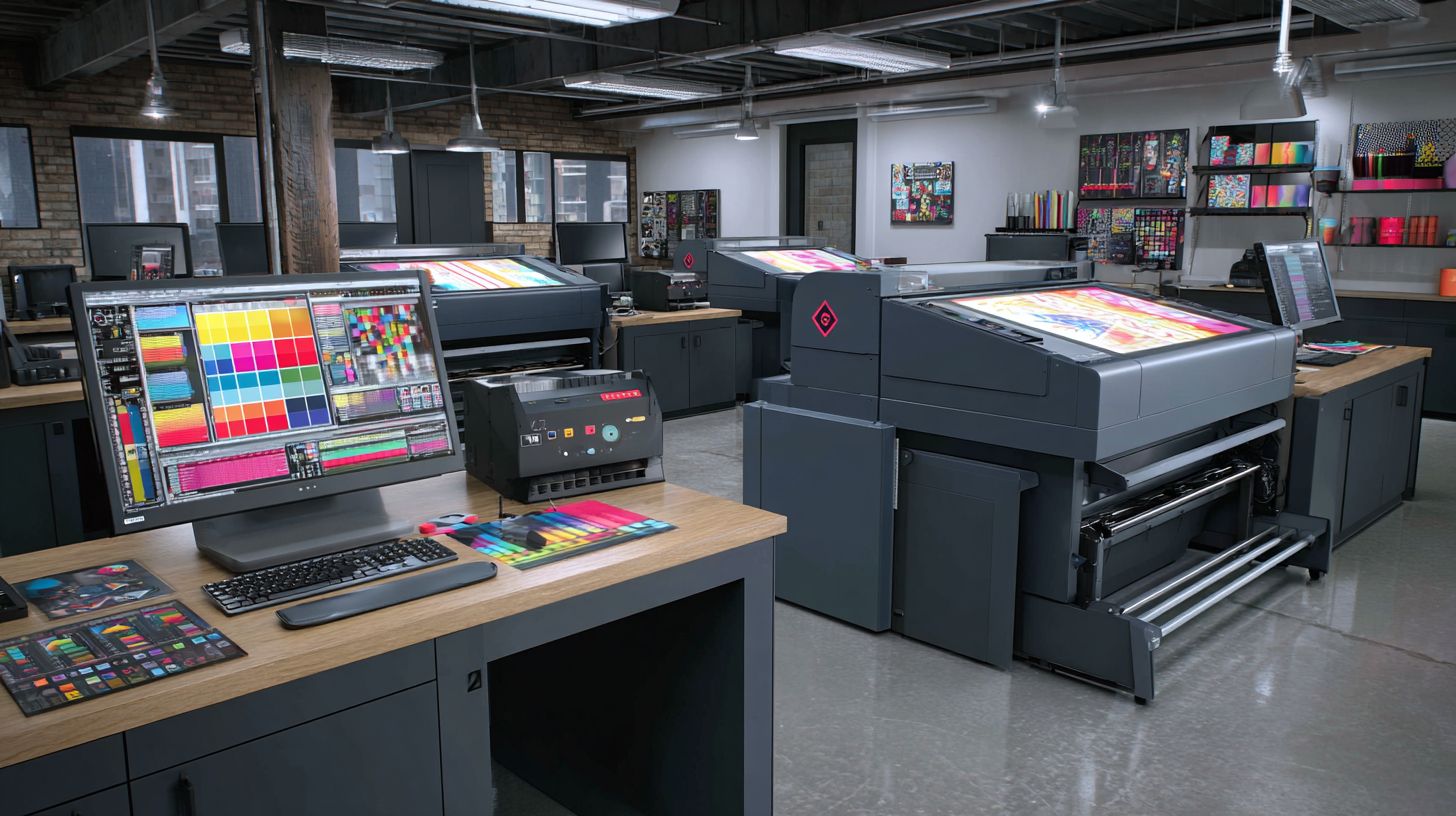
Caldera VisualRIP specializes in visual cutter workflows for Roland, Mimaki, and HP wide-format printers. This RIP software excels in sign making and graphics production. It streamlines contour cutting and vinyl optimization for print shops.
Key features include native contour cutting and textile printing support. Users benefit from CutStudio integration for precise vinyl cuts. The software handles multi-layer varnish and white ink layering effectively.
Pricing starts at $1495 for VisualRIP+ with one printer support. A 30-day trial lets shops test it risk-free. This makes it ideal for sign shops focused on large format printing.
Caldera VisualRIP optimizes printing workflows with nesting and ganging tools. It supports file formats like PostScript, EPS, and PDF/X. Print shops gain efficiency in job queuing and driverless printing.
4. SAI FlexiRIP
SAI FlexiRIP (formerly Flexi) offers affordable all-in-one RIP/Cut for small sign shops. This RIP software combines raster image processing with design tools, making it a solid choice for print shops handling vinyl cutting and large format printing. Budget options include a $49/month subscription or $1995 perpetual license.
Key strengths lie in its support for 300+ cutters and plotters, enabling seamless contour cutting and ganging. Print shops can optimize workflows with features like production manager for job queuing and nesting optimization. This setup suits startups with under $500K revenue focused on sign making.
Users appreciate the intuitive interface for printing workflow tasks such as PDF processing and file formats like EPS, TIFF, and PDF/X. Practical examples include preparing step and repeat jobs for labels or banners on roll media. It handles driverless printing well for wide format printers from brands like Roland or Mimaki.
While user ratings average 4.3/5, a noted weakness is limited color management compared to Onyx RIP. Shops needing advanced color profiling or ICC profiles may look elsewhere for offset printing or UV printing. Still, for basic spot colors and Pantone colors in digital printing, it delivers reliable output quality.
Wasatch SoftRIP
Wasatch SoftRIP excels in specialty applications like dye-sublimation and UV printing. Print shops handling apparel and textiles find its tools ideal for smooth printing workflows. The starter edition costs $1595, offering strong value for niche users.
This RIP software stands out with advanced features like channel sequencing, which prints white ink first for better opacity on dark fabrics. Media profiling and ink limiting wizards help optimize color management and reduce waste. It earns high marks, around 4.5 out of 5, from users praising its reliability.
Unlike many RIPs, Wasatch provides strong Mac support, making it perfect for shops using Apple systems. It handles large format printing and direct-to-garment jobs with ease, supporting formats like PostScript, EPS, and PDF/X. Apparel printers benefit from its textile printing focus, including custom ICC profiles for fabrics.
For dye-sublimation experts, features like nesting optimization and step-and-repeat save media on roll-fed printers. The print queue and hot folders enable driverless printing, boosting efficiency in busy shops. Overall, it streamlines prepress software tasks for high-quality output.
Choosing the Right RIP
Select RIP based on printer brand, production volume, and workflow requirements using this decision matrix. This approach ensures compatibility with your large format printing setup and optimizes color management. Print shops benefit from matching RIP software to specific needs like vinyl cutting or UV printing.
Start with a printer brand compatibility chart to identify top options. For example, Roland printers pair well with Caldera RIP for contour cutting and nesting optimization. Consider factors like file formats such as PostScript, EPS, and PDF/X support.
Budget tiers guide affordable choices. Shops with a $1.5K budget often choose Flexi for basic sign making and job queuing. Higher budgets around $10K+ suit Onyx RIP for advanced screening algorithms and hybrid screening.
Volume matrix helps scale operations. Low volume like 50 jobs per month works with Flexi for simple print queue management. High volume such as 5000 jobs demands Fiery for print automation and MIS integration.
Printer Brand Compatibility Chart
Match your wide format printers to reliable RIP software for seamless driverless printing. This chart outlines proven pairings that enhance output quality and media handling. Roland users gain from Caldera RIP’s strength in contour cutting and ganging.
| Printer Brand | Recommended RIP | Key Strengths |
|---|---|---|
| Roland | Caldera RIP | Contour cutting, nesting optimization |
| Mimaki | Mimaki RIP | Variable data printing, spot colors |
| HP | HP RIP or Onyx RIP | Inkjet RIP, ink limiting |
| Epson | Epson RIP or Wasatch RIP | Dye-sublimation, textile printing |
| Canon | Canon RIP or ColorGate RIP | PDF processing, ICC profiles |
Use this as a starting point for your printing workflow. Test compatibility with your roll media or flatbed printers to avoid issues in prepress software stages.
Budget Tiers and Software Options
Align RIP software costs with your print shop’s financial plan. Entry-level tiers around $1.5K fit Flexi for basic large format printing and hot folders. These options support essential color profiling without complex features.
Mid-range budgets handle tools like Wasatch RIP for label printing and step and repeat. Premium tiers at $10K+ unlock Onyx RIP’s multi-layer printing and custom profiles. Evaluate perpetual license versus subscription models for long-term value.
Factor in technical support and update frequency. Cloud RIP options offer scalability for growing shops. Choose based on needs like Pantone colors or white ink handling.
Production Volume Matrix
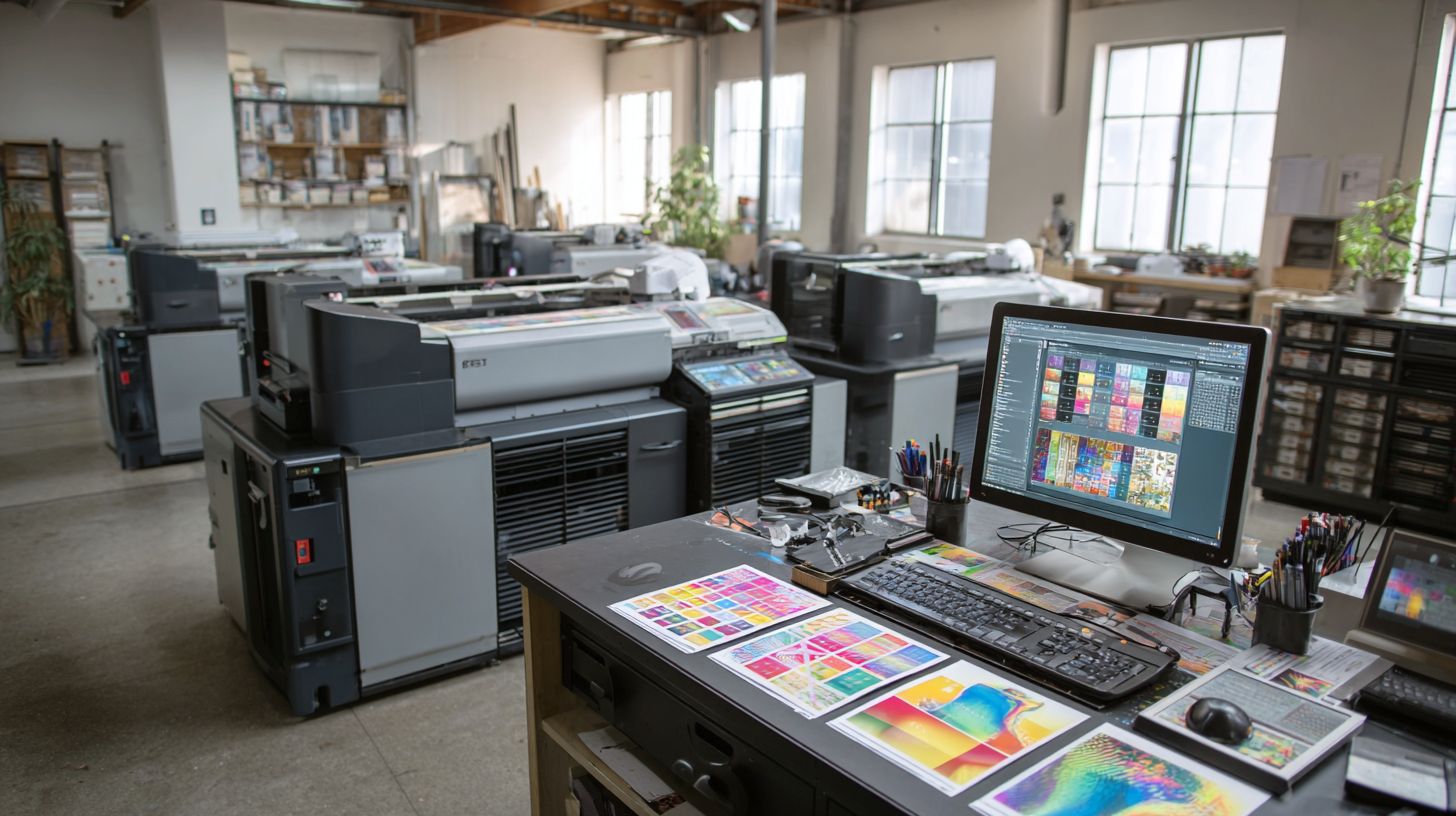
Tailor RIP choices to your shop’s output demands using this volume matrix. Low-volume operations with 50 jobs monthly thrive on Flexi for efficient job tracking and batch processing. It simplifies digital printing without overwhelming features.
| Monthly Jobs | Recommended RIP | Best For |
|---|---|---|
| Up to 50 | Flexi | Sign making, basic queuing |
| 50-500 | Wasatch or ColorGate | Packaging printing, proofing |
| 500-5000 | Onyx or Caldera | High-speed inkjet, automation |
| 5000+ | Fiery EFI | Offset printing, ERP integration |
High-volume shops need Fiery for DFE capabilities and JDF support. This ensures workflow efficiency in demanding environments like direct-to-garment printing.
Free Trial Checklist and Shop Profiler Quiz
Test RIP software with this free trial checklist before committing. Verify printer drivers integration, resolution settings, and file format handling like TIFF or JPEG. Check print speed and ink consumption on sample jobs.
- Install demo on your RIP workstation and load test files.
- Run jobs with stochastic screening and monitor halftone dots.
- Assess soft proofing accuracy and media profiles.
- Evaluate job queuing and print reports for cost estimation.
Use this shop profiler quiz for personalized recommendations. Answer questions on volume, printer brand, and needs like vinyl cutting. Logic prioritizes compatibility, then budget, favoring scalability for future growth in print production.
Frequently Asked Questions
What is the top RIP software for print shops in 2024?
The top RIP software for print shops includes industry leaders like ONYX RIP, EFI Fiery, and Caldera VisualRIP+, known for their advanced color management, workflow automation, and support for wide-format printing. These top RIP software for print shops ensure high-quality output and efficiency.
Why do print shops need top RIP software?
Top RIP software for print shops is essential for processing complex files, optimizing ink usage, handling color profiles accurately, and automating production workflows. Without it, print shops face errors, waste, and delays in high-volume operations.
How does ONYX RIP rank among top RIP software for print shops?
ONYX RIP is frequently ranked as one of the top RIP software for print shops due to its powerful features like HotFolders for automation, advanced nesting, and superior color accuracy, making it ideal for UV, dye-sublimation, and large-format printers.
What are the key features to look for in top RIP software for print shops?
When selecting top RIP software for print shops, prioritize features such as multi-language support, RIP-Queue management, Pantone color libraries, variable data printing, and integration with cutting systems to streamline operations and reduce costs.
Is EFI Fiery considered top RIP software for print shops?
Yes, EFI Fiery is among the top RIP software for print shops, offering seamless integration with digital presses, spot color matching, and cloud-based production tools that enhance productivity for commercial and packaging print environments.
How much does top RIP software for print shops cost?
Pricing for top RIP software for print shops varies: entry-level options start at $500-$2,000 per license, while premium suites like ONYX or EFI can range from $3,000 to $10,000+, often with subscription models or per-printer licensing for scalability.
