
RIP Software
Top RIP Software for Print Shops
Mar
In the high-stakes world of print production, a single RIP software glitch can derail deadlines and profits. As print shops face escalating demands for speed and precision, selecting the optimal tool is paramount.
Discover essential features like color management and print queue optimization, plus an in-depth comparison of top contenders-Onyx RIP, EFI Fiery, Caldera VisualRIP, and RasterLink. Unlock insights to choose wisely and elevate your workflow.
What is RIP Software?
RIP (raster image processor) software converts vector files like PDFs and EPS into printer-ready raster images, essential for large format, digital, and wide-format printing workflows. It acts as the core engine in print shops, processing PostScript, EPS, and PDF files into high-resolution bitmap rasters at 300-2400 DPI. This step ensures files match printer capabilities for sharp output.
The software performs three core functions. First, it handles vector-to-raster conversion, turning scalable vectors into pixel-based bitmaps. Second, it manages color space transformation, such as converting RGB to CMYK for accurate ink reproduction. Third, it applies halftone screening to simulate continuous tones using dot patterns.
In a typical printing workflow, the process flows as Design RIP Print. Designers create files in tools like Adobe Illustrator, send them to the RIP for processing, then output directly to printers. This diagram simplifies prepress tasks, ensuring PDF/X compliance per ISO 15930 standards for consistent results.
Print shops rely on RIP software for color management and file optimization. For example, it supports PostScript processing and generates TIFF or JPEG outputs with precise DPI settings. Experts recommend checking PDF processing features to avoid common issues like overprint errors in offset or inkjet printing.
Key Features to Look For
Modern RIP software must handle complex printing demands across offset, inkjet, UV, and DTG workflows with advanced color accuracy and production efficiency. For print shops processing 100+ jobs daily, essential capabilities include robust color management, efficient queue handling, and workflow automation. These features ensure smooth prepress software operations in large format printing, digital printing, and beyond.
Look for multi-printer support and driverless printing to streamline output across Epson, Roland, Mimaki, and other devices. Tools like hot folders and nesting optimization cut waste and boost throughput. Prioritize RIP speed with GPU acceleration for high-volume jobs in sign making or textile printing.
Integration with MIS systems and JDF support enhances job tracking and estimating. Proofing tools and cut contouring improve print quality and finishing. Choose RIP software with strong technical support and regular updates for long-term reliability in commercial printing environments.
Color Management
Advanced color management ensures high color accuracy across substrates using ICC profiles and spot color libraries. It supports diverse workflows in inkjet printing, UV printing, and direct-to-garment printing. Print shops rely on these tools for consistent results in packaging printing and label printing.
Key capabilities include ICC v4 profile support, certified for Epson and Roland printers. Spot color matching draws from extensive Pantone libraries for precise brand colors. TAC limiting controls total area coverage between 160-240% to prevent ink overload and improve drying.
Linearization curves fine-tune output for optimal density. For example, ONYX RIP reduced color deltaE from 5.2 to 1.8 on a Mimaki JV3 printer. Adhering to GRACoL and G7 standards maintains compliance in offset printing and wide format printing.
- ICC v4 profiles for device calibration
- Pantone spot color libraries
- TAC control for ink optimization
- Linearization for linear output
Print Queue Management
Queue management systems process hundreds of jobs daily with priority sorting, nesting, and hot folder automation. They form the backbone of printing workflow in busy print shops handling variable data printing and large format printing. Efficiency here directly impacts turnaround times and profitability.
Essential features include drag-drop priority queues for quick job reordering. Hot folder auto-import pulls files automatically for seamless PDF processing. Barcode job tracking monitors progress from input to output.
Nesting optimization saves media through intelligent ganging, as seen in EFI Fiery queues reducing vinyl waste. Cost-per-job calculation aids print estimating. The typical workflow flows from file drop to RIP, print, and cut with contouring support.
- Drag-drop queues for priority
- Hot folders for automation
- Barcode tracking for jobs
- Nesting for media savings
- Cost calculations per job
Top RIP Software Comparison
Compare 6 leading RIPs across speed, printers supported, and cost for commercial print shops. This RIP software comparison helps print shops evaluate options for their printing workflow. Factors like RIP speed and printer compatibility directly impact daily production.
Onyx RIP stands out for production environments with broad support. It handles large format printing and color management efficiently. Users appreciate its job queuing and nesting optimization features.
The table below details key specs for these raster image processors. Check starting price against your budget and printers supported for compatibility. RIP speed in A1/min indicates throughput for high-volume jobs.
| Tool | Starting Price | Printers Supported | RIP Speed (A1/min) | Best For | Rating |
|---|---|---|---|---|---|
| Onyx RIP | $2,995 | 50+ brands | 120 A1/min | Production | 4.8 |
| EFI Fiery | $5,000+ | 70+ | 200 A1/min | Enterprise | 4.6 |
| Caldera | $1,995 | 40+ | 90 A1/min | Wide Format | 4.7 |
| RasterLink | Free w/Mimaki | Mimaki only | 60 A1/min | Entry-level | 4.2 |
| Roland VersaWorks | Free | Roland only | 45 A1/min | Sign shops | 4.0 |
| SAi FlexiRIP | $2,495 | 35+ | 75 A1/min | Cut/contour | 4.5 |
For example, a shop with Epson inkjet printers might pair Onyx RIP for multi-printer support. Free options like Roland VersaWorks suit sign making startups. Always test PDF processing and ICC profiles in demos.
ONYX RIP
ONYX RIP dominates production print shops with 50+ printer support and 120 A1/min throughput. As a market leader holding 35% share and over 25,000 licenses sold, it earned a Drupa 2024 award for excellence in printing workflow. Print shops rely on this raster image processor for handling large format printing, inkjet printing, and UV printing tasks.
Its robust color management features ensure consistent output across devices like Epson, Mimaki, and Roland printers. Operators appreciate the PDF processing and variable data printing capabilities that streamline prepress software operations. For wide format printing and sign making, ONYX RIP offers driverless printing and multi-printer support.
Key strengths include workflow automation through hot folders and job queuing, reducing manual intervention in commercial printing. It supports PostScript processing, EPS files, and ICC profiles for precise spot color matching. Print shops using ONYX report improved print quality and RIP speed in digital printing environments.
With options for perpetual license or subscription model, it fits SMBs and enterprise setups. Features like nesting optimization and cut contouring enhance media management for packaging printing and textile printing. Technical support and RIP updates keep it ahead in the print RIP comparison.
Strengths
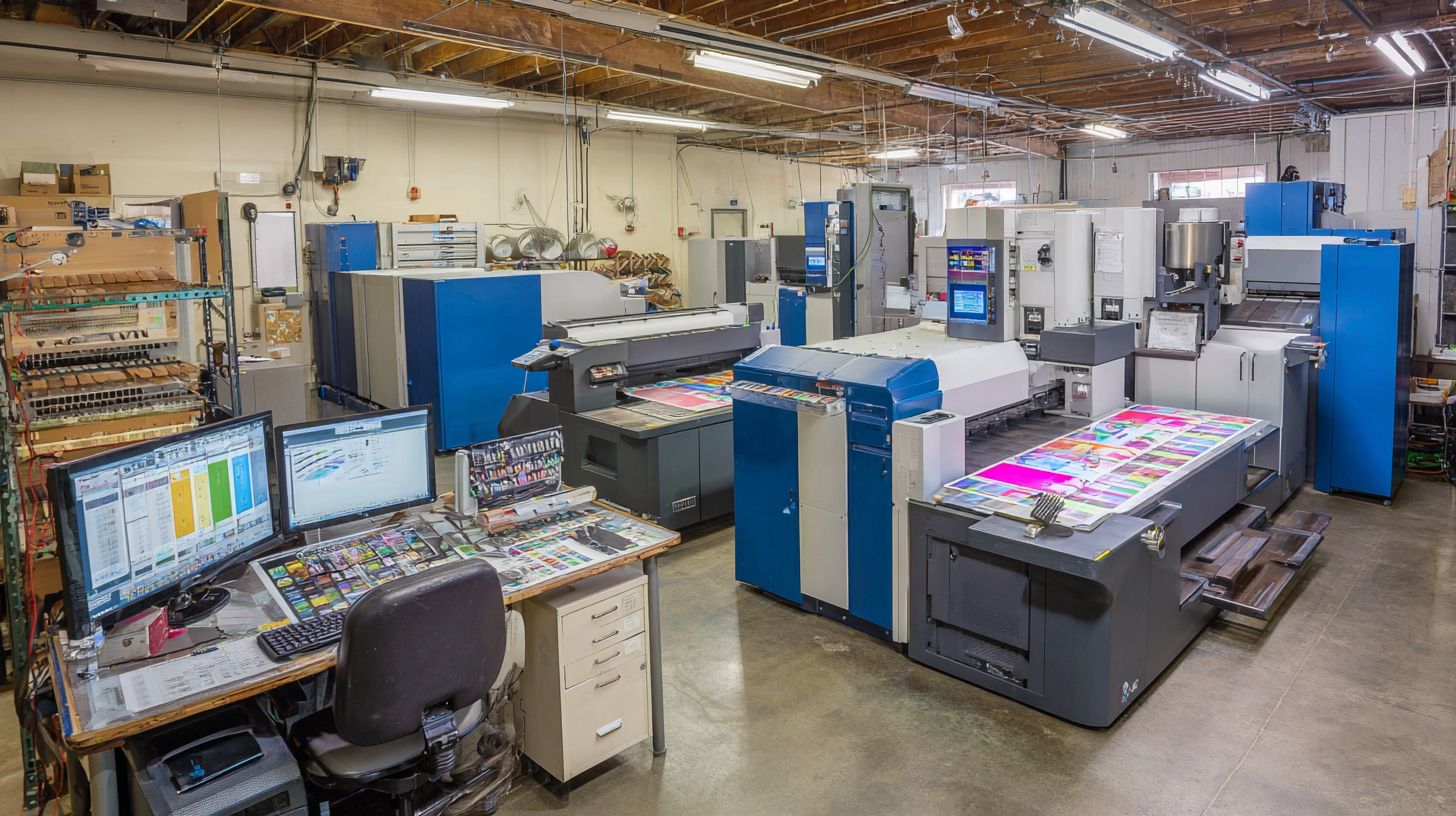
ONYX excels in production efficiency with patented HotFolder stacking and Advanced Nesting saving media costs. These tools automate job queuing and imposition software functions, ideal for high-volume runs in offset printing or screen printing. Print operators can process multiple files simultaneously without bottlenecks.
Color management stands out with linearization, ink optimization, and TAC control for consistent results. It handles Pantone colors, CMYK conversion, and overprint simulation across printers like HP and Canon. For direct-to-garment printing, white ink management and varnish layers ensure professional output.
Advanced features include multi-core processing, GPU acceleration, and nozzle compensation for printhead maintenance. Queue management with priority settings and job tracking supports busy print shops. Ganging software and step-and-repeat simplify large format production.
- Supports halftone screening, stochastic screening, and hybrid screening for optimal DPI output.
- Offers barcode recognition and tiling for precise cut contouring in sign making.
- Integrates MIS and ERP systems for print estimating and cost calculation.
- Provides proofing tools and TIFF/JPEG output for versatile file formats.
2. EFI Fiery
EFI Fiery powers commercial offset presses and digital systems with its XF4 server delivering high-speed output. This RIP software excels in enterprise environments for print shops handling demanding workflows. It supports PostScript processing and PDF/X compliance seamlessly.
Key enterprise features include Fiery Command WorkStation, a powerful interface for job management and color management. Spot color libraries with extensive Pantone matching ensure accurate spot color matching across digital printing and offset printing. Variable data PDL processing speeds up personalized jobs significantly.
The Print Factory cloud queue enables remote job queuing and workflow automation for high-volume operations. ERP integration with systems like Prinect and Apogee streamlines prepress software tasks. This makes it ideal for high-volume commercial print shops processing hundreds of jobs daily.
FedEx Office deployments highlight its reliability in real-world scenarios. Print shops benefit from multi-printer support and driverless printing for brands like Epson, HP, and Mimaki. Features like ink optimization and nesting reduce waste in large format printing and packaging printing.
3. Caldera VisualRIP
Caldera VisualRIP+ ($1,995) optimizes wide-format printing and textile workflows with TrueShape nesting and cutter integration. This RIP software stands out for print shops handling signage and fabrics. It streamlines prepress software tasks from file intake to output.
The VisualRIP+ interface speeds up learning for operators. Users report quicker onboarding compared to traditional setups. This makes it ideal for busy print shops with rotating staff.
GrandRIP textile edition excels in direct-to-garment printing and screen printing prep. It handles complex patterns with precise color management. Print shops save time on repeat jobs using built-in recipes.
Cutter Manager supports Roland and Mimaki devices for seamless cut contouring. Combine it with multi-queue processing across 16 RIPs for high-volume runs. Over 500 media presets ensure consistent ink optimization and output quality.
Key Features and Advantages
Caldera VisualRIP offers nesting optimization that reduces media waste through TrueShape technology. Operators drag and drop files into queues for automatic arrangement. This boosts efficiency in large format printing.
The software includes color recipes with extensive presets for various substrates. Adjust ICC profiles for spot color matching in UV printing or inkjet setups. It supports PDF processing and EPS files for versatile printing workflow.
- VisualRIP+ interface: Intuitive design for fast user adoption.
- GrandRIP textile edition: Tailored for fabric and garment production.
- Cutter Manager: Direct integration with Roland and Mimaki cutters.
- Multi-queue support: Handle up to 16 simultaneous RIP processes.
Experts recommend it for shops needing job queuing and hot folder automation. Pair it with multi-printer support for Epson, Mimaki, or Roland devices.
Best Use Cases
Perfect for signage and textile printing, Caldera shines in wide-format sign making. A shop producing banners can use TrueShape nesting to fit more designs per roll. This cuts costs without sacrificing quality.
Textile producers benefit from GrandRIP for direct-to-garment workflows. Handle variable data printing for custom runs with ease. Integrate with cutter tools for one-step print-and-cut operations.
For commercial printing environments, multi-queue manages peak loads. Set print queue priorities for urgent jobs. It supports driverless printing across Mac and Windows systems.
Performance and Savings
Users note ink savings through optimized raster image processing. Features like ink limiting and TAC control prevent over-inking on dense designs. This leads to lower costs in inkjet and UV printing.
RIP speed improves with multi-core processing and queue management. Process large PostScript files or high-DPI outputs quickly. Caldera handles TIFF output and JPEG compression for proofing tools.
Choose between perpetual license or subscription models for scalability. Technical support and updates keep workflows current. Print shops gain ROI through reduced waste and faster throughput.
4. RasterLink (Mimaki)
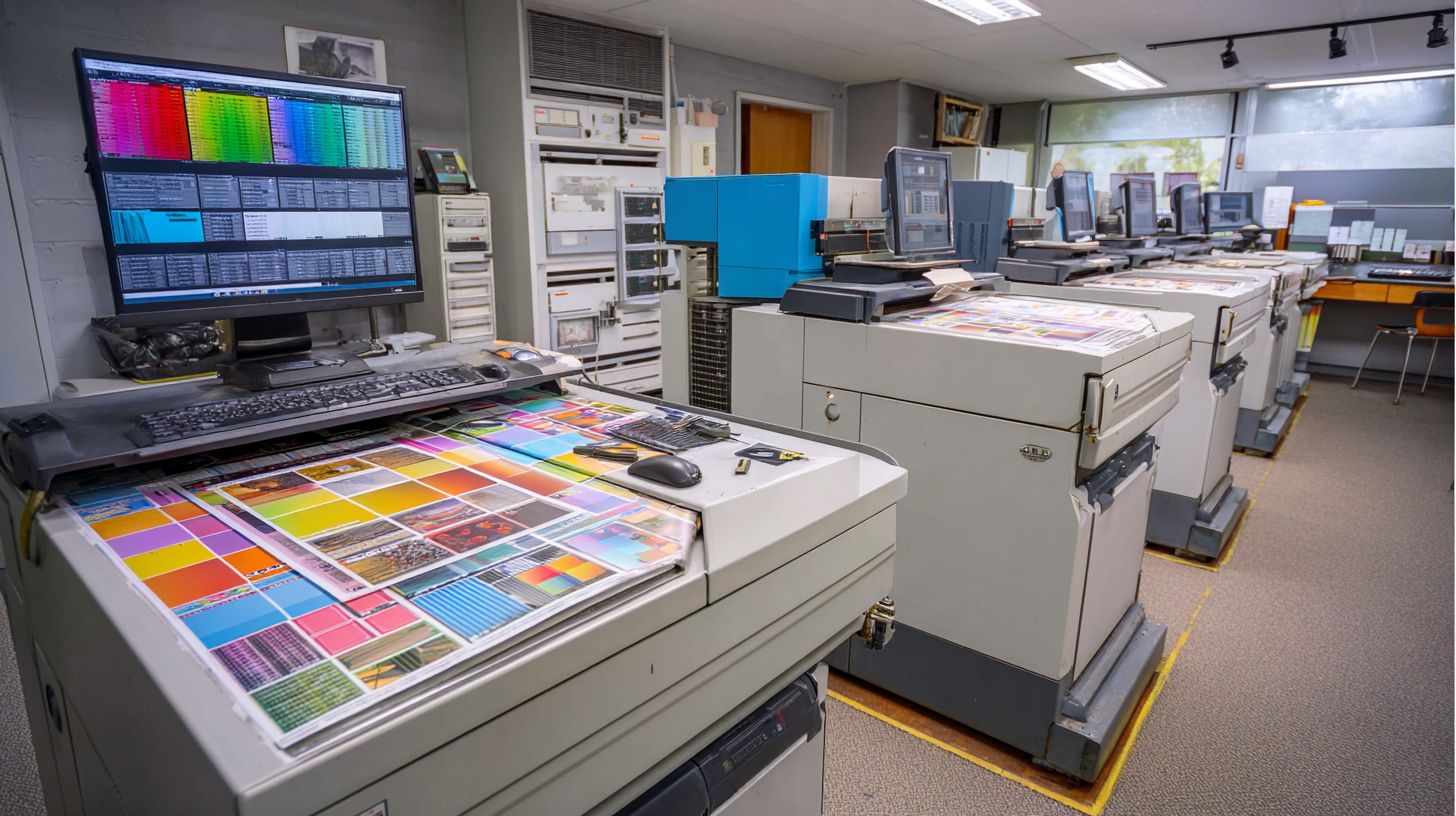
RasterLink6 ships free with Mimaki printers – perfect starter RIP software for shops under $50K revenue. This entry-level raster image processor handles basic large format printing tasks without extra costs. Print shops get it bundled, making it ideal for startups testing inkjet printing workflows.
Key features include 1-click color matching for quick color management and basic nesting to optimize media use. The Profile Manager supports over 200 media types, simplifying media management for UV printing or textile jobs. USB job transfer keeps the printing workflow simple with no network setup needed.
Limitations mean it’s Mimaki-only, lacking multi-printer support for mixed fleets. For growth, upgrade to RasterLink Evolution at $995, which adds advanced PDF processing and queue management. This path suits startup print shops scaling to commercial printing.
- Free with new Mimaki printers like the JV series for driverless printing.
- Handles PostScript processing and EPS files for sign making.
- Supports cut contouring essential for vinyl applications.
- Basic job queuing prevents bottlenecks in small runs.
Pricing and Licensing
RIP costs range $0-$25K+ based on printers supported and production volume. Print shops must weigh perpetual licenses against subscriptions when choosing raster image processor software. Factors like multi-printer support and production needs drive the final price.
Perpetual licenses offer one-time payments with optional upgrades, suiting shops with steady workflows. Subscription models provide flexibility for scaling, especially in variable data printing or large format printing. Experts recommend trials to test fit before committing.
ROI from RIP software often comes quickly through better job queuing and nesting optimization. Shops report efficiency gains from faster RIP speed and color management, covering costs via increased throughput. Consider printer RIP integration for brands like Epson or Roland.
Free options like Roland VersaWorks work for entry-level setups, while high-end EFI Fiery serves enterprise needs. Evaluate technical support and updates in pricing. This ensures long-term value in printing workflows.
| RIP | Base Price | Per Printer | Model | Trial |
|---|---|---|---|---|
| Onyx Basic | $2,995 | $399/printer | Perpetual | 15 days |
| Caldera VisualRIP | $1,995 | $299/printer | Perpetual | 30 days |
| EFI Fiery XF | $4,995 | Server-based | Subscription | Quote |
| Roland VersaWorks | FREE | N/A | Free | N/A |
| SAi Flexi | $2,495 | $199/printer | Perpetual | 15 days |
RIP pays for itself in 3-6 months via efficiency gains in prepress software tasks. For example, ink optimization reduces waste in UV printing jobs. Print shops gain from features like cut contouring and media management.
Choosing the Right RIP
Match RIP to your printer brand, volume (jobs/day), and budget using this decision matrix. This framework helps print shops select RIP software that fits their printing workflow without wasting resources. Start by evaluating your setup for the best match.
Consider printer compatibility first, such as Onyx for universal use or RasterLink for Mimaki-only printers. Next, assess daily job volume, like VersaWorks for under 50 jobs or Fiery for over 100. Budget tiers range from free options to $10K+ investments, while features like textile support point to Caldera or production needs to ONYX.
Key factors include color management, PDF processing, and nesting optimization. For example, shops doing large format printing benefit from cut contouring, while direct-to-garment printing needs white ink management. This ensures smooth prepress software integration and high print quality.
Use the assessment tools below to pinpoint your ideal raster image processor. They guide you through questions and charts for quick, informed choices in your digital printing operation.
Quick RIP Assessment Quiz
Answer these questions to narrow down RIP options for your print shop. This simple quiz focuses on core needs like printer brand and job volume. It takes under two minutes for personalized insights.
- What is your primary printer brand? (e.g., Roland, Mimaki, Epson, HP)
- How many jobs do you process per day? (<50, 50-100, 100+)
- What is your annual budget for RIP software? (Free, up to $2K, $10K+)
- What features matter most? (Textile printing, production speed, color management)
Score your answers: Printer-specific like Roland VersaWorks scores high for brand matches. High-volume shops lean toward EFI Fiery for queue management. Budget-conscious startups favor free Roland options with basic job queuing.
For textile workflows, select Caldera for ink optimization. Production environments need ONYX for workflow automation and multi-printer support. Tally results to match final recommendations.
RIP Recommendation Chart
This chart compares top RIP software based on your print shop’s profile. It covers compatibility, volume handling, and pricing tiers for easy scanning. Use it alongside the quiz for precise picks.
| Shop Type | Recommended RIP | Key Strengths | Best For | Budget Tier |
|---|---|---|---|---|
| Startups | Roland VersaWorks (FREE) | Easy setup, driverless printing, basic color management | Low volume, Roland printers, entry-level wide format printing | Free |
| SMB | ONYX Basic | Nesting optimization, cut contouring, ICC profiles | 50-100 jobs/day, multi-printer support, sign making | Up to $2K |
| Enterprise | EFI Fiery | High-speed RIP, variable data printing, queue management | 100+ jobs/day, production printing, UV printing integration | $10K+ |
| Textile Focus | Caldera RIP | Ink limiting, media management, tiling | Direct-to-garment, screen printing workflows | $2K-$10K |
Review rows for your scenario, like SMBs using ONYX for hot folders and proofing tools. Enterprises gain from Fiery’s GPU acceleration and scalability. Adjust based on needs like Pantone matching or JDF support.
Final Recommendations
For startup print shops, choose Roland VersaWorks FREE for seamless Roland integration and no upfront costs. It handles basic PDF processing and EPS support without complexity. Ideal for hobbyist or prosumer setups entering sign making.
SMB operations thrive with ONYX Basic, offering strong nesting optimization and cut contouring for efficient large format printing. It supports multiple file formats and improves throughput speed over free alternatives. Perfect for growing shops with mixed inkjet printing needs.
Enterprise print shops rely on EFI Fiery for advanced workflow automation, job tracking, and high-volume handling. Features like trap handling and stochastic screening ensure top output quality. It scales with MIS integration for commercial printing demands.
Frequently Asked Questions
What is the top RIP software for print shops in 2024?
Top RIP software for print shops like ONYX RIP and EFI Fiery lead the pack due to their advanced color management, workflow automation, and support for wide-format printing, making them ideal for high-volume production environments.
Why do print shops need top RIP software?
Top RIP software for print shops is essential for processing complex files, ensuring accurate color output, nesting prints efficiently, and minimizing errors, which boosts productivity and print quality across substrates like vinyl and textiles.
How does ONYX RIP compare as top RIP software for print shops?
ONYX RIP stands out as top RIP software for print shops with its powerful RIP engine, real-time preview tools, and scalability from small shops to enterprise levels, offering superior speed and integration with cutters and printers.
What features make EFI Fiery the top RIP software for print shops?
EFI Fiery excels as top RIP software for print shops through its Fiery XF and ProServer editions, providing spot color matching, variable data printing, and cloud connectivity for streamlined large-scale digital printing operations.
Is RasterLink a good choice for top RIP software for print shops?
Yes, RasterLink by Mimaki is among the top RIP software for print shops, especially for Mimaki printer users, featuring intuitive interfaces, hot folder processing, and robust color profiling for UV and dye-sublimation printing.
How to choose the best top RIP software for your print shop?
When selecting top RIP software for print shops, evaluate compatibility with your hardware, ease of use, cost per license, support for file formats like PDF and EPS, and trial versions from leaders like ONYX, EFI, and Caldera.
