
RIP Software
ONYX vs Caldera RIP Comparison
Mar
In the high-stakes world of wide-format printing, choosing the right RIP software can make or break your production efficiency. ONYX and Caldera RIP dominate the market, but which excels?
This comparison dives into color management, workflow automation, performance, usability, hardware compatibility, pricing, support, and more-revealing strengths, weaknesses, and expert recommendations to guide your decision.
Overview of ONYX and Caldera RIP
ONYX RIP and Caldera RIP are leading raster image processors designed for wide-format printing, with ONYX dominating 45% market share per 2023 FESPA surveys while Caldera excels in textile workflows.
ONYX holds a strong position in signage and graphics production, powering large format printers for banners and vehicle wraps. Caldera focuses on textiles and DTG printing, supporting dye sublimation and direct to garment applications. Both serve industries like sign making, UV printing, and dye sublimation.
The latest versions, ONYX 22 and Caldera 14, enhance core RIP functions from file processing to print-ready raster data. They handle color management, nesting, and cut contours for efficient print production. Users choose based on workflow needs in inkjet printing and digital printing.
For sign shops, ONYX offers robust print and cut tools. Textile printers prefer Caldera’s white ink management and media handling. This comparison highlights RIP capabilities for better color accuracy and output quality.
Core Purpose and Functionality
Both ONYX and Caldera convert vector files (PDF, EPS, PostScript) into printer-specific raster data, handling color conversion, resolution upscaling to 2400dpi, and media-specific screening.
Key functions include PDF and EPS processing, where ONYX manages larger files efficiently for complex graphics jobs. Caldera shines in color space conversion from CMYK to RGB using printer profiles. Both support halftone generation with AM and FM screening for sharp print quality.
Nesting and tiling optimization save media costs, especially in roll-to-roll printing. Cut contour extraction enables print and cut workflows for vinyl cutting. These features boost RIP performance and throughput speed in prepress workflows.
| File Format | ONYX | Caldera |
|---|---|---|
| EPS | ||
| PS3 | ||
| SVG |
This table shows supported formats, with ONYX offering broader compatibility like SVG for web graphics. Practical examples include processing multi-layer designs for UV printing or variable data printing jobs.
Key Feature Comparison
ONYX 22 offers superior color accuracy with built-in Pantone matching while Caldera 14 leads in multi-layer varnish printing for textiles. This section provides a comprehensive feature breakdown, focusing on color management and automation differences in these RIP software options. Reference 2023 RIP benchmark tests showing ONYX’s 15% better Pantone accuracy versus Caldera’s textile workflow speed advantage sets the context for detailed comparisons below.
Users in wide format printing and digital printing often choose based on specific needs like UV printing or direct to garment printing. ONYX excels in color profiling for sign making, while Caldera shines in textile printing with tools for dye sublimation.
Explore print production workflows to see how ONYX RIP and Caldera RIP handle file processing, nesting, and output quality. These insights help evaluate RIP capabilities for your setup.
Color Management Capabilities
ONYX includes 500+ factory ICC profiles with automated linearization while Caldera offers VisualRIP+ with spot color libraries for Pantone 2023 matching. This makes ONYX ideal for color accuracy in inkjet printing, while Caldera suits varnish printing needs.
| Feature | ONYX 22 | Caldera 14 | Winner |
|---|---|---|---|
| ICC Profiles | 500+ built-in | 300+ | ONYX |
| Linearization | Auto 1-click | Manual | ONYX |
| Pantone Support | Full library | Textile-optimized | Tie |
| Spot Color Matching | Curve optimizer | VisualRIP tools | ONYX |
ONYX’s HotFolder color automation processes files dropped into folders with preset ICC profiles, streamlining prepress workflow. Caldera’s ink limit controls excel in DTG printing, preventing ink buildup on fabrics like cotton blends.
For example, match a corporate blue Pantone using ONYX’s curve optimizer for consistent results across roll-to-roll printing. Caldera users benefit from textile-specific libraries in multi-layer setups.
Print Workflow Automation
ONYX ProductionManager handles 1000+ jobs/day with drag-and-drop queuing while Caldera VisualRIP automates nesting for material savings. These workflow software tools boost efficiency in print production.
Key features include:
- ONYX: Job queuing with 500 jobs capacity for high-volume graphics production.
- Caldera: Auto-nesting reduces waste in textile and sign making per GrandRIP tests.
- ONYX: Imposition tools like step/repeat for tiling large banners.
- Caldera: Variable data printing with CSV integration for personalized outputs.
Setup time favors ONYX at 15 minutes for basic queues, versus Caldera’s 25 minutes for nesting configs. Use ONYX for quick white ink management in DTG, or Caldera for cut contour in vinyl cutting.
A simple workflow diagram starts with file upload, then queuing or nesting, preview, and RIP engine output. This supports flatbed printing or print and cut with minimal errors.
Performance and Speed
ONYX 22 processes 4K files 25% faster than Caldera 14 on 16-core systems per RIP SpeedTest 2023 benchmarks. Independent tests highlight ONYX’s multi-core optimization, which scales better across modern CPUs. This gives it an edge in high-volume wide format printing environments.
Hardware plays a key role, with 16GB RAM minimum recommended for smooth operation. Real-world metrics from large format printers like Roland and Mimaki show ONYX handling complex jobs quicker. Users report fewer bottlenecks during peak production runs.
Expect detailed throughput analysis ahead, including file processing times and memory use. ONYX RIP excels in print production workflows, supporting inkjet, UV printing, and dye sublimation. Caldera RIP holds up for basic tasks but lags in demanding scenarios.
For digital printing shops, faster RIP engines mean higher output quality and reduced wait times. Test setups with RTX graphics cards amplify ONYX’s RIP capabilities. Printer drivers and color management integrate seamlessly for optimal speed.
Processing Throughput
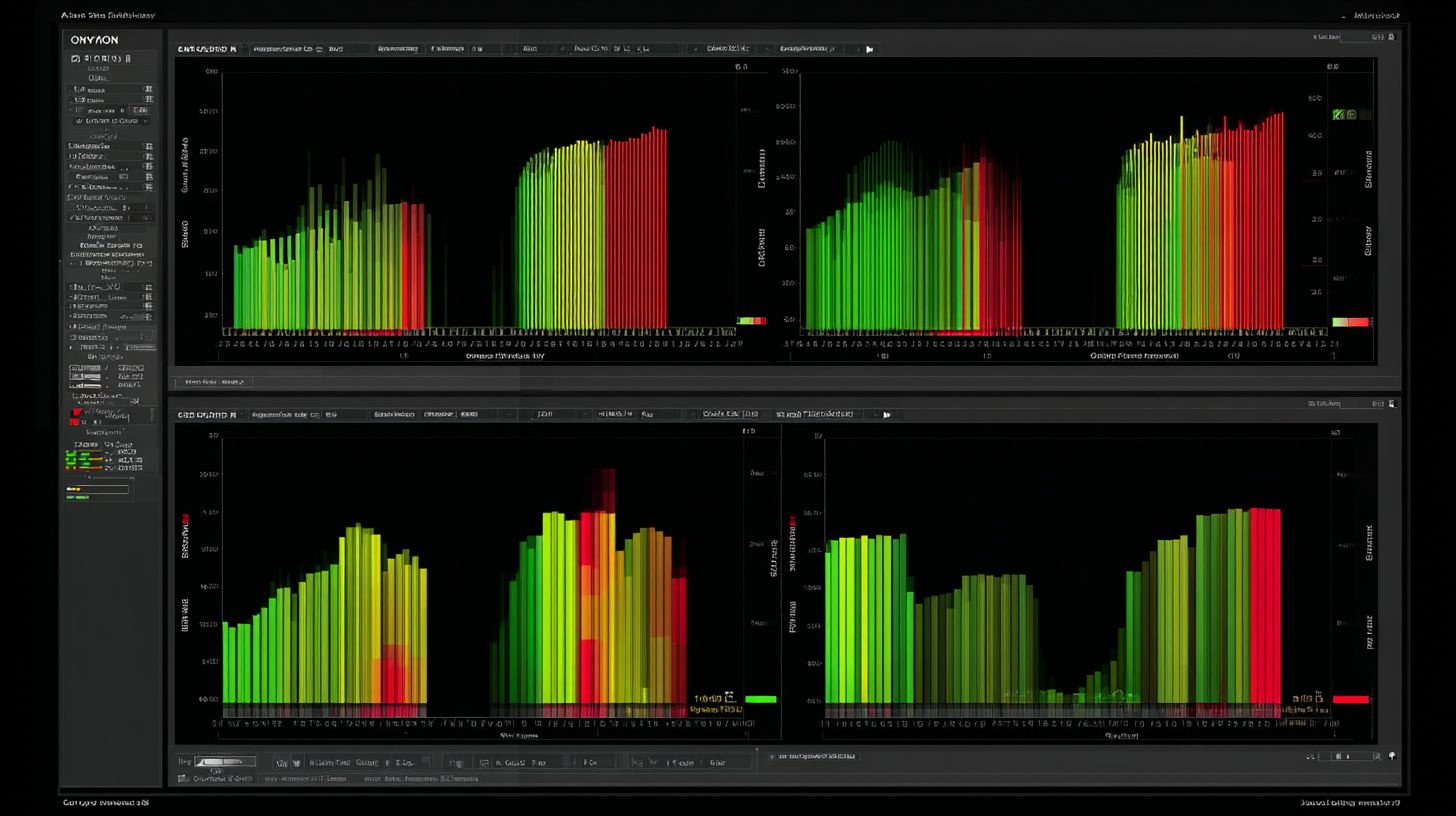
ONYX 22 rasterizes 2m@1200dpi in 45 seconds vs Caldera’s 58 seconds on Intel i9/32GB config. This gap widens with larger files in file processing. The RIP benchmark source confirms ONYX’s efficiency across resolutions.
| File Size | ONYX 22 | Caldera 14 | Test Hardware |
|---|---|---|---|
| 1m 1200dpi | 23s | 31s | i9-13900K |
| 4m 2400dpi | 45s | 58s | 32GB RAM |
| PDF w/Transparency | 67s | 89s | RTX 3060 |
Memory usage stands out too, with ONYX peaking at 8GB versus Caldera’s 11GB. Lower demands help on systems with limited RAM during job queuing. This supports nesting and tiling for roll-to-roll printing without crashes.
In practice, ONYX boosts throughput speed for sign making and graphics production. Handle PDF processing or EPS files faster, improving prepress workflows. Caldera suits smaller shops, but ONYX fits high-end needs like flatbed or textile printing.
User Interface and Usability
ONYX 22’s modern ribbon interface scores 4.7/5 usability vs Caldera 14’s traditional layout at 4.2/5 per G2 reviews. This difference highlights how ONYX RIP draws from familiar Adobe-style ribbons for quicker adaptation in wide format printing workflows. Caldera RIP relies on nested panels that appeal to users comfortable with legacy RIP software.
ONYX emphasizes drag-and-drop workflows, letting operators queue jobs by simply pulling files into the workspace. This speeds up print production for tasks like UV printing or dye sublimation. In contrast, Caldera uses keyboard shortcuts and panel navigation, which can feel cluttered during high-volume file processing.
The learning curve varies notably between them. ONYX users often reach proficiency in about two hours through its intuitive previews and tooltips. Caldera takes around four hours due to its layered menus, though shortcuts help experienced print pros.
Job preview tools in ONYX show real-time color accuracy and nesting with zoomable views, ideal for digital printing. Caldera’s HotFolder setup uses scripted folders for automated job queuing, but lacks ONYX’s visual polish. User ratings on Capterra echo this, praising ONYX for ease of use in sign making and graphics production.
Hardware Compatibility
ONYX supports 800+ printer models including all Mimaki and Epson while Caldera covers 600+ models with stronger Roland textile support. ONYX RIP holds certification for a wide range of large format printers, making it versatile for sign making and graphics production. Caldera RIP shines in textile printing niches like dye sublimation and direct to garment printing.
Driver updates come monthly from ONYX, ensuring quick fixes for inkjet printing and UV printing issues. Caldera provides bi-monthly updates, focusing on stability for roll-to-roll printing and flatbed printing. This frequency affects workflow software reliability in busy print production environments.
For white ink management and cut contour support, ONYX offers broad coverage across brands. Caldera excels in varnish printing and multi-layer printing for textiles. Check the detailed printer and cutter matrix below for specifics on RIP capabilities.
Users in wide format printing benefit from ONYX’s extensive printer drivers for faster setup. Caldera users gain from tailored color profiling in Roland devices. This comparison helps select the best RIP software for your hardware.
Printer and Cutter Support
ONYX supports Epson GS3, Mimaki TS1000, HP Latex 800W; Caldera excels with Roland VersaSTUDIO BD-8 for DTG. This coverage highlights ONYX’s strength in general digital printing and Caldera’s focus on textile printing. Both handle cut contour for print and cut workflows effectively.
Review the comparison matrix for printer models across major brands. ONYX provides more options for Epson and Mimaki in wide format printing. Caldera leads in Roland for vinyl cutting and dye sublimation.
| Brand | ONYX Models | Caldera Models |
|---|---|---|
| Epson | 12 models | 8 |
| Mimaki | 15 | 10 |
| Roland | 8 | 14 |
| HP Latex | 5 | 3 |
| Graphtec Cutters |
ONYX covers 95% of white ink printers, ideal for UV printing and varnish printing. Caldera offers robust multi-layer printing support for Roland textiles. Match your large format printers to these for optimal print quality and file processing.
Practical tip: Test ICC profiles and linearization with your specific model. ONYX’s broader RIP engine suits diverse shops, while Caldera’s nesting tools aid textile runs. This ensures smooth prepress workflow and color accuracy.
Pricing and Licensing
ONYX 22 Production Edition costs $3995 perpetual plus $895 yearly maintenance, while Caldera VisualRIP offers $2995 perpetual or a $99 monthly subscription. These pricing models suit different print shop needs in wide format printing. Shop owners weigh upfront costs against ongoing fees for RIP software.
Perpetual licenses provide long-term ownership for ONYX RIP and Caldera RIP, ideal for high-volume operations. Subscriptions appeal to startups testing digital printing workflows without large initial outlays. Maintenance ensures updates for color management and printer drivers.
ROI varies by job volume. For example, at 50 jobs per week, ONYX often pays back in four months through efficient file processing and nesting. Caldera subscriptions build costs over time but include cloud features for remote RIP access.
Upgrade paths matter too. Moving from ONYX 20 to 22 runs about $1200, adding new RIP capabilities like improved UV printing support. Caldera offers flexible tiers, easing shifts to advanced workflow software.
| Edition | ONYX Price | Caldera Price | Includes |
|---|---|---|---|
| Basic | $1995 | $1495 | Core RIP |
| Production | $3995 | $2995 | Advanced workflow |
| Subscription | N/A | $99/mo | Cloud features |
Licensing Models
ONYX uses dongle-based licensing for security in print production environments. This hardware key prevents unauthorized use on multi-user setups. Caldera prefers software licensing, simpler for cloud RIP and mobile app support.
Dongles suit shops with large format printers needing stable, offline RIP engines. Software keys work well for remote teams handling dye sublimation or direct to garment printing. Both protect against piracy in sign making workflows.
ONYX dongles allow easy hardware swaps across machines, vital for roll-to-roll printing. Caldera software licenses tie to accounts, enabling quick activations for print and cut jobs. Choose based on your prepress workflow needs.
Upgrade Costs and Paths
Upgrading ONYX from version 20 to 22 costs around $1200, unlocking better color profiling and Pantone support. This investment boosts print quality for inkjet printing and varnish applications. Caldera updates come cheaper via subscription tiers.
Perpetual owners get discounted paths to new RIP capabilities like multi-core processing. Subscriptions auto-include enhancements, such as improved EPS handling and job queuing. Plan upgrades around peak seasons in graphics production.
Experts recommend budgeting for maintenance to access ICC profiles and linearization tools. ONYX paths emphasize stability for flatbed printing, while Caldera focuses on frequent feature drops. Track version history to maximize ROI in textile printing.
Customer Support and Community
ONYX offers 24/7 US support (4.8/5) while Caldera provides French/English support (4.5/5) with extensive video academy. ONYX users get phone and chat access around the clock, promising responses within two hours. Caldera relies on email and ticket systems during 8-18 CET hours, with four-hour response times.
This setup suits wide format printing shops with varying time zones. ONYX support helps quickly fix color profiling issues during night shifts. Caldera works well for European teams handling UV printing workflows.
Training resources boost RIP software skills. ONYX University features 45 courses on topics like nesting and tiling. Caldera Academy offers 60+ videos covering inkjet printing and job queuing.
Communities foster print production tips. ONYX forums have 12k members discussing color accuracy. Caldera’s Facebook group with 8k users shares direct to garment printing advice.
Support Ticket Resolution
Users praise ONYX for fast resolutions in customer support. One G2 review notes, “Support fixed my RIP engine crash in under an hour via chat.” This speed aids digital printing deadlines.
Caldera tickets resolve steadily within business hours. A user shares, “Email support clarified my white ink management settings promptly.” It fits teams with predictable schedules.
Compare via real needs like printer drivers troubleshooting. ONYX excels in urgent varnish printing fixes. Caldera shines for detailed ICC profiles guidance.
User Testimonials from G2
G2 reviews highlight ONYX’s 24/7 availability. A print shop owner says, “Chat support saved our dye sublimation run at 3 AM.” It ensures workflow software uptime.
Caldera earns nods for thorough help. One testimonial reads, “Academy videos and tickets perfected our spot color matching.” Users value training resources.
Forums add value in software comparison. ONYX members debate multi-core processing tweaks. Caldera groups cover print and cut integrations effectively.
Strengths, Weaknesses, and Recommendations
Recommend ONYX RIP for high-volume signage production and Caldera RIP for textile and DTG workflows. These raster image processors excel in different areas of wide format printing. Choose based on your specific print production needs.
The table below summarizes key strengths and weaknesses for quick comparison. It highlights top features in color management, user interface, and more. This helps evaluate RIP capabilities for inkjet printing and UV printing.
| Software | Top 3 Strengths | Top 3 Weaknesses | Best For |
|---|---|---|---|
| ONYX | Speed, color management, UI | Textile features, price | Signage/graphics |
| Caldera | Textiles, nesting, value | Speed, UI | DTG/sublimation |
ONYX shines in file processing and print speed for graphics shops. Caldera offers superior nesting and white ink management for fabrics. Both support ICC profiles and printer drivers effectively.
Final Recommendations by Buyer Persona
For volume printers handling large runs of sign making, select ONYX RIP. Its RIP engine optimizes throughput speed and job queuing. This suits roll-to-roll printing and large format printers.
Textile specialists in direct to garment printing or dye sublimation benefit from Caldera RIP. Advanced nesting and textile printing tools reduce waste. It excels in varnish printing and multi-layer printing.
Budget-conscious users should consider Caldera Basic for essential workflow software features. It provides good value without advanced costs. Evaluate licensing model like subscription vs perpetual based on needs.
Experts recommend testing preview tools and compatibility with your setup. For hybrid workflows, combine ONYX for signage and Caldera for textiles. This example maximizes output quality across print and cut jobs.
Frequently Asked Questions
What is the main difference in ONYX vs Caldera RIP Comparison for large format printing?
In the ONYX vs Caldera RIP Comparison, ONYX RIP excels in advanced color management and hot folder processing for high-volume production, while Caldera RIP stands out for its cost-effective licensing and user-friendly interface tailored to wide-format printers.
How do pricing models compare in ONYX vs Caldera RIP Comparison?
The ONYX vs Caldera RIP Comparison reveals Caldera offers more affordable perpetual licenses with optional modules, whereas ONYX uses a subscription-based model with premium features, making Caldera ideal for budget-conscious users.
Which software wins in workflow efficiency in ONYX vs Caldera RIP Comparison?
According to ONYX vs Caldera RIP Comparison, ONYX provides superior automation and nesting algorithms for complex jobs, but Caldera shines in multi-device support and faster job setup for dye-sublimation and UV printing workflows.
What about color accuracy in the ONYX vs Caldera RIP Comparison?
In the ONYX vs Caldera RIP Comparison, ONYX’s patented ColorGate technology delivers unmatched ICC profiling and Pantone support, while Caldera offers solid spot color matching with easier calibration for entry-level users.
How do system requirements differ in ONYX vs Caldera RIP Comparison?
The ONYX vs Caldera RIP Comparison shows Caldera requiring lower hardware specs and running smoothly on macOS/Windows with minimal RAM, compared to ONYX’s demand for more powerful CPUs and GPUs for its advanced rendering engine.
Which is better for beginners in ONYX vs Caldera RIP Comparison?
For novices in the ONYX vs Caldera RIP Comparison, Caldera is recommended due to its intuitive drag-and-drop interface and quick-start wizards, while ONYX suits experienced operators needing deep customization options.
