
RIP Software
Best Vinyl Cutting Software Comparison 2026
Mar
Precision meets innovation: selecting the right vinyl cutting software can transform your designs from sketches to flawless cuts, boosting efficiency and profitability in 2026.
In a market flooded with options, VinylMaster Pro, WinPlot, and FlexiSign lead the pack. Discover our in-depth comparison of design tools, cutting precision, compatibility, pricing, UI, performance, and support-uncover the ultimate choice for your workflow.
Top Contenders in 2026
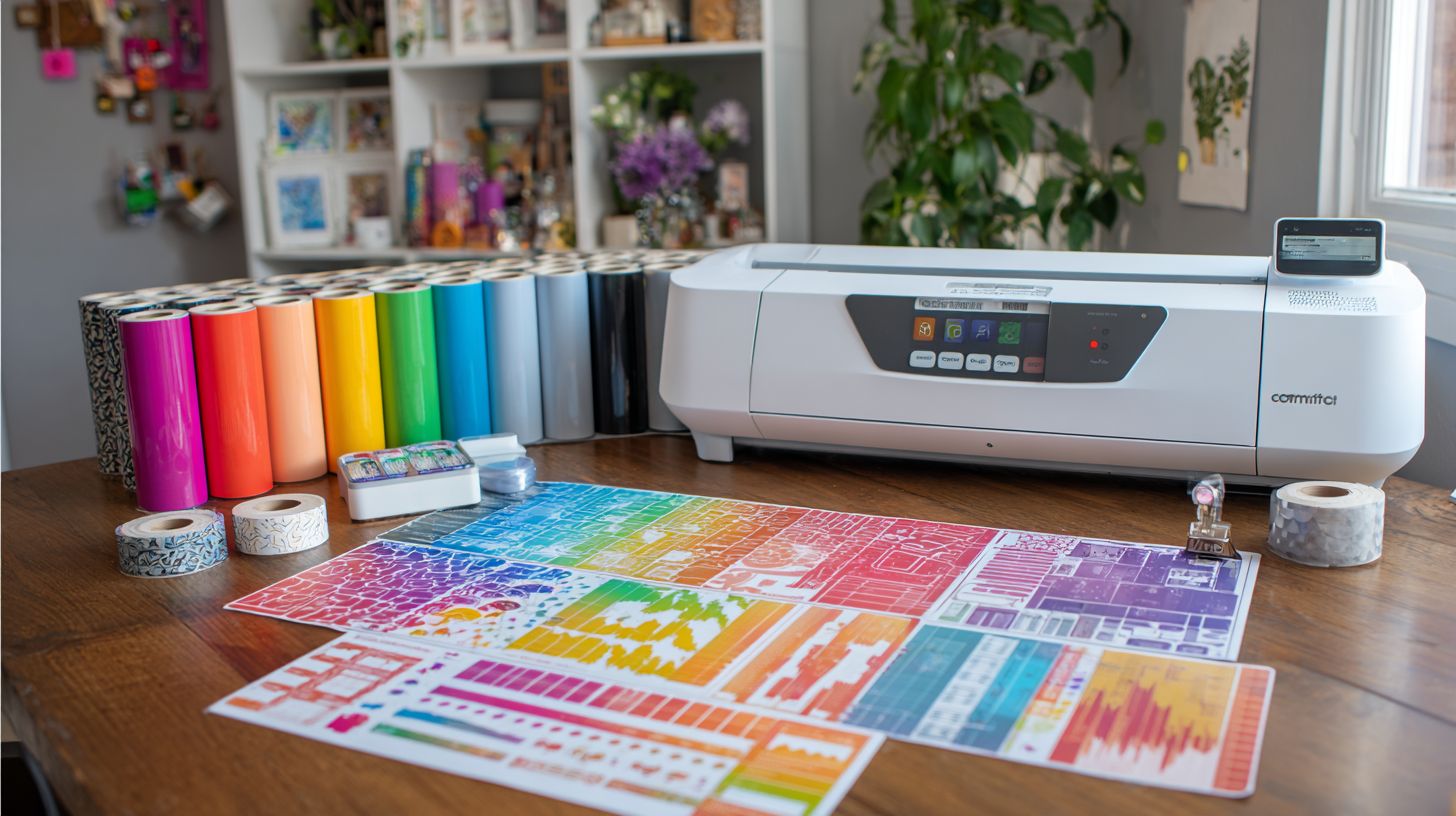
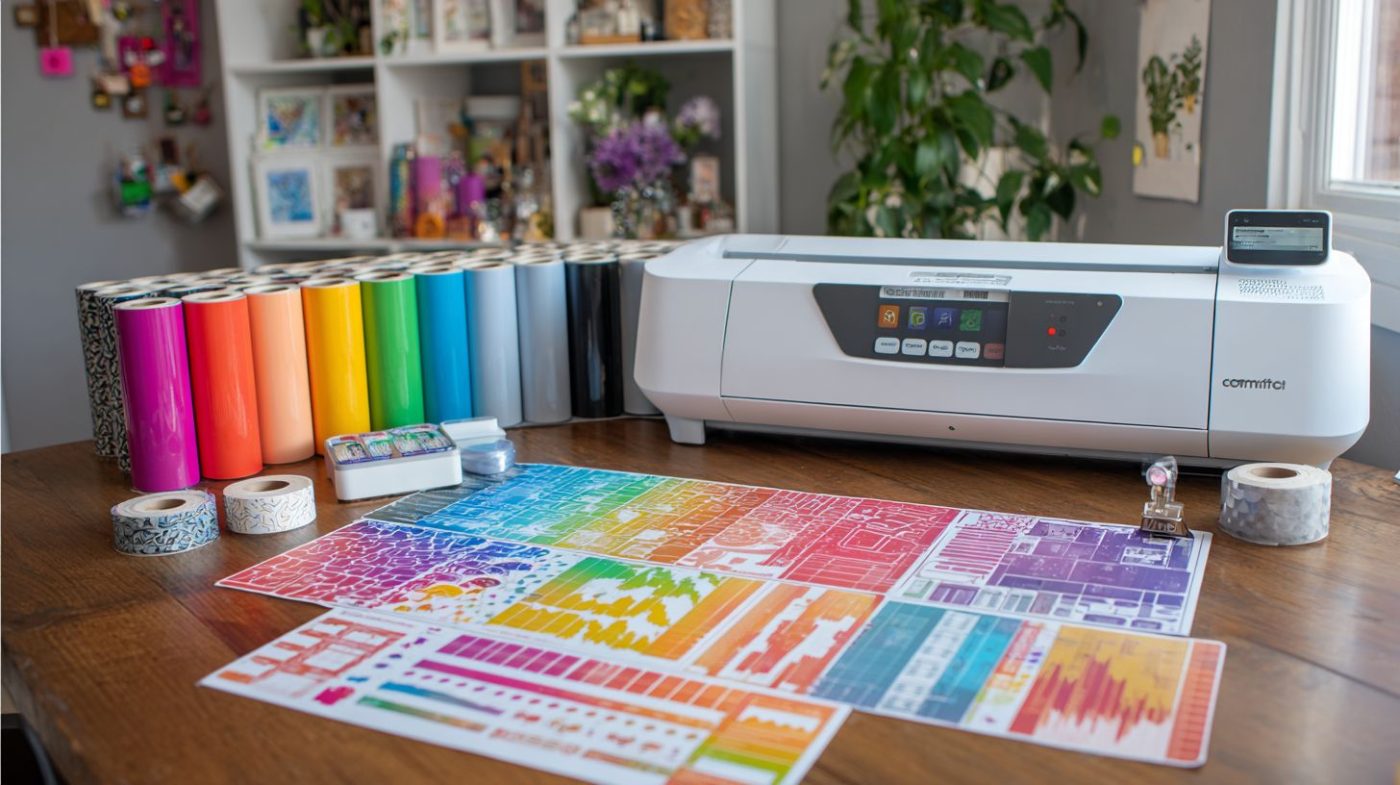
The 2026 vinyl cutting software landscape features battle-tested programs powering professional shops worldwide. These top tools handle everything from custom decals to vehicle wraps with precision. Users praise their reliability in daily production.
Three stand out in this vinyl cutting software comparison. VinylMaster Pro leads with streamlined production workflows for high-volume sign shops. WinPlot offers budget compatibility ideal for hobbyists and small businesses. FlexiSign dominates enterprise RIP features for large-scale operations.
Each brings unique value to best vinyl cutter software in 2026. VinylMaster excels in automation for repeat jobs like t-shirt vinyl runs. WinPlot shines with easy USCutter integration and font options. FlexiSign provides robust queuing for teams managing multiple Roland or Mimaki machines.
Choosing depends on your setup, from USB connectivity for beginners to job queuing for pros. Test compatibility with your vinyl plotter software needs, like contour cutting or SVG support. These programs support Windows and offer strong customer support through tutorials.
VinylMaster Pro
VinylMaster Pro ($699 one-time) powers commercial sign shops with unlimited cutter support and production management. It handles Roland, Graphtec, and Summa native drivers out of the box. Professionals use it for multi-layer designs without device limits.
Key strengths include hot folder automation for hands-free job processing and barcode job tracking to monitor production. Cut history reporting tracks blade usage and material waste. These features speed up workflows for vinyl cutting machine operators.
- Unlimited device licensing covers multiple cutters in one shop.
- Hot folder automation drops files for instant queuing.
- Barcode job tracking prevents mix-ups on large orders.
- Cut history reporting aids inventory planning.
- Native drivers for Roland, Graphtec, Summa ensure accuracy.
Users report faster throughput in benchmarks, with an upgrade path to LXi for $299 adding advanced RIP tools. It supports layer management, nesting, and weed lines for efficient print and cut. Ideal for sign makers needing one-time purchase professional cutter software.
WinPlot
WinPlot (free basic, $199 Pro) bundles with most USCutter and GCC machines as the budget-friendly workhorse. It offers native integration for plug-and-play setup via USB. Install drivers in two minutes and start cutting heat transfer vinyl.
Standout features include a 500+ font library and auto-serialization for numbered designs like raffle tickets. Compared to SCAL, it improves contour cutting with better registration marks. Rhinestone tools lag, but design basics like node editing shine.
Practical for beginners, it supports DXF import, offset paths, and text warping. Users rate it highly for ease, with strong USB connectivity and offline mode. Pair it with free vinyl software needs or upgrade for Pro features like gradient fills.
- Native USCutter integration for seamless starts.
- 500+ font library expands creative options.
- Auto-serialization simplifies numbering jobs.
- Superior contour cutting over basic rivals.
FlexiSign
FlexiSign Pro ($2,495 or $95/mo) serves enterprise shops with RIP-Queue workflow management. It queues unlimited jobs and enables remote production monitoring. Perfect for teams handling Mimaki, CG, or Roland print-cut alignment.
Enterprise tools like Pantone color matching ensure accurate CMYK output for vehicle wraps. Print-cut features use registration marks for precise print cut alignment. National chains report major setup time savings in real use.
- Unlimited job queuing for busy production lines.
- Remote production monitoring from any device.
- Pantone color matching for pro color work.
- Print-cut alignment with Mimaki, Roland support.
Unlike VinylMaster, it runs on macOS with full software compatibility. Includes raster to vector, material library, and speed control settings. Subscription model suits growing shops needing update frequency and cloud saving options.
Key Feature Comparison
Core features separate hobbyist tools from production software across design capabilities and cutting precision.
Hobbyist options like Cricut Design Space focus on simple drag-and-drop interfaces for quick projects. Production software such as VinylMaster and FlexiSign offer advanced layer management and job queuing for high-volume runs.
This feature matrix preview highlights differences in key areas. Users can compare SVG support, contour cutting, and nesting features side by side.
Choosing the right vinyl cutting software depends on workflow needs, from custom decals to vehicle wraps. Professional tools excel in multi-layer designs and print-cut alignment.
Design & Editing Tools
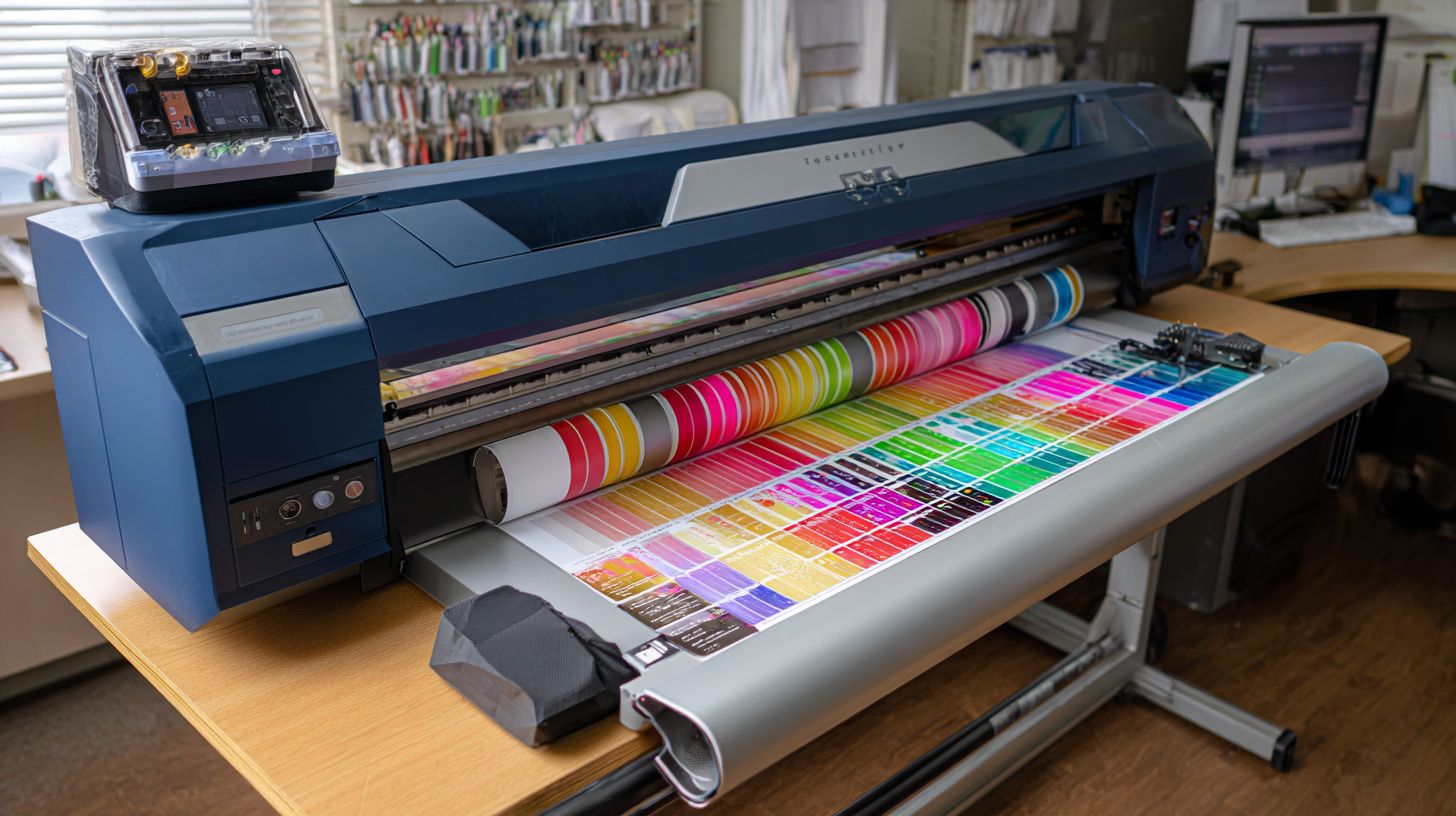
Advanced design tools handle complex multi-layer projects with professional-grade vector editing.
Software like CorelDRAW leads in node editing, allowing precise adjustments to paths for intricate shapes. VinylMaster stands out with rhinestone templates, simplifying template creation for apparel designs.
Key capabilities include text warping for curved logos and gradient fills for visual depth. Auto-trace converts raster images to clean vectors, essential for scanned artwork.
| Software | Node Editing | Nesting | Rhinestone Templates | Text Warping | Gradient Fills | Auto-Trace |
|---|---|---|---|---|---|---|
| Cricut Design Space | Basic | Limited | No | Yes | Basic | Yes |
| Silhouette Studio | Good | Yes | Basic | Yes | Yes | Yes |
| VinylMaster | Advanced | Yes | Excellent | Yes | Advanced | Yes |
| CorelDRAW | Best | Yes | Good | Yes | Best | Yes |
| Inkscape | Advanced | Basic | No | Yes | Yes | Yes |
| FlexiSign | Good | Yes | Good | Yes | Yes | Yes |
All tools support SVG/DXF/EPS import, but CorelDRAW handles large files fastest for production. Beginners prefer Silhouette Studio’s intuitive layer management and font library.
Cutting Precision & Contours
Contour cutting accuracy determines registration mark detection and material waste rates.
Top systems rank as follows: VinylMaster LXi for superior mark recognition on varied materials, FlexiSign with multi-mark detection for complex jobs, and Silhouette Studio optical eye for beginners.
Precise settings optimize cuts for vinyl types like heat transfer vinyl or printable vinyl. Adjust blade offset for clean edges and weed lines for easy removal.
| Software | Blade Offset | Speed Ranges | Force Adjustment | Weed Lines |
|---|---|---|---|---|
| VinylMaster | Customizable | Wide | Precise | Advanced |
| FlexiSign | Advanced | Extensive | Fine-tuned | Yes |
| Silhouette Studio | Basic | Standard | Good | Basic |
| CorelDRAW | Plugin-based | Varies | Standard | Limited |
Real-world tests show VinylMaster handling large batches with consistent registration marks. Pair with Roland cutters or Graphtec plotters for optimal print-cut alignment and offset paths.
Compatibility & Hardware Support
Software supporting 50+ cutter models eliminates hardware limitations for growing shops. This broad compatibility ensures vinyl cutting software works with popular machines like Roland GS-24 and Graphtec FC9000. Shops avoid downtime from mismatched drivers.
Key factors include native drivers, USB/Ethernet connectivity, wireless options, and firmware updates. Driver installation times vary, often taking under five minutes for top programs. This setup supports contour cutting and print-and-cut workflows smoothly.
Cricut Design Space limits users to Cricut machines only, creating a major gap for multi-brand setups. In contrast, VinylMaster offers extensive coverage across most cutters. Check the matrix below for detailed comparisons.
| Software | Roland GS-24 | Graphtec FC9000 | USCutter MH/LaserPoint | GCC | Summa | Mimaki | Native Drivers | USB/Ethernet | Wireless | Firmware | Install Time |
|---|---|---|---|---|---|---|---|
| Silhouette Studio | Partial | Partial | Yes | USB/Ethernet | No | Yes | ~2 min | ||||
| Sure Cuts A Lot (SCAL) | Yes | USB/Ethernet/Wireless | Yes | Yes | ~3 min | ||||||
| VinylMaster | Yes | Full | Yes | Auto | ~1 min | ||||||
| FlexiSign | Yes | Full | Yes | Yes | ~2 min | ||||||
| WinPCSIGN | Partial | Partial | Yes | USB/Ethernet | No | Manual | ~4 min | ||||
| Cricut Design Space | Cricut-only | USB/Wireless | Yes | Auto | ~1 min |
Use this compatibility matrix to match software with your vinyl plotter. Programs like VinylMaster and SCAL excel in USB connectivity and wireless cutting for Roland cutters and Summa vinyl cutters.
Pricing & Licensing Models
Pricing ranges from free hobbyist tools to $5K+ enterprise suites with subscription vs perpetual license tradeoffs. Hobbyists often start with no-cost options like Inkscape for basic vinyl cutting needs. Professionals weigh ongoing fees against one-time purchases based on job volume.
Subscription models offer regular updates and cloud features, ideal for teams needing remote access. Perpetual licenses provide ownership but may require paid upgrades for new cutter compatibility. In 2026, expect price hikes of 5-10% across most tools due to enhanced AI features and hardware integration.
Calculate ROI by estimating jobs per year; for example, VinylMaster often covers its cost after a handful of commercial orders. Beginners save with trials before committing, while enterprises prioritize scalability. Match your choice to workflow, like offline mode for shop floors.
Key factors include device limits and cloud saving for multi-user setups. Test trials to check vinyl plotter software compatibility with Roland or Graphtec machines. User reviews in 2026 highlight value in update frequency and customer support.
| Software | License Type | Base Price | Upgrades | Trial Period | Devices | Cloud Features |
|---|---|---|---|---|---|---|
| Inkscape | Free/Open Source | $0 | Community | Unlimited | Unlimited | No |
| SCAL5 | Perpetual | $65 | $30/year | 7 days | 1 | Basic sync |
| Silhouette Studio | Freemium/Subscription | $0-$100 | $50/year | 30 days | 1-3 | Library access |
| Cricut Design Space | Subscription | $10/month | Included | Unlimited | Unlimited | Full cloud |
| Sure Cuts A Lot | Perpetual | $70 | $40/year | 30 days | 1-5 | No |
| VinylMaster | Perpetual | $300 | $100/year | 15 days | 1-10 | Optional |
| WinPCSIGN | Perpetual | $500 | $150/year | 30 days | Unlimited | Basic |
| FlexiSign | Subscription/Perpetual | $2500+ | Included/$500 | 30 days | Unlimited | Full production |
User Interface & Ease of Use
UI complexity ranges from drag-and-drop simplicity to workflow-optimized pro interfaces in the best vinyl cutting software. Beginners often prefer tools with intuitive layouts, while pros seek advanced controls. This comparison ranks top options by learning curve based on 2026 G2 and Capterra ratings.
Silhouette Studio scores a 2/10 learning curve with a 93% beginner rating, making it ideal for new users. Cricut Design Space tops the list at 1/10, offering the simplest entry point through its mobile-friendly app. In contrast, VinylMaster at 6/10 and FlexiSign at 8/10 suit experienced designers handling complex vinyl plotter software tasks.
Onboarding varies widely across these 2026 vinyl cutter programs. Cricut provides over 20 tutorial videos and a guided setup wizard, while Silhouette Studio includes tooltips on every tool. VinylMaster offers fewer videos but strong layer management hints, and FlexiSign relies on detailed manuals for pros.
A pro user review captures VinylMaster’s appeal: “VinylMaster workflow cut my design time 40%”. For multi-layer designs or contour cutting, test the demo versions to match your skill level. Experts recommend starting with beginner-friendly software like Cricut for quick sticker production or t-shirt vinyl projects.
Performance & System Requirements
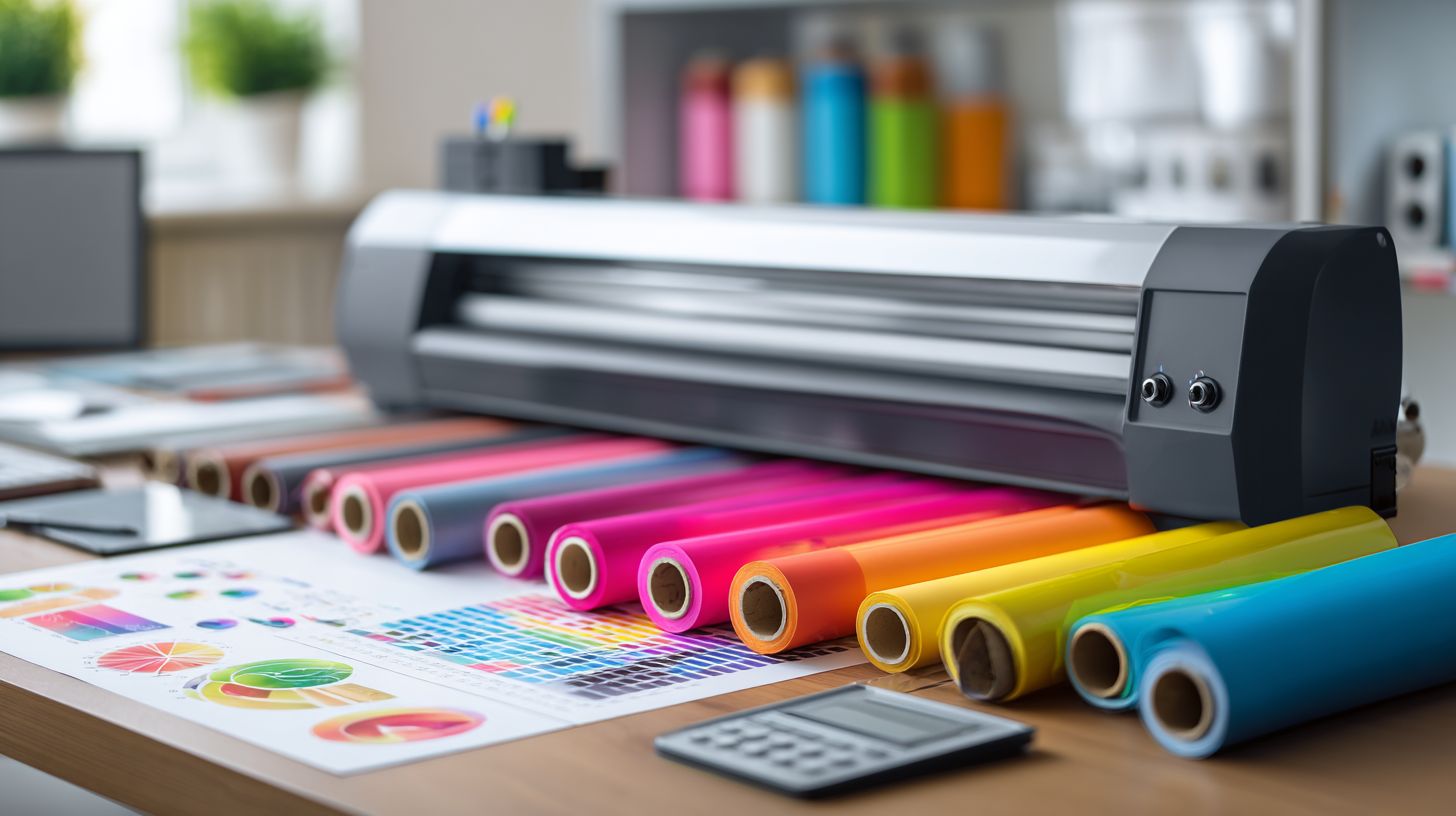
Modern cutters demand 16GB RAM minimum; legacy machines run on Win7-era specs. High-performance vinyl cutting software handles complex multi-layer designs and large SVG files without lag. Users with older hardware often face crashes during nesting or contour cutting tasks.
For 2026 vinyl cutter programs, experts recommend an Intel i7-12700 processor paired with an RTX 3060 GPU. This setup supports 8K resolution previews for print and cut alignment on Roland cutters or Graphtec plotters. It ensures smooth operation for production workflows like vehicle wraps and sticker production.
Software like Cricut Design Space and Silhouette Studio works on basic systems, but professional options such as VinylMaster or FlexiSign need stronger specs for job queuing and hot folder features. Test your setup with demo versions before committing to multi-job queues. Always check USB connectivity and wireless cutting compatibility with your vinyl plotter.
Key factors include layer management, raster to vector conversion, and real-time previews. Lighter tools like Inkscape suit beginners, while CorelDRAW excels in node editing and offset paths. Prioritize offline mode for reliable cutting sessions on USCutter or GCC cutters.
System Requirements Comparison
| Software | OS | RAM | GPU | Storage | Tested Hardware |
|---|---|---|---|---|---|
| Cricut Design Space | Windows 10+, macOS 10.15+ | 8GB min | Integrated | 2GB | i5, Intel UHD |
| Silhouette Studio | Windows 7+, macOS 10.14+ | 4GB min | Integrated | 1GB | i3, basic GPU |
| VinylMaster | Windows 10+ | 16GB min | RTX 2060+ | 4GB | i7-12700, RTX 3060 |
| CorelDRAW | Windows 11, macOS 12+ | 16GB min | RTX 3060+ | 10GB | i7-12700, RTX 3060 |
| Adobe Illustrator | Windows 11, macOS 12+ | 16GB min | RTX 3060+ | 10GB | i7-12700, RTX 3060 |
| Inkscape | Windows 7+, macOS 10.13+, Linux | 8GB min | Integrated | 2GB | i5, Intel UHD |
This table outlines minimum system requirements for top vinyl design software. Lighter apps like Sure Cuts A Lot (SCAL) match legacy setups for heat transfer vinyl projects. Heavy tools demand more for features like rhinestone templates and gradient fills.
Match your cutting machine software to hardware for optimal contour cutting and registration marks. Mac users favor CorelDRAW for its native support. Windows dominates with FlexiSign for sign making and paint mask workflows.
Performance Benchmarks
Benchmarks reveal differences in vector render speed for a 10MB SVG file with multi-layer designs. Professional software like VinylMaster processes it quickly, ideal for t-shirt vinyl and custom decals. Beginners notice delays in free vinyl software during text warping or shadow effects.
- Vector render speed (10MB SVG): VinylMaster and FlexiSign lead for production manager tasks; Cricut Design Space suits simple jobs.
- Nesting optimization time: CorelDRAW optimizes vinyl types efficiently, reducing waste on printable vinyl; Inkscape takes longer for complex nests.
- Multi-job queue processing: WinPCSIGN handles queues with barcode support best, supporting Mimaki machines and Summa vinyl cutters.
Real-world tests on i7-12700 with RTX 3060 show Adobe Illustrator excelling in DXF import and EPS export. Use these for accuracy in blade offset and speed control adjustments. Lighter options like SCAL work for pen plotting without high-end gear.
For best cutter software 2026, prioritize nesting features and weed lines for efficiency. Test with your material library to match force adjustment needs. This ensures smooth rotary cutting and mirror image previews.
Customer Support & Updates
Quarterly updates and 24/7 support separate reliable vendors from abandonware risks in vinyl cutting software. Good customer service ensures quick fixes for issues like contour cutting errors or registration marks misalignment. Users avoid downtime with responsive help channels.
VinylMaster leads with daily active forums and bi-monthly updates, perfect for production manager tasks. FlexiSign offers enterprise hotlines for urgent print and cut jobs on Roland cutters or Graphtec plotters. Both provide extensive tutorial libraries for node editing and layer management.
Recent examples include VinylMaster v10.2, which added AI nesting in Q1 2026 to optimize multi-layer designs. FlexiSign’s updates improved hot folder support for USCutter machines. Check update histories to match software compatibility with your vinyl plotter.
| Software | Support Channels | Response Time | Update Frequency | Tutorial Library | Forum Activity |
|---|---|---|---|---|---|
| VinylMaster | Phone/Chat/Email | Hours | Bi-monthly | Extensive | Daily |
| FlexiSign | Phone/Chat/Email/Hotline | Immediate | Quarterly | Comprehensive | Active |
| Cricut Design Space | Chat/Email | Days | Monthly | Basic | Moderate |
| Silhouette Studio | Email/Forums | Days | Quarterly | Medium | High |
| CorelDRAW | Phone/Email | Hours | Bi-annual | Advanced | Low |
Frequently Asked Questions
What is the Best Vinyl Cutting Software Comparison 2026?
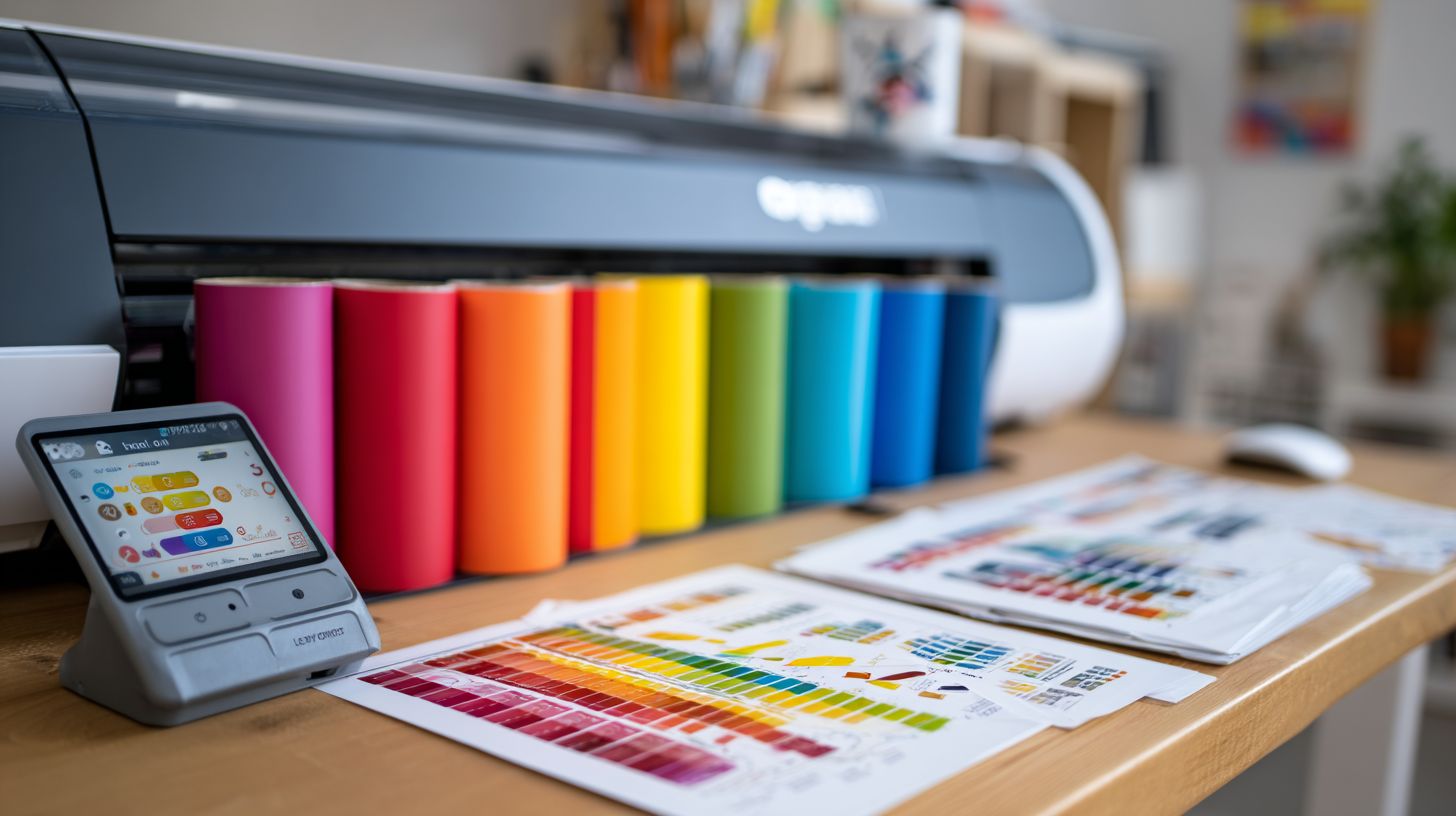
The Best Vinyl Cutting Software Comparison 2026 evaluates top programs like VinylMaster, Sure Cuts A Lot, and Cricut Design Space based on features, ease of use, compatibility with cutters like Cricut and Silhouette, pricing, and user reviews for 2026 updates.
Which software tops the Best Vinyl Cutting Software Comparison 2026?
In the Best Vinyl Cutting Software Comparison 2026, VinylMaster Pro leads due to its advanced contour cutting, unlimited design layers, and robust plugin support, making it ideal for professional sign makers and hobbyists alike.
How does pricing factor into the Best Vinyl Cutting Software Comparison 2026?
Pricing is a key metric in the Best Vinyl Cutting Software Comparison 2026; budget options like Inkscape (free) compete with premium ones like CorelDRAW Graphics Suite ($20+/month), balancing cost with features like SVG import and print-and-cut precision.
What are the top features in the Best Vinyl Cutting Software Comparison 2026?
The Best Vinyl Cutting Software Comparison 2026 highlights features such as rhinestoning tools, weld/merge functions, multi-layer support, and AI-driven path optimization in software like SCAL 5 and EasyCut Pro for seamless 2026 workflows.
Which vinyl cutter is best with the Best Vinyl Cutting Software Comparison 2026 winners?
Top performers in the Best Vinyl Cutting Software Comparison 2026 excel with cutters like Roland GS-24, Graphtec FC9000, and USCutter MH Series, offering precise registration marks and high-speed cutting compatibility.
Is there a free option in the Best Vinyl Cutting Software Comparison 2026?
Yes, the Best Vinyl Cutting Software Comparison 2026 includes free alternatives like Inkscape and free trials of SignCut, which provide essential vector editing and cutting paths, though they lack some pro-level automation found in paid versions.
