
RIP Software
Best Software for Vinyl Cutter Machines
Mar
Unlock flawless cuts on your vinyl projects with the right software-a game-changer for hobbyists and pros alike. In the competitive world of custom signage and decals, superior tools ensure precision, efficiency, and creativity. Discover top picks like VinylMaster Pro, WinPlotter, and SCAL; brand-specific gems such as Graphtec Studio and Silhouette Studio; free vs. paid debates; compatibility tips; and advanced feature breakdowns. Which one elevates your workflow?
Understanding Vinyl Cutter Software
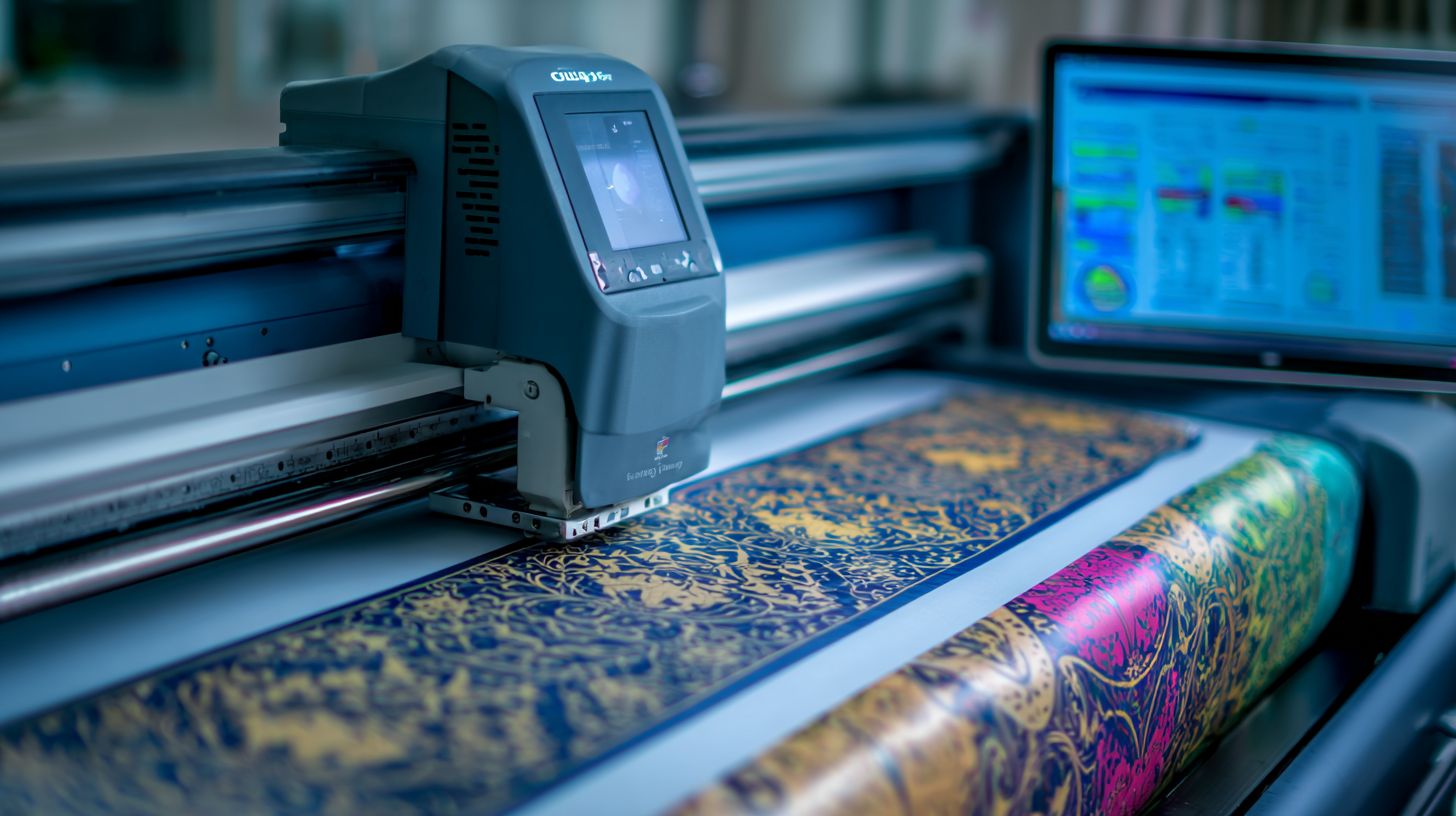
Vinyl cutter software transforms digital designs into precise cuts, with essential features like contour cutting, vector support (SVG, DXF, EPS), and blade offset calibration determining cut quality across machines like Cricut Maker and Roland GS-24.
This vinyl cutting software serves as the bridge between creative design and physical output. It handles tasks such as generating cutting paths for kiss cut or through cut, ensuring clean edges on materials like adhesive vinyl or HTV.
Must-have features include preview modes to simulate cuts before sending to the cutter, registration mark detection for print and cut jobs, and support for multi-layer designs. For example, software like Silhouette Studio excels at auto-trace for converting bitmap images to vectors.
Professionals rely on tools with optical eye support for contour cutting, vital for aligning prints on printable vinyl. Common file formats like SVG files and EPS files ensure compatibility with plotter software across hobby cutters and commercial vinyl cutters.
Key Features to Look For
Prioritize software with optical eye contour cutting, auto-trace for bitmap-to-vector conversion, and adjustable blade settings like offset and pressure. These elements make vinyl cutter software suitable for tasks from custom decals to vehicle wraps.
Essential capabilities include high contour cutting accuracy, fast auto-trace, and support for multiple layers. Look for registration mark detection to handle print then cut workflows seamlessly on machines like Silhouette Cameo.
- Blade offset calibration adjusts for tool thickness, preventing overcuts on delicate materials like cardstock.
- Cut preview with weeding boxes shows removal areas, aiding scrapbooking and stencil design.
- Batch processing queues multiple jobs for efficient signage design.
- Material library with presets for vinyl type and thickness speeds setup.
For instance, Cricut Design Space manages Print Then Cut on 12×24 mats with precise registration marks. Other features like nesting and job queue optimize material use in multi-layer cutting for heat transfer vinyl projects.
Top Software Recommendations
These top recommendations balance power, price, and compatibility for vinyl cutting workflows, covering hobbyists to commercial shops with tools like VinylMaster Pro and Sure Cuts A Lot. VinylMaster suits pros at $150+ with advanced RIP processing. WinPlotter fits budgets at $60 for basic needs, while SCAL offers universal compatibility at $60 for multi-brand setups.
Each tool handles vector graphics like SVG, DXF, and EPS files, plus features such as contour cutting and nesting. Hobbyists enjoy beginner-friendly interfaces for custom decals and scrapbooking. Commercial users benefit from batch cutting and material optimization.
Read the detailed breakdowns below to match software to your vinyl cutter machine, whether Cricut Explore, Roland GS-24, or USCutter MH series. Consider Windows compatibility, one-time purchase models, and trial versions for testing.
VinylMaster Pro
VinylMaster Pro ($149 one-time) dominates commercial workflows with RIP capabilities, supporting Roland GS-24, Graphtec FC9000, and USCutter MH series across 30+ cutter brands. This professional cutter software excels in large format printing and cutting for vehicle wraps and signage design. Editions range up to $999 for full RIP features.
Key strengths include nesting to save material, tangent line optimization, and batch job queues. Users create precise cutting paths for heat transfer vinyl or adhesive vinyl with tools like overcut and tool offset. It integrates with CorelDRAW and Adobe Illustrator via plugins.
A sign shop reported higher throughput after switching, moving from manual layouts to automated nesting for multi-layer cutting. Pros include robust customer support and firmware updates. Cons involve a learning curve for beginners.
| Pros | Cons |
|---|---|
| 30+ cutter support, RIP processing | Steep learning curve |
| Nesting, tangent optimization | Higher price for pro editions |
| Preview mode, job queue | Windows-only |
WinPlotter
WinPlotter (free with USCutter MH series, $59 standalone) offers robust basic functionality for entry-level vinyl plotters with excellent USB stability and HPGL driver support. It targets US Cutter MH/LaserPoint users for sticker cutter tasks like kiss cut and through cut. Perfect for hobbyists starting with craft cutters.
Features like batch cutting queue for 100+ jobs and curve fitting algorithm simplify workflows. Adjust blade settings easily, such as 15cm/s speed, 120gf pressure for MH 721 on vinyl types. It handles text to path and mirror image for HTV projects.
Users praise its Windows 10/11 compatibility and simple setup for paper crafting or custom decals. Pros include low cost and reliable USB connections. Cons are limited advanced tools like rhino templates.
| Pros | Cons |
|---|---|
| Free with MH series, USB stability | Basic features only |
| Batch queue, curve fitting | Limited cutter support |
| Easy blade settings | No Mac version |
SCAL (Sure Cuts A Lot)
Sure Cuts A Lot 5 ($65 one-time Pro, $99 Business, $10 app) works with 100+ cutters including Cricut, Silhouette, Roland, and Graphtec via universal drivers and SVG import. This vinyl cutting software shines for multi-brand shops with unlimited licenses and mobile app support. Ideal for print and cut with registration marks.
Standout features include rhino template library, shadow mode, and weld shapes for stencils or perforated cuts. Import DXF files, auto-trace images, and set mat size or blade offset precisely. It supports fabric cutting, leather, and cardstock beyond vinyl.
Popular among 50,000+ users for contour cutting and optical eye integration. Compare it to Cricut Design Space or Silhouette Studio for better SVG handling and no subscriptions. Pros are broad compatibility and tutorials. Cons include fewer RIP options for pros.
| Pros | Cons |
|---|---|
| 100+ cutters, universal drivers | No built-in RIP |
| Shadow mode, template library | Less nesting than pro tools |
| Mac/Windows, app version | Business edition pricier |
Software for Popular Brands
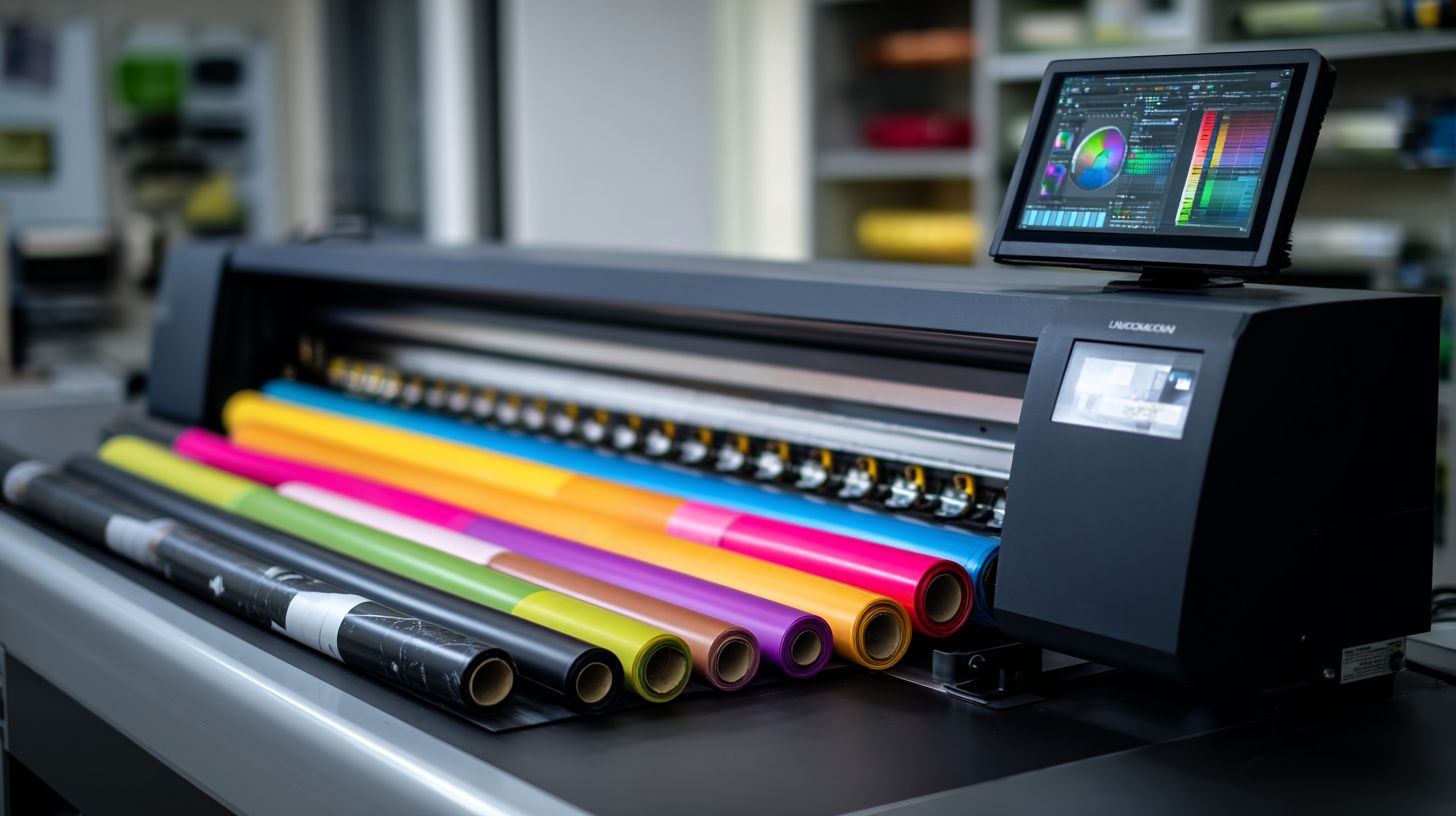
Brand-specific software like Graphtec Studio and Silhouette Studio provides optimized drivers and features tailored to their hardware ecosystems. These OEM tools offer perfect driver integration and seamless firmware updates for reliable performance. They ensure contour cutting and print-and-cut jobs run smoothly on compatible vinyl cutter machines.
However, vendor lock-in limits flexibility with other brands. Users may face compatibility issues when switching cutters. Still, these programs shine for dedicated users.
This section previews Graphtec Studio for FC8600 and FC9000 series with ARMS auto-registration and basket mode for long rolls. Silhouette Studio supports Cameo 4 and Portrait 3, featuring rhinestone templates and point-and-click tools for hobby projects.
Graphtec Studio
Graphtec Studio ($795 standalone, free with FC9000) excels in precision contour cutting with ARMS 8.0 optical registration accurate to 0.01mm on FC series cutters. This vinyl cutting software integrates directly with FC8600 and FC9000 models for commercial jobs like vehicle wraps. It handles large format vinyl plotters with ease.
Key features include basket mode for 50m rolls and multi-layer cutting support. Users can import EPS files, set blade offset, and optimize cutting paths. The software supports SVG, DXF, and EPS files for vector graphics workflows.
For a vehicle wrap workflow, import an EPS logo, add registration marks, and send to the cutter. ARMS detects marks automatically for precise contour cuts on adhesive vinyl. Adjust cutting speed and pressure for material thickness.
Registration mark setup tutorial: Place four marks around your design in the software. Select ARMS 8.0 mode, align the optical eye, and preview the job. Print on printable vinyl, load into the FC9000, and cut with overcut for clean edges. This ensures shadow mode for weeding boxes.
Silhouette Studio
Silhouette Studio (Free Basic, $99+ Designer/Business) powers Cameo 4 and Portrait 3 with point-and-click design tools perfect for hobby crafters making HTV shirts and decals. This beginner-friendly software offers a free font library with 300+ options and rhinestone templates. It supports USB and Bluetooth connections for craft cutters.
Features like print and cut, image tracing, and weld shapes simplify custom decals. Users can mirror image for heat transfer vinyl, attach objects, and set mat sizes. Upgrade editions add font manager and advanced blade settings.
| Edition | Price | Key Features |
|---|---|---|
| Basic | Free | Core cutting, basic shapes |
| Designer | $99 | SVG import, rhinestone templates |
| Business | $199 | Commercial use, unlimited fonts |
Mat settings guide for Cameo 4: Use 12×24 mat, blade 1-6, cutting pressure for vinyl type. For cardstock cutting, lower speed. Test cuts ensure kiss cut or through cut.
5-minute HTV monogram project: Open Silhouette Studio, select text to path from font library. Weld letters, flatten for multi-layer, mirror image. Set Cameo 4 blade at 3, send to cutter, and press with heat press for shirts.
Free vs Paid Options
Free options like Inkscape + plugins handle basic SVG cutting but lack RIP/nesting, while paid tools like VinylMaster Pro ($149) deliver 3x production speed for commercial work.
Free vinyl cutter software suits hobbyists making custom decals or scrapbooking projects. Tools like Inkscape create vector graphics and export SVG files for cutting paths. However, they often need extra plugins for blade offset and contour cutting on machines like Cricut Explore.
Paid vinyl cutting software offers advanced features such as nesting, batch cutting, and optical eye support for print and cut. These excel in professional tasks like vehicle wraps or signage design. Users save time on weeding boxes and material optimization with pro-grade tools.
Consider a hybrid workflow: design in Inkscape, then import to SCAL for cutting. Free tools save upfront costs but demand more setup time. Paid options provide trial versions and customer support for smoother operation on Roland GS-24 or Graphtec FC series cutters.
Comparison of Popular Options
| Software | Price | Cutters Supported | Key Limitations | Best For |
|---|---|---|---|---|
| Inkscape | Free | 0 native (plugins for Cricut, Silhouette) | No RIP, limited nesting, manual contour cutting | Hobby crafting, basic SVG editing |
| Silhouette Studio Basic | Free | 2 models (Cameo, Portrait) | Locked to Silhouette cutters, no multi-layer shadow mode | Beginner paper crafting, HTV projects |
| VinylMaster Pro | $149 one-time | 30+ (USCutter MH, Roland, GCC) | Windows only, steeper learning curve | Commercial signage, large format vinyl |
| Sure Cuts A Lot (SCAL) | $65 one-time | 100+ (Cricut, Silhouette, Graphtec) | No built-in design library, basic image tracing | Multi-brand hobby cutters, custom decals |
| CorelDRAW | $549/year | Many via plugins (Roland CutStudio integration) | Subscription model, high cost for casual use | Professional vector design, vehicle wraps |
| VinylMaster Ltr | $99 one-time | 20+ USCutter models | Limited font library, no mobile app | Entry-level commercial vinyl plotter work |
This table highlights key differences in best vinyl cutter software. Free picks like Silhouette Studio Basic work well for craft cutters but restrict cutter compatibility. Paid versions such as SCAL offer broad support for adhesive vinyl and leather cutting.
Evaluate based on your vinyl plotter, like MH series or Cricut Maker. Test trial versions to check USB connection and firmware updates before purchase.
ROI and Workflow Tips
Free software saves $200 per year but costs 15 hours monthly in productivity for complex jobs. Paid tools speed up cutting speed and pressure settings, ideal for heat transfer vinyl or multi-layer cutting.
For hybrid workflows, export DXF files from Inkscape to SCAL. This combines free design with precise send-to-cutter previews. Adjust mat size and vinyl type in SCAL for accurate kiss cuts on sticker cutters.
Experts recommend paid cutter software for businesses handling perforated cuts or rhinestone templates. Hobbyists stick to free options for scrapbooking and cardstock cutting. Always preview cuts to optimize blade settings and avoid waste.
Compatibility and Setup Guide
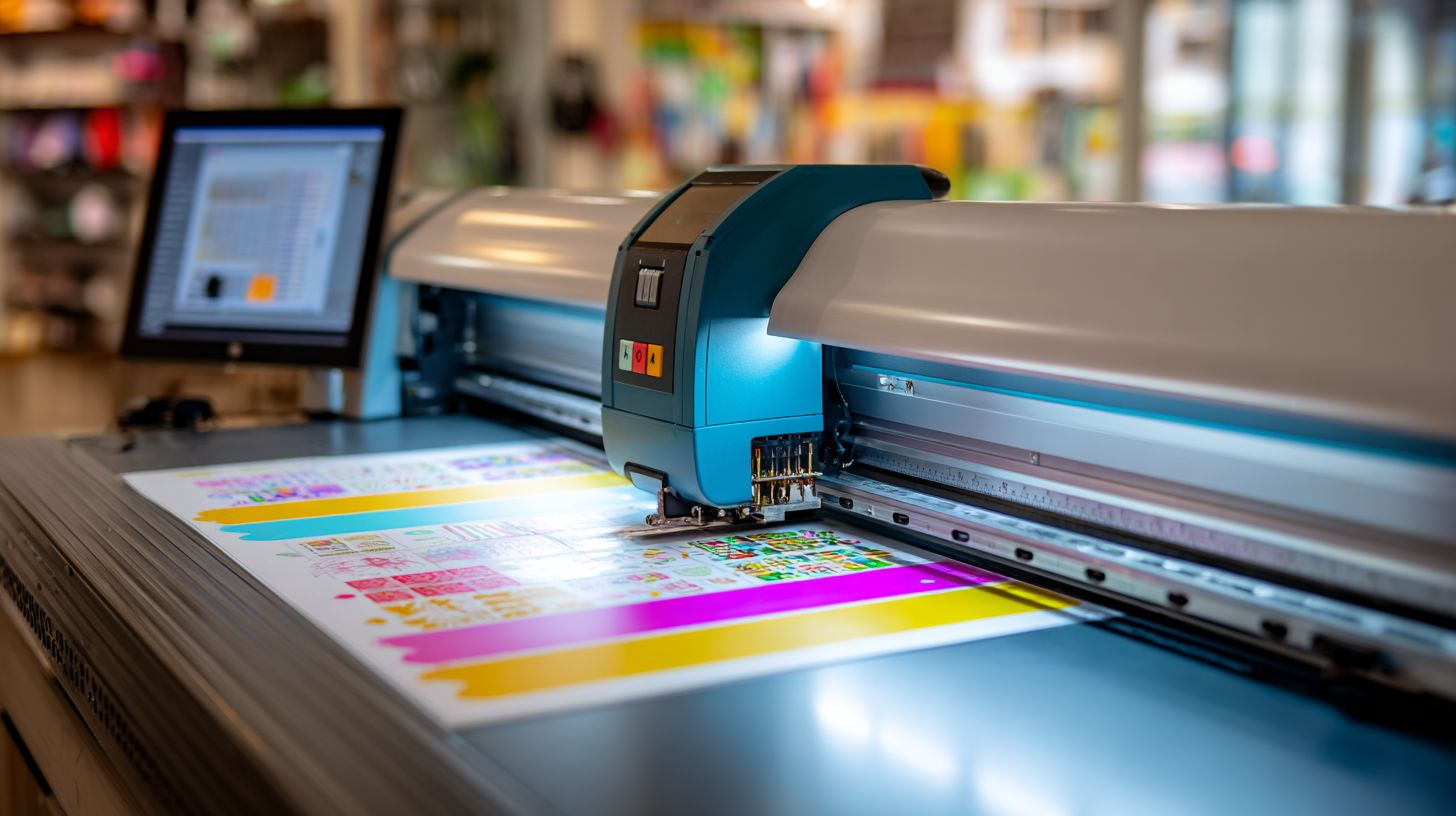
Achieve reliable cuts by matching vinyl cutter software OS compatibility and connection type. USB 2.0 works best for stability over Bluetooth. This setup ensures smooth operation with machines like USCutter MH series or Roland GS-24.
Start with verifying your operating system against software requirements. Most best vinyl cutter software options support Windows 11 fully, while macOS Sonoma needs specific versions like VinylMaster Ltr or Silhouette Studio. Check the manufacturer’s site for your cutter model.
Follow these numbered setup steps to get started in about 20 minutes. Test with basic materials like Oracal 651 adhesive vinyl for quick results.
- Verify OS compatibility using charts for Windows 11 and macOS 14.
- Download drivers, such as US Cutter MH Vinyl Cutter v2.5.
- Install software and run a test cut: 5cm square at 20cm/s speed and 150gf pressure.
- Calibrate blade offset to 0.3mm standard for clean edges.
- Update firmware via USB connection.
Troubleshoot common issues with the table below. Focus on driver reinstalls for detection problems.
| Issue | Symptom | Solution |
|---|---|---|
| No cutter detection | Software lists no device | Reinstall drivers, check USB cable, restart PC |
| Cut path errors | Irregular lines or skips | Verify blade settings, recalibrate offset, test on scrap vinyl |
Verifying OS and Hardware Compatibility
Match your vinyl cutter machine with compatible software first. Tools like Sure Cuts A Lot or Graphtec Studio run on both Windows 11 and macOS 14. Avoid mismatches to prevent crashes during contour cutting.
Use official charts from USCutter or Roland for details. For example, Cricut Design Space suits hobby cutters like Cricut Explore, while VinylMaster handles commercial vinyl plotters. Confirm USB or Bluetooth support matches your setup.
Test connection stability with a simple send-to-cutter command. Beginner friendly software like Inkscape plugins eases this for craft cutters. This step saves time on complex jobs like vehicle wraps.
Experts recommend checking material thickness limits too. Software like FlexiSign supports leather cutting or HTV alongside adhesive vinyl.
Downloading and Installing Drivers
Grab the latest driver software for your model, such as USCutter MH series. These ensure proper recognition for cutting speed and pressure controls. Save files to a dedicated folder for easy access.
Run the installer as administrator on Windows. For Mac compatible options like Silhouette Studio, follow on-screen prompts. Restart your computer after installation to activate changes.
Verify installation by opening the vinyl cutting software. Look for your cutter in the device list. This prepares you for test cuts on printable vinyl or cardstock.
Pair with firmware update tools if available. Updates fix bugs in batch cutting or nesting features common in professional cutter software.
Testing Cuts and Blade Calibration
Perform a test cut with a 5cm square on Oracal 651 at 20cm/s and 150gf. Adjust if edges weed poorly. This confirms settings for kiss cut or through cut modes.
Set blade offset to 0.3mm for most vinyl types. Use the software’s calibration tool in programs like Roland CutStudio. Fine-tune for multi-layer cutting or stencils.
Preview paths in real-time mode first. Tools like VinylMaster Ltr show optimization for material saving. Test on scrap before full designs like custom decals.
Monitor for overcut or undercut issues. Calibrate again if using thick materials like heat transfer vinyl for fabric cutting.
Advanced Features Comparison
Advanced features like material nesting and RIP processing separate pro software from basic tools. These tools help optimize vinyl cutting for efficiency in commercial jobs. They save time and materials during production.
The table below compares six popular options for vinyl cutter software. Check features like nesting, RIP, batch queue, curve optimization, multi-layer support, and price. This side-by-side view highlights strengths for hobby and pro users.
| Software | Nesting | RIP | Batch Queue | Curve Optimization | Multi-layer | Price |
|---|---|---|---|---|---|---|
| VinylMaster Pro | 500 jobs | 20 layers | $149 | |||
| Cricut Design Space | 10 jobs | 3 layers | Free | |||
| Silhouette Studio | 50 jobs | 10 layers | $99 | |||
| Sure Cuts A Lot | 100 jobs | 5 layers | $65 | |||
| CorelDRAW | 200 jobs | 15 layers | $22/mo | |||
| SignCut | Unlimited | 25 layers | $250 |
Consider a workflow example with 100 custom decals. Using nesting in VinylMaster Pro arranges designs tightly on one sheet, reducing waste compared to basic tools. This approach cuts material costs effectively for sticker cutter projects.
The best hybrid setup pairs CorelDRAW for vector design with VinylMaster for RIP. Design in CorelDRAW with SVG files and DXF files, then send to VinylMaster for contour cutting and print and cut. Pros use this for vehicle wraps and signage.
Frequently Asked Questions
What is the best software for vinyl cutter machines?
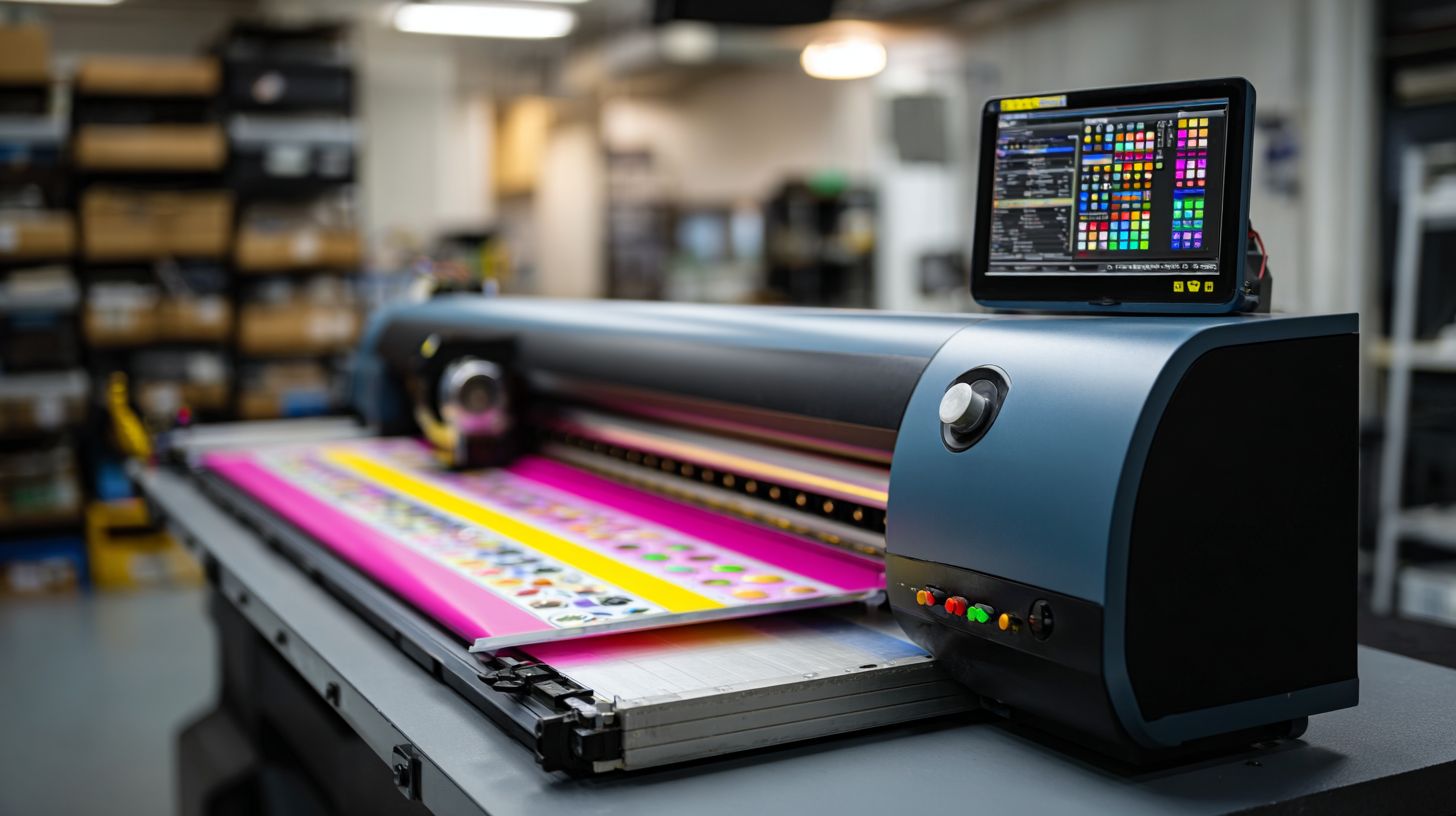
The best software for vinyl cutter machines depends on your needs, but popular options include VinylMaster, SCAL (Sure Cuts A Lot), and Inkscape with plugins. VinylMaster is often rated highest for its user-friendly interface, advanced cutting features, and compatibility with most vinyl cutters like Roland and Graphtec.
Which software is ideal for beginners using vinyl cutter machines?
For beginners, the best software for vinyl cutter machines is SCAL or VinylMaster Ltr. These offer intuitive drag-and-drop designs, easy tutorials, and direct cutter connectivity, making it simple to start cutting vinyl without a steep learning curve.
Is there free best software for vinyl cutter machines?
Yes, Inkscape is a top free best software for vinyl cutter machines. It’s open-source, supports vector graphics, and works with plugins like InkCut for precise vinyl cutting control across various machines.
What features should I look for in the best software for vinyl cutter machines?
The best software for vinyl cutter machines should include vector editing, contour cutting, shadow/weed lines, multi-layer support, and machine-specific drivers. VinylMaster excels here with its pro-grade tools for signage and custom decals.
Can I use Adobe Illustrator as the best software for vinyl cutter machines?
Adobe Illustrator can work as software for vinyl cutter machines via plugins like CutStudio, but it’s not the absolute best due to its complexity and cost. For dedicated vinyl work, specialized best software for vinyl cutter machines like VinylMaster is more efficient.
How do I choose the best software for my specific vinyl cutter machine brand?
Check your vinyl cutter’s official software (e.g., Roland CutStudio or Graphtec Studio), but for the best software for vinyl cutter machines overall, opt for cross-compatible ones like VinylMaster Pro, which supports 100+ models with seamless integration and updates.
