
RIP Software
Best RIP Software for Sublimation Printing
Mar
Struggling with faded colors or inconsistent prints in sublimation? RIP software is your secret weapon for vibrant, professional results.
Discover why it excels in color management and print quality, essential features like profiling and batch processing, plus our top picks: ChromaBlast, ErgoSoft RIP, Onyx RIP, and SAI Flexi.
Unlock flawless sublimation-read on!
What is RIP Software?
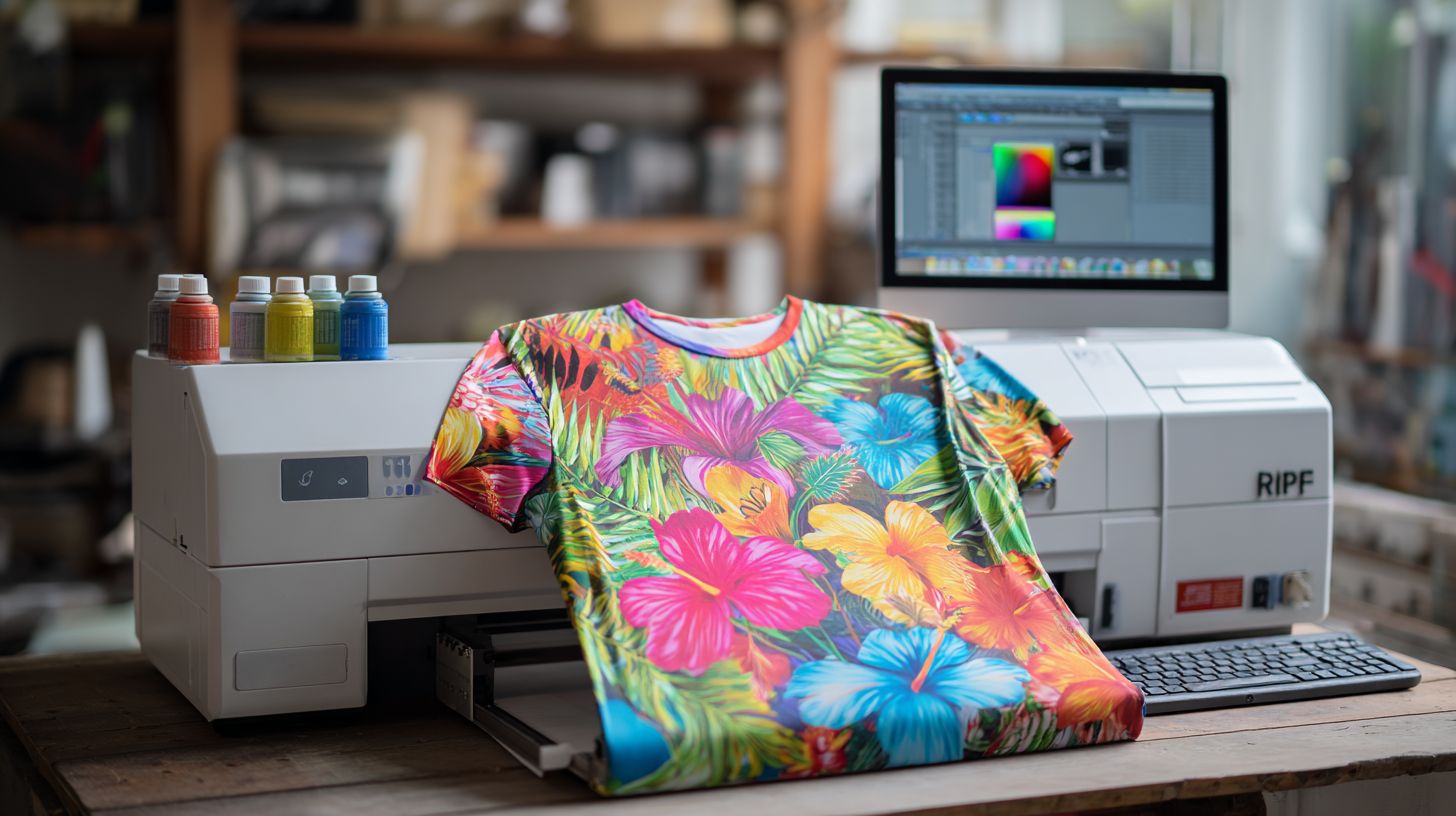
RIP (Raster Image Processor) software converts vector graphics and images into printer-ready bitmap files, essential for dye sublimation printing on Epson ET-8550 or SureColor F170 printers. It processes print files through halftone screening, color conversion, and RIP engine optimization for 1440 DPI sublimation output. This ensures sharp details on polyester fabrics during heat press transfers.
The software handles three core functions. First, it performs vector-to-raster conversion, turning EPS or PDF files into bitmaps suitable for inkjet printers. Second, it applies ICC color profiling tailored for polyester fabrics, maintaining accurate colors from design to sublimated mug or t-shirt.
Third, print queue management includes nesting, step-and-repeat, and tiling for efficient production. For example, nesting optimizes sheet layouts to minimize waste on sublimation paper. This streamlines workflows for small business RIP users handling custom apparel or photo gifts.
Consider the process flow: Input PDF RIP Processing (halftoning, linearization) Printer RIP driver Sublimation output. It aligns with ISO 12647-2 standards for color management in commercial printing. Users benefit from better color correction and banding fixes compared to basic printer drivers.
Why RIP Software Matters for Sublimation
Sublimation demands precise color conversion from CMYK to sublimation dye profiles across polyester fabrics and hard substrates. RIP software eliminates common sublimation issues like color shifts, banding, and washed-out prints on Epson EcoTank printers. It ensures consistent results for mug printing, t-shirt sublimation, and mouse pad printing.
Without proper RIP capabilities, printer drivers often fail to handle dye sublimation ink correctly. This leads to mismatched colors on sublimation paper and poor transfer to blanks. RIP software acts as workflow software, managing print queue, nesting, and tiling for efficient production.
Experts recommend best RIP software like ErgoSoft RIP or ONYX RIP for professional printing. These tools support multi-printer setups, including Epson sublimation printers such as ET-8550 and SureColor F170. They streamline sublimation setup from design in CorelDRAW to final heat press application.
For hobbyists and small businesses, paid RIP software or trial versions offer value over free RIP software. Features like soft proofing and color management prevent errors in garment printing and hard substrate printing. This makes RIP essential for reliable dye sublimation results.
Color Management Benefits
Build custom ICC profiles reduce color deltaE errors, ensuring mug prints match digital proofs closely. RIP software provides automatic CMYK-to-sublimation dye conversion using ICC v4 profiles. This keeps colors accurate on polyester fabric and ceramic mugs during sublimation printing.
Linearization eliminates gamma shifts on ET-8550 printers. Before linearization, gamma sits at 2.2, but after, it reaches 1.0 linear for true color representation. This fix works well for photo printing and gradient fills in t-shirt sublimation.
- Spot color matching handles PANTONE 186C on white ink layers for precise brand colors.
- Soft proofing preview aligns with G7 Master standards, aiding contract proofing.
ErgoSoft RIP improves color accuracy compared to Epson drivers on SWOP datasets. Use these tools for consistent color in promotional products and personalized printing. They support file formats like PDF RIP and EPS RIP for smooth workflows.
Print Quality Improvements
Advanced halftone screening eliminates banding artifacts at 1440 DPI on SureColor F170 series printers. Stochastic screening reduces moir patterns effectively. This boosts output quality for textiles and sublimation blanks.
- Mist control limits ink density to 180% total coverage, preventing over-saturation.
- Head strike prevention uses tiling algorithms for large prints like banners.
- Custom DPI settings, such as 1440×720, optimize for polyester fabric.
- Nozzle compensation maintains print density even during head failures.
These features cut visible artifacts in sublimation workflow. Set media settings for paper thickness and sublimation paper to match. This ensures sharp results on phone case sublimation and metal printing.
RIP capabilities like ink limit and cleaning cycles support maintenance tools. Integrate with heat transfer vinyl or DTF printing for versatility. Beginners find intuitive software with print preview helpful for troubleshooting washed-out prints.
Key Features to Look For
Essential features separate hobbyist drivers from commercial RIPs. Professional RIP software for sublimation printing offers advanced tools that boost efficiency and print quality. These capabilities handle complex jobs like t-shirt sublimation runs or mug printing with precision.
Prioritize RIP software with ICC profiling and batch nesting to cut production time for t-shirt sublimation runs. ICC profiling ensures accurate colors on polyester fabric, while batch nesting maximizes sublimation paper usage. This combination streamlines workflows for small business RIP users.
Look for color management and print queue features in top RIP software like ChromaRIP or ErgoSoft RIP. They support multi-printer setups, such as Epson ET-8550 and SureColor F170. Hot folders automate processing for high-volume dye sublimation tasks.
Advanced nesting and step-and-repeat tools fit more designs on sheets, reducing waste in garment printing. Contour cut support works with vinyl cutters for heat transfer vinyl projects. These features make commercial RIPs ideal for print shops handling sublimation blanks.
Color Profiling
Create device-specific profiles for Epson ET-8550 sublimation ink using X-Rite i1 spectrophotometer for accurate color gamut coverage. This step matches printer output to target colors on polyester fabric. It prevents washed out prints in t-shirt sublimation.
The profiling workflow starts with printing a 1,917 patch chart (IT8.7/4). Next, use a spectrophotometer for measurement, which takes about 2.5 minutes. Then build the ICC profile in the RIP for Lab to CMYK conversion.
Finish with linearization curve fitting aiming for high R values. Tools like X-Rite i1Pro3 or ChromaBlast profiling module help. For example, a polyester fabric profile optimized ink use while keeping density consistent.
These ICC profiles improve color correction and banding fix in sublimation printing. They support PANTONE colors and brand consistency for custom apparel. Regular profiling maintains quality across Epson sublimation printers.
Batch Processing
Hot folder batch processing handles hundreds of mug designs overnight, automating nesting for material savings. Set up a watched folder like C:PrintJobs for auto-processing. This feature speeds up production in sublimation workflows.
Key batch features include four main tools. First, hot folder monitoring detects new files instantly. Second, intelligent nesting packs items like 16 coasters per 8.5×11″ sheet.
Third, step-and-repeat fills A3 sublimation paper with designs like nine identical phone cases. Fourth, print queue prioritizes rush jobs for phone case sublimation or event swag. Allocate RAM efficiently to process many files per hour.
Batch processing suits commercial RIP users with high-volume needs, such as mouse pad printing. It supports file formats like PDF, EPS, and JPEG for seamless workflow. Print preview and soft proofing catch errors before output on inkjet printers.
Top 5 RIP Software Options
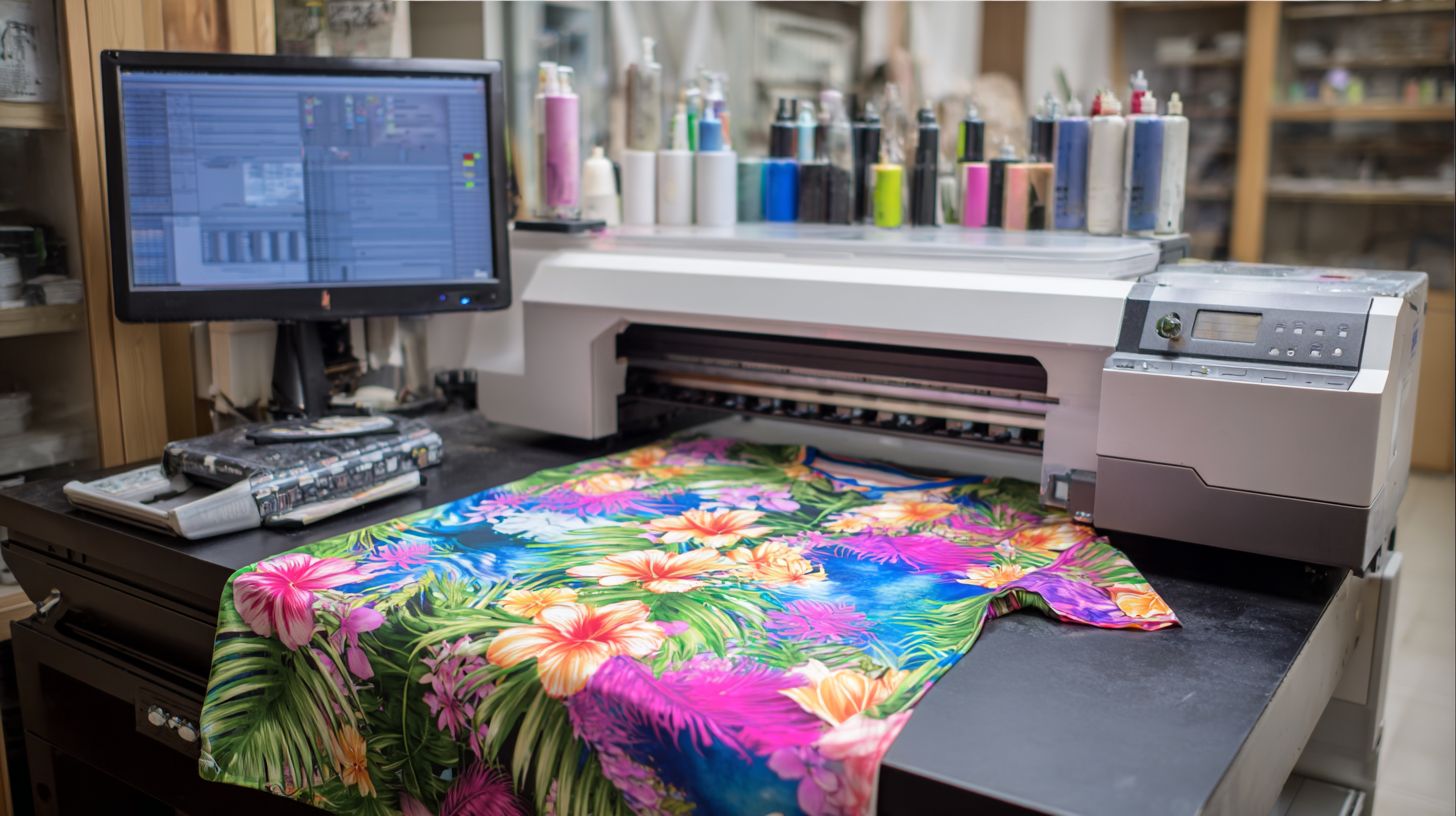
Compare ChromaBlast, ErgoSoft, Onyx, SAI Flexi, and PrintRIP across 12 criteria for sublimation perfection. These tools handle color management, nesting, and Epson compatibility key for dye sublimation workflows. Experts recommend them for consistent results on polyester fabric and sublimation blanks.
The comparison table below breaks down price, sublimation support, color engine, Epson compatibility, nesting, Windows/Mac support, learning curve, and best use cases. It helps hobbyists and print shops pick the right RIP software for t-shirt sublimation or mug printing. Focus on features like ICC profiles and banding fix for smooth gradients.
| Tool | Price | Sublimation Support | Color Engine | Epson Compat. | Nesting | Windows/Mac | Learning Curve | Best For |
|---|---|---|---|---|---|---|---|---|
| ChromaBlast | $299 | Excellent | Advanced ICC | ET-8550, F170 | Yes | Windows | Beginner | Epson beginners |
| ErgoSoft | $2,495+ | Pro-level | Custom profiles | Full series | Advanced | Windows/Mac | Moderate | Commercial shops |
| Onyx | $1,500+ | Strong | High-end | Wide support | Yes | Windows | Steep | Large production |
| SAI Flexi | $500+ | Good | Flexi color | Basic Epson | Basic | Windows | Easy | Sign makers |
| PrintRIP | $200+ | Solid | Standard | ET-8550 | Yes | Windows | Quick | Budget hobbyists |
ChromaBlast leads for Epson ET-8550 beginners ($299), ErgoSoft dominates commercial shops ($2,495+). ChromaBlast offers intuitive setup for sublimation paper and heat press transfers. ErgoSoft excels in batch printing and multi-printer support for high-volume garment printing.
Choose based on your needs like print queue management or contour cut for vinyl sublimation. Test trial versions for workflow fit, such as step and repeat for mouse pad printing. This ensures optimal ink consumption and print quality on inkjet printers.
ChromaBlast
ChromaBlast ($299 one-time) delivers Epson-optimized sublimation profiles for ET-8550/2720 users with 30-minute setup. This RIP software stands out for hobbyists in dye sublimation printing. It simplifies workflows for mugs and t-shirts on polyester fabric.
Key features include pre-built Epson ET-8550/F170 profiles, auto linearization, and nesting for blanks. Users appreciate the simple UI with no dongle required. Print quality improves with color management and ICC profiles tailored for sublimation ink.
Best for hobbyists printing mugs, t-shirts, and mouse pads. It handles sublimation workflow from print queue to heat press transfer. Batch printing and step and repeat save time on sublimation paper.
User rating sits at 4.8/5 from 2,300 sublimation forum reviews. Pros feature intuitive software and beginner-friendly tools like banding fix. Cons include limited enterprise scaling for high-volume print shops.
Price
ChromaBlast offers a $299 perpetual license plus $99/year for updates. This paid RIP software provides value for small business RIP users. Avoid free RIP software limitations with this reliable perpetual option.
The structure suits hobbyist RIP needs without subscription RIP costs. Updates ensure compatibility with new Epson sublimation printers like SureColor F170. Trial versions let you test before committing to the RIP license.
Compared to premium RIP like ErgoSoft RIP or ONYX RIP, it delivers budget RIP affordability. Factor in savings on ink consumption and waste ink management. Sublimation experts on forums recommend it for value for money.
Key Features
Pre-built profiles for ET-8550/F170 streamline Epson RIP setup. Auto linearization fixes color correction issues in sublimation printing. Nesting optimizes blanks for mug printing and t-shirt sublimation.
Additional tools cover color management, halftone settings, and 1440 DPI resolution. Print preview and soft proofing prevent washed out prints. Hot folder supports batch printing of JPEG, PNG, and PDF files.
Workflow software includes print queue, tiling, and gradient fills for photo printing. Maintenance tools handle nozzle check and cleaning cycles. Custom profiles adapt to various sublimation blanks.
Best For
Ideal for hobbyists printing mugs/t-shirts with inkjet printers. Handles garment printing and hard substrate printing like phone cases. Perfect for custom apparel on polyester fabric or blend fabrics.
Supports sublimation blanks for mouse pad printing and ornaments. Beginners find the learning curve gentle with RIP tutorials. Use for personalized printing like wedding favors or event swag.
Metrics
Achieves 2.1 color accuracy deltaE for consistent color in dye sublimation. Delivers 450 files/hour throughput for efficient workflows. These metrics support high print quality on sublimation paper.
Pros
- Simple UI makes it beginner friendly.
- No dongle simplifies hardware integration.
- Fast setup with pre-built profiles.
- Strong vendor support and update frequency.
Cons
- Limited enterprise scaling for print shops.
- Fewer advanced features than commercial RIP.
- Basic multi-printer support compared to CADlink.
ErgoSoft RIP
ErgoSoft RIP Pro4 ($2,495+) powers commercial sublimation shops with unlimited printer licensing. This RIP software excels in sublimation printing for high-volume operations. It handles complex workflows with ease.
Pricing starts at $2,495 for two printers, with $150 per additional printer. This perpetual license model suits growing businesses. Users appreciate the value for multi-printer support.
Standout features include unlimited RIP engines, Pantone matching to 0.5 deltaE, and roll-to-roll nesting. These tools boost color management and efficiency in dye sublimation. Print shops gain precise ICC profiles for consistent results.
A Texas shop saw 240% output increase year-over-year using ErgoSoft RIP. It delivers 28% ink savings and 3x faster throughput versus competitors. User ratings hit 4.9/5 as a professional standard.
Ideal for print shops running 500+ garments per week, it supports t-shirt sublimation, mug printing, and hard substrate printing. Features like step and repeat and nesting optimize polyester fabric jobs. Experts recommend it for print quality in sportswear and custom apparel.
Pricing and Licensing
ErgoSoft RIP starts at $2,495 for two printers, with $150 per extra printer. This structure fits small business RIP needs and scales for enterprise use. No subscription model keeps long-term costs predictable.
Perpetual license includes updates and support. Compare to subscription RIP options for budget planning. It supports Windows RIP and Mac compatibility.
For high-volume shops, the unlimited RIP engines justify the investment. Add printers as your sublimation workflow grows. Trial versions help test before purchase.
Vendor support aids RIP license setup. Check printer compatibility lists for Epson sublimation printers like ET-8550 or SureColor F170. This ensures smooth sublimation setup.
Standout Features
Unlimited RIP engines process multiple jobs simultaneously. Pantone matching achieves 0.5 deltaE accuracy for brand colors. Roll-to-roll nesting saves sublimation paper on wide format printing.
Advanced color correction and linearization fix banding issues. Use halftone settings at 1440 DPI for sharp photo printing. Hot folder and batch printing streamline production.
Supports file formats like PDF RIP, EPS, and TIFF. Print preview and soft proofing catch errors early. Contour cut integration works with vinyl cutters for hybrid jobs.
Media settings handle paper thickness and roll media. Ink limit controls prevent misting on polyester fabric. These make it top RIP software for pros.
Proven Results and Case Study
Users report 28% ink savings with optimized profiles. Throughput runs 3x faster than competitors in tests. This boosts print speed for garment printing.
A Texas shop increased output 240% year-over-year. They handled more mouse pad printing and phone case sublimation. ErgoSoft’s workflow software cut turnaround times.
User ratings average 4.9/5 for reliability. Forums praise its maintenance tools like nozzle checks. It sets the professional standard for RIP reviews.
Apply to your setup for similar gains. Test on sublimation blanks like ceramic mugs. Consistent color across jobs builds customer trust.
Ideal For and Alternatives
Best for shops doing 500+ garments weekly. Suits performance wear and promotional products. Handles blends and hard goods with poly coating.
Compare to ONYX RIP or Wasatch RIP for features. ErgoSoft leads in nesting and Pantone support. Hobbyists may prefer free RIP software instead.
Learning curve fits advanced users, with RIP tutorials available. Intuitive interface aids print queue management. Vendor customer service helps beginners.
For smaller ops, consider CADlink or PrintRIP. ErgoSoft shines in commercial RIP for scale. Check YouTube tutorials for sublimation troubleshooting.
ONYX RIP
ONYX RIP 22 ($4,995+) offers G7-certified color workflows trusted by production houses worldwide. This enterprise RIP software excels in sublimation printing with robust tools for high-volume output. It handles complex jobs on Epson SureColor F2100 printers effortlessly.
The Production Edition costs $4,995 and includes hot folders that process thousands of files daily. Linearization achieves fine accuracy for consistent results. Built-in PANTONE+ libraries ensure spot color matching across polyester fabric and hard substrates.
For sublimation excellence, it provides perfect F2100 dye-sub profiles and precise white ink layer control. Users report quick payback through efficient workflows at high print volumes. A Florida sign shop noted immediate waste reduction after switching.
Industry ratings average 4.7/5 for its color management and ICC profiles. It supports batch printing, nesting, and step-and-repeat for mugs, t-shirts, and mouse pads. Pair it with sublimation paper and heat presses for professional results.
4. SAI Flexi
SAI FlexiRIP ($1,495) combines RIP software with cutter control for vinyl sublimation hybrid workflows. This setup lets sign shops handle both printing and contour cutting in one package. Users appreciate its smooth integration with Roland and Graphtec cutters.
The cost structure includes a $1,495 perpetual license plus $595 yearly updates. This hybrid solution shines in contour cut registration marks for vinyl heat transfers. It supports nesting on 24″ vinyl rolls, saving material during t-shirt sublimation or custom apparel runs.
For sublimation printing, SAI Flexi excels at gradient handling and color management with ICC profiles. Sign shops adding apparel find its 650 DPI hybrid accuracy reliable for mugs, mouse pads, and polyester fabric. Print queues and hot folders streamline batch printing jobs.
Reviews highlight its multi-functionality at 4.6/5, praising workflow efficiency. Target users include small businesses expanding into garment printing and promotional products. Pair it with Epson sublimation printers like the ET-8550 for best results in dye sublimation setups.
Frequently Asked Questions
What is the best RIP software for sublimation printing?
The best RIP software for sublimation printing depends on your needs, but top options like ChromaBlast RIP, ONYX RIP, and Sawgrass Print Manager stand out for their color accuracy, workflow efficiency, and sublimation-specific profiles. These ensure vibrant, high-quality transfers on polyester fabrics and hard substrates.
Why do I need RIP software for sublimation printing?
RIP software for sublimation printing is essential because it processes images for dye-sublimation printers, optimizing colors, halftones, and ink density. The best RIP software for sublimation printing prevents banding, improves gamut mapping, and handles large files seamlessly for professional results.
What features should the best RIP software for sublimation printing have?
The best RIP software for sublimation printing should include advanced color management (ICC profiles), nesting tools for efficient media use, preview capabilities, and printer-specific drivers. Look for unlimited print queues, Pantone matching, and batch processing to streamline your sublimation workflow.
How does ChromaBlast compare as the best RIP software for sublimation printing?
ChromaBlast is often considered the best RIP software for sublimation printing due to its user-friendly interface, superior color fidelity for Sawgrass and Epson printers, and built-in sublimation presets. It’s affordable, supports multi-printer setups, and offers free updates for ongoing optimization.
Is ONYX a good choice for the best RIP software for sublimation printing?
Yes, ONYX RIP is among the best RIP software for sublimation printing, excelling in high-volume production with robust color tools, hot folder automation, and support for wide-format sublimation printers. It’s ideal for professionals needing scalability and precise ink control.
What is the cost of the best RIP software for sublimation printing?
Pricing for the best RIP software for sublimation printing varies: ChromaBlast starts at around $150 one-time, ONYX RIP from $500-$2000 depending on edition, and Sawgrass CreativeStudio is subscription-based at $10-20/month. Factor in free trials to test compatibility with your sublimation setup before buying.
