
RIP Software
Best RIP Software for Sublimation Printing
Mar
Struggling with faded colors or misaligned prints in sublimation? The right RIP software transforms subpar results into vibrant, professional masterpieces.
In the competitive world of custom apparel and merchandise, precise color management and print profiles are non-negotiable. This guide explores what RIP software entails, its critical role in sublimation, must-have features, and top contenders like ChromaRIP, ErgoSoft RIP, and ONYX RIP.
Discover comparisons, pricing, and tailored picks-your path to flawless prints awaits.
What is RIP Software?
RIP (Raster Image Processor) software converts design files into printer-ready bitmap data, essential for sublimation printing on polyester fabrics, mugs, and mouse pads using Sawgrass SG1000 or Epson printers. It processes vector or PDF files into high-resolution raster images, often at 1440 DPI typical for sublimation. This step ensures sharp details and vibrant colors on items like t-shirts or mouse pads.
The software replaces basic printer drivers for professional color accuracy in sublimation workflow. Its three core functions include color conversion from CMYK to printer-specific profiles, rippling and halftone screening to optimize ink placement, and print queue management for efficient job handling. Users benefit from better control over media settings and nesting software features.
Consider a simple workflow: a designer sends a PDF logo to the RIP, which applies ICC profiles for color management, linearizes the image, and outputs a bitmap to the printer. This prevents issues like banding or poor wash fastness on sublimation blanks. Tools like Sawgrass PrintManager or ChromaBlast RIP handle this seamlessly for hobbyists and pros.
File RIP Printer Workflow: Vector/PDF enters RIP for color correction and rasterization, then queues for Sawgrass SG1000 or Epson sublimation printers.
Why RIP Software Matters for Sublimation
Sublimation printing demands precise color management. RIP software improves color accuracy compared to standard drivers. This prevents dull prints on t-shirts and ceramic mugs.
One key advantage is color consistency across batches. Tools like X-Rite spectrophotometers help calibrate ICC profiles for reliable results. Shops maintain uniform hues from order to order.
RIP software also eliminates banding and nozzle issues, common in Epson sublimation printers. It applies linearization and nozzle checks to smooth gradients. Prints come out flawless on polyester fabrics and mouse pads.
Finally, it optimizes ink density for better wash-fastness. ASTM D543 testing guides adjustments in dye sublimation RIP. Vibrant colors last through repeated washes on apparel.
Shops using Sawgrass PrintManager report less waste in production. Professional RIP software handles print queues and nesting efficiently. It often pays for itself quickly through saved materials and time.
Key Features to Look For
Professional RIP software includes advanced features like ICC profile management and linearization that standard printer drivers lack. These tools deliver production-quality sublimation prints with vibrant colors and sharp details. Essential RIP features enable consistent results across substrates.
Focus on color accuracy to match designs precisely on polyester fabrics or ceramics. Workflow efficiency comes from automation like batch processing and hot folders, speeding up production. Printer compatibility ensures seamless integration with models like Sawgrass SG1000 or Epson sublimation printers.
Advanced tools in best RIP software for sublimation offer nesting, print queue management, and job tracking absent in basic drivers. Look for multi-printer support and RIP stability to handle large jobs without crashes. User-friendly interfaces with drag-and-drop simplify daily use for hobbyists and pros.
Evaluate sublimation printer software for media settings, contour cut options, and variable data printing. Experts recommend checking RIP support through tutorials and community forums. Trial versions help test features before committing to paid RIP software.
Color Management
Advanced color management with ICC profiles and spectrophotometer integration ensures high accuracy across all substrates from polyester to ceramics. ICC profile creation and import support devices like X-Rite i1 for custom profiles. This feature matches colors reliably in dye sublimation workflows.
Linearization curves optimize ink usage and prevent over-inking on sublimation paper. Soft-proofing previews let you check colors before printing, avoiding waste. Spot color matching handles Pantone shades for branding on mugs or metals.
Follow this workflow: calibrate your device, create a profile, then apply it to Sawgrass SG1000. ChromaBlast RIP sets the industry standard with X-Rite integration for color correction. Other options like ErgoSoft RIP or ONYX RIP offer similar spectrophotometer support.
Use gamma correction and density control to fix banding or nozzle issues. RIP calibration maintains vibrant colors and wash fastness with sublimation inks. Soft proofing in PrintFactory RIP or AcroRIP helps pros achieve consistent output.
Print Profiles
Pre-configured print profiles for numerous materials eliminate trial-and-error in sublimation printing. Libraries cover sublimation paper like Epson Premium High Gloss, polyester fabrics for light and dark garments, and hard substrates such as mugs or metals. These profiles ensure optimal ink density and print quality.
Setup is simple: select your printer model, choose the media type, and load ink settings. For example, a Sawgrass SG1000 polyester profile delivers deep blacks and rich hues. Material profiles in CADlink RIP or UniRIP speed up t-shirt sublimation or mouse pad printing.
- Pick the printer like Ricoh or Mimaki sublimation models.
- Select fabric or ceramic from the library.
- Adjust for ink type and resolution up to 1440 dpi.
Troubleshoot by recalibrating every few months or after ink changes. Profile management in EFI Fiery RIP or RasterLink RIP handles polyester printing and metal sublimation. Regular checks maintain color accuracy and prevent issues in production RIP workflows.
Top RIP Software Options
Leading RIP solutions for sublimation printing include ChromaBlast, ErgoSoft, and ONYX, each optimized for specific production scales. Top RIPs offer varying capabilities for hobbyists to commercial shops. ChromaBlast excels for Sawgrass users, ErgoSoft for multi-printer environments, ONYX for high-volume production. Detailed reviews below highlight pricing, features, and ideal use cases.
These best RIP software options handle color management, nesting, and printer compatibility essential for vibrant polyester printing on mugs, t-shirts, and mouse pads. Hobbyists appreciate simple setups, while pros need scalability for large format workflows. Choose based on your sublimation printer like Sawgrass SG1000 or Epson models.
RIP for sublimation streamlines workflows with ICC profiles, linearization, and banding fixes. Trials help test sublimation workflow efficiency before committing to paid RIP software. Expert advice favors matching software to printer for optimal ink density and color accuracy.
1. ChromaRIP
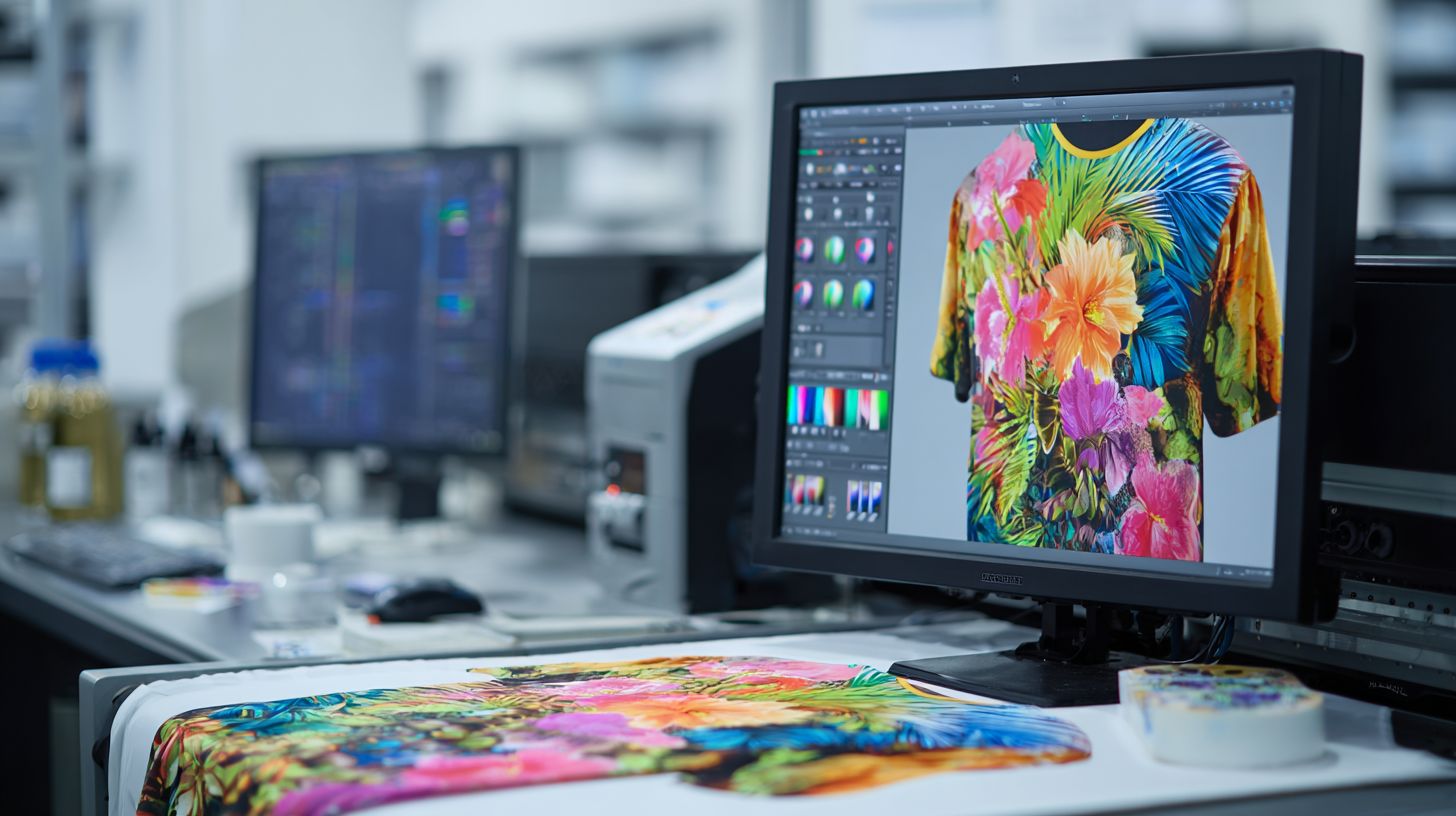
ChromaBlast RIP ($299 one-time) is the official software for Sawgrass SG1000/500 printers, offering seamless integration and pre-loaded profiles. This Sawgrass-exclusive RIP suits hobbyists with easy setup in 15 minutes. Download, install, and it auto-detects your printer for instant use.
Key features include 200+ templates, auto-nesting, and color management for mug printing or t-shirt sublimation. Users praise perfect Sawgrass compatibility and drag-and-drop interface. It handles sublimation paper settings and gamma correction effortlessly.
Pros feature quick learning for beginners, while the main con limits it to Sawgrass printers. Ideal for hobbyist RIP software with user ratings around 4.8/5 from community forums. Pair it with Sawgrass CreativeStudio for design prep.
Setup steps: Download from official site, install on Windows, auto-detect printer via USB. Test with sublimation blanks like ceramic tiles. Tutorials and video guides aid RIP troubleshooting for smooth heat press results.
2. ErgoSoft RIP
ErgoSoft RIP Pro 2023 ($2,495) supports 500+ printers including Epson, Ricoh, and Sawgrass with unlimited licenses. This multi-printer RIP fits commercial shops needing scalability. A 14-day trial lets you explore features like hot folders and spectrophotometer integration.
Standout tools cover unlimited RIP licenses, job tracking, and batch processing for wide format printing. Pros include production-ready stability for DTF RIP software needs, though it has a steep learning curve of 20+ hours. Texas print shops report workflow gains from its efficiency.
Best for pros handling CMYK printing, spot colors, and variable data on polyester fabrics. Integrate with X-Rite for color accuracy and Delta E control. Supports Windows and Mac for flexible sublimation workflows.
Practical use: Set hot folders for automated print queue management, ideal for mouse pad printing runs. Community forums offer RIP benchmarks and firmware compatibility tips. Experts recommend it for multi-core CPU setups to boost RIP speed optimization.
3. ONYX RIP
ONYX RIP 22 ($4,995+) dominates commercial production with GPU acceleration and 24/7 stability for 10+ printers. This enterprise RIP excels in high-volume shops with features like job tracking and nesting. A 30-day trial tests its power for large format sublimation.
GPU processing speeds RIP times, aiding print speed optimization and media settings for metal sublimation or transfer paper. Pros highlight rock-solid stability and unlimited printers, despite high RIP cost. It saves ink through precise density control.
Ideal for production RIP in wide format environments with Mimaki, Roland, or Mutoh printers. Handles PDF, TIFF, EPS files at 1440 dpi for vibrant colors and wash fastness. Soft proofing and hard proofing ensure quality before heat press.
Workflow example: Use nesting software for efficient fabric RIP jobs, track via barcode RIP. High RAM and SSD optimization prevent crashes. Video guides cover RIP calibration, nozzle checks, and contour cut for vinyl integration.
Comparison Chart
This comparison table evaluates ChromaBlast, ErgoSoft, and ONYX across 8 critical metrics for sublimation workflows. It also includes Sawgrass PrintManager, AcroRIP, and UniRIP to cover options for hobbyists and pros. Use this chart to match RIP software to your needs, like printer support for Sawgrass SG1000 or multi-printer setups.
ChromaBlast stands out for Sawgrass beginners with its low cost and simple color management. Larger shops benefit from ErgoSoft’s production scale features, such as print queue and job tracking. Ratings reflect ease of use based on user feedback for tasks like mug printing or t-shirt sublimation.
Check the trial column to test dye sublimation RIP before buying. Color Mgmt covers ICC profiles and linearization for vibrant colors. For polyester printing, prioritize printer support matching your hardware, like Epson or Ricoh models.
This setup helps compare RIP cost against features like nesting software and banding fix. Beginners pick affordable tools with drag and drop, while pros need RIP scalability for wide format printing.
| Software | Price | Printer Support | Color Mgmt | Ease of Use | Production Scale | Trial | Best For |
|---|---|---|---|---|---|---|---|
| ChromaBlast | $299 | Sawgrass, Epson, Ricoh | ICC profiles, linearization | Beginner-friendly UI | Small shops | 30 days | Sawgrass beginners |
| ErgoSoft | $2,495 | Multi-printer, Mimaki, Roland | Advanced color correction, spectrophotometer | Pro interface | High volume | Demo | Multi-printer shops |
| ONYX | $4,995 | Wide format, Mutoh, Canon | Profile management, Delta E | Customizable | Commercial | 15 days | Large production |
| Sawgrass PrintManager | $299 | Sawgrass SG1000 | Basic ICC, gamma correction | Very easy | Hobbyist | Free trial | Entry-level Sawgrass |
| AcroRIP | $199 | Epson, HP sublimation | Color accuracy, density control | Simple setup | Medium scale | 14 days | Budget pros |
| UniRIP | $89 | Basic inkjet, vinyl cutter | Standard profiles | Basic UI | Small jobs | Trial version | Hobbyists |
Pricing and Licensing
RIP pricing ranges from $89 (UniRIP) to $25,000+ (ONYX enterprise), with most sublimation users spending $200-2,500. Budget options suit hobbyists starting with mug printing or t-shirt sublimation. Professional tools fit growing shops handling polyester printing and larger runs.
Break costs into categories for better decisions. Budget RIP software like AcroRIP and ChromaBlast costs $89-299, ideal for beginners with Sawgrass SG1000 or Epson printers. These provide essential color management and ICC profiles without high upfront fees.
Professional RIPs such as ErgoSoft and ONYX range from $1,000-5,000. They offer advanced print queue features and nesting software for efficient sublimation workflow. Enterprise versions exceed $10,000 for high-volume wide format printing with job tracking.
Licensing varies between one-time purchases and subscriptions. Many include 14-30 day trials to test color correction and linearization. Check for annual maintenance, like ErgoSoft’s $395/year, to ensure RIP updates and firmware compatibility.
| Software | Pricing Model | Key Features for Sublimation |
|---|---|---|
| ChromaBlast | $299 lifetime | Easy profile management, drag-and-drop RIP |
| ErgoSoft | $2,495 + annual maintenance | Batch processing, multi-printer support |
| ONYX Production | $4,995 | Variable data printing, production RIP tools |
Use this table to compare RIP cost against needs like print speed optimization. Trials help verify media settings for sublimation paper or blanks before committing.
Best Choice for Beginners
ChromaBlast RIP ($299) or Sawgrass PrintManager is ideal for beginners. Plug-and-play setup takes 15 minutes with 200+ pre-made templates. It pairs perfectly with Sawgrass printers for smooth sublimation printing.
Beginners need RIP software that simplifies color management and profile loading. ChromaBlast offers auto-detection for printers like Sawgrass SG1000. This cuts down setup time compared to pro options like ErgoSoft RIP or ONYX RIP.
Other top picks include AcroRIP ($199), which works well with Epson printers, and UniRIP ($89) for budget users. Both provide beginner RIP software with easy interfaces. They support sublimation workflow for mugs, t-shirts, and mouse pads.
The learning curve for these is just 1-2 hours, unlike 20+ hours for advanced RIPs. Use ICC profiles and linearization right away for vibrant colors. This makes them the best RIP software for hobbyists starting with dye sublimation RIP.
Quick Setup Checklist
Follow this setup checklist to get your RIP for sublimation running fast. It takes under 30 minutes total for most users.
- Download and install the software, which usually takes 10 minutes.
- Let the program auto-detect your printer, like Sawgrass or Epson models.
- Load your first ICC profile for sublimation paper and inks.
Test with a nozzle check pattern to confirm print quality. Adjust media settings for polyester printing or ceramic sublimation blanks. This ensures color accuracy from the start.
First Project: Mug Printing Tutorial
Start your mug printing project with ChromaBlast or AcroRIP. Open the software and import a design in PDF or JPEG format.
- Drag and drop the file into the print queue.
- Select your mug wrap template and apply color correction for vibrant results.
- Nest the image if needed, then send to the printer with 1440 dpi resolution.
- Print on sublimation paper, then transfer using a heat press at 400 degreesF for 60 seconds.
Check for banding fix and ink density in the RIP preview. This sublimation workflow yields wash-fast colors on blanks. Practice once to master heat transfer RIP basics.
Advanced User Recommendations
Advanced users should choose ErgoSoft RIP Pro ($2,495) for multi-printer support and unlimited RIP stations, or ONYX Production 22 for high-volume production. These RIP software options excel in sublimation printing workflows with features like hot folders and job queuing. They handle complex tasks beyond basic sublimation printer software.
ErgoSoft RIP Pro supports spectrophotometers for precise color management and ICC profiles. It allows nesting designs to optimize sublimation paper usage on mugs or t-shirts. API integration connects it to production systems for smooth scaling.
ONYX Production 22 uses GPU acceleration to speed up processing for 10+ printers. This inkjet RIP software manages print queue efficiently during peak hours. It includes job tracking for monitoring polyester printing jobs.
One commercial shop scaled from 50 to 500 shirts per day using ErgoSoft RIP. They relied on hot folder RIP for automation and nesting software to cut waste. This setup improved print speed optimization and color accuracy.
ErgoSoft RIP Pro for Multi-Printer Setups
ErgoSoft RIP Pro shines in environments with multiple sublimation printers like Sawgrass or Epson models. Its multi-printer RIP capability distributes jobs across devices for balanced workflow. Unlimited RIP stations ensure scalability without extra licensing costs.
Spectrophotometer integration enables linearization and color correction for vibrant colors on sublimation blanks. Users set media settings for fabrics or ceramics to fix issues like banding. RIP preview helps verify designs before printing.
Hot folders automate input from design software, supporting PDF RIP and TIFF RIP formats. Nesting saves material on large runs for mouse pads or metal prints. PrintFactory RIP alternatives lack this depth in sublimation workflow.
Experts recommend it for shops needing RIP scalability. Pair it with X-Rite RIP tools for Delta E control. This pro RIP sublimation handles variable data printing effectively.
ONYX Production 22 for High-Volume Production
ONYX Production 22 leverages GPU RIP for faster rendering on wide-format sublimation printers. It manages 10+ printers with job queuing to prevent bottlenecks. Ideal for commercial RIP in t-shirt sublimation operations.
Nesting software optimizes layouts for heat transfer RIP efficiency. Contour cut support works with vinyl cutters for hybrid jobs. Barcode RIP tracks production from queue to output.
Batch processing speeds up large format RIP tasks with drag and drop RIP. It handles CMYK printing and spot colors for custom sublimation inks. RIP hardware acceleration reduces wait times on multi-core systems.
Users praise its RIP stability during long runs. Proofing RIP features allow soft proofing before committing to transfer paper RIP. This makes it a top choice for production RIP.
PrintFactory RIP for Cloud-Hybrid Workflows
PrintFactory RIP offers a cloud RIP sublimation model with desktop fallback. It supports API integration for linking to CRM or design tools. Perfect for teams needing remote job tracking.
Hot folder RIP and batch processing work across devices for DTF RIP software hybrids. Cloud access enables RIP updates without downtime. Local processing ensures speed for high RAM RIP setups.
Color management RIP includes profile management for Ricoh or Mimaki printers. It fixes gamma correction and ink density issues automatically. RIP efficiency grows with volume.
Shops use it for multi-printer RIP in distributed setups. Spectrophotometer RIP compatibility maintains color accuracy. This cloud-hybrid approach suits expanding sublimation printing businesses.
Frequently Asked Questions
What is the best RIP software for sublimation printing?
The best RIP software for sublimation printing includes options like ChromaBlast RIP, Sawyer RIP (also known as UniPrint RIP), and ONYX RIP, praised for their color management, contour cutting, and seamless integration with printers like Epson models. ChromaBlast RIP often tops lists for its user-friendly interface and vibrant output quality tailored specifically for sublimation workflows.
Why do I need RIP software for sublimation printing?
RIP software for sublimation printing is essential because it processes images by rasterizing them, optimizing colors for dye-sublimation inks, and handling print queues efficiently. The best RIP software for sublimation printing ensures accurate color profiles, prevents banding, and supports high-resolution outputs up to 1440 dpi, which standard printer drivers can’t match.
How does ChromaBlast RIP compare as the best RIP software for sublimation printing?
ChromaBlast RIP stands out as one of the best RIP software for sublimation printing due to its all-in-one solution for Epson dye-sub printers, offering unlimited printheads, advanced color management with ICC profiles, and features like tiling and nesting. It’s affordable, easy to install, and provides superior results for both beginners and professionals.
What are the top features to look for in the best RIP software for sublimation printing?
When selecting the best RIP software for sublimation printing, prioritize features like precise color calibration, multi-printer support, RIP-Queue management, gradient fill tools, and compatibility with sublimation-specific inks. Software like Sawyer RIP excels here with its vector-to-raster conversion and step-and-repeat functions, minimizing waste and maximizing productivity.
Is there free RIP software that qualifies as the best for sublimation printing?
While fully free options are limited, trial versions or basic editions of the best RIP software for sublimation printing, such as AcroRIP or Effusion RIP trials, can work well for starters. However, for professional use, investing in paid software like ChromaBlast is recommended for reliability, updates, and advanced sublimation-specific tools.
Which printers work best with RIP software for sublimation printing?
The best RIP software for sublimation printing pairs excellently with Epson SureColor printers like the F170, F2100, or ET-8550, as well as converted models. Software such as ONYX RIP or UniPrint supports these seamlessly, enabling high-volume production with features like white ink layering and precise media handling for optimal sublimation transfers.
