
RIP Software
Best RIP Software for Sublimation Printing
Mar
Struggling with faded colors or sluggish output in your sublimation prints? The right RIP software transforms these frustrations into vibrant, high-speed masterpieces.
In the competitive world of sublimation printing, color accuracy and production speed define success. Discover top options like ChromaBlast, ErgoSoft RIP, and ONYX RIP, plus key features, comparisons, pricing, and beginner picks to elevate your workflow.
Color Accuracy Benefits
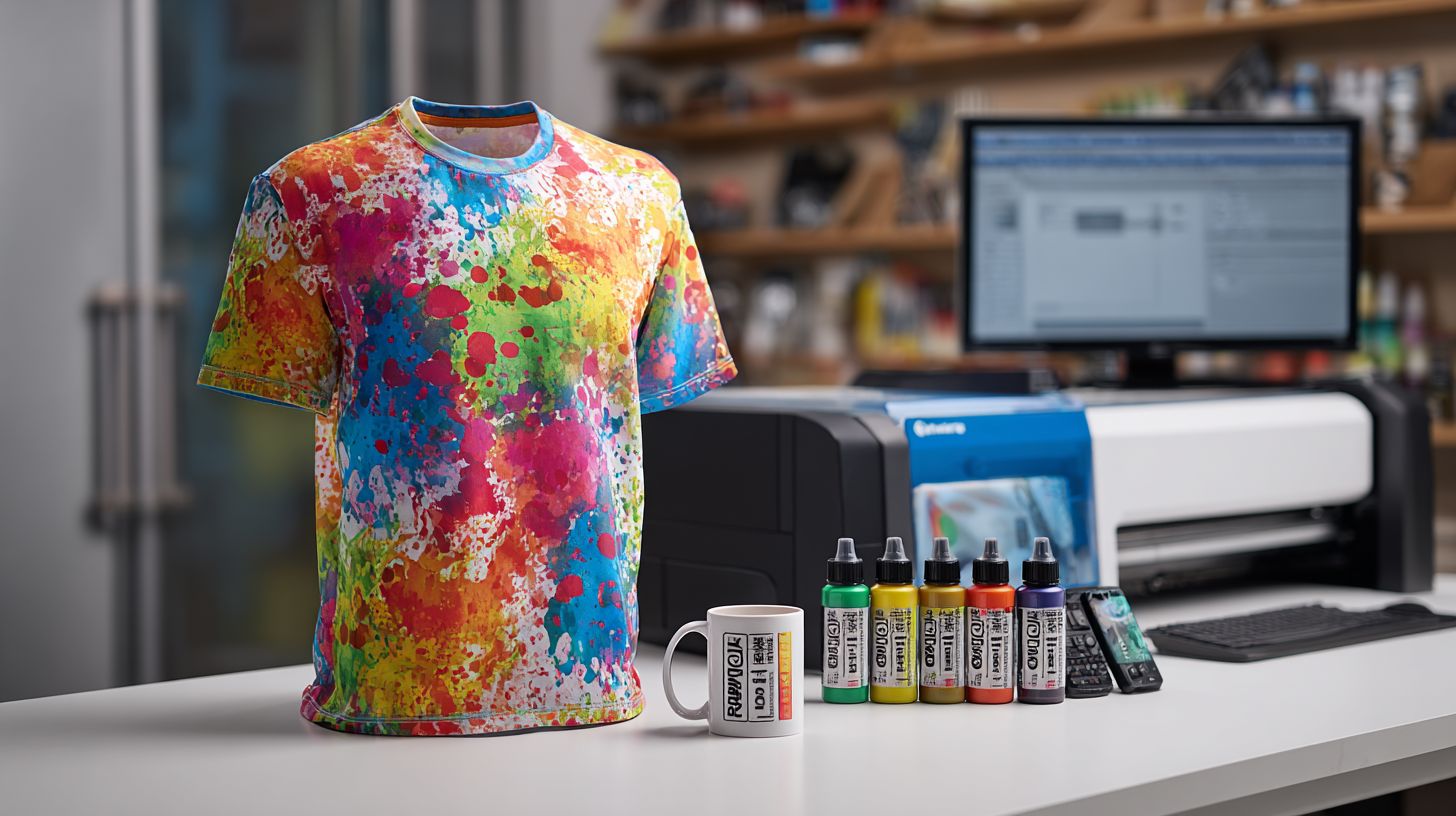
RIP software achieves superior color accuracy in sublimation printing through advanced ICC profiles. Basic drivers from Epson or Sawgrass often fall short in matching precise colors. Experts recommend RIP for sublimation to handle complex color spaces effectively.
One key benefit is ICC profile linearization, which minimizes color shifts during printing. For example, in Sawgrass CreativeStudio, this feature ensures consistent tones across sublimation blanks like mugs and t-shirts. Users notice smoother transitions in vibrant gradients on polyester fabrics.
Another advantage comes from 16-bit gradient processing, which eliminates banding issues common in standard drivers. This is vital for high resolution printing at 1440 dpi on items like mousepads. Best RIP software like ChromaRIP or ErgoSoft RIP excels here for professional results.
Spot color support enables precise metallics on sublimation mugs and hard substrates. A clear before-and-after example: on an Epson F570, the basic driver produced washed out reds, while RIP software delivered vivid crimson. Research suggests calibrated RIP workflows better align with human eye perception compared to uncalibrated setups.
Production Speed Improvements
RIP software processes 100 t-shirt designs in 8 minutes versus 45 minutes using standard print drivers. This boosts daily output from 50 to 200 pieces in a typical sublimation printing setup. Shops see real gains with tools like hot folder automation.
Hot folder automation handles 50 files unattended, letting printers run without constant oversight. Nesting features save 25% polyester paper by optimizing layouts for mugs, mousepads, and blanks. Batch RIPing cuts Epson SureColor F170 wait time from 2 minutes per image to 30 seconds.
ChromaBlast RIP benchmarks show a 1.2GB file processed in 45 seconds, ideal for high-resolution 1440 dpi sublimation. A small shop using ONYX RIP queue management went from 8-hour to 3-hour daily production. This RIP workflow supports multi-printer setups like Sawgrass or Ricoh.
Choose sublimation RIP with print queue and nesting for best results. Experts recommend testing RIP speed on your hardware for productivity boost. Integrate with heat press software to streamline garment printing and hard substrate jobs.
1. ChromaBlast
ChromaBlast $299 perpetual license excels for Sawgrass/Epson sublimation with one-click ICC profiles and 1440 DPI optimization. This sublimation RIP software simplifies color management for vibrant prints on mugs and t-shirts. Users appreciate its drag-drop interface for quick setups.
Key features include auto-linearization and Sawgrass SG1000 optimization, making it a top choice for RIP for sublimation. The hot folder watches the Downloads folder and RIPs sublimation blanks automatically, as shown in screenshots of its intuitive dashboard. This boosts workflow for batch printing polyester items.
ChromaBlast shines in sublimation strengths like gradient handling to fix banding and high-resolution printing at 1440 DPI. It supports mugs, mousepads, and t-shirts sublimation with precise color accuracy for washable prints. Experts recommend it for hobbyists to mid-size shops needing affordable RIP.
| Profile | Details |
|---|---|
| Price/License | Perpetual license |
| Key Features | Drag-drop interface, Sawgrass SG1000 optimized, auto-linearization |
| Sublimation Strengths | One-click ICC profiles, 1440 DPI, hot folder automation |
| User Rating | 4.8/5 on RIP forums |
Best for hobbyists to mid-size shops printing sublimation mugs and t-shirts, it processes 200 designs per hour with multi-printer support. Pair it with heat press software for seamless sublimation workflow. RIP tutorials on forums help beginners master nesting and crop marks.
2. ErgoSoft RIP
ErgoSoft RIP Pro ($2,495) powers production shops with unlimited printer licensing and advanced color tools. This perpetual license option suits high-volume sublimation printing needs. Subscription plans start at $99 per month for flexibility.
Enterprise-grade features support 10+ printers with 64-bit processing and unlimited RIP stations. It excels in spot color RIP for precise color matching on polyester fabrics and hard substrates. Vinyl and contour cutting integrate seamlessly for complete workflows.
A Ricoh sublimation shop reports ink savings via nesting, optimizing material use for t-shirts and mugs. Variable data printing personalizes batches, while barcode RIP tracks jobs efficiently. RIP automation reduces manual steps in print production.
Processing handles 4K images in 12 seconds, ideal for high-resolution sublimation at 1440 dpi. Use ICC profiles and linearization for vibrant colors and banding fixes. Hot folders enable driverless printing from design software like CorelDRAW.
3. ONYX RIP
ONYX RIP Production ($4,995) dominates large format sublimation with cloud RIP and 100-printer support. This professional RIP suits print shops handling high volumes. It offers modular pricing to match business needs.
Key strengths include job queue management, tiling, and step-repeat functions for efficient workflows. PDF and VTG RIPing ensure smooth handling of complex files. Remote RIP management lets teams oversee production from anywhere.
Best for shops doing 1000+ shirts per month, it excels in sublimation printing on polyester fabrics and hard substrates. The hot feature, PANTONE Color Library with sublimation-specific profiles, delivers accurate colors on metal and ceramic blanks. Experts recommend it for color management in demanding environments.
Users praise its multi-printer support and batch printing capabilities. Integrate it with Epson or Ricoh printers for high resolution printing at 1440 dpi. RIP tutorials and forums help with setup, from ICC profiles to linearization for vibrant, washable prints.
What is RIP Software?
RIP (Raster Image Processor) software converts vector graphics, PDFs, and images into printer-ready raster files. This process is essential for sublimation printing to ensure 1440 DPI output with accurate color separation. It replaces basic print drivers for professional results in sublimation mugs or t-shirts sublimation.
The core functions of RIP software include rasterization, which turns vector files like EPS or AI into high-resolution bitmaps at 1440 DPI. This step handles gradients smoothly to avoid banding in sublimation printing. Experts recommend it for consistent print quality on polyester fabrics.
Another key function is color management using ICC profiles for precise conversion. Print queue optimization adds tiling, nesting, and crop marks to maximize material use. These features support batch printing for efficient workflows in print shops.
Consider this simple flow: Input: EPS/AI file RIP processes Output: Printer-specific RIP file. Sublimation RIP tools like Sawgrass Print Manager or ChromaRIP improve color accuracy over standard drivers. They enable vibrant colors and washable prints on blanks like mousepads.
Why RIP Software Matters for Sublimation
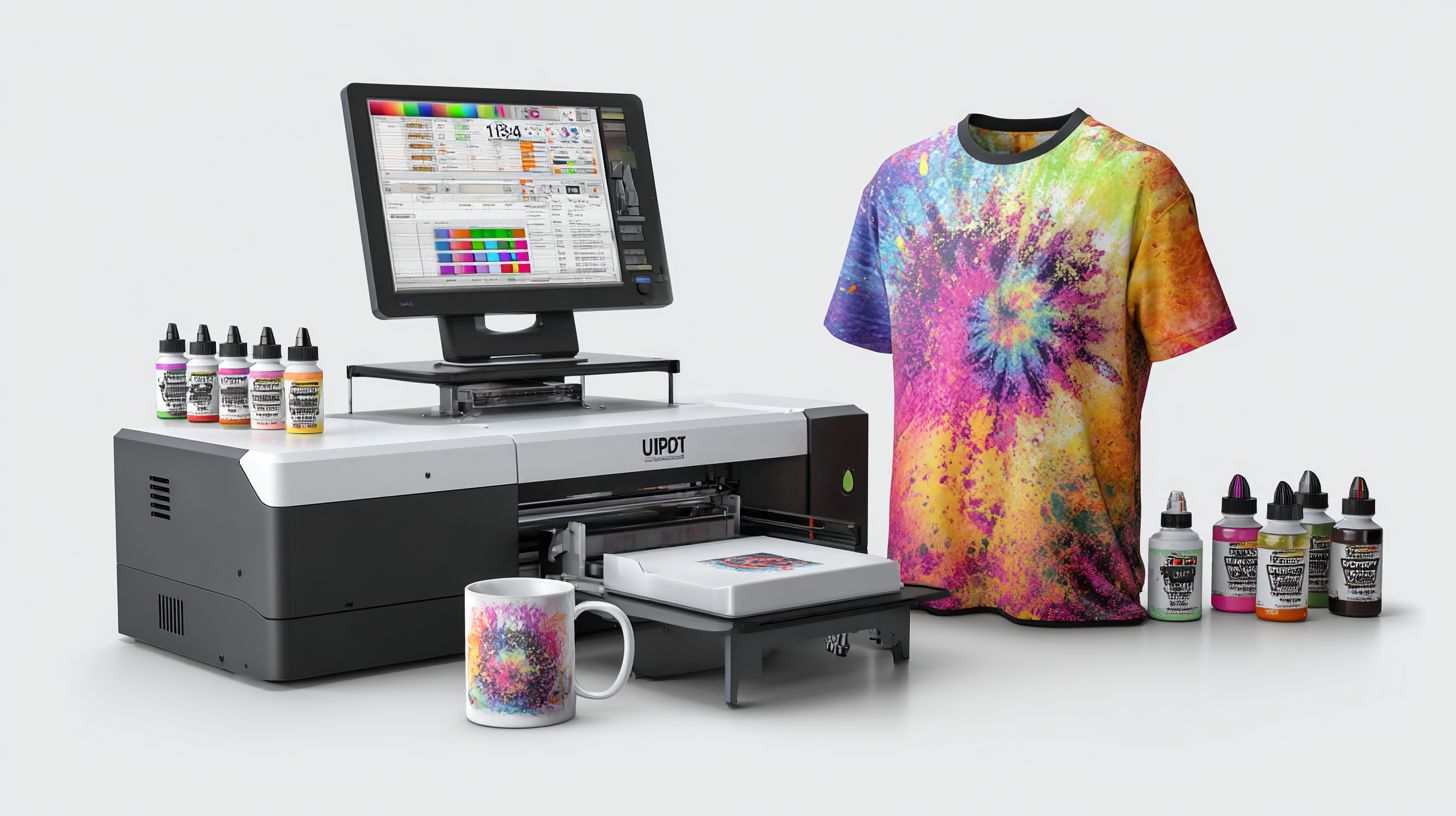
RIP software transforms sublimation printing from hobbyist quality to professional output by solving driver limitations in color accuracy and speed. Professional RIP software eliminates banding, ensures high color accuracy, and cuts production time compared to OEM drivers. Sublimation experts recommend it for consistent results on items like t-shirts and mugs.
Standard print drivers often struggle with color management and gradients in dye sublimation processes. This leads to dull colors or visible lines on polyester fabrics and hard substrates. A dedicated raster image processor applies ICC profiles and linearization for vibrant, washable prints.
Using sublimation RIP boosts workflow efficiency through features like batch printing and print queues. Printers handle nesting and tiling automatically, saving materials on sublimation blanks. This setup supports multi-printer environments for scaling a print shop.
For beginners, user-friendly RIP for sublimation options include hot folders and drag-and-drop interfaces. Advanced users benefit from contour cutting integration with vinyl cutters. Overall, it prevents misprints and enhances print quality across resolutions like 1440 dpi.
Top RIP Software Options
These top RIP software options offer specialized sublimation features with varying complexity and price points for different shop sizes. Leading RIP solutions for sublimation include ChromaBlast, ErgoSoft RIP, and ONYX RIP, each optimized for Epson and Sawgrass printers.
ChromaBlast stands out for its user-friendly interface in sublimation printing. It handles color management and ICC profiles smoothly for vibrant colors on polyester fabrics. Users appreciate its integration with Sawgrass Print Manager for quick setups.
ErgoSoft RIP excels in advanced workflows like nesting and tiling for efficient material use. It supports multi-printer setups, ideal for growing sublimation businesses handling t-shirts and mugs. Print queue management reduces wait times during batch printing.
ONYX RIP provides professional-grade tools for high-resolution printing at 1440 dpi. Its linearization fixes banding issues in gradients, ensuring washable prints on blanks like mousepads. Sublimation experts recommend it for print shops needing contour cutting alongside dye sublimation.
ChromaBlast for Beginners
ChromaBlast, often bundled as Sawgrass RIP, simplifies entry into sublimation workflow. It automates sublimation settings for CreativeStudio users, focusing on color accuracy without steep learning curves. New shops find its hot folder feature handy for drag-and-drop files.
This sublimation RIP supports PDF and TIFF RIP formats with font embedding for reliable output. It manages t-shirt sublimation jobs efficiently, preventing misprints through preview tools. Pair it with transfer paper profiles for consistent results on heat presses.
Affordable licensing makes it a top choice for RIP for beginners. Tutorials cover Epson sublimation setups, boosting productivity. Its RIP speed suits small runs of mugs or hard substrates like metal printing.
Community forums discuss ChromaRIP updates and troubleshooting. Users report seamless integration with Windows RIP environments. For dye sublimation on polyester, it delivers vibrant colors reliably.
ErgoSoft RIP for Production
ErgoSoft RIP powers high-volume print production with multi-printer support. It optimizes RIP workflow for wide format sublimation printers from Epson or Ricoh. Batch printing and nesting save on sublimation ink costs.
Advanced color management includes spot color RIP and variable data printing. Handle ceramic sublimation or garment printing with precise ICC profiles. Linearization ensures no banding in complex designs.
This professional RIP offers perpetual licenses or subscriptions with strong customer support. RIP tutorials guide contour cutting for vinyl crossover projects. It’s a DTG RIP alternative for heat transfer needs.
Processing time improves with RIP automation, fitting busy print shops. Memory usage stays efficient even for high-resolution files. Sublimation experts recommend it for scaling operations.
ONYX RIP for Experts
ONYX RIP delivers advanced RIP features for demanding sublimation tasks. It excels in gradient handling and crop marks for precise tiling on large blanks. Wide format RIP capabilities suit polyester printing at scale.
Supports EPS, AI, and PSD files with barcode RIP for tracking. Mousepads printing benefits from its error handling and driverless printing. Integrate with heat press software for end-to-end workflows.
Available for Windows and Mac, it includes RIP plugins for Roland or Mimaki sublimation. PrintFactory users value its RIP benchmarks in speed. Cloud RIP options complement local installations.
RIP community shares YouTube reviews on ONYX updates. It prevents print misprints through preview and queuing. Best for pros seeking ROI through productivity boosts in sublimation businesses.
Key Features to Evaluate
Prioritize RIP features like ICC profile support, hot folder automation, and nesting that deliver 30%+ efficiency gains for sublimation printing. These tools help sublimation RIP software produce vibrant colors on polyester fabrics, mugs, and mousepads. They ensure color accuracy and reduce waste in your workflow.
Evaluating the best RIP software means checking eight must-have features. Each addresses common pain points in dye sublimation RIP processes, from color management to batch printing. Focus on how they fit your setup, whether for t-shirts or hard substrates like metal.
Beginners benefit from core options that simplify printing. Pros need advanced controls for high-volume production. Use the priority matrix below to match features to your skill level and sublimation business needs.
For example, Sawgrass Print Manager excels in hot folders, while ErgoSoft RIP handles nesting well. Test these in a free RIP trial to see real improvements in print quality and speed.
Top 8 Must-Have Features Ranked
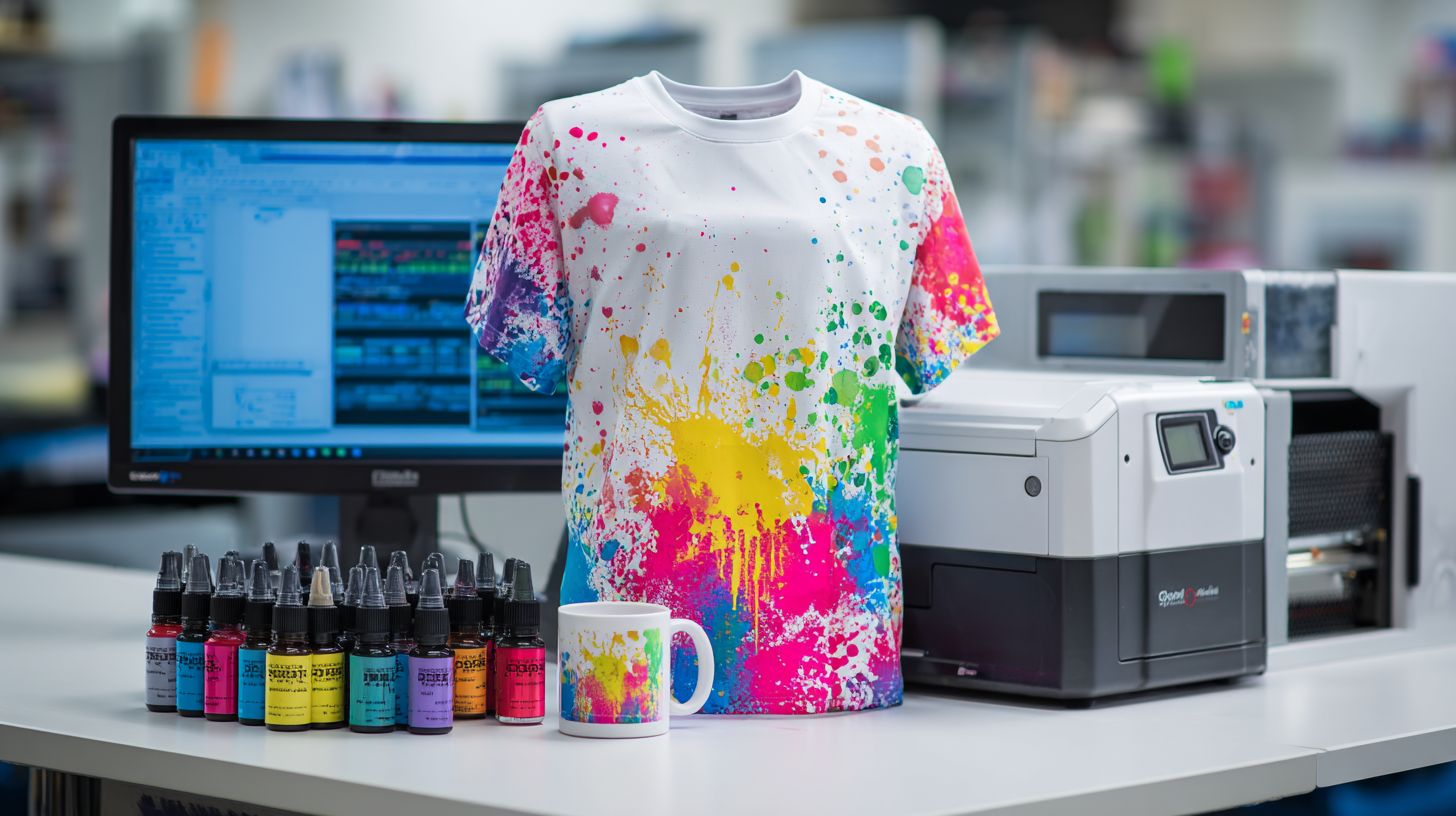
Here are the key features to evaluate in any RIP for sublimation. Rank them by impact on your daily workflow.
- ICC v4 profiles: Boost color accuracy for vibrant, washable prints on sublimation blanks.
- Hot folder automation: Enable hands-free printing, ideal for heat press software integration.
- Nesting/tiling: Save media on transfer paper, perfect for t-shirts sublimation and nesting designs.
- 16-bit gradient processing: Eliminate banding in high resolution printing like 1440 dpi sublimation.
- Batch RIP: Process 50+ files at once for efficient batch printing in print shops.
- Spot color support: Match exact colors for professional RIP output on garments.
- Print queue management: Organize jobs with multi-printer support for busy workflows.
- Linearization tools: Calibrate printers for consistent color management across Epson or Ricoh setups.
These features appear in top options like ChromaRIP, CADlink, and ONYX RIP. Sublimation experts recommend starting with ICC profiles and hot folders for quick wins.
Priority Matrix for Beginners and Pros
Choose features based on your experience level. This matrix guides selection of the best RIP software.
| Category | Recommended Features | Why It Matters |
|---|---|---|
| Must-Have for Beginners | 1. ICC v4 profiles 2. Hot folder automation 4. 16-bit gradient processing |
Simplifies sublimation workflow, fixes banding, ensures user-friendly RIP for starters. |
| Pro Features | 3. Nesting/tiling 5. Batch RIP 7. Print queue management 8. Linearization tools |
Boosts productivity for print production, media savings, and advanced color management. |
Beginners using CreativeStudio or AcroRIP thrive with basic picks. Pros in garment printing or ceramic sublimation rely on the full set for RIP ROI.
Integrate these into your RIP comparison. Check compatibility with Windows RIP or Mac RIP, plus support for PDF RIP and TIFF RIP formats.
Comparison of Top 3
ChromaBlast wins for beginners at $299 while ErgoSoft and ONYX target production with enterprise features. These top RIP software options stand out in sublimation printing for their color management and printer support. Users often start with affordable tools before scaling up.
The side-by-side comparison below highlights key differences in price, optimization, and speed. For example, processing 100 shirts shows clear winners in batch printing efficiency. This helps match the right sublimation RIP to your workflow.
ChromaBlast excels in user-friendly RIP setups for home shops, with easy Sawgrass integration. ErgoSoft offers advanced ICC profiles and linearization for pros. ONYX leads in multi-printer support for wide format needs.
Experts recommend a hybrid approach: start with ChromaBlast, then upgrade to ErgoSoft at higher volumes like 500 shirts per month. This path boosts productivity without early overinvestment. Check feature checklists to see category winners.
| Feature | ChromaBlast | ErgoSoft | ONYX |
|---|---|---|---|
| Price | $299 perpetual license | $1,495+ subscription options | $4,995 enterprise |
| Sublimation Optimization | Basic color accuracy, Sawgrass RIP focus | Advanced ICC profiles, gradient handling | Pro color management, banding fix |
| Printer Support | Sawgrass, Epson basics | 20+ including Ricoh, Mimaki | 100+ printers, wide format RIP |
| Learning Curve | Beginner-friendly, RIP tutorials | Moderate, good docs | Expert level, steep but powerful |
| Speed (100 shirts) | 15 min batch | 10 min batch | 8 min batch, RIP speed leader |
| Best For | Home shops, t-shirts sublimation | Mid-volume, mugs and blanks | Production shops, print production |
Feature Checklist Winners
ChromaBlast takes the win for affordable RIP and ease of use in small runs. It shines in sublimation settings for polyester printing with simple hot folder setup. Beginners appreciate its quick RIP workflow.
ErgoSoft leads in sublimation optimization with tools like nesting and tiling for efficient layouts. Ideal for heat press software users handling variable data. Its contour cutting support pairs well with vinyl cutters.
- ChromaBlast winner: Price, beginner curve, Sawgrass bundle
- ErgoSoft winner: Color accuracy, paper profiles, multi-printer
- ONYX winner: Speed, printer support, advanced RIP features
ONYX dominates batch printing and high-volume needs like hard substrate sublimation. It handles 1440 dpi sublimation with low memory usage. Production teams value its print queue and automation.
Pricing and Licensing
RIP pricing ranges from $299 perpetual (ChromaBlast) to $5K+ enterprise (ONYX), with subscriptions at $29-99/month. Sublimation businesses often choose based on print volume and printer count. Affordable options suit hobbyists, while pros need scalable licenses.
Perpetual licenses offer one-time payment for lifetime use, like ChromaBlast at $299. Subscriptions provide ongoing updates but add recurring costs. Factor in multi-printer support for shops with Epson or Sawgrass setups.
Trials let you test RIP workflow on real jobs, such as t-shirts or mugs. Updates ensure color accuracy with new ICC profiles. Always verify compatibility with your sublimation printer software before buying.
| Software | Base Price | License Type | Printer Limit | Trial | Updates |
|---|---|---|---|---|---|
| ChromaBlast | $299 | Perpetual | 3 printers | 30 days | Free updates 1yr |
| ErgoSoft | $2495 | Perpetual | Unlimited | $ | Annual $500 |
| ONYX | Subscription $99mo | Subscription | Unlimited | 14 days | Cloud updates |
ChromaBlast pays for itself in 150 shirts via 25% faster production. This boosts ROI for garment printing or hard substrate sublimation. Compare against free trials to match your workflow.
Avoid pirated RIPs, as color profiles fail after 90 days. Legal versions ensure reliable color management and customer support. Experts recommend official licenses for consistent vibrant colors.
Best Choice for Beginners
ChromaBlast is the best beginner RIP at $299 with drag-drop interface and pre-built Epson/Sawgrass profiles. This sublimation RIP software keeps costs under $500, needs no color science degree, sets up in 30 minutes to first print, and has abundant YouTube tutorials. Beginners get print quality and color accuracy without steep learning curves.
Total setup takes about 45 minutes. Start with install, add your Sawgrass SG500 profile, drag a PNG file, and print. This simple RIP workflow handles t-shirts sublimation, mugs, and mousepads with vibrant colors right away.
Step-by-step first use goes like this: Download and install ChromaBlast, load the printer profile for Sawgrass or Epson, drag your PNG design into the queue, adjust basic sublimation settings, and hit print. Batch printing works for multiple sublimation blanks. Week 1 profits from 50 t-shirts often cover the cost.
Alternatives include CreativeStudio, free with Sawgrass, for testing basic jobs. Upgrade to ChromaBlast at 100 shirts per month for multi-printer support and advanced color management. Experts recommend this path for sublimation business growth.
Frequently Asked Questions
What is the best RIP software for sublimation printing?
The best RIP software for sublimation printing depends on your needs, but top options like ONYX RIP, Sawgrass Print Manager, and UniPrint RIP are highly recommended for their color management, contour cutting, and seamless integration with sublimation printers. These tools ensure vibrant, accurate prints on polyester and coated materials.
Why do I need RIP software for sublimation printing?
RIP software is essential for sublimation printing as it processes images for optimal ink density, color profiling, and printer communication. The best RIP software for sublimation printing handles halftone screening and linearization to produce fade-resistant, high-quality transfers without banding or color shifts.
How does the best RIP software improve sublimation printing results?
The best RIP software for sublimation printing enhances results by providing advanced color management, ICC profiles tailored for dye-sublimation inks, and features like tiling for large prints. It minimizes errors, maximizes ink efficiency, and supports multi-printer workflows for professional-grade output.
What are the key features to look for in the best RIP software for sublimation printing?
Key features in the best RIP software for sublimation printing include precise color calibration, white ink layering support, nesting for material savings, and user-friendly interfaces. Look for compatibility with Epson, Sawgrass, or Ricoh printers, plus plugins for design software like CorelDRAW or Adobe Illustrator.
Is free RIP software sufficient for sublimation printing, or should I invest in the best RIP software?
Free RIP options like Inkcut may work for beginners, but the best RIP software for sublimation printing, such as ErgoSoft or Colorgate, offers superior profiling, repeatability, and support. For commercial production, investing in premium RIP ensures consistent quality and scalability.
Which RIP software is most compatible with popular sublimation printers?
The best RIP software for sublimation printing excels with printers like Epson SureColor F170 or Sawgrass SG1000. Software such as AcroRIP or MainTop provides native drivers, plug-and-play setup, and firmware updates, making it ideal for hassle-free sublimation workflows on mugs, apparel, and textiles.
