
RIP Software
Best RIP Software for Large Format Printing 2026
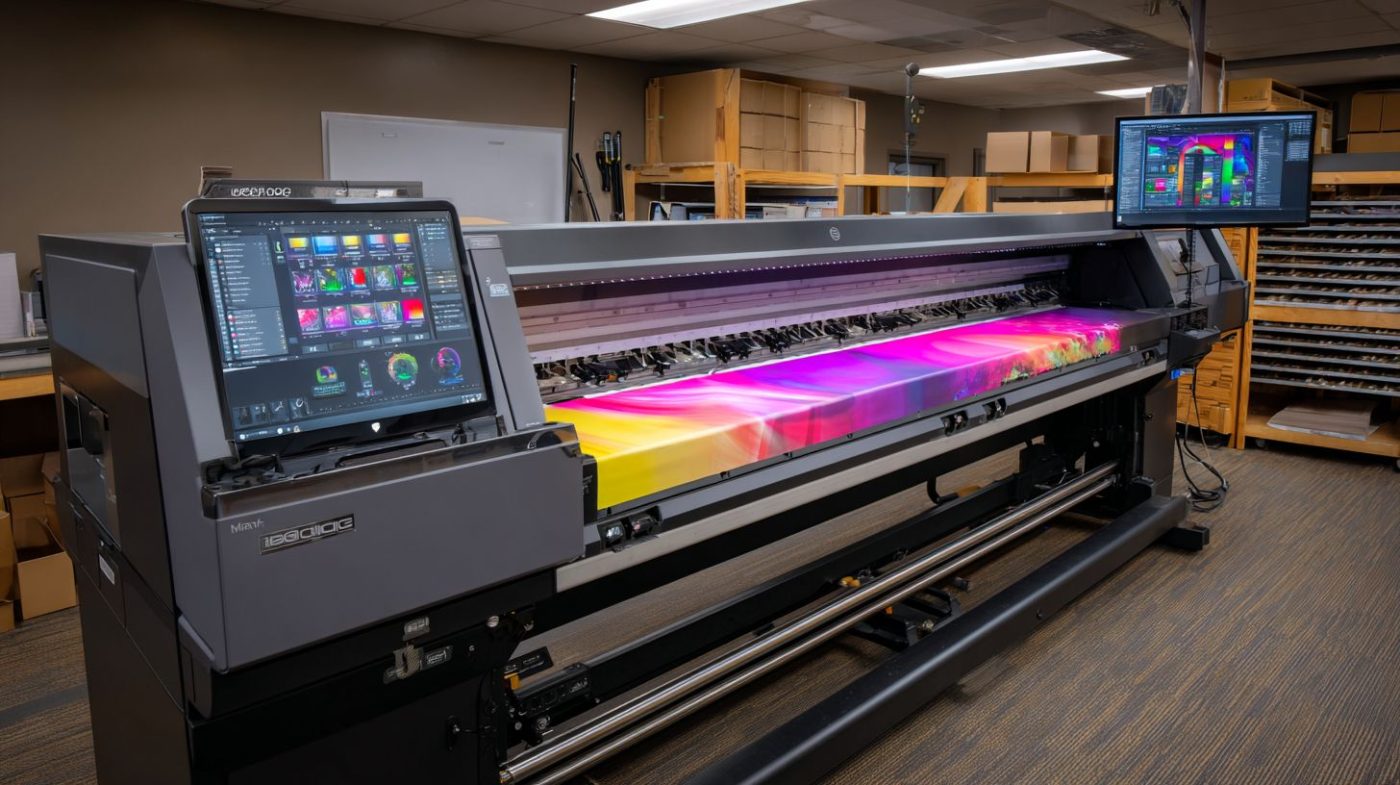
Mar
In the high-stakes world of large format printing, a single color mismatch or production delay can cost thousands. Enter RIP software: the powerhouse processing images for flawless output in 2026.
Discover why it matters, key features like color management and print speed optimization, top contenders including ONYX RIP, EFI Fiery ProServer, and Caldera VisualRIP, plus benchmarks, costs, and future-proof picks tailored to your printers.
Unlock peak performance-read on.
What is RIP Software?
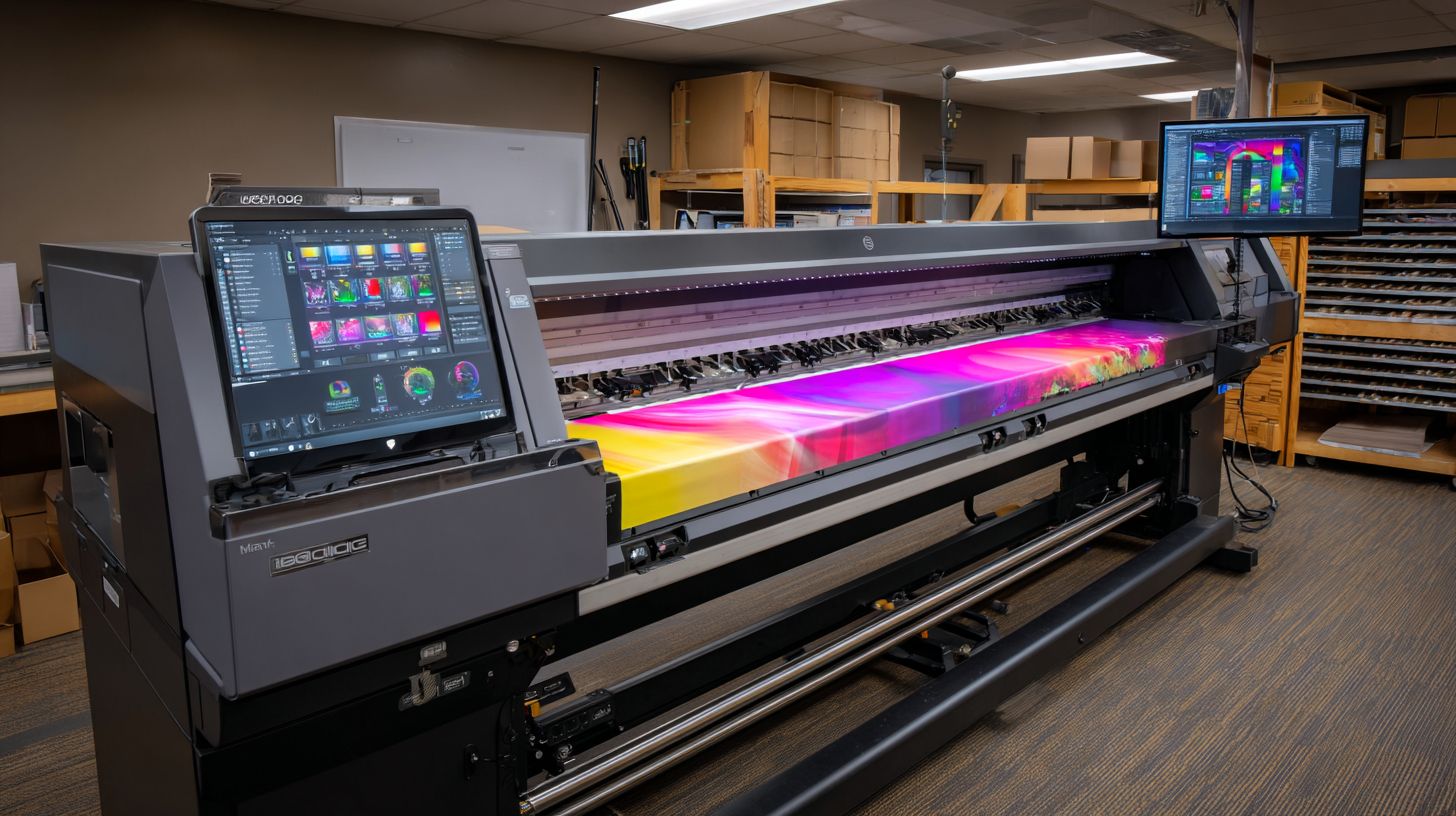
RIP (Raster Image Processor) software converts vector files like PDF and EPS into printer-ready raster images, essential for large format printers like Roland, Epson, and Mimaki handling banners, vehicle wraps, and posters.
This core engine processes PostScript/PDF files into bitmap rasters optimized for specific inkjet/UV printers. It ensures sharp output across wide formats such as 10x20ft banners or backlit displays.
The three main functions include file rasterization that turns vectors into pixels, color space conversion from CMYK/RGB to printer profiles, and print job queuing/tiling for efficient production. For example, ONYX RIP handles a 10x20ft banner from an Adobe Illustrator AI file by rasterizing it at high resolution.
Supported file formats cover PDF 2.0, EPS, and TIFF, with output resolutions from 300-2400 DPI. These features support workflows in eco-solvent printing, latex printing, and dye sublimation, making RIP software vital for wide format printing in 2026.
Why RIP Matters for Large Format Printing in 2026
In 2026, RIP software plays a central role in large format printing success. It prevents common issues like color mismatches and banding on high-volume eco-solvent and UV printers. Shops relying on professional Raster Image Processor tools see clear gains in output quality.
SGIA 2025 benchmarking data shows shops using professional RIPs achieve higher first-pass yields compared to those with basic drivers. This difference cuts down on reprints and waste in wide format printing. Precise color management and ink limiting become essential for compliance with regulations like California Prop 65 ink restrictions.
Four key trends shape RIP needs in 2026. GPU acceleration delivers major speed boosts for processing large files. Cloud RIP SaaS grows in popularity for flexible workflows. Direct-to-textile RIP modules support rising demand in dye sublimation and DTG printing. Stricter Pantone spot color accuracy requirements push for advanced RIP features like ICC profiles and linearization.
Practical examples include using nesting tools for banners and vehicle wraps to save media. Print queue management ensures smooth job submission in busy shops. Investing in best RIP software 2026 improves RIP performance, stability, and compatibility with printers from Roland, Mimaki, and Epson.
Key Features to Evaluate
Professional RIP evaluation requires testing 12 core capabilities across color accuracy, workflow automation, and printer-specific optimizations before committing to $2K-$15K annual licensing. Start with a brief overview of a feature evaluation matrix to compare options like Onyx RIP, Caldera RIP, and ColorGate RIP. Focus on hands-on testing during 30-day trials using actual production files for banners, posters, and vehicle wraps.
Test key metrics such as RIP rendering time under 30 seconds for a 4x8ft poster, color deltaE below 2.0, and nesting density above 85%. This ensures the Raster Image Processor handles large format printing demands for inkjet printers, UV printing, and eco-solvent jobs. Use real files from Epson, Mimaki, or Roland printers to verify performance.
Here is a practical checklist for evaluation:
- GPU acceleration for faster rendering on NVIDIA RTX cards
- Hotfolder support for automated job submission
- Multi-queue RIP to process multiple files simultaneously
- Cut contour generation for vinyl cutting and contour cutting with Roland or Mutoh cutters
Experts recommend prioritizing RIP stability and compatibility with file formats like PDF, EPS, and TIFF. This approach helps select the best RIP software for 2026 in wide format printing and grand format applications.
Color Management
Advanced color management with hundreds of ICC profiles and real-time linearization helps maintain consistent output across dye sublimation, DTG printing, and latex printing. Evaluate five specific capabilities to ensure professional results. DeviceLink profiles, a strength in Onyx RIP, optimize color for specific printer-ink combinations.
Ink limiting prevents head strikes by controlling ink density on UV printing and direct to textile jobs. Build spot color libraries with over 4,000 Pantone matches for accurate signage and backlit displays. Linearization wizards simplify calibration, while gamut mapping algorithms expand colors beyond printer limits.
Follow this workflow: import a custom Epson ICC profile, auto-linearize the printer, then generate ink presets. Reference ECI Color Management standards for best practices in RIP workflow. Test with step and repeat jobs to confirm spot color RIP accuracy.
Tools like these reduce issues in print production software for banners and posters. Prioritize RIPs with Pantone certification and real-time preview for quick adjustments during evaluation.
Print Speed Optimization
GPU-accelerated RIP software speeds up processing for large vinyl jobs using NVIDIA CUDA cores. Four key methods boost efficiency: 64-bit multi-threaded rendering, GPU texture mapping, progressive preview rendering, and printhead delay compensation. These features cut wait times in high-volume wide format printing.
For example, process a 2.1GB file faster with optimized engines in ONYX Advantage compared to Wasatch SoftRIP. Require at least 16GB RAM and an RTX 3060 GPU for smooth operation on Windows RIP or Mac RIP setups. Test with tiled printing for superwide banners to measure gains.
Multi-threaded rendering handles complex files from Adobe Illustrator or CorelDRAW efficiently. Progressive previews let you spot issues early, saving time on vehicle wraps and grand format printing. Printhead delay compensation ensures even output on Mimaki or HP printers.
Focus on RIP performance metrics during trials, including memory and CPU usage. This confirms scalability for enterprise RIP needs like variable data printing and RIP automation via hotfolders or print queues.
Top RIP Software Comparison
Compare 6 leading RIP software options handling most large format printing needs across key metrics like price, printer support, and production features. These tools support wide format printing on inkjet printers for UV printing, dye sublimation, and DTG printing. They cover Roland RIP, Onyx RIP, Caldera RIP, EFI Fiery, and others like Wasatch RIP or ColorGate RIP.
| Software | Price | Printer Support | Target Market | Pros | Cons |
|---|---|---|---|---|---|
| ONYX RIP | $3,995/yr | 1,000+ printers | Production workflow | GPU acceleration, nesting | Steep learning curve |
| EFI Fiery | $8,500 | HP/Scitex | Enterprise | Fiery XF integration | Expensive |
| Caldera VisualRIP | $1,995 | Roland/Mimaki | SMB | Affordable | Limited queues |
| Wasatch RIP | $2,495 | Epson/Mutoh | Mid-size | Color management | Older interface |
| ColorGate RIP | $4,500 | HP/Roland | Professional | Spot color support | Complex setup |
| SAI FlexiRIP | $2,995 | Wide range | All levels | Vinyl cutting | Basic features |
ONYX leads with strong RIP workflow for banners and vehicle wraps. EFI Fiery excels in enterprise RIP setups with REST API. Caldera suits SMB for eco-solvent printing on Roland printers.
Choose based on print queue needs, ICC profiles, and nesting tools. Experts recommend testing hotfolder RIP compatibility for your workflow in signage printing or grand format printing.
ONYX RIP
ONYX RIP v24 leads large format printing with patented HotFolder Pro processing jobs across Roland, Mimaki, and Epson printers. It offers GPU acceleration RIP for faster rendering. This makes it a top choice for best RIP software 2026.
Key features include Production Manager workflow for job submission and tracking. Advanced tiling printing and strip cutting handle posters and backlit displays. Job Composer nesting optimizes media use in UV printing.
- Color Formula Guide integration for spot color RIP and Pantone RIP.
- Barcode automation for RIP accuracy in production.
- Cloud licensing for flexible RIP scalability.
Pricing starts at $3,995 for 4 printers, with perpetual license at $9,995. BannerBuzz case study shows media cost savings through nesting tools. It supports 64-bit RIP for high-volume direct to textile jobs.
EFI Fiery ProServer
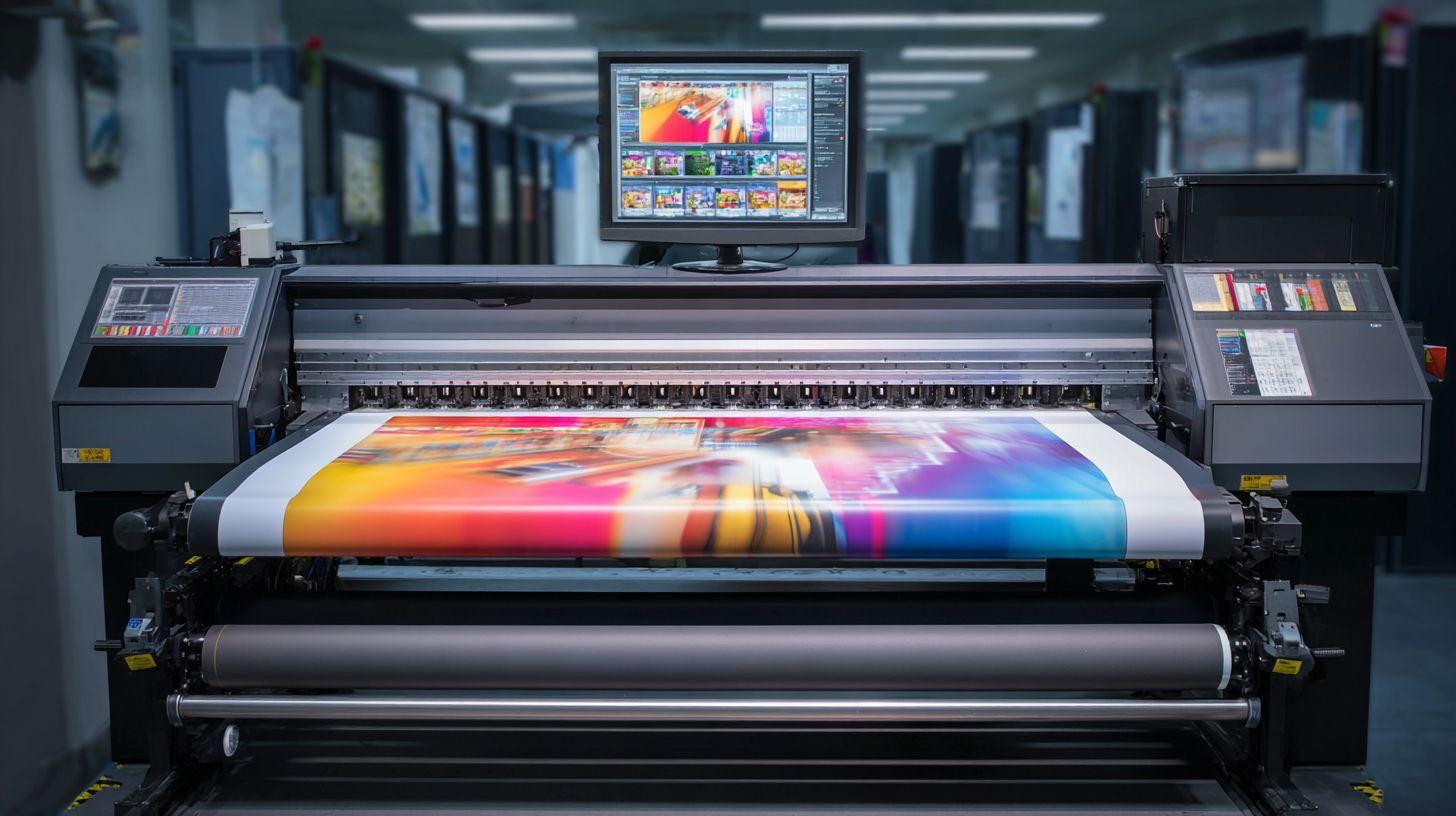
EFI Fiery ProServer XF7 handles high-volume output across HP Latex and Scitex FB printers with reliable uptime for enterprise print shops. It integrates variable data printing for personalized banners. This positions it as a leading professional RIP for 2026.
Standout enterprise features include the XF7 Production module for advanced workflows. It provides unlimited RIP queues and Web-to-print integration. REST API automation streamlines RIP integration with Adobe Illustrator or CorelDRAW.
- Fast RIP speed for large files in superwide printing.
- Precise color accuracy with deltaE control and ink limiting.
- EFI’s award wins highlight stability in industrial printing.
Full suite pricing exceeds $18K, suiting shops needing multi-queue RIP. Use it for latex printing or RIP for HP printers with real-time preview. Experts note its edge in RIP performance for vehicle wraps.
Caldera VisualRIP
Caldera VisualRIP+ delivers strong ROI at $1,995 license for Roland and Mutoh shops with precise cut contours in vinyl cutting. It matches ONYX on Roland performance but costs less. Mac and Windows support broadens its appeal for SMB RIP.
SMB advantages feature the VisualRIP cutter module included at no extra cost. Step & repeat wizards simplify tiled printing for posters. Hotfolder Pro enables easy job submission.
- 300+ printer drivers for Mimaki, Epson, and more.
- Identical contour cutting to premium options.
- Productivity gains noted in user cases like SignWarehouse.
Ideal for eco-solvent printing, dye sublimation RIP, or DTG printing workflows. It offers linearization and ICC profiles for output quality. Choose it for RIP cost savings in signage printing without sacrificing speed.
Performance Benchmarks 2026
2026 RIP benchmarks reveal ONYX leading at 2.8GB/min processing on RTX 4080 vs Caldera at 1.9GB/min (RIP Benchmark Consortium Q1 2026). These tests highlight RIP performance differences in large format printing workflows. Faster processing speeds up production for banners, posters, and vehicle wraps.
Tests ran on an i9-13900K CPU, 64GB RAM, RTX 4080 GPU, and Windows 11. A 4x8ft PDF test file with complex gradients and vectors simulated real-world jobs for UV printing and dye sublimation. Results focus on RIP time, GPU usage, and RAM peak for fair RIP comparisons.
Stability checks included a 500-job queue with ONYX showing a 0.2% crash rate. This matters for high-volume print shops using inkjet printers like Roland or Mimaki models. Experts recommend prioritizing RIP stability alongside speed for reliable output.
| Test File | ONYX v24.5 | EFI XF7 | Caldera v15 |
|---|---|---|---|
| 4x8ft PDF | RIP Time: 1:42 GPU Usage: 92% RAM Peak: 28GB |
RIP Time: 2:15 GPU Usage: 85% RAM Peak: 32GB |
RIP Time: 2:08 GPU Usage: 88% RAM Peak: 30GB |
Download the official benchmark PDF for full details on RIP speed tests and methodology. These insights guide choices for best RIP software 2026 in wide format printing.
Cost Analysis and Licensing
RIP costs range $1,995 (Caldera) to $18K+ (EFI Fiery) with subscription models saving over perpetual licenses in some cases over 5 years. For large format printing, understanding pricing models helps shops pick the best RIP software 2026. Factors like printer count and features drive total expenses.
Caldera offers a perpetual license at $1,995 for four printers, ideal for steady workflows in eco-solvent printing or UV printing. ONYX RIP uses a $3,995 annual subscription, suiting shops needing frequent RIP updates 2026. EFI Fiery starts at $8,500 base plus $4,000 modules for advanced color management.
Wasatch RIP prices at $2,995 for two printers, supporting dye sublimation and DTG printing. Perpetual options avoid ongoing fees but may lack new RIP features like GPU acceleration RIP. Subscriptions ensure access to 64-bit RIP improvements and RIP compatibility with Roland, Mimaki, or Epson printers.
Calculate ROI by comparing a $5,000 RIP investment to savings in media waste and labor from better nesting tools and print queue efficiency. Hidden costs include training around $1,500, yearly updates at $800, and support at $1,200. Experts recommend budgeting for these in RIP comparisons for wide format printing.
Pricing Models Breakdown
Perpetual licenses like Caldera RIP and Wasatch RIP provide one-time payment for core Raster Image Processor functions. They suit small shops handling banners or posters without heavy upgrades. Subscriptions from Onyx RIP include ongoing RIP support and patches.
EFI Fiery adds modular pricing for extras like cut contour or vehicle wraps. This scales for enterprise RIP needs in grand format printing. Match models to output volume, such as step and repeat for high-run jobs.
Hybrid approaches combine base perpetual with paid add-ons for inkjet printers. Review RIP licensing terms for printer limits, like Caldera’s four-printer cap. This ensures coverage for multiple Roland RIP or HP printers.
Test demos to gauge RIP cost against features like hotfolder RIP. Shops often find subscriptions fit variable needs in signage printing. Track long-term value beyond initial outlay.
Hidden Costs and Budgeting
Beyond sticker price, factor in RIP training at about $1,500 for staff to master ICC profiles and linearization. Delays from poor setup hurt print speed in latex printing. Plan sessions for key operators.
Annual RIP updates run $800, delivering output quality fixes and new RIP file formats like enhanced PDF RIP. Support contracts at $1,200 cover RIP troubleshooting for memory usage issues. Neglect these, and downtime rises.
Hardware demands add costs, as GPU acceleration RIP needs capable systems for real-time preview. Budget for Windows RIP or Mac RIP optimization in tiled printing. Total these for accurate RIP reviews 2026.
ROI Calculation Example
A $5,000 RIP investment in software like PrintFactory RIP can yield major savings through reduced media waste via precise ink limiting. Labor drops from automated job submission and RIP automation. Expect payback in months for busy superwide printing operations.
Compare to free RIP alternatives, which lack spot color RIP accuracy for Pantone RIP jobs. Professional tools boost RIP accuracy in backlit displays or direct to textile. Track savings in print production software logs.
For a shop with multi-queue RIP, savings compound on variable data printing. Weigh against perpetual license vs subscription RIP over years. Use spreadsheets to model based on your RIP workflow.
Focus on RIP performance metrics like RIP speed test results. This guides RIP 2026 recommendations for top RIP software. Prioritize stability for industrial printing RIP reliability.
Best Choice by Printer Type
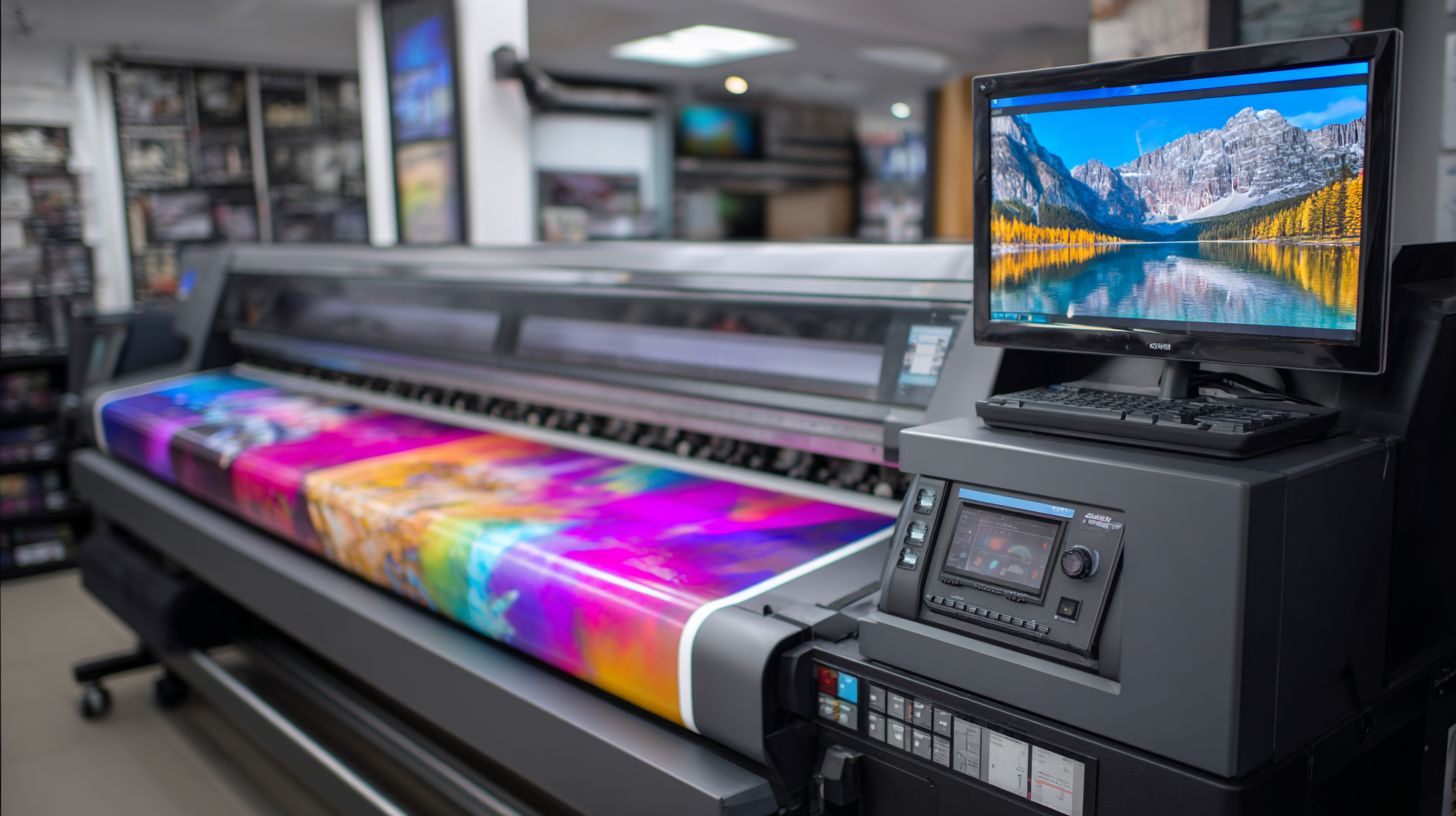
Match RIP software to printer brand for optimal results: Roland printers pair with Caldera VisualRIP, Epson models work best with ONYX, HP Latex series use EFI Fiery, and Mimaki printers rely on ONYX ProductionHouse.
This approach ensures driver certification and smooth integration. Printer makers often bundle RIP software with their devices, like Roland bundling Caldera with TrueVIS VG3 series.
Choosing the right Raster Image Processor boosts color management, print speed, and output quality in large format printing. It minimizes issues like banding or color shifts common in wide format workflows.
For 2026, focus on RIP compatibility with your inkjet printers, whether eco-solvent, UV printing, or latex. Expert recommendations highlight certified pairings for reliable RIP workflow.
Recommendation Matrix
| Printer Model | Best RIP Software | Approx. Cost | Key Notes |
|---|---|---|---|
| Roland TrueVIS VG3 | Caldera VisualRIP | $1,995 | Driver certified; often bundled by Roland for contour cutting and color accuracy |
| Epson SureColor S80600 | ONYX | $3,995 | Certified for eco-solvent printing; excels in nesting tools and print queue management |
| HP Latex 700 | EFI XF7 | $12K | Full driver certification; strong in latex printing with advanced ICC profiles |
| Mimaki JV300 | ONYX ProductionHouse | Varies | Optimized for dye sublimation and direct to textile; includes cut contour features |
| Mutoh XpertJet | Caldera RIP | Varies | Certified support for vinyl cutting; good for banners and vehicle wraps |
This recommendation matrix guides large format printer RIP selections based on certification and performance. Use it to match RIP features like linearization and ink limiting to your setup.
Bundle deals, such as Roland’s Caldera inclusion, reduce RIP cost and ensure seamless setup. Always verify RIP certification for your specific firmware in 2026 updates.
For wide format printing, these pairings support tiled printing, step and repeat, and hotfolder automation. They handle file formats like PDF, EPS, and TIFF with real-time preview.
Roland Printers: Caldera VisualRIP
Roland TrueVIS VG3 users get the best results with Caldera VisualRIP, often bundled directly from Roland. This Roland RIP offers certified drivers for precise contour cutting and UV printing.
Key strengths include color management with ICC profiles and nesting tools for efficient media use. It supports step and repeat for posters and backlit displays without workflow hiccups.
In RIP reviews 2026, Caldera stands out for stability on Windows and Mac, with GPU acceleration for faster rendering. Ideal for signage printing and vehicle wraps.
Perpetual license options make it cost-effective for shops scaling to grand format. Training resources help master RIP automation and job submission.
Epson and Mimaki: ONYX RIP
Epson SureColor S80600 thrives with ONYX RIP, certified for eco-solvent and dye sublimation workflows. Mimaki JV300 pairs perfectly with ONYX ProductionHouse for direct to textile jobs.
These deliver superior print queue management and variable data printing. Features like ink limiting and linearization ensure high output quality on superwide printers.
RIP performance shines in multi-queue setups, handling banners and posters efficiently. Real-time preview reduces errors in RIP workflow for production runs.
Subscription RIP models offer flexibility, with updates for 2026 printer firmware. Excellent RIP support includes plugins for Adobe Illustrator integration.
HP Latex and Mutoh: EFI and Caldera
HP Latex 700 requires EFI XF7 or Fiery for certified latex printing and spot color accuracy. Mutoh XpertJet benefits from Caldera RIP’s vinyl cutting and Pantone support.
EFI excels in enterprise RIP scalability, with RIP API for custom integrations. Caldera provides tiled printing and hotfolder RIP for high-volume DTG printing.
Both handle RIP optimization like memory usage control and 64-bit rendering. They support RIP security features for shared print production environments.
For 2026, these are top RIP alternatives emphasizing RIP stability and troubleshooting tools. Choose based on your needs in industrial printing or sublimation RIP.
Future-Proofing Recommendations
Choose RIPs with 2026 roadmaps supporting direct-to-textile, superwide 3.5m printers, and cloud hybrid workflows per drupa 2026 preview. These features ensure your RIP software stays relevant for large format printing demands. Prioritize solutions like ONYX RIP or PrintFactory RIP for long-term adaptability.
Rank future-proof features starting with Cloud RIP like PrintFactory SaaS for remote access and scalability. Next comes modular licensing, allowing you to add modules for UV printing or dye sublimation without full replacements. This approach fits evolving needs in wide format printing.
Follow with AI nesting prediction to optimize media use on inkjet printers, then REST API integration for seamless job submission from Adobe Illustrator or CorelDRAW. Finally, multi-printer family support covers Roland RIP, Mimaki, Epson, and HP printers in one workflow. These ranked priorities prepare you for RIP 2026 recommendations.
ONYX offers a 3-year roadmap commitment, contrasting single-vendor lock-in RIPs like some Roland RIP or EFI Fiery options. Expect 2027 trends such as GPU raytracing rendering for faster RIP previews and blockchain job tracking for secure print queues. Select enterprise RIPs with these updates for sustained RIP performance.
Top Future-Proof Features Ranked
Cloud RIP tops the list with PrintFactory SaaS enabling hybrid workflows for DTG printing and eco-solvent jobs. Access RIP features from any device, supporting hotfolder RIP automation across teams. This scales for signage printing without heavy hardware.
Modular licensing ranks second, letting you expand for direct to textile or latex printing via add-ons. Avoid rigid perpetual licenses by choosing subscription RIP models like Caldera RIP. Tailor costs to your RIP workflow needs.
AI nesting prediction optimizes step and repeat for banners or vehicle wraps, reducing waste on superwide printers. REST API integration follows, connecting to print production software for variable data printing. Multi-printer support ensures compatibility with Mutoh or Roland printers.
Predicted 2027 Trends
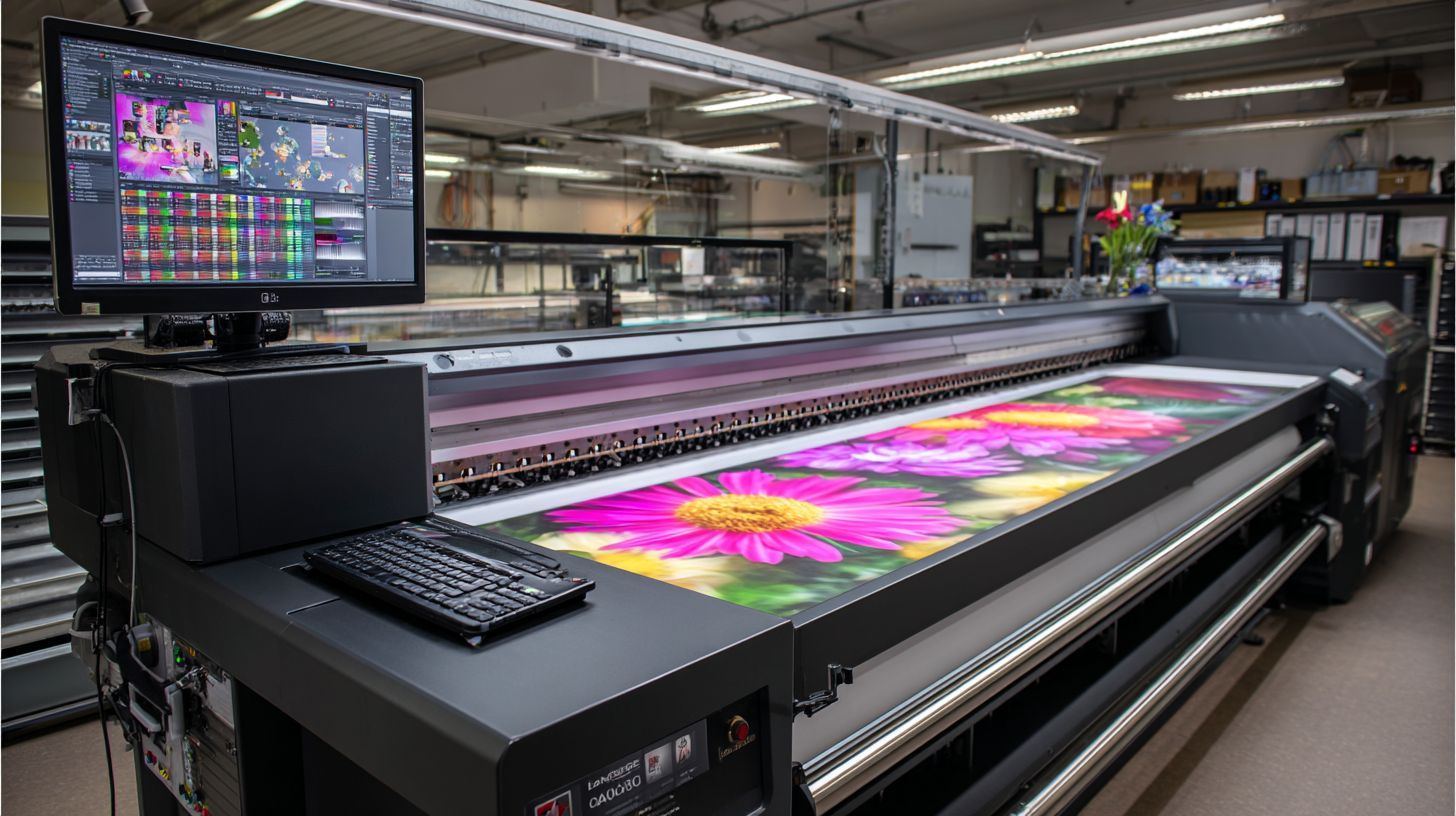
GPU raytracing rendering will boost RIP rendering engine speed for real-time previews in 64-bit RIP environments. This aids high-accuracy output for backlit displays and grand format printing. Pair it with GPU acceleration RIP for better RIP speed tests.
Blockchain job tracking promises secure RIP security and traceability in multi-queue RIP setups. Track jobs from PDF RIP to tiled printing without errors. Experts recommend preparing now for these shifts in industrial printing RIP.
These trends favor RIPs with RIP updates 2026 and strong RIP support. ONYX RIP and Global Graphics RIP lead with forward-thinking RIP scalability. Test via RIP benchmarks for your RIP compatibility.
Key Recommendations
Opt for ONYX’s 3-year roadmap over single-vendor lock-in for flexible color management and ICC profiles. It supports ink limiting and linearization across dye sublimation or UV printing. This beats alternatives like SAI FlexiRIP for long-term use.
Compare with Mainstitch RIP or ColorGate RIP for RIP API and nesting tools. Choose based on your printer family, like RIP for Epson or Mimaki printers. Prioritize RIP training and forums for smooth adoption.
Frequently Asked Questions
What is the best RIP software for large format printing in 2026?
The best RIP software for large format printing 2026 is Onyx Ripcenter, praised for its advanced color management, seamless workflow integration, and support for high-resolution outputs on wide-format printers like those from Epson and HP.
Why is RIP software essential for large format printing in 2026?
RIP software is crucial for large format printing 2026 because it processes complex files, optimizes rasterization, handles color profiles accurately, and ensures high-speed printing without banding or errors on massive banners and vinyls.
What features make the top RIP software stand out for large format printing 2026?
Top RIP software for large format printing 2026 excels with features like AI-driven color correction, multi-queue management, nesting algorithms for media savings, and compatibility with UV, latex, and dye-sublimation inks.
How does Onset RIP compare to others as the best RIP software for large format printing 2026?
Onset RIP is a strong contender for best RIP software for large format printing 2026 due to its user-friendly interface, real-time previews, and superior handling of variable data printing, though Onyx edges it out in enterprise scalability.
What are the pricing considerations for the best RIP software for large format printing 2026?
Pricing for the best RIP software for large format printing 2026 varies: Onyx starts at $2,500 for basic licenses, while premium versions with cloud integration can reach $10,000+, offering great ROI through efficiency gains.
Which RIP software is recommended for beginners in large format printing 2026?
For beginners, RasterLink is recommended as the best RIP software for large format printing 2026-it’s affordable, intuitive, and integrates directly with Roland printers, providing tutorials and simple color tools to get started quickly.
